Scrape Design Galleries With Twin.so
Scrolling through design galleries works until your research queue becomes larger than your memory. If you want to scrape design galleries, the result shouldn’t be a folder full of random screenshots. It should be a searchable dataset...
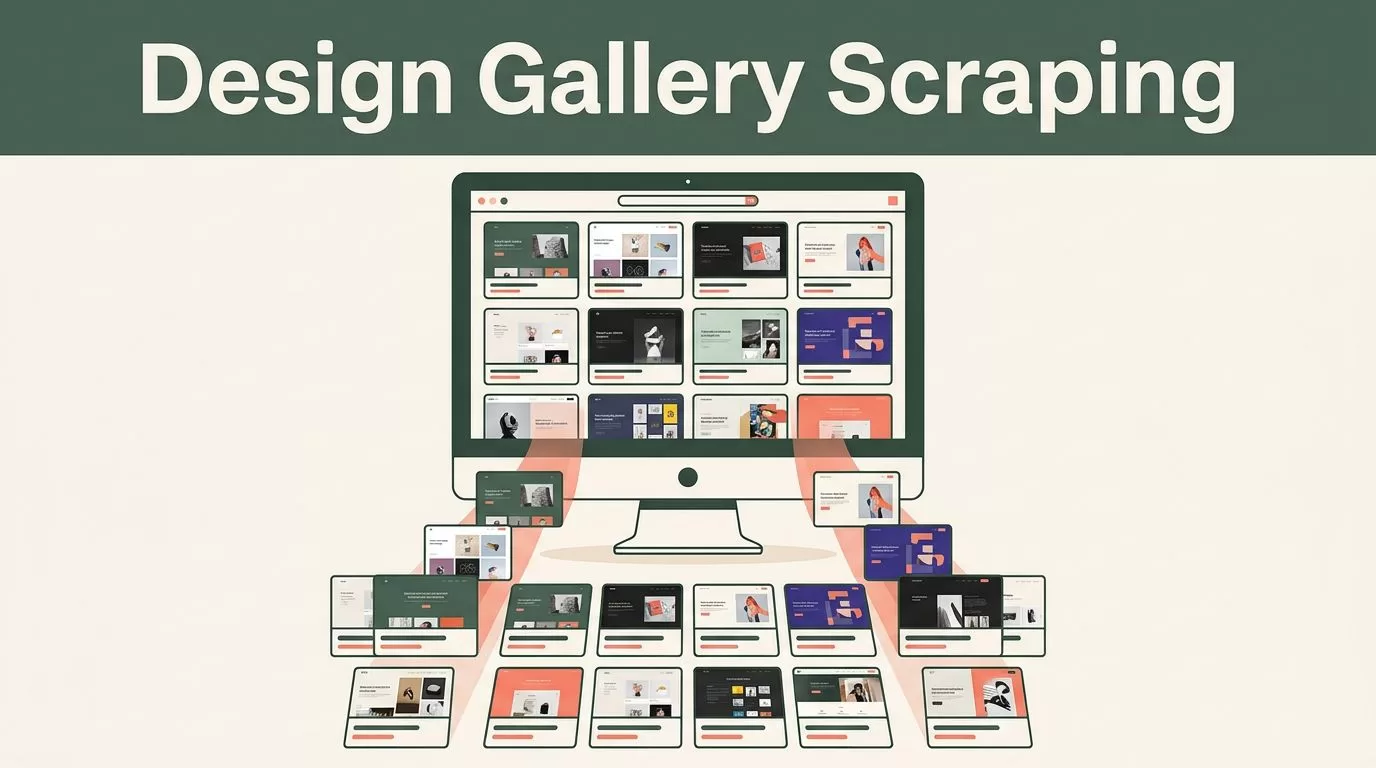
Scrolling through design galleries works until your research queue becomes larger than your memory. If you want to scrape design galleries, the result shouldn’t be a folder full of random screenshots. It should be a searchable dataset with source URLs, visual patterns, categories, and review notes.
Twin.so can handle browser-based collection across public websites, then send the results to a structured workspace. The goal is simple: collect useful references faster while keeping design judgment, legal review, and publishing decisions under human control.
Why Scrape Design Galleries With Twin.so?
Manual research creates three problems. You revisit the same pages, lose useful references in browser tabs, and struggle to compare patterns across different galleries.
Twin is an AI agent platform that works across apps and the web. Its public materials include web scraping, browser automation, scheduled agents, webhooks, and custom interfaces. That makes it useful for collecting records from gallery pages that don’t offer a convenient API. You can learn more about the platform on the Twin official website.
Twin isn’t a replacement for design judgment. It won’t decide whether a layout feels appropriate for a B2B software product. It can collect the page, preserve the source URL, identify visible categories, and store structured notes for your review.
A practical inspiration workflow might track entries from Awwwards, SiteInspire, Land-book, or another gallery your team already uses. The source matters less than the output structure. Every record should help you answer a design question later.
For example, you may want to compare:
- Hero layouts used by SaaS landing pages.
- Navigation patterns on editorial websites.
- Pricing page structures.
- Typography combinations for product marketing sites.
- CTA placement above and below the first scroll.
- Dark-mode interfaces with dense data displays.

The value comes from comparing consistent records, not collecting the largest possible number of pages.
Define the Dataset Before You Start
Don’t open a browser agent before deciding what it needs to return. A loose instruction such as “scrape this design gallery” usually produces inconsistent results and unnecessary fields.
Start with a small schema. A useful record can include the gallery name, page title, canonical URL, visible category, design tags, capture date, and a short observation. Add an image URL only when the source permits that use and your workflow needs it for internal reference.
The observation field should describe what you saw without copying the source’s marketing text. Use notes such as “sticky navigation with compact utility links” or “pricing comparison begins before the first long content block.” These notes make the collection useful during review.
Keep the smallest schema that supports the project. Extra fields create more cleanup work and can introduce privacy or copyright issues. You don’t need every author profile, social link, email address, or tracking parameter on the page.
Choose an update rule before you schedule the agent:
- Collect new entries only when the gallery adds pages.
- Refresh existing records when titles, categories, or URLs change.
- Rebuild the full collection on a fixed schedule.
New-entry collection reduces requests. Full rebuilds provide a cleaner snapshot but require more processing and duplicate checks. For most inspiration libraries, start with new records and run a manual review before changing the schedule.
Build a Twin.so Agent for Gallery Collection
Twin works best when the instruction describes the outcome, fields, limits, and stopping conditions. The agent should know which pages it can visit and which actions it must avoid.
Start with one public category page. Don’t begin with an entire domain. A small test gives you a chance to inspect the output, correct the instruction, and confirm that the source’s terms allow your planned activity.

Use a plain-English instruction such as:
Visit the public design gallery category page I provide. Collect up to 40 visible entries. Return the page title, canonical URL, gallery category, visible design tags, capture date, and one short observation about the layout. Follow pagination only when it is publicly available. Don’t log in, bypass a paywall, solve a CAPTCHA, download artwork, or collect personal contact details. Stop if the site blocks automated access or shows a request limit.
The workflow should follow five steps:
- Set the source. Provide the exact public gallery page and identify the category you want to study.
- Set the fields. Tell Twin which values belong in every record. Consistent fields make later filtering possible.
- Set the limit. Begin with 10 to 40 pages. Add a pause or low request rate when the source permits automated access.
- Set the destination. Write the results to Google Sheets or another authorized workspace your team already uses.
- Review before scheduling. Check the first run for missing URLs, duplicate records, bad categories, and copied page text.
Twin’s Quickstart documentation covers the basic experience, including scheduled agents, browser tasks, triggers, and integrations. Use the manual run first. Schedule the agent only after the output is reliable.
A second instruction can handle cleanup after collection. Ask Twin to remove tracking parameters, normalize capitalization, identify duplicate canonical URLs, and place blank values in a review column. Don’t ask it to invent tags when the source doesn’t provide them. A missing field is safer than a made-up classification.
Validate the Output Before You Use It
A scraped row isn’t a design insight. It is a reference that still needs review.
Open the first batch and check whether each URL leads to the intended page. Gallery pages often contain featured links, related content, sponsor placements, and navigation elements that look similar to actual entries. Your agent may collect all of them unless the instruction defines the target clearly.
Review these fields after every meaningful workflow change:
- The URL opens without an unexpected redirect.
- The title belongs to the design entry.
- The category matches the source page.
- The observation describes a visible pattern.
- The capture date is present.
- No private information or unnecessary page text was collected.
Twin’s material on web scraping reliability discusses retry behavior, changing pages, and exception handling. Those controls help, but they don’t remove the need for review. A page redesign can change the meaning of a selector or move a link into a different section.
Store the raw source URL beside the cleaned record. Keep a separate review status such as “unreviewed,” “approved for internal reference,” or “remove.” This gives the team a clear path when a page disappears or a collection rule changes.
Use the dataset to support decisions, not to automate taste. A designer should still decide whether a pattern fits the product, audience, accessibility requirements, and brand system.
Use automation for collection and cleanup. Keep design selection and publication decisions human.
Respect Terms, Robots.txt, and Copyright
Publicly visible content isn’t automatically free to copy. Before you scrape design galleries, review the website’s terms of service, robots.txt file, copyright notices, and any published API rules.
Treat robots.txt as a clear operational signal. If it disallows automated access to a path, don’t crawl that path without permission. Website terms may impose additional restrictions even when a page is publicly viewable.
Don’t instruct Twin to bypass access controls. That includes login walls you aren’t authorized to enter, paywalls, CAPTCHA challenges, anti-bot systems, and technical blocks. Twin discusses browser agents that can access login-protected sites, but use that capability only for accounts and workflows where your organization has explicit permission. Its overview of AI agents that scrape websites explains the browser automation model.
Keep request volume low. Start with a small page limit, avoid repeated full-domain scans, respect published rate limits, and stop when the site returns errors or blocks requests. Cache records you already collected instead of requesting the same pages on every run.
Copyright requires a separate review. Store titles, URLs, categories, and your own observations by default. Don’t download screenshots or original design assets for republication. Don’t copy gallery descriptions into client deliverables. If your team needs a private moodboard, confirm that your use is allowed and preserve the original attribution and source link.
Personal data also needs restraint. Designer names, profile URLs, and public contact details may appear on gallery pages. Collect them only when they support a defined business purpose. Inspiration research usually doesn’t need email addresses or personal profiles.
Turn Gallery Records Into Design Decisions
Once Twin collects and cleans the records, add a review layer. Group the entries by a real question, such as “SaaS pricing pages with three tiers” or “editorial homepages with oversized typography.”
For each approved record, write three short notes:
- What pattern appears?
- Where does it appear in the page?
- How could it apply to the current project?
This process separates observation from imitation. You can identify that several pages use a sticky navigation bar without copying the exact wording, imagery, spacing, or visual assets.
Create separate views for layout, typography, color, interaction, and conversion patterns. A Google Sheet can support the first version. Add links to internal design files only after the source record passes review.
Use Twin to refresh the collection on a schedule that matches the source. Weekly collection may work for active galleries. Monthly collection may be enough for slower sources. The right schedule is the one that produces useful new references without creating unnecessary requests or review work.
When you scrape design galleries this way, the output becomes a working research system. You can filter by page type, compare patterns, identify repeated interface choices, and build a stronger brief before design production begins.
Conclusion
Design inspiration becomes more useful when it is structured. Twin.so can collect public gallery records, normalize the fields, and send them into a workspace your team can search and review.
Start with one permitted source, a small schema, and a limited page count. Keep URLs and observations, avoid republishing protected assets, respect robots.txt and rate limits, and review every automated batch.
The strongest workflow doesn’t collect everything. It collects the right references, records why they matter, and leaves the final design decision with the people responsible for the product.
