Send Money Tanzania With Remitly: A Practical Guide
Need to send money to family, friends, or a business in Tanzania? Remitly gives you a direct way to set up the transfer, choose a payout method, review the exchange rate, and track delivery. The search phrase send money Tanzania usually hid...

Need to send money to family, friends, or a business in Tanzania? Remitly gives you a direct way to set up the transfer, choose a payout method, review the exchange rate, and track delivery.
The search phrase send money Tanzania usually hides a practical requirement: the funds must reach the correct person through a method they can use. Your main decisions are the delivery method, recipient details, total cost, and expected delivery time.
How to send money Tanzania using Remitly
Remitly’s transfer process is similar across many sender countries, but available payment and delivery options can change by location. Start with the Remitly Tanzania transfer page for the country and account route that applies to you.
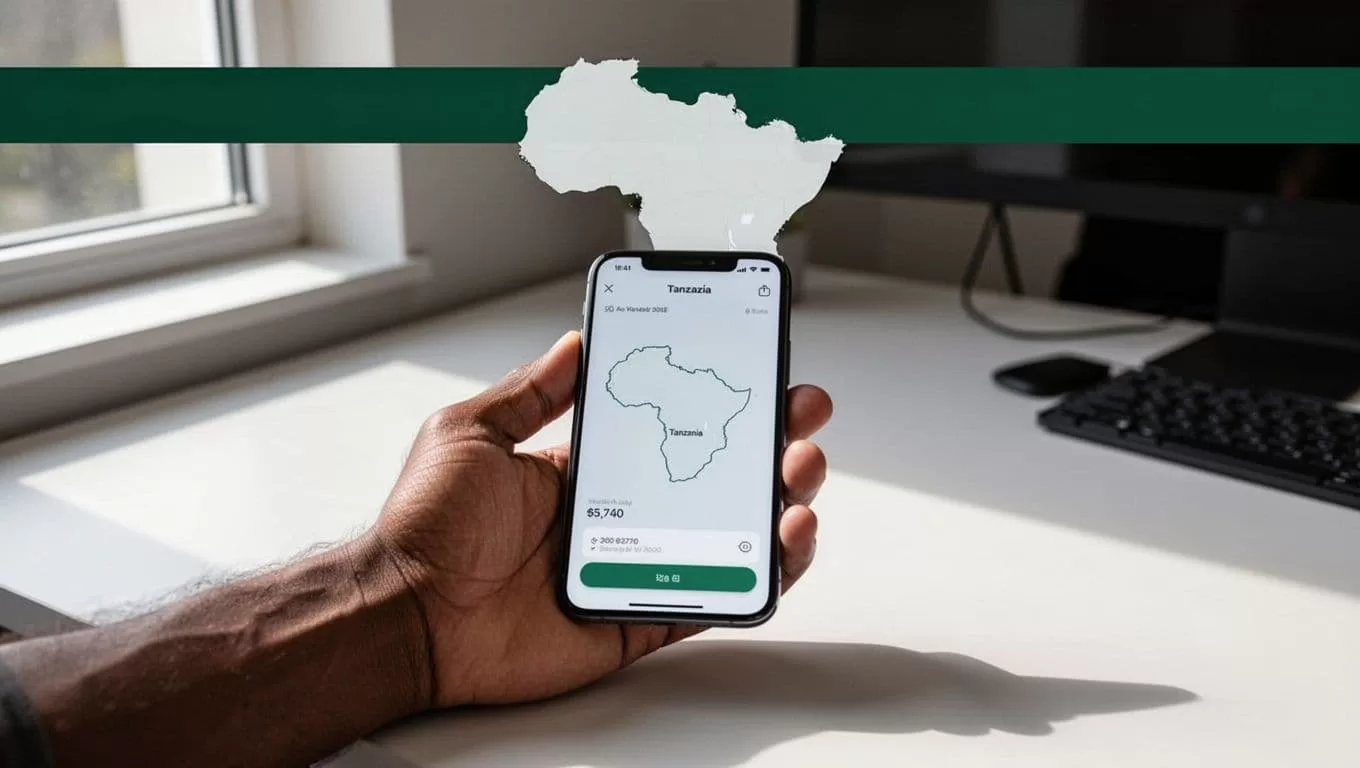
Follow this workflow:
- Create or access your Remitly account. Use the official Remitly website or mobile app. Remitly may ask for identity verification and government-issued identification before allowing a transfer.
- Select Tanzania as the destination. Enter the amount you want to send. The quote should show the transfer fee, exchange rate, total amount charged, and estimated amount received.
- Choose a delivery method. The options may include bank deposit, mobile wallet, cash pickup, or another route-specific option.
- Add the recipient’s information. Enter the recipient’s legal name exactly as it appears on their identification or account. For mobile money, check the phone number and wallet provider carefully.
- Choose an available payment method. Remitly will show the funding methods supported for your country and account. Review the total before authorizing payment.
- Submit and track the transfer. Save the confirmation details. Use the Remitly status page or app to monitor progress and respond to any information request.
A spelling error can delay a transfer or send it into manual review. Copy the recipient’s details from a trusted source instead of entering them from memory.
Choose the Tanzania delivery method first
The recipient’s setup should determine the payout method. A mobile wallet may be practical for everyday expenses, while a bank deposit may fit rent, tuition, payroll, or a larger household payment.
| Delivery method | Best fit | Details to confirm |
|---|---|---|
| Bank deposit | A recipient with a Tanzanian bank account | Bank name, account number, account name, and account type |
| Mobile wallet | A recipient who already uses mobile money | Wallet provider, phone number, and registered name |
| Cash pickup | A recipient who needs physical cash | Legal name, pickup location, and required identification |
| Home delivery or debit card deposit | Only when shown for your route | Local availability and recipient instructions |
Remitly’s Tanzania options can vary by sender country and recipient area. Its page for transfers from Norway, for example, lists cash pickup, bank deposit, and mobile wallet. A method available to one sender may not appear in your account.
Cash pickup requires extra coordination. The recipient may need to visit a supported location with valid identification. The name on the transfer should match the name on the identification document. Don’t send a cash pickup transfer until the recipient confirms they can reach the selected location.
Bank deposits also need careful account verification. Ask the recipient to send their bank details through a private channel. Confirm every digit before submitting the transfer.
Mobile wallet options for Tanzania
Mobile money is often the most direct option for regular family support. Remitly’s Tanzania information lists Airtel Money, Vodacom M-Pesa, and Mixx by Yas, which was formerly known as Tigo Pesa. The exact provider list depends on your sending country and the recipient’s location.

Tanzania mobile wallet transfers are listed in Tanzanian shillings, or TZS. Remitly’s mobile-money details list instant crediting for Vodacom M-Pesa, Airtel, and Tigo Pesa. Ezy Pesa is listed as taking up to one business day. These are service estimates, not delivery guarantees.
Check these details before you send:
- Tanzanian mobile wallet numbers are generally nine digits without the country code.
- The wallet must be active and registered to the recipient.
- A new wallet may need account verification before it can receive an international transfer.
- The recipient’s mobile provider must match the provider selected in Remitly.
- Cash-out fees may apply when the recipient withdraws wallet funds.
Transfer limits also differ by provider. Remitly’s Tanzania information lists a maximum of TZS 5,000,000 per transfer for several wallets. Airtel may also have a daily limit, while Mixx by Yas may apply monthly and wallet-balance limits. Review the live limit shown during checkout before planning a larger payment.
The safest process is to ask the recipient for their active wallet number and provider name in one message. Then compare those details with the information on your Remitly transfer screen.
Review fees, exchange rates, and delivery times
The fee is only one part of the transfer cost. The exchange rate determines how many Tanzanian shillings the recipient receives after you pay.
The final quote can depend on your sender country, transfer amount, payment method, delivery method, current exchange rate, and any promotion applied to your account. A new-customer offer may not apply to later transfers. A faster delivery option may also have different pricing.
Before you confirm, compare these four figures:
- The amount you pay in your sending currency.
- The transfer fee.
- The exchange rate used for the transaction.
- The exact TZS amount the recipient receives.
An independent overview of Remitly fees also explains why transfer costs can change based on speed, payment method, exchange rate, and customer status.
A low transfer fee can still produce a weaker result if the exchange rate is less favorable. Compare the total paid with the TZS received.
Delivery estimates need the same care. A mobile wallet credit may arrive quickly when the wallet is valid and the transfer clears without review. Bank deposits, cash pickups, identity checks, weekends, holidays, and local partner processing can change the actual timing.
Always review the latest quote and Remitly terms immediately before sending. Don’t rely on an old screenshot or a previous transfer receipt.
Protect the transfer before you submit it
International transfers need basic account and recipient controls. Use a short verification routine every time, even when you’re sending to someone you know.
- Open Remitly through its official website or app, not a link sent in a social media message.
- Check the recipient’s full legal name against their identification or account record.
- Verify the phone number and mobile provider before choosing a wallet payout.
- Don’t share your Remitly password, one-time code, or identity documents with another person.
- Keep the confirmation number and payment receipt until the recipient confirms receipt.
- Contact Remitly through its official support channels if the transfer status changes unexpectedly.
A transfer can be delayed if Remitly requests additional information or if the payout partner needs to verify the transaction. Respond through the official account interface. Don’t send a second transfer simply because the first one appears slow. Check the status first to avoid duplicate payments.
For business payments, add an internal approval step. Record the recipient name, invoice or payment purpose, amount, quote, confirmation number, and final status. This creates a basic audit trail without adding much work.
Prepare the recipient before sending
Tell the recipient which payout method you plan to use. They should confirm that the bank account or mobile wallet is active and can accept the transfer.
For cash pickup, agree on the pickup location before you submit the order. The recipient should also confirm which identification documents the local partner accepts. Requirements may vary by provider and location.
For mobile money, ask the recipient to check their wallet balance and transaction messages after delivery. If the funds arrive but cannot be withdrawn, the issue may involve wallet limits, account verification, or cash-out charges rather than the Remitly transfer itself.
The best send money Tanzania workflow has one final check before payment: the recipient confirms the method, provider, phone number, and legal name.
Conclusion
Remitly can make sending funds to Tanzania easier when you match the delivery method to the recipient’s actual setup. Mobile wallets suit regular household payments, bank deposits fit account-based expenses, and cash pickup works when the recipient needs physical money.
Review the live fee, exchange rate, payout amount, transfer limit, and delivery estimate before submitting. Confirm the recipient’s information twice, keep the transfer record, and check Remitly’s latest terms for your route.
FAQ
Can I send money to Tanzania with Remitly from any country?
Remitly supports Tanzania transfers from several countries, but availability depends on your sender location. Payment methods, fees, exchange rates, delivery options, and limits can change by route. Check the Remitly site for your country before creating the transfer.
Which mobile wallets can receive Remitly transfers in Tanzania?
Remitly’s Tanzania information lists Airtel Money, Vodacom M-Pesa, and Mixx by Yas, formerly Tigo Pesa. Other options may appear for some routes. Select only the provider shown in your account and confirm that the recipient’s wallet is active.
How long does a Remitly transfer to Tanzania take?
Timing depends on the delivery method, sender country, payment method, partner processing, holidays, and account checks. Some mobile wallet routes are listed as instant, while Ezy Pesa is listed within one business day. Treat all displayed times as estimates.
What information do I need from the recipient?
You usually need the recipient’s legal first and last name, phone number, and selected delivery details. Bank deposits require accurate account information. Mobile wallets require the correct provider and wallet number. Cash pickup requires details that match the recipient’s identification.
Can the recipient withdraw mobile money as cash?
Usually, the recipient can use the wallet’s available cash-out network, but provider fees and account limits may apply. The recipient should check their wallet terms before relying on a specific cash-out amount.
