Automate Client Delivery Workflows in Twin.so
Client work rarely breaks at the big task. It breaks between tasks. A brief arrives, someone needs to create the project, another person waits for access, and the client follows up before anyone sends a status update. Well-built client deli...
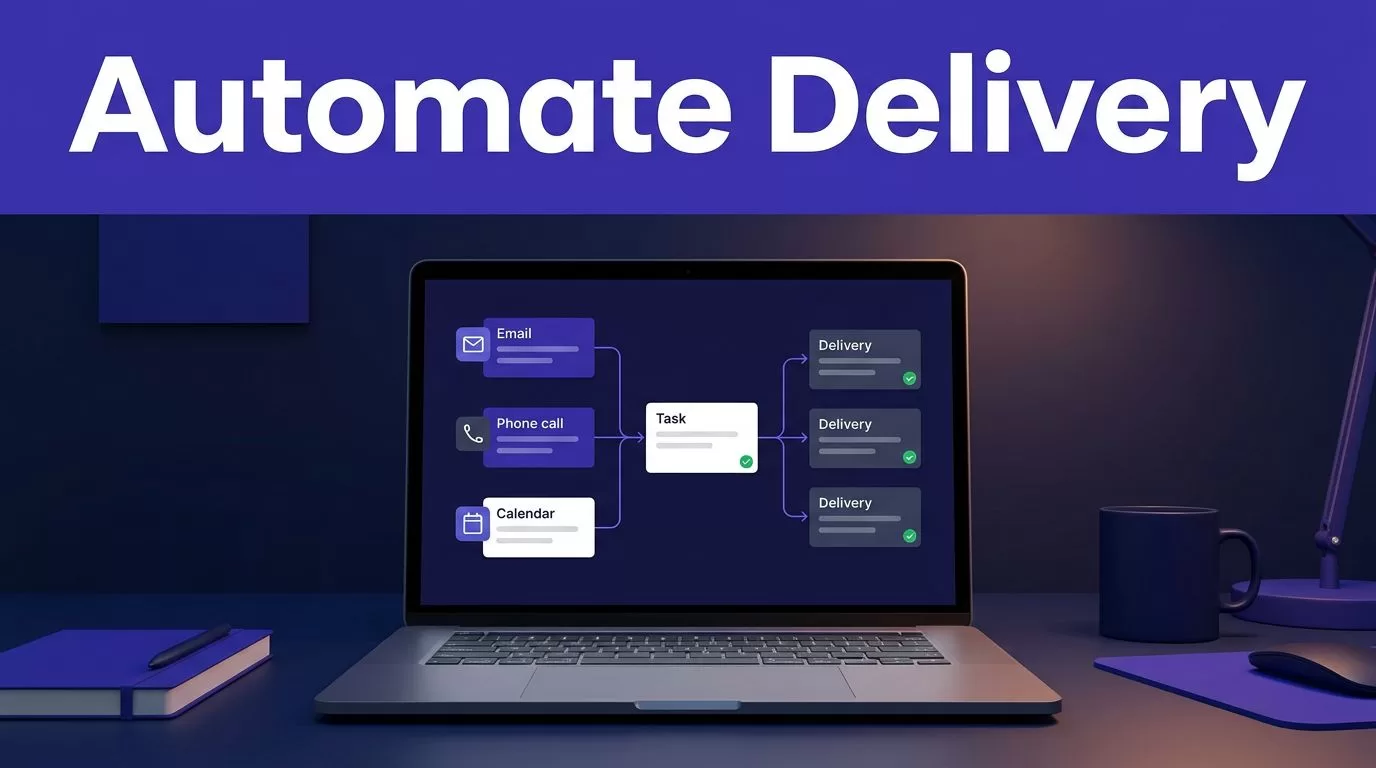
Client work rarely breaks at the big task. It breaks between tasks. A brief arrives, someone needs to create the project, another person waits for access, and the client follows up before anyone sends a status update. Well-built client delivery workflows remove those gaps.
Twin.so gives service businesses a way to trigger work from business events instead of relying on someone to remember the next step. Its product site describes automations that can start from an email, a call, or a schedule. That fits the way agencies, consultants, and freelancers already work.
The goal isn’t to automate every activity. The goal is to remove manual follow-up, missed handoffs, and unclear ownership from repeatable delivery work.
Why client delivery workflows fail without automation
Most delivery problems are coordination problems.
A new client signs the agreement, but the kickoff task stays in someone’s inbox. A team completes the work, but the approval request doesn’t reach the client. A report is ready, but nobody sends it until the client asks for an update.
These gaps create three direct costs:
- Staff spend time checking status and sending reminders.
- Managers lack a reliable view of work in progress.
- Clients receive different experiences depending on who handles the account.
Manual workflows also hide delays. A task may appear active even when it is waiting for a document, approval, or internal review. Twin can help by turning the event into a repeatable process with defined actions and conditions.
The best automation doesn’t remove human judgment. It removes the waiting that happens before and after human judgment.
A useful workflow has a clear trigger, a known owner, required inputs, an approval point, and a defined completion state. Without those elements, automation only moves confusion faster.

Choose the first workflow by business impact
Don’t start with the most complex client process. Start with the process that repeats often and creates visible delays.
Good candidates usually include:
- New-client onboarding after a contract or intake email.
- Recurring reports that require the same checks every week or month.
- Approval requests that depend on a completed deliverable.
- Project handoffs between sales, account management, and delivery staff.
Review the last 10 client projects. Record where people sent reminders, copied information between systems, waited for a response, or asked who owned the next step.
Choose the workflow with the highest combination of volume and delay. A simple onboarding process completed 20 times per month may create more savings than a complex workflow used twice a year.
Set one business outcome before you build. Examples include reducing manual follow-up, shortening kickoff time, or preventing overdue approval requests. This gives you a clear way to judge the automation after launch.
Twin’s agency automation overview lists client onboarding, deliverables, reports, and GoHighLevel inbox management as agency use cases. These are practical starting points because each process has a clear event and a repeatable result.
Build client delivery workflows around real handoffs
A workflow should follow the way work actually moves through your business. Don’t copy your organization chart into Twin. Map the handoffs that affect the client.
Start with a reliable trigger
A trigger is the event that starts the process. Twin’s product description supports triggers such as emails, calls, and schedules. Use the event that naturally begins the work.
For onboarding, the trigger may be a completed intake email. For reporting, it may be a monthly schedule. For approval, it may be the completion of an internal review.
Avoid vague triggers such as “when the project is ready.” Define what ready means. The trigger should point to a specific message, date, status, or completed action.
Define the required inputs
List the information Twin needs before it can run the process. This may include the client name, service package, project brief, deadline, contact details, files, and assigned team member.
If a required input is missing, the workflow should stop and request it. It shouldn’t create incomplete tasks or send a client message with missing context.
Keep client data separated where possible. Limit each workflow to the inboxes, files, and project records it needs. This reduces accidental disclosure and makes troubleshooting easier.
Add approval gates before external actions
Internal work can often run automatically. External communication needs more control.
Add an approval step before Twin sends a client-facing deliverable, changes a deadline, or closes a project. The reviewer should know what needs approval, what changed, and what happens after approval.
This keeps automation useful without allowing an incomplete draft to reach the client. It also gives managers visibility into work that is waiting for a decision.
How to automate client delivery workflows on Twin.so
Use this build sequence for a first workflow.
- Write the manual process first. Document the current sequence in plain language. Include the trigger, inputs, tasks, messages, approvals, and final handoff. This exposes duplicate steps before you automate them.
- Create the trigger in Twin. Connect the process to the event that starts the work. Use an email, call, or schedule when that matches the actual operating process. Avoid asking employees to launch an automation manually unless there’s no reliable event.
- Set the workflow instructions. State what Twin should check, create, send, and record. Use direct rules. For example, if the client brief is missing, request the brief and pause the process. If the brief is complete, create the internal delivery tasks.
- Separate internal and external actions. Internal actions can prepare tasks, organize information, and flag missing items. External actions can send an intake request, status update, report, or approval message. Place a human review before high-risk client communication.
- Define exception paths. Decide what happens when a client doesn’t respond, a file is missing, a deadline changes, or an approval is rejected. The workflow should notify the right person and record the reason for the pause.
- Test with a real completed project. Run the workflow against a recent client case. Check every task, message, condition, and handoff. Test at least one missing-input scenario and one rejected-approval scenario before using it on active accounts.
Keep the first version narrow. A workflow that handles onboarding well is more useful than a large automation that needs constant correction.
Measure the result with operational data. Track manual touches per client, time from trigger to kickoff, overdue handoffs, approval delays, and the number of client follow-up messages. These measures show whether Twin is reducing work or only changing where the work appears.
Practical Twin.so workflows for service businesses
Automate client onboarding
An onboarding workflow can begin when a new client sends the required intake information. Twin can check whether the information is complete, prepare the internal work, and route missing items before the team starts delivery.
The next step should be visible to the assigned employee. The client should receive a clear confirmation or request, not a silent delay.
This reduces repeated “What happens next?” messages. It also gives the delivery team a standard starting point for every account.
Set an approval gate if the onboarding process includes a scope review. The account owner can confirm the package, deadline, and client requirements before delivery tasks are created.
Run recurring delivery and reporting
Recurring work is a strong automation candidate because the schedule is predictable. Use a scheduled trigger for weekly reports, monthly performance summaries, campaign checks, or recurring consulting deliverables.
Twin’s agency materials describe agents that produce deliverables and send reports. Configure the process so internal checks happen before the report reaches the client.
A reliable reporting workflow can collect the required information, identify missing data, prepare the report, and route it for approval. The team spends less time rebuilding the same process each month.
The workflow should also record when the report was prepared, reviewed, and sent. That creates a delivery history managers can inspect without asking several people for updates.
Manage approvals and project handoffs
Approvals often create the longest delays because ownership is unclear. A delivery workflow should identify the reviewer, set the approval request, and define the next action for each outcome.
If approved, Twin can move the work toward delivery or handoff. If rejected, it should return the request to the assigned owner with the review notes attached.
Use the same structure when work moves between departments. Sales can pass a signed client and complete brief to delivery. Delivery can pass a finished asset to account management. Account management can close the loop with the client.
That structure prevents work from sitting in a shared inbox with no clear owner.
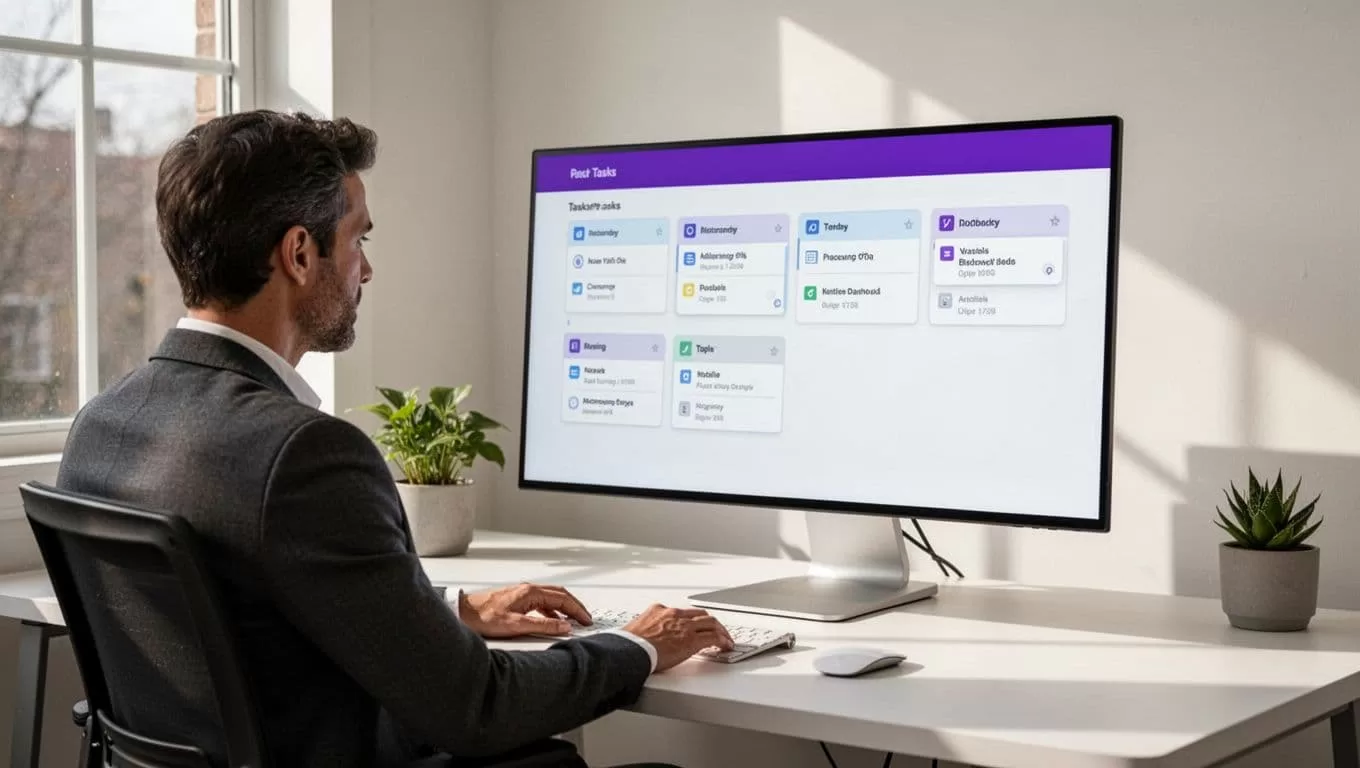
Implementation checklist for Twin.so
Use this short checklist before activating an automation:
- Select one repeatable process with a measurable delay.
- Name the trigger and define the required inputs.
- Write each action as a direct instruction.
- Set an owner for every human decision.
- Add approval gates before client-facing actions.
- Create a path for missing information and rejected work.
- Restrict access to the client data the workflow needs.
- Test the process with a completed project.
- Track manual touches, delays, and missed handoffs after launch.
Keep a manual fallback for the first few runs. Review the output, correct unclear instructions, and remove steps that add no value.
If you need help mapping a high-volume process before you build it, you can Book A Call.
For teams still comparing platforms, the Twin alternatives page can support the software evaluation stage. Compare tools against your actual trigger types, approval needs, data access rules, and reporting requirements.
Make every handoff visible
Twin.so is most useful when it controls the gaps around client work. Start with a repeatable process. Give it a clear trigger. Add human approval where judgment matters, then measure the operational result.
The strongest client delivery workflows don’t try to replace your team. They make ownership, status, and next steps visible before a client has to ask.
