Automotive automation projects can fail before the first robot moves. Teams connect a cloud tool to the wrong system, skip approval controls, or treat an AI response as a production decision. Twin.so can automate work around a plant, but its public materials don’t position it as a PLC controller, MES, ERP, robotics, vision, SCADA, or industrial IoT platform.
The practical approach is narrower. Use Twin.so for approved browser and API workflows around manufacturing operations. Keep machine control, safety logic, real-time telemetry, and validated production decisions in systems built for those jobs. Start with one measurable pilot, then scale only when the controls and results hold.
The first decision: agent automation or a digital twin?
Twin.so’s name can create confusion. A digital twin is a virtual representation of a physical object or system that uses data to reflect its real condition, according to IBM’s digital twin overview. Manufacturing digital twins can support simulation, monitoring, and plant optimization. Siemens describes digital twins across products, machines, production systems, and entire plants in its industry digital twin framework.
Twin.so is different. Its public documentation describes a hosted AI agent platform for work inside apps, browsers, APIs, Slack, and Gmail. It isn’t a confirmed automotive digital twin or shop-floor control layer.
What Twin.so provides
The Twin quickstart documentation describes scheduled agents, event-driven triggers, OAuth integrations, and browser actions. Its Web Agent documentation covers multi-step tasks inside websites, including login flows and dynamic pages. The Orchestrator lets users create and manage agents with natural-language instructions through the Orchestrator documentation.
For an automotive operation, that can support tasks such as:
- Collecting approved production or quality reports.
- Routing nonconformance records to the correct engineer.
- Checking supplier or shipment status on a schedule.
- Consolidating downtime entries into a review queue.
- Sending a shift summary to Slack or email.
- Updating a ticket after a human approves the action.
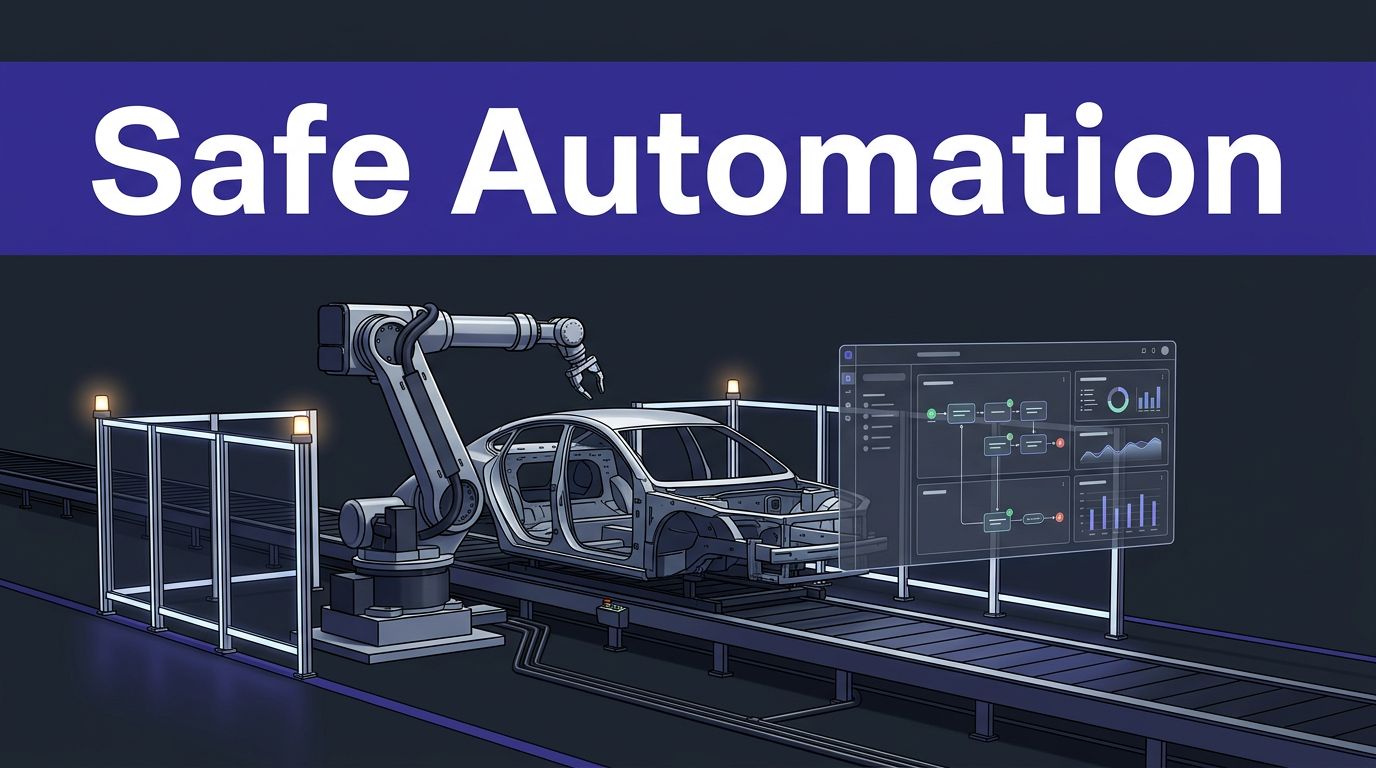
These are workflow tasks. They aren’t motion-control commands. The source systems should remain responsible for records, equipment behavior, machine states, and production rules.
Where automotive automation fits with Twin.so
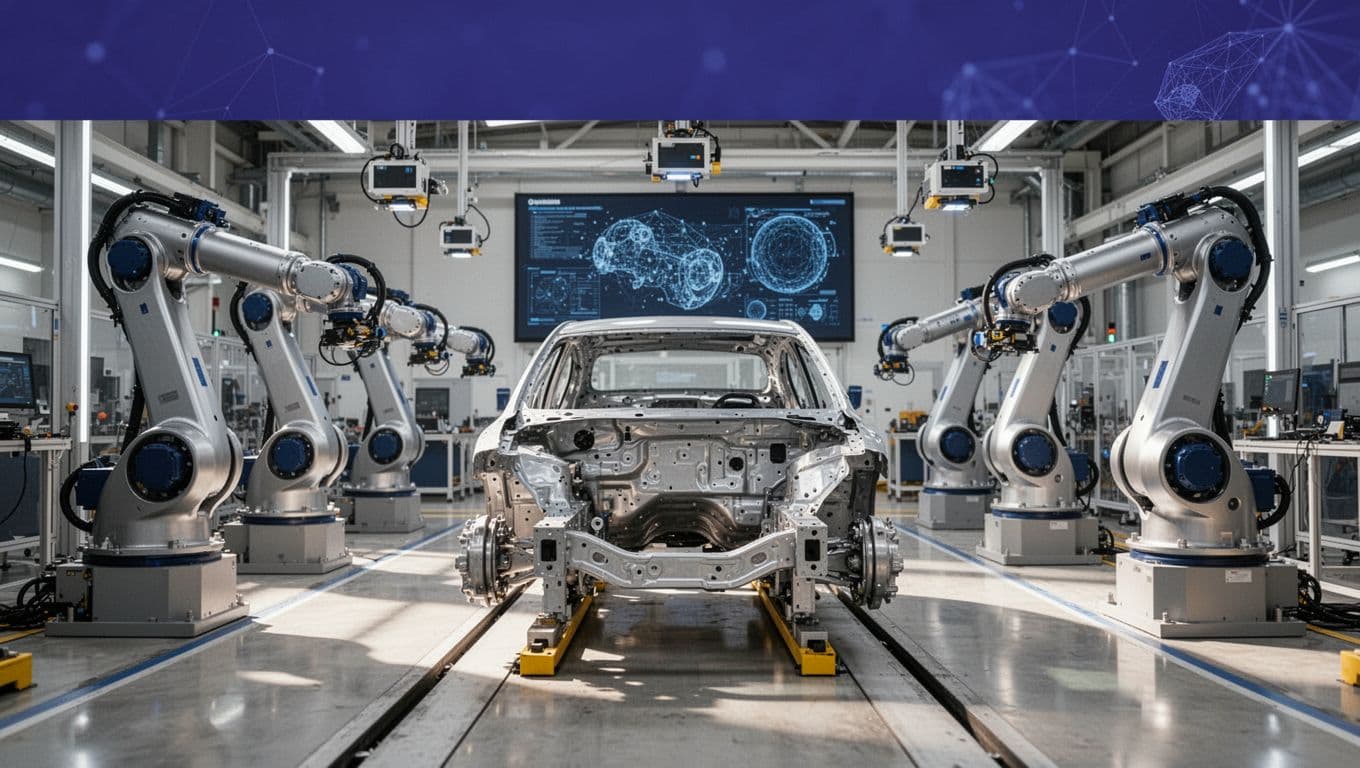
Use Twin.so when a process starts in a human-accessible application or documented API and ends with a reviewable business action. Don’t use it as an unvalidated bridge to a live assembly line.
Start with office-side plant workflows
Good first candidates include daily production reporting, maintenance request intake, quality issue routing, supplier follow-up, and document distribution.
For example, an agent could read approved downtime records, group them by line and reason code, create a summary, and notify the maintenance lead. A human can then review the source records before creating a work order.
Keep the agent’s authority narrow. It shouldn’t approve a safety deviation, change a robot program, alter a torque threshold, release a vehicle, or close a corrective action without the required engineering approval.
Use the plant stack as the source of truth
There is no confirmed public evidence that Twin.so directly connects to common automotive platforms such as SAP manufacturing, Siemens Opcenter, Rockwell FactoryTalk, OPC UA, MQTT, PLCs, robot controllers, or machine-vision systems.
Treat each connection as a separate integration project. Confirm the API, authentication method, data owner, rate limits, error behavior, and write permissions before development begins.
A safer pattern is read, validate, route. Twin.so reads a permitted API or web view. A rules engine or MES checks the condition. A person approves any action that affects quality, safety, production release, or maintenance state. The agent then creates a ticket or message instead of sending a direct machine command.
Build a safe Twin.so pilot
A pilot should test one workflow, one plant boundary, and one measurable result. Don’t begin with “automate the factory.” That scope hides failure modes and makes ownership unclear.
1. Select a bounded use case
Choose a task with stable inputs and a clear owner. Downtime triage is a practical starting point. The agent can collect approved records from the last shift, group them by line, and send a summary to maintenance.
Define what the agent may read, what it may create, and what it must never change. Record the current manual time, record volume, response target, and error cost. If no baseline exists, measure the process for one week before automation.
2. Map data and permissions
List every system in the workflow. Include the MES, ERP, CMMS, quality platform, email, Slack workspace, API gateway, and identity provider.
Mark each field as read-only, writable, sensitive, or restricted. Use a separate service account for the pilot. Give it the smallest access scope possible. Keep production credentials out of prompts.
Ask how Twin.so stores credentials, execution logs, screenshots, and customer content. Confirm retention, administrator access, regional storage, tenant separation, and audit export options before connecting operational data.
3. Add human review and failure handling
Build approval into the workflow before testing. The reviewer should see the source record, the proposed action, and the reason for the recommendation.
Stop the workflow when data is missing, a page changes, authentication fails, or the target system returns an unexpected result. Add a manual fallback and store the run ID with timestamps.
Test duplicate submissions, stale records, API timeouts, partial completion, incorrect routing, and failed logins. A workflow that only works on the happy path isn’t ready for production.
Measure automotive automation with production KPIs
Measure the process, not the number of agent runs. A high run count can mean the workflow is useful. It can also mean the agent is repeating failed steps.
Use a baseline period and a pilot period. These example targets are planning figures, not Twin.so performance claims.
| KPI | Baseline | Example pilot target |
|---|---|---|
| Report preparation time | Current average | 30% lower |
| Records routed correctly | Current rate | 98% or higher |
| Human review time | Current average | No increase |
| Duplicate or failed actions | Current count | Zero critical events |
| Time to maintenance notification | Current median | 20% lower |
| Manual fallback rate | Current rate | Declining trend |
Track safety and quality exceptions separately. Record wrong-line assignments, missing records, unauthorized writes, stale data, unreviewed actions, and production interruptions.
Include the cost of human review and agent usage. Twin.so uses credits for agent work, and its credit-based pricing documentation lists public monthly tiers such as 2,000 credits for $20, 5,000 for $50, and 10,000 for $95. Verify current prices before purchase. The useful metric is credits and labor per successful case, not the subscription price alone.
Security, safety, and governance come first
Cloud agent automation changes the risk profile. The workflow may access browser sessions, credentials, screenshots, supplier data, employee information, or production records.
Your review should cover the same concerns found in broader smart manufacturing tools and industrial IT guidance, including identity, network separation, device exposure, and data handling.
Separate business automation from machine safety
Keep emergency stops, interlocks, safeguarding, PLC logic, robot programs, and safety-rated functions outside Twin.so. Validate every engineering change through the plant’s existing safety and release process.
Automotive automation can affect people, equipment, traceability, and vehicle quality. A cloud agent shouldn’t have an unrestricted path to a live controller.
Run the pilot in a sandbox or read-only mode first. If a write is required, send it to a staging queue. The responsible engineer can test and release the change through the approved system. Don’t treat AI output as a safety decision.
Review cloud, identity, and data controls
Public materials indicate a hosted SaaS model rather than a plant-edge or self-hosted runtime. That makes network paths, outage handling, credential access, and data retention part of the architecture review.
Request current security documentation, subprocessors, incident terms, retention controls, tenant isolation details, audit options, and support access rules. Confirm whether screenshots or page content could contain vehicle identification numbers, employee data, supplier pricing, or design information.
Use SSO and MFA where available. Restrict OAuth scopes. Rotate secrets. Log every agent action. Define who can create agents and who can approve workflow changes. Run the security review before production credentials are connected.
Scale only after the pilot passes
Scale by workflow, not by giving one agent more authority. A tested pattern can later support quality, maintenance, logistics, and supplier operations. Keep separate credentials, approval routes, owners, and data boundaries where the risks differ.
Use this release checklist:
- The workflow has a named owner and manual fallback.
- Source data and write targets are documented.
- Permissions match the smallest required scope.
- Failure cases and edge conditions have test coverage.
- KPIs meet the agreed threshold for at least two review cycles.
- Safety, cybersecurity, privacy, and plant engineering approve the next stage.
Review each agent after application, page layout, login, permission, or API changes. Browser automation can fail when labels, screens, or authentication flows change. API workflows are easier to test, but they still need versioning, rate limits, retries, and audit logs.
If your team needs help deciding whether a workflow belongs in Twin.so or a manufacturing control platform, Book A Call around one defined process and baseline.
Conclusion
Twin.so is best evaluated as an AI workflow automation layer around automotive operations, not as a replacement for MES, ERP, PLC, robotics, vision, SCADA, or safety systems.
The strongest deployment starts with a read-heavy workflow, limited permissions, human approval, and clear KPIs. Keep machine control inside validated industrial systems. Use Twin.so where it can reduce administrative work without bypassing the controls that keep production safe and traceable.