How I Find Email Formats by Company Name with Hunter.io
I once stared at a prospect list with solid names but zero emails. Hours vanished guessing addresses that bounced back like rubber balls. Email format by company name turned that frustration into a quick win. Hunter.io pulls patterns from p...
I once stared at a prospect list with solid names but zero emails. Hours vanished guessing addresses that bounced back like rubber balls. Email format by company name turned that frustration into a quick win. Hunter.io pulls patterns from public data, so I spot formats fast and verify them before outreach.
You need clean contacts for sales or partnerships. Wrong guesses waste time and hurt your sender score. Hunter.io fixes that with domain searches and confidence scores. Let me walk you through my process.
Why Spotting Company Email Formats Saves Time
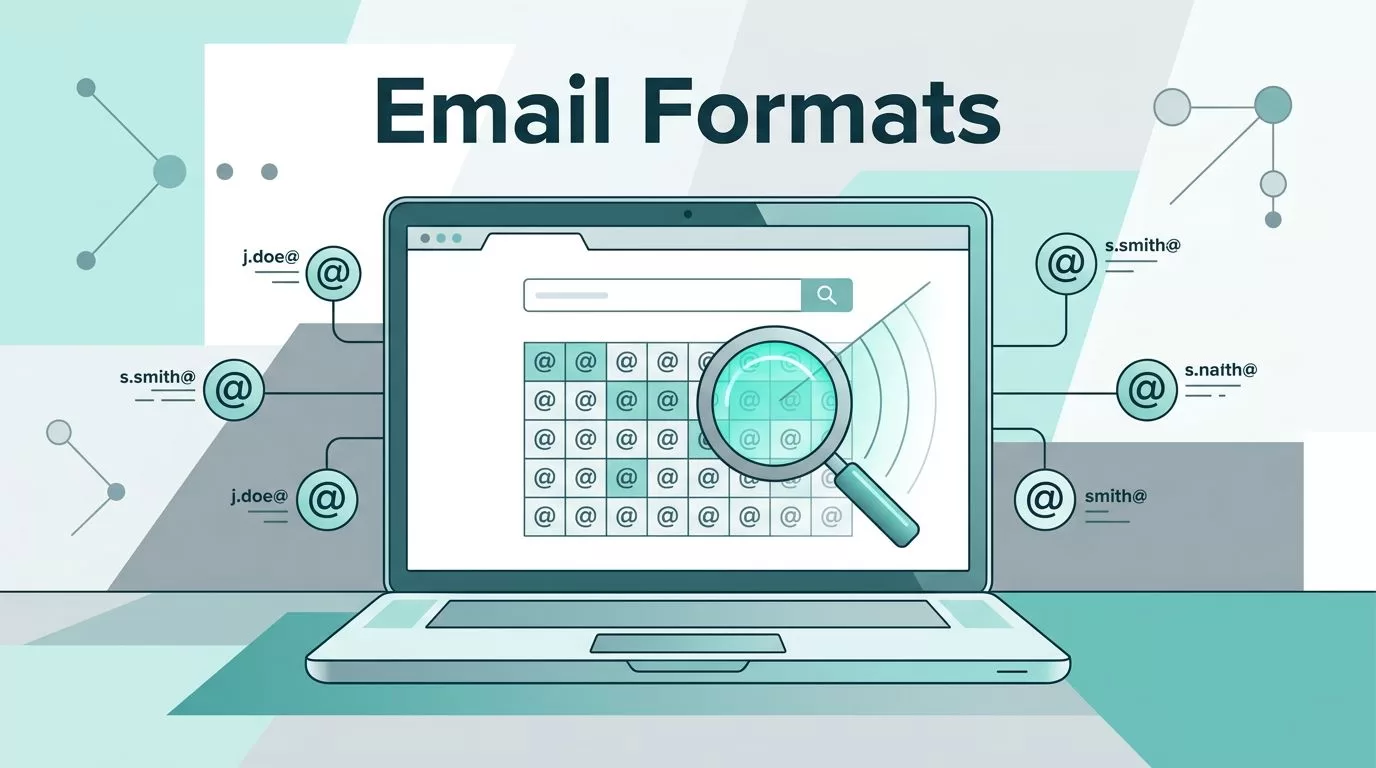
Company emails follow patterns like roads in a grid. Most use first.last@domain.com or flast@domain.com. Hunter.io scans millions of public addresses to reveal these. I start there because manual trials fail too often.
Public sources feed Hunter’s database. It skips personal Gmails, which helps focus on business inboxes. Confidence scores guide me; higher means better odds. This beats typing random guesses into your email client.
In sales, one good format unlocks dozens of leads. I pair it with verification to cut bounces. Results show up in seconds, so pipelines move faster.
Step-by-Step Guide to Finding Email Formats
Hunter.io’s Domain Search uncovers formats from a company name or domain. I enter “acme.com” and see samples like john.doe@acme.com. Patterns appear with sources.
First, sign up for a free account at Hunter.io. It gives 50 credits monthly, enough for tests. Go to Domain Search.
Paste the domain. Hit enter. Hunter lists known emails, roles, and the top pattern. For example, Tesla shows firstname.lastname@tesla.com often.
Export the list or note the format. Apply it to other names from LinkedIn. Credits cost one per domain, up to 10 emails.

Bulk works for lists. Upload a CSV with names and companies via Bulk Email Finder. It guesses addresses using patterns. Process 50,000 rows on paid plans.
Chrome extension speeds it up. On LinkedIn, click to reveal formats. Verify on the spot.
Common Email Patterns You’ll Spot
Patterns cluster around a few types. Firstname.lastname@ takes the lead at 30% of companies. Flast@ follows close.
Other winners include first@, [initial][lastname]@, and firstinitial.lastname@. Hunter highlights the dominant one per domain.
Small firms mix it up more. Tech giants stick to strict rules. I test top guesses first.

See my full breakdown in this corporate email patterns guide. It matches Hunter data perfectly.
Confirm the Company Domain Before Guessing
Domains trip people up. “Acme Inc” might use acme.com or acme.io. Hunter’s Email Finder needs the right one.
Search company name on Google or their site. Check WHOIS if needed. Hunter verifies MX records during checks.
For subsidiaries, patterns differ. Parent sites help spot variations. Always confirm to avoid dead ends.
Verify Emails to Avoid Bounces
Guesses need proof. Hunter auto-verifies Finder results via SMTP. Green icons mean low risk.
Manual checks cost 0.5 credits each. Bulk verify lists first. Results split into valid, invalid, accept-all, or unknown.
Accept-all domains take anything but bounce later. I test small batches there. Follow my Hunter.io catch-all email verification guide for details.
Unknowns prompt manual hunts. Valid ones go straight to outreach. This drops bounces below 2%.
Best Practices Boost Accuracy
Use full names for better matches. Add titles or locations to narrow. Confidence over 80% feels solid.
Credits share across tools, so plan ahead. Free tier suits solos; Growth plan handles teams.
Compare to manual methods. Guessing wastes hours; Hunter cuts it to minutes. Alternatives like Apollo add databases but complicate simple finds.
Integrate with CRMs via API. Track opens in sequences. Check Hunter.io email finder review for sales teams for workflow tips.
Stick to Ethical Outreach Rules
Hunter pulls public data only. Respect CAN-SPAM and GDPR. Personalize sends; include opt-outs.
Verify to dodge complaints. Warm domains slowly. No spam blasts.
Limitations exist. New companies lack data; accuracy hits 70-90%. Pair with LinkedIn for gaps.
See ethical flows in my Hunter.io 2026 review for B2B prospecting.
Hunter.io sharpens my outreach like a honed blade. Formats by company name flow easy now. Bounces drop; replies rise. Test a domain today. Your list will thank you. What’s your go-to pattern?
