How I Check Email Bounce Status with Hunter.io’s Verifier
Bounces kill outreach campaigns before they start. Picture this: you craft the perfect pitch, hit send on 500 leads, and 20% boomerang back as undeliverable. Your sender score drops. Replies vanish. I’ve chased prospects for years, an...
Bounces kill outreach campaigns before they start. Picture this: you craft the perfect pitch, hit send on 500 leads, and 20% boomerang back as undeliverable. Your sender score drops. Replies vanish. I’ve chased prospects for years, and sloppy lists turned solid ideas into spam folder ghosts.
An email bounce checker like Hunter.io’s verifier changes that. It probes addresses upfront, flags risks, and cleans lists fast. You protect reputation and focus on real conversations. In this post, I share my exact process. You’ll verify singles or thousands, decode results, and cut bounces without guesswork.
Why Bounces Hurt and Verification Fixes Them
Bounces signal trouble to providers like Gmail. Hard ones mean invalid addresses; soft ones hint at full inboxes. Both erode trust over time. I learned this during a 1,000-lead push last quarter. Unchecked lists spiked my rate to 8%. Deliverability tanked.
Hunter.io acts as a gatekeeper. It simulates sends via SMTP checks. No more blind firing. Instead, you get statuses that predict real-world behavior. Results show low-risk paths forward. In addition, it integrates with finders and sequences. Cleaner data flows straight to campaigns.
Benchmarks help too. Aim under 2% bounces for B2B. Hunter keeps me there. For deeper stats, check Hunter’s email verification guide.
Hunter.io’s Email Verifier at a Glance
Hunter’s tool lives in the dashboard. Free tier offers 50 credits monthly; each verify costs one. Paid plans scale to millions. I start there because it pairs finding and checking seamlessly.
It layers tests: syntax first, then MX records, SMTP pings. Confidence scores add detail. As a result, you spot fakes early. No credits wasted on garbage.
I link it to my full Hunter.io review for sales teams. That covers pricing and fits in stacks.
Understanding Verification Results
Results fall into clear buckets. Each guides your send decision. Valid means go; invalid means stop.
Here’s what I see most:
| Status | Meaning | My Action |
|---|---|---|
| Valid | Mailbox exists, server accepts | Send full sequence |
| Invalid | Bad syntax or rejected outright | Suppress forever |
| Accept-all | Domain takes any address | Test small batches first |
| Risky | Disposable or high bounce odds | Review or skip |
Valid emails pass all checks. Low bounce risk follows. Invalid ones fail hard; they guarantee returns. Accept-all domains swallow everything upfront. Bounces hide later, so I segment them. Risky flags cover temps like guerrillamail. They poison metrics.
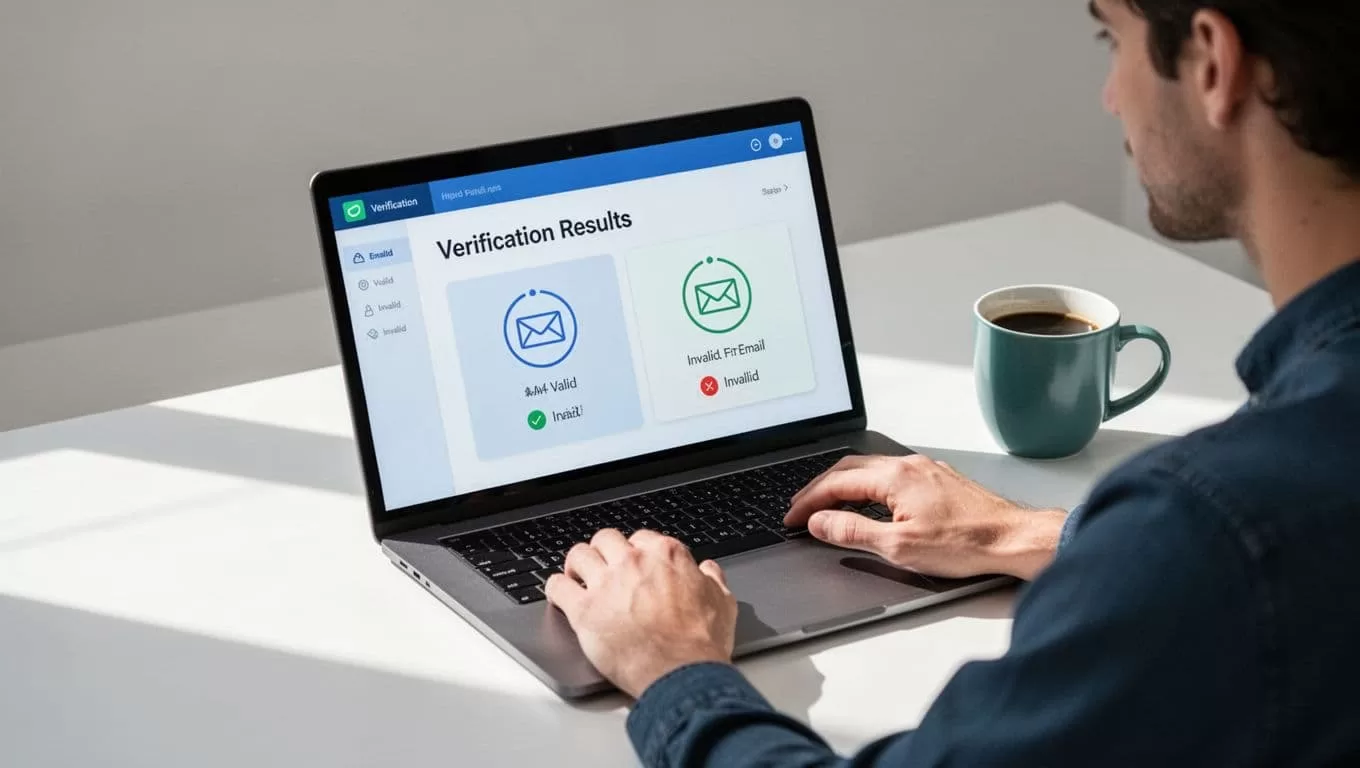
This setup saved my last campaign. Half my list showed accept-all. I warmed them separately. Bounces stayed at 1.2%. Actual delivery varies by your domain setup, though. Server moods shift.
For catch-all details, see my Hunter.io catch-all email verification guide.
How to Verify Emails Step by Step
Single checks suit quick tests. I paste an address like john@acme.com into the verifier. Hit go. Results pop in seconds.
Bulk needs prep. Clean your CSV first: lowercase domains, trim spaces, dedupe. Upload to Hunter’s bulk tool.
- Log in, find Email Verifier.
- Choose single or bulk.
- Paste or upload list.
- Map email column.
- Run check; wait for completion.
- Export with statuses.
Costs add up, so prioritize. Free users get 50; I buy $49 for 1,000.
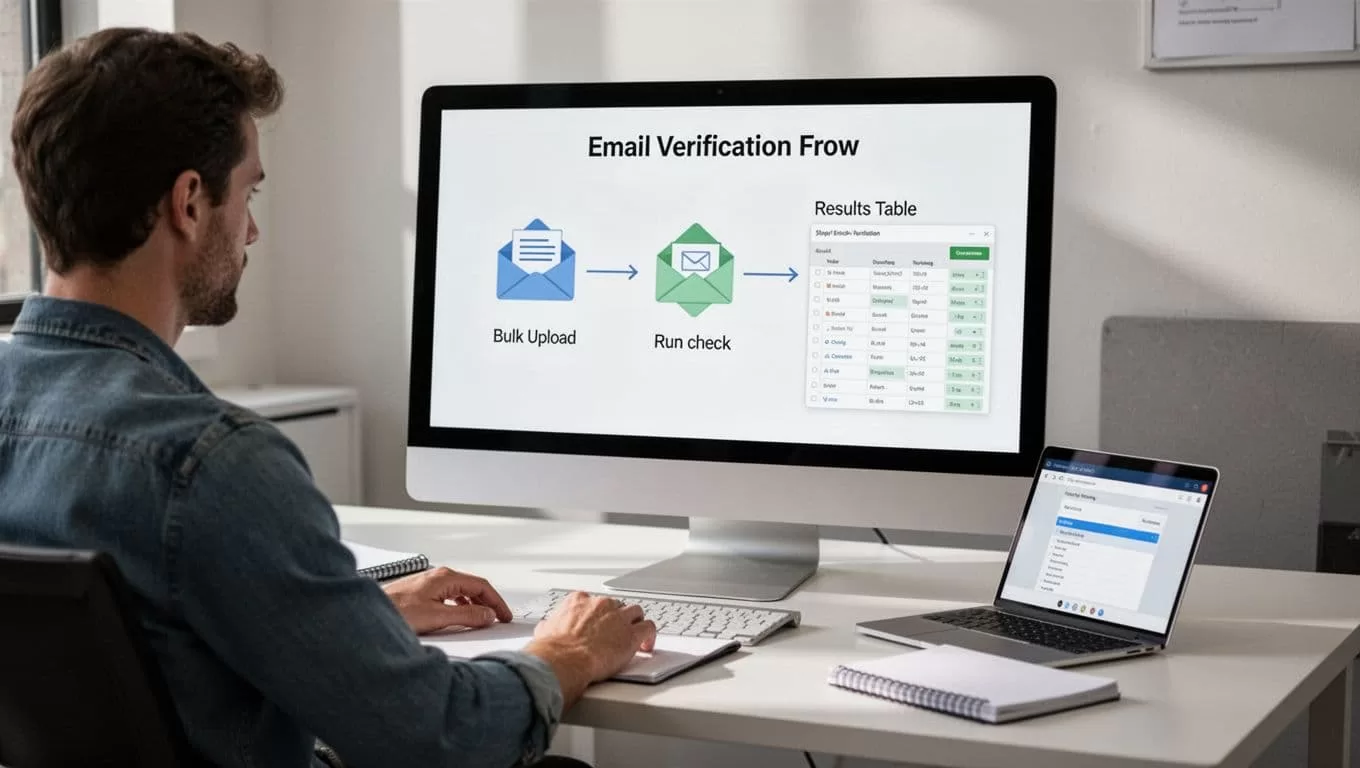
Hunter’s bulk verify help page matches this flow. I follow it weekly.
Bulk Verification for Outreach Lists
Scale hits at 500+ leads. Bulk shines here. Upload CSVs up to 10,000. Process runs async.
I add columns: email, name, company, domain. Post-export, filter by status. Valid to sequences; others to suppress.
My Hunter.io bulk email verification workflow expands this. It includes segmentation tables.
API fits automation. Zap new leads straight in. Credits deduct per call. However, watch limits.
Real Use Cases from My Daily Workflow
Sales prospecting tops my list. I find via domain search, verify batches. One campaign: 2,000 tech leads. Pre-check cut bounces 85%. Replies jumped 3x.
Newsletter signups need real-time checks. Forms verify on submit. No fakes slip through.
CRM syncs clean data. Invalid contacts skip import. Reputation holds.
For cold emails, my guide to reducing bounces with Hunter.io shows full integration.
When Hunter.io Suffices Versus Extra Monitoring
Hunter handles most B2B needs. Accuracy nears 95% on valids. Accept-all flags catch 70% risks.
It falls short on full deliverability. Track opens, clicks separately. Tools like Postmark add inbox monitoring.
Use Hunter for lists; layer GlockApps for placement tests. Actual bounces depend on warmup, content, volume.
I pair it that way. Bounces stay low; scale grows.
Hunter verifies well alone for starters. Add monitors as volume rises.
Clean Lists Build Better Campaigns
Hunter.io turns risky lists into reliable ones. I verify every batch, segment results, and send smarter. Bounces drop; inboxes open.
Start with your next list. Run a test verify today. Watch the difference in replies. What’s your current bounce rate? Test it against these steps. Your outreach deserves clean shots.
