How to Send Money to Bulgaria With Remitly Securely
Sending money to Bulgaria should not require guesswork. Remitly gives you a way to send money to Bulgaria by bank deposit or cash pickup when your route supports those options. The safe process is controlled and simple. Use the official Rem...
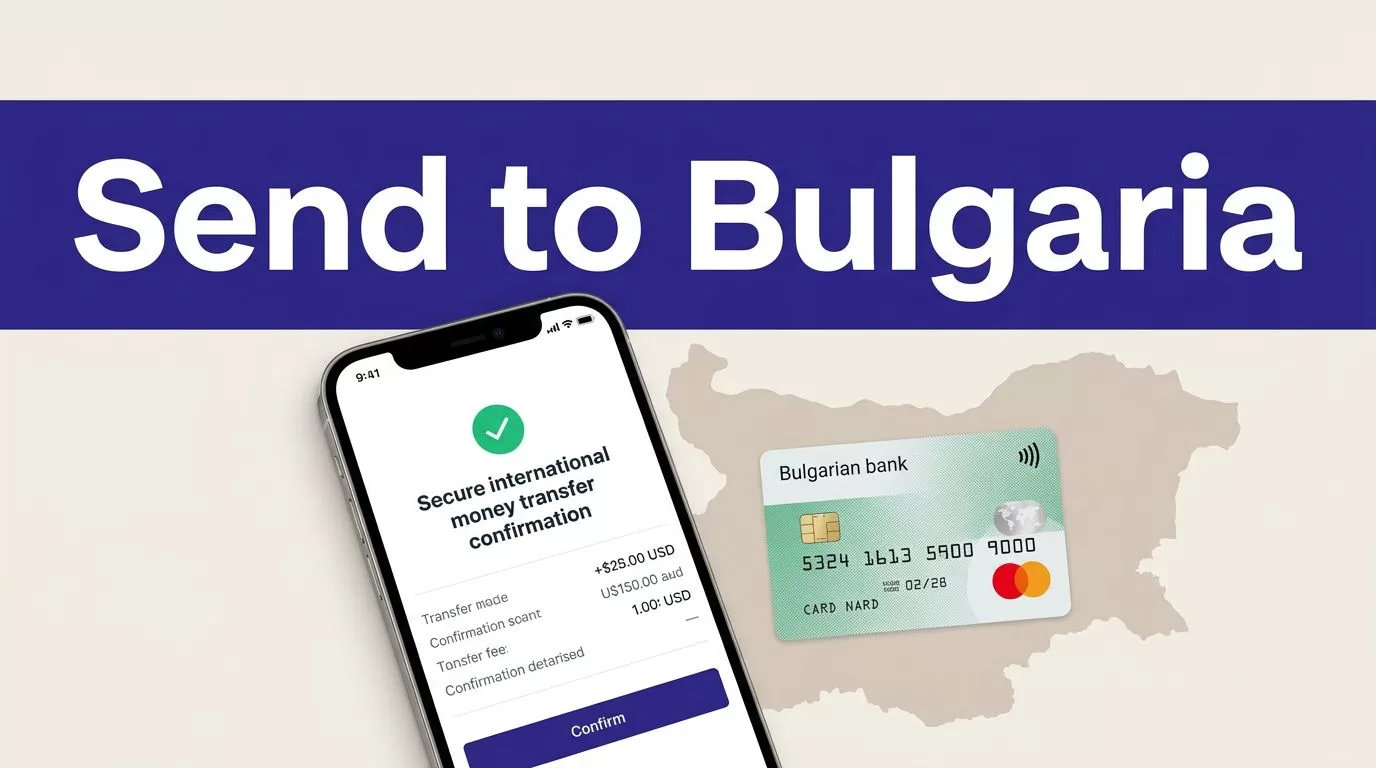
Sending money to Bulgaria should not require guesswork. Remitly gives you a way to send money to Bulgaria by bank deposit or cash pickup when your route supports those options.
The safe process is controlled and simple. Use the official Remitly website or app, enter the recipient’s details exactly, compare the complete quote, and confirm the payout information before approval. Fees, rates, limits, payment methods, identity checks, and delivery options depend on your sending country and transfer details.
Check the Route Before You Start
Confirm your sending country
Remitly pricing and availability are corridor-specific. Start by selecting the country where you are physically sending the funds. Don’t assume that a fee or delivery option shown for the United States also applies to a sender in the United Kingdom, Malta, Canada, or another country.
Remitly’s Bulgaria routes can include bank deposit, cash pickup, and debit card deposit through available payout providers. The actual options depend on the recipient’s location, provider, currency, transfer amount, and selected delivery method. Check the official Remitly website or app for the route attached to your account.
The provider list can change. Remitly has shown Bulgarian-American Credit Bank for bank deposits and Easypay for cash pickup on Bulgaria-specific pages. Other bank routes may also appear. If the recipient uses UniCredit Bulbank, review the UniCredit Bulbank transfer page only as route-specific guidance. Your live account quote is the controlling source.
Prepare the recipient’s details
Ask the recipient to send their information through a trusted communication channel. Compare it with their bank record or accepted identification before entering it.
You may need:
- The recipient’s full legal name, matching their bank account or identification.
- A current phone number and email address, if requested.
- Bank information, including the account number or IBAN when the form requires it.
- The selected bank or payout provider.
- The cash-pickup location and recipient information, when available.
A small name mismatch can delay a cash pickup. An incorrect account number can send the transaction into a correction process. Don’t copy old recipient records without checking them first.
How to Send Money to Bulgaria With Remitly
Create the account through an official channel
Open Remitly by typing the website address yourself or by opening the app installed through your device’s official app store. Don’t use a login link from an unexpected email, text message, or social media advertisement.
Create an account with your email address. Remitly may request identity or financial information before allowing a transfer. The exact documents and checks depend on your country, account activity, payment method, amount, and compliance requirements.
Never place your password, PIN, verification code, or complete payment details in a message to another person. Enter sensitive information only inside the official Remitly website or app.
Enter the amount and recipient
Choose whether you want to enter the amount you will pay or the amount the recipient should receive. Check the currency displayed on both sides of the quote. A Bulgaria route may show EUR or another supported payout currency depending on the provider and transfer setup.
Add the recipient only after confirming the spelling of their name. Review each character. For bank delivery, compare the financial institution and account information. For cash pickup, confirm the name will match the identification the recipient presents.
Confirm the payment method
Available funding methods can include a debit card, credit card, or bank account. Your options depend on the sending country and the transfer route.
Use a payment method held in your name when Remitly requires it. Check the account or card selected before submitting. A transfer funded from the wrong source may require cancellation or support intervention.
Select the Payout Method That Fits
Choose the method based on how the recipient normally accesses money. Speed alone is not enough.
Compare the available delivery options
| Delivery method | Use it when | Details to verify |
|---|---|---|
| Bank deposit | The recipient has an eligible Bulgarian bank account | Name, bank, account number, and payout currency |
| Cash pickup | The recipient needs cash or lacks a supported bank account | Full name, provider, pickup location, and ID requirements |
| Debit card deposit | The route supports an eligible recipient card | Card details, recipient name, and provider conditions |
Bank deposit is usually practical for regular family support when the recipient has a supported account. Cash pickup can work when the recipient needs access through a local provider such as Easypay. The recipient may need accepted identification at collection.
Review the available provider, currency, and delivery estimate inside the transfer screen. Don’t choose a method based on an old transfer or a screenshot from someone else.
Review the Complete Quote Before Paying
Compare the recipient amount, not only the fee
The fee is one part of the transfer cost. The exchange rate also affects how much arrives. Compare these four values:
- The amount you send.
- The transfer fee.
- The total amount charged to your payment method.
- The exact amount the recipient receives.
As of August 2026, Remitly’s public U.S. USD-to-EUR Bulgaria pricing page displays example fees of $0.99 for Economy and $1.99 for Express. The page also displays promotional first-transfer pricing. These figures are route examples, not a universal price for every sender.
Your final quote can change with the sending country, amount, payment method, delivery speed, recipient location, promotion, and account status. Review the current Bulgaria pricing page immediately before approval. Remitly’s international transfer fee guide also explains why a low advertised fee doesn’t always produce the highest payout.

Photo by cottonbro studio
Check timing and transfer limits
Remitly may offer different delivery speeds, such as Economy and Express, when both are available for your route. A faster option may have a different fee or exchange rate. A lower-cost option may be suitable when the recipient doesn’t need the funds immediately.
Don’t treat an estimated delivery time as a guarantee. Bank holidays, provider operating hours, reviews, payment verification, and receiving-bank processing can affect the actual timing.
Transfer limits also vary. The Bulgaria pages don’t establish one universal limit for every sender. Your account may display a limit based on your country, transfer history, identity checks, payment method, and amount. Check the limit shown during setup instead of relying on a general online figure.
The live quote is the usable price. A search result, welcome offer, or previous transfer is only a reference.
Apply Basic Security Controls
Use the official Remitly website or app
Genuine Remitly websites use the remitly.com domain. Check the spelling before signing in. Avoid domains with extra words, unusual extensions, or minor spelling changes.
Don’t install an app file from a random website. Don’t follow an unexpected download link sent by message. Open Remitly directly or use the official app already installed on your device.
If an email looks suspicious, don’t open attachments or use its links. Open Remitly separately and review your account activity there.
Protect your account and payment details
Use a unique password that you don’t reuse for email, banking, or social media. Keep your device updated and lock it with a passcode or biometric control.
Remitly may contact you for verification through its account and support processes. You still shouldn’t share a password, PIN, one-time verification code, full card number, or complete bank credentials with a person who contacts you unexpectedly.
If you entered account details on a suspicious page, change your Remitly password through Account Settings. Then review recent activity and contact support through the official website or app.
Verify the recipient before confirmation
Fraud often starts with a request to change the recipient or payout details at the last moment. Treat urgency as a reason to pause.
Call the recipient using a number you already trust. Confirm their full name, selected bank or cash-pickup provider, account information, and expected amount. Don’t use only the contact details included in a new payment request.
Ask the recipient to confirm the payout currency and method. If the information doesn’t match the quote on your screen, stop the transfer and check the record again.
Remitly’s security controls are features advertised by the provider. Recipient verification, independent confirmation, and careful review are your own controls. Neither type of protection removes the need to check the transfer before payment.
Track the Transfer After Confirmation
Save the confirmation and status
After payment, save the transaction reference, receipt, amount, recipient, delivery method, and expected timing. Keep the record in a secure location.
Check the transfer status inside your Remitly account. If the recipient says the money hasn’t arrived, review the status before starting another transfer. A delayed transaction and a failed transaction require different actions.
Screenshots can help when you contact support. Remove unnecessary financial details before storing or sharing them.
Handle changes through official support
Don’t edit payment details through an email reply or an unofficial message. Use the support process inside the Remitly website or app.
A recipient name correction or payout change may require review and can delay delivery. Don’t assume that cancelling and resending is the right solution. Check the transaction status first.
If someone persuaded you to send money through a scam, contact Remitly through its official help process and report the incident to local law enforcement when appropriate. Keep messages, receipts, and transaction records for the report.
Conclusion
The safest way to send money to Bulgaria with Remitly is to control every step before payment. Select the correct sending country, confirm the recipient’s exact details, choose the payout method they can use, and compare the final amount they will receive.
Fees, exchange rates, limits, identity checks, delivery timing, and provider availability can change. Review the live quote each time, keep your account details private, and track the transfer until the recipient confirms delivery.
