Remitly UAE Transfer: Send Money Fast and Safely
A fast transfer is useful only when the money reaches the right person. A Remitly UAE transfer gives you a guided process for choosing a delivery method, adding recipient details, reviewing the quote, and tracking the payment. The final cos...
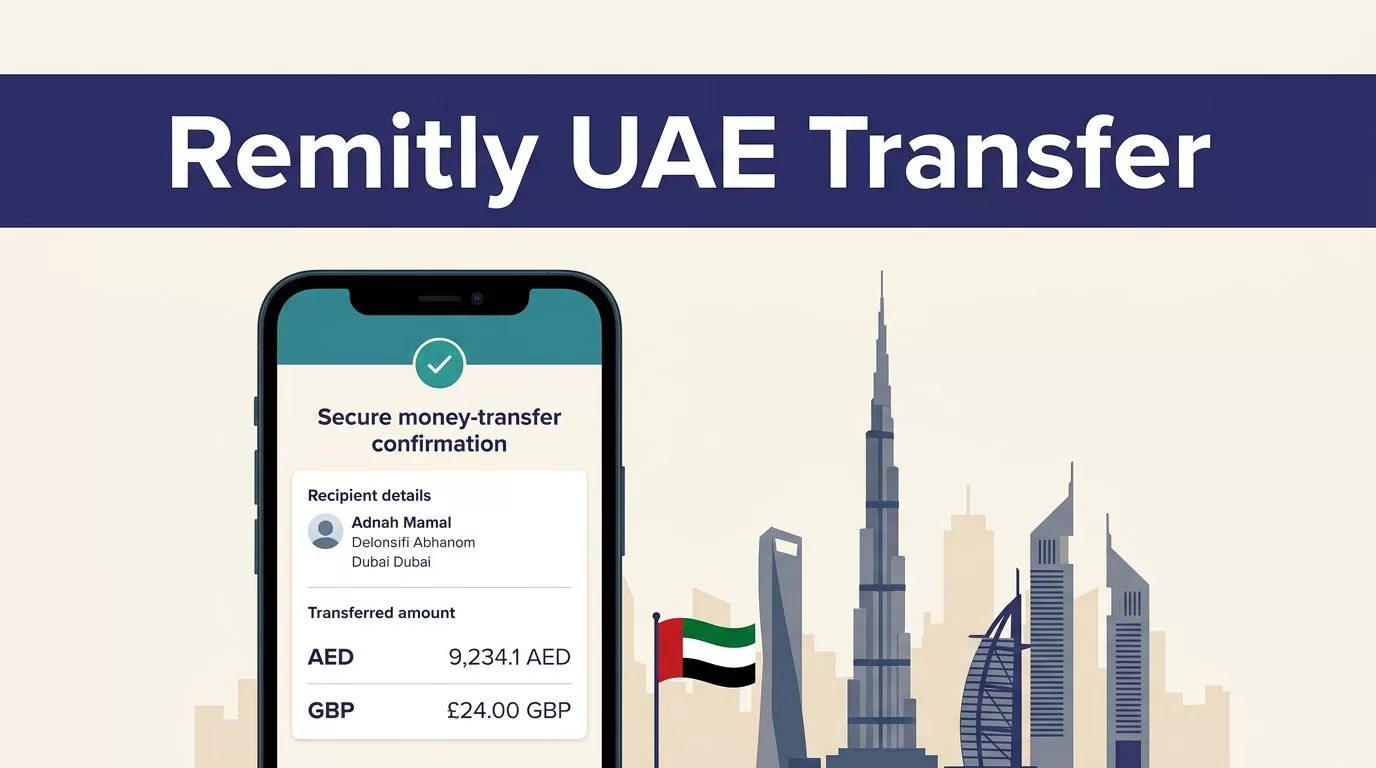
A fast transfer is useful only when the money reaches the right person. A Remitly UAE transfer gives you a guided process for choosing a delivery method, adding recipient details, reviewing the quote, and tracking the payment.
The final cost and delivery time depend on your sending country, payment method, transfer amount, recipient location, verification requirements, and delivery option. Use the live Remitly quote before every payment. Then check every recipient field before you confirm the transfer.
Check the UAE Route Before Paying
The first step is confirming that Remitly supports your sending country and preferred delivery method. The process for sending money from the United States can differ from the process for sending money from the United Kingdom, Canada, or another country.
For US senders, Remitly’s UAE transfer page shows the available route and delivery choices. If you send from another country, open the Remitly website for that location and select the UAE as the destination.
Confirm Your Sending Country
Your sending country controls the available payment methods, currencies, fees, transfer limits, and delivery speeds. Start with the country where your bank account or card is registered.
Don’t assume that a quote seen by a friend will apply to your account. A transfer funded from a bank account may have different pricing from one funded by a debit or credit card. Promotions can also apply only to new customers, selected routes, or certain payment methods.
Prepare the Recipient Record
Ask the recipient for their current legal details before you open the transfer. You may need:
- Their full name exactly as shown on a government-issued ID.
- Their current UAE address and phone number.
- Their bank name and account details for a bank deposit.
- Their preferred delivery method.
- Pickup details and identification information if they will collect cash.
Keep the recipient’s information private. Send it through a trusted channel, and check the spelling against the recipient’s own documents or bank information.
Start the Remitly UAE Transfer
Once the route is available and the recipient details are ready, the transfer usually follows a short sequence. You create or access your account, select the UAE, enter the amount, choose delivery, add the recipient, and review the final quote.
Use the Official App or Website
Open Remitly through its official website or the official mobile app listing. Avoid APK files, unknown download pages, and links sent through unexpected text messages or emails.
A fake app can copy a login screen and collect your password, identity documents, or payment information. Check the publisher details before installing an app. You can also use the browser-based Remitly service if you don’t want to install anything.
Sign in only on the official Remitly site. Don’t share your password, one-time passcode, or payment details with a person claiming to be customer support through social media.
Enter the Amount and Currency
Enter either the amount you want to send or the amount you want the recipient to receive, depending on the screen shown. The recipient’s currency for a supported UAE route is usually UAE dirhams, shown as AED.
Review both currencies. Confirm that the sending currency matches your account and that AED is the intended receiving currency. If you reopen the transfer later, enter the amount again because rates and fees can change.
Pick the Right UAE Delivery Method
The best delivery method depends on how the recipient wants to access the money. Remitly may show bank deposit, cash pickup, mobile money, home delivery, or debit card deposit for some UAE routes. The exact list depends on the recipient’s location and current provider availability.
| Delivery method | Usually fits when | Check before confirming |
|---|---|---|
| Bank deposit | The recipient has an eligible UAE bank account | Account name, bank, and account details |
| Cash pickup | The recipient needs access without a bank deposit | Pickup location, ID requirements, and provider hours |
| Mobile money | The recipient has a supported mobile wallet | Wallet ownership and local availability |
| Home delivery | The route offers delivery to the recipient’s area | Address, delivery rules, and estimated timing |
| Debit card deposit | The recipient has an eligible card | Card eligibility and the displayed payout amount |
The UAE provider directory lists supported institutions and methods for the US route. Options can change, so use the provider shown in your current transfer flow.
Bank Deposit
Bank deposit is practical when the recipient already uses an eligible UAE account. It avoids a trip to a payout location, but the account information must be correct.
Remitly’s listed UAE providers include institutions such as Dubai Islamic Bank, Commercial Bank of Dubai, First Abu Dhabi Bank, and Emirates NBD. The presence of a bank in the directory doesn’t mean every recipient or sending route can use it.
If the recipient uses Emirates NBD, you can review the Emirates NBD transfer route before starting. Treat the live transfer screen as the current source for eligibility.
Cash Pickup and Other Options
Cash pickup may suit someone who doesn’t have a usable bank account. The recipient may need valid government ID and the transfer reference before the payout partner releases the funds.
Ask the recipient which location they can reach and which identification document they can present. Provider hours, local rules, and available payout locations can affect collection.
Mobile money, home delivery, and debit card deposit are route-specific. Don’t select one because it appears faster on a general page. Select the method the recipient can use successfully.
Review the Fee, Rate, and Delivery Estimate
The amount the recipient receives is only one part of the transfer cost. Review the sending amount, transfer fee, exchange rate, total amount charged, recipient payout, and estimated arrival time together.
Read the Full Quote
The USD to AED rate page can help you understand the route. It isn’t a replacement for the quote inside your active transfer.
The checkout screen reflects your actual amount, payment method, delivery option, recipient location, and any promotion applied to the transfer. A welcome rate may have conditions or may apply only to part of the transaction.
Don’t compare fees without checking the exchange rate and AED payout. A lower fee can still produce a smaller recipient amount if the rate differs.
The correct price source is the final Remitly quote for your exact transfer, not a general rate page or an earlier screenshot.
If you use a credit card, check with the card issuer first. Some issuers may treat money transfers as cash advances, which can create separate fees or interest.
Treat Timing as an Estimate
Delivery speed isn’t universal. The US to UAE page currently describes economy bank account delivery as typically taking five to seven business days. That estimate applies to the listed route and can change with verification, payment processing, partner availability, weekends, holidays, or other checks.
The first transfer may take minutes to set up, but setup time isn’t the same as arrival time. Remitly may show different delivery choices during checkout. Review the estimate attached to your selected method before payment.
If timing matters, choose based on the recipient’s actual need and the quote shown for that method. Don’t promise the recipient a delivery time that Remitly hasn’t confirmed.
Enter UAE Recipient Details Carefully
Recipient errors cause avoidable delays. A nickname, misspelled surname, or incorrect account number can create a correction problem after payment.
Match the Government ID
Enter the recipient’s full legal name exactly as it appears on their government-issued ID. Don’t shorten the name or use a nickname for a cash pickup transfer.
Check the spelling, order, and spacing of the name. Confirm the recipient’s phone number and address when Remitly requests them. Use the correct UAE contact details, including the country code if the form asks for it.
For cash pickup, ask the recipient to keep their ID available. The payout provider may compare the name on the transfer with the identification document.
Verify Bank or Pickup Information
For a bank deposit, ask the recipient to copy their account details from a trusted bank source. Depending on the route, the form may request the bank name, account number, IBAN, or another account identifier.
Don’t guess an IBAN or copy details from an old message. Read the full number back to the recipient before submitting it.
For cash pickup, confirm the recipient’s full name and preferred location. A different spelling on the transfer can prevent collection even when the recipient has valid identification.
Verify the recipient’s name and bank details outside the payment screen before you send. Support may not be able to reverse an incorrect delivery immediately.
Confirm, Save, and Track the Transfer
The final review is the main control before money leaves your account. Slow down for thirty seconds, even when the transfer appears urgent.
Review Before You Send
Check these items in the final summary:
- Recipient’s legal name.
- Recipient’s phone number and address, if displayed.
- UAE delivery method and provider.
- Bank account or pickup information.
- Sending amount and payment method.
- Transfer fee and total amount charged.
- Exchange rate and exact AED amount received.
- Estimated arrival time and promotion terms.
If any field is wrong, edit the recipient record before confirming. If the quote changes after an edit, review the complete summary again.
Confirm the payment only after the details match what the recipient provided. Save the receipt, confirmation email, and transaction reference.
Use Status Updates
After sending, track the transfer through the Remitly app or Remitly.com. A confirmation email may include a reference number. Remitly can also provide status notifications by email or SMS when those options are enabled.
Check the transaction status before sending another transfer. A delayed notification doesn’t prove that the first payment failed. Duplicate transfers can be harder to recover than a delayed status update.
If the transfer is delayed, save screenshots and receipts. Use the support process inside the official Remitly account or website. Don’t provide payment information to an unofficial person offering to fix the transfer.
Avoid Common Remitly Transfer Errors
Most problems happen before confirmation. Use a fixed review process each time, especially when sending a large amount.
Don’t Rely on an Old Quote
Rates and fees can change even when the recipient and amount stay the same. Reopen the transfer when you’re ready to pay, then review the current quote.
Don’t calculate the AED payout with a separate currency website and assume Remitly will show the same amount. External rates can provide context, but Remitly’s checkout figure controls the transaction.
Don’t Send Again Without Checking Status
If a message says the transfer failed, sign in and inspect the status first. Check your bank or card activity, then contact official support if the result remains unclear.
A successful setup, a pending payment, and a completed delivery are different stages. Record the reference number for each transfer so you can discuss the correct transaction with support.
Compare Another Service When It Fits Better
Remitly may not suit every transfer. Compare another regulated provider when your preferred bank, payment method, delivery option, or receiving currency isn’t available.
Compare the full recipient payout, not only the advertised fee. Check identity requirements, cancellation rules, delivery estimates, and support options before choosing a provider.
Conclusion
A reliable Remitly UAE transfer starts with the correct route and ends with a careful review. Confirm the recipient’s legal name, choose a delivery method they can use, inspect the live fee and exchange rate, and save the transaction reference.
Delivery estimates, limits, promotions, fees, and provider availability can change. Review the final Remitly quote every time, then track the transfer through official channels. Accuracy before payment prevents most avoidable transfer problems.
