How to Download Remitly and Send Money to UAE
The safest way to send money to UAE with Remitly starts before you enter payment details. Download the official app, select the correct sending country, add the recipient’s legal information, and review the live quote. Fees, exchange...
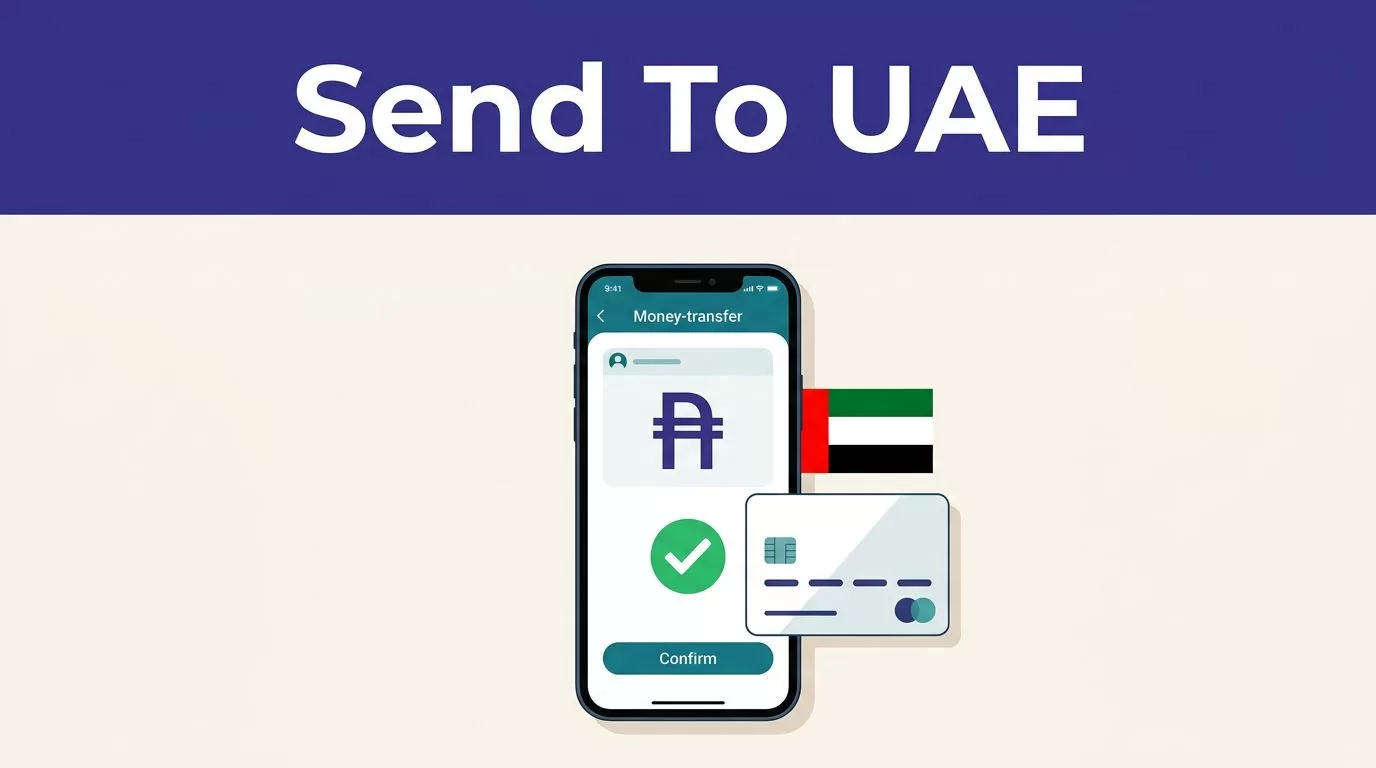
The safest way to send money to UAE with Remitly starts before you enter payment details. Download the official app, select the correct sending country, add the recipient’s legal information, and review the live quote. Fees, exchange rates, delivery methods, and limits can change.
If you’re a first-time sender, the process is simple once your account and recipient details are ready. Remitly shows the payment cost and estimated delivery time before approval, but the estimate isn’t a guarantee. Use the final review screen as your control point, then track the transfer inside the app.
DOWNLOAD THE OFFICIAL REMITLY APP
As of August 2026, Remitly supports international transfers through its mobile app and website. The official product is called “Remitly: Send Money & Transfer.” Remitly also says users can send money through many international corridors, but availability depends on the sending country and destination.
Verify the correct app listing
Start with Remitly’s official mobile app page. It directs users to the correct store for their device.
For iPhone, use the official Remitly App Store listing. For Android, use the Remitly Google Play listing. Check that the publisher is Remitly Inc or Remitly, Inc. before installing.
The app is free to download. Transfer fees and exchange rates apply separately and appear during the sending process.
Do not install unofficial APK files
Avoid APK files shared through random websites, text messages, social media posts, or unexpected emails. These files can contain malware or imitate the Remitly sign-in screen.
Use the Apple App Store or Google Play only. If you don’t want to install an app, use the official Remitly website in your browser.
PREPARE YOUR ACCOUNT AND RECIPIENT DETAILS
Open the app and create an account with your legal information. Remitly may request identity or compliance checks based on your sending country, amount, payment method, and account activity.
Keep your payment method available. You may need a bank account, debit card, or another supported funding method. The available choices depend on your location.
Select the actual sending country
Your sending country controls the transfer route, currency, payment methods, fees, and available delivery options. Don’t select the UAE as the sending country unless you’re physically sending funds from the UAE.
If you live in the United States, select the United States as the sending country and the United Arab Emirates as the destination. If you’re in the UAE and sending money to family abroad, select the UAE as the origin and choose the recipient’s actual country.
Remitly’s official UAE page supports transfers initiated in the United Arab Emirates and provides access to the app or browser service.
Enter the recipient’s details carefully
Use the recipient’s complete name exactly as it appears on their government-issued identification. Nicknames, shortened names, and spelling differences can delay a cash pickup or create problems with a bank deposit.
For a bank transfer, collect the recipient’s correct bank account details before starting. The app may also request a phone number, address, or other contact information.
Ask the recipient to confirm the details before you pay. A wrong account number is harder to correct after the transfer leaves your account.
HOW TO SEND MONEY TO UAE WITH REMITLY
Use this process when you’re ready to send money to UAE:
- Open the official Remitly app and sign in.
- Select your current sending country and choose the United Arab Emirates as the destination.
- Enter the amount you want to send. Confirm that the payout currency is UAE dirhams, shown as AED.
- Select the available delivery method and speed.
- Add or choose the recipient. Check the legal name, phone number, bank details, and delivery location.
- Choose your payment method and review the complete quote.
- Confirm the transfer only after checking the amount charged, fee, exchange rate, AED amount received, delivery estimate, and recipient information.
- Save the receipt or transaction reference, then monitor the status in the app.
The Remitly U.S.-to-UAE transfer page may display Express and Economy delivery options. The choices shown to you can differ based on your route, payment method, recipient location, and current service availability.
CHECK FEES, EXCHANGE RATES, AND DELIVERY TIMES
Remitly doesn’t use one universal fee for every UAE transfer. The final price can change with the sending country, transfer amount, funding method, delivery speed, recipient location, and promotional offer.
Check these figures on the final screen:
- The total amount charged in your sending currency.
- The transfer fee and any displayed payment charge.
- The exchange rate used for the transaction.
- The exact AED amount the recipient receives.
- The selected payout method and estimated delivery time.
- Any first-transfer or promotional conditions.
A low transfer fee doesn’t automatically produce the highest recipient payout. The exchange rate also affects the final AED amount.
Compare the total you pay with the exact amount the recipient receives. The headline exchange rate alone doesn’t show the full cost.
Remitly’s UAE money transfer page shows live pricing during the transfer flow. Use that quote instead of an old screenshot, a previous receipt, or a third-party estimate. Currency rates and promotions can change between transfers.
The UAE route page currently displays a stated limit of 110,000 AED, but limits can depend on your account, sending country, payment method, recipient route, and compliance review. Confirm the limit shown in your own account before entering a large transfer.
Delivery times are estimates, not promises. Bank processing schedules, weekends, recipient details, compliance checks, and payout partner availability can change the arrival time. Don’t promise a recipient that funds will arrive within minutes unless the app gives that estimate for your exact transfer.
TRACK THE TRANSFER AFTER PAYMENT
Remitly provides transfer status updates through the app and website. Keep the transaction reference and receipt until the recipient confirms receipt.
If the transfer appears delayed, check the status before submitting another payment. A second transfer can create a duplicate payment problem. Review any request for more information and use Remitly’s official support process.
Save screenshots when the amount is large or the transfer is time-sensitive. Record the amount paid, fee, exchange rate, AED amount received, delivery method, and estimated arrival time.
Don’t assume a completed payment means the recipient has collected cash or received a bank deposit. The final confirmation comes from the delivery status and the recipient.
FINAL CHECKS BEFORE YOU SEND MONEY TO UAE
Remitly is practical when the official app, correct route, recipient details, and live quote all match. Download it through Apple or Google, not an unofficial APK site. Select the real sending country, confirm the AED payout, and check every recipient field before payment.
The final screen is where you control avoidable errors. Review the fee, exchange rate, total charge, delivery estimate, and recipient amount each time you send money to UAE.
