Track Lifetime Commissions Automatically With Rewardful
Recurring revenue can outlive the spreadsheet you used to launch your partner program. When a referred customer pays for month 18, the affiliate still expects a correct payment. Lifetime commissions work when each eligible renewal has a rel...
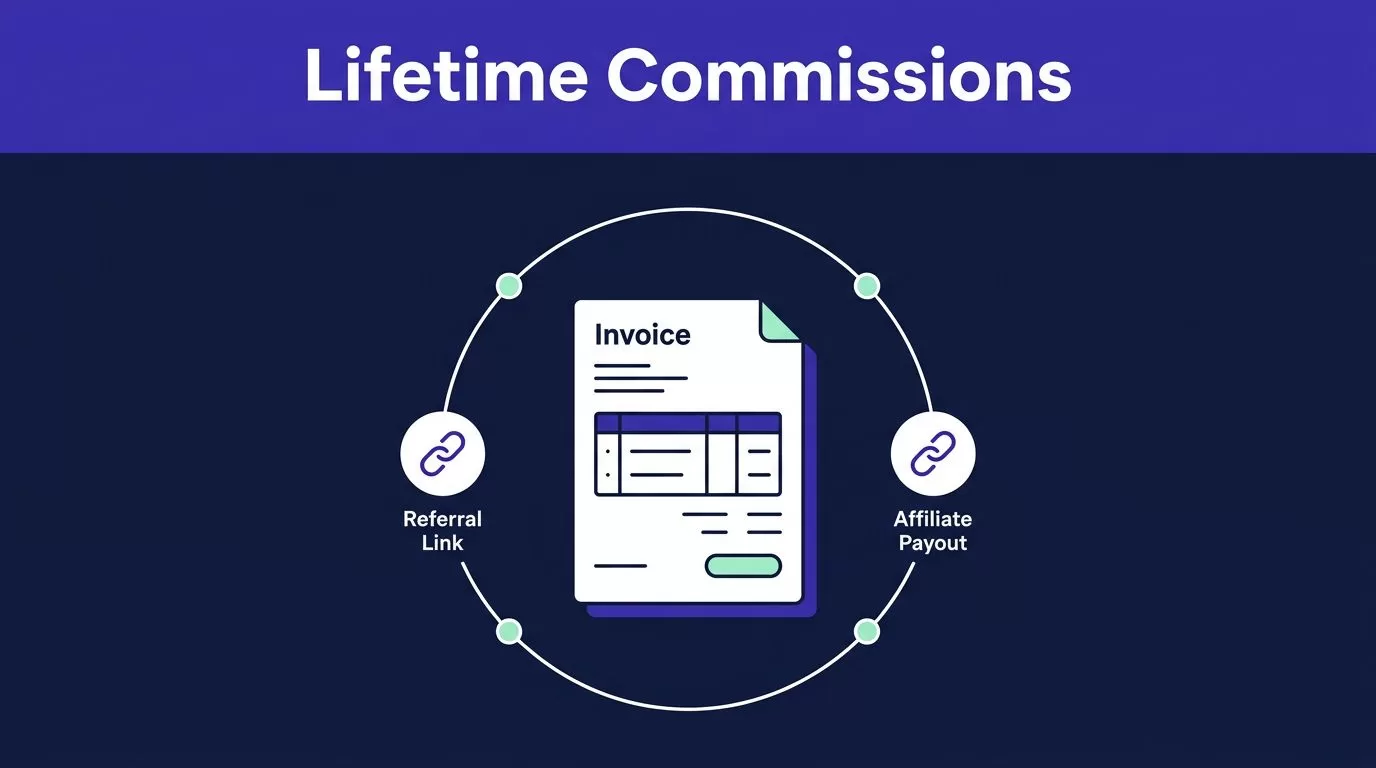
Recurring revenue can outlive the spreadsheet you used to launch your partner program. When a referred customer pays for month 18, the affiliate still expects a correct payment.
Lifetime commissions work when each eligible renewal has a reliable path from referral click to billing invoice to payout. Rewardful can automate that path, but you need clear rules, connected billing, and a tested subscription flow first.
Build the rules before you publish referral links. Then let Rewardful create the repeatable commission records.
Define the Commission Rules Before You Launch
Lifetime is a commercial promise, not a setting to activate without controls. Your campaign needs a rate, a billable event, an end point, a refund policy, and a payout hold before an affiliate starts promoting it.
Choose a Rate That Matches Collected Revenue
Rewardful campaigns support a percentage of sale or a fixed commission amount. A percentage follows plan value. A fixed payment gives you a predictable acquisition cost when prices vary.
Base the reward on money your company actually collects. A 25% recurring commission on a $79 monthly payment creates a $19.75 commission. If the customer uses a discount, the calculation should follow the paid invoice amount, not the public plan price.
Write the commercial rule into your affiliate terms. State how refunds, account credits, failed payments, taxes, and chargebacks affect commissions. Don’t leave those decisions for your finance team to interpret later.
Pay affiliates from verified invoice revenue, not from a pricing page or a completed checkout form.
Decide What “Lifetime” Means for Your SaaS
Rewardful creates recurring commissions by default until the referred customer cancels. This is the closest match to true lifetime commissions.
Some SaaS businesses need a clear ceiling. Rewardful’s campaign settings guide includes two useful controls:
- Maximum commissions per customer limits the number of paid customer invoices that earn a commission.
- Maximum commission period limits commissions to a set number of months.
If you use both controls, the first limit reached ends the commission. Set 12 paid invoices when you want a one-year acquisition cost. Leave both limits open only when your long-term margin supports an uncapped reward.
Also decide who can change campaign rules. A rate change can affect affiliate expectations, forecasted margins, and payout reconciliation.
Connect Billing and Tracking Before You Recruit Affiliates
Automatic commission tracking needs four systems to agree: your website, checkout, billing account, Rewardful account, and affiliate referral links. A referral cookie without a paid invoice is not a commission record.
You need access to your Stripe account, your checkout flow, and the website pages where visitors first arrive. You also need one owner for campaign settings and one owner for payout approval.
Use Stripe for the Most Documented Workflow
Stripe is Rewardful’s most fully documented route for recurring commission tracking. Connect Stripe to Rewardful, then install the required Rewardful tracking on the pages where a visitor lands, starts a trial, or purchases.
The Rewardful Stripe App listing covers the core connection between referred customers, campaigns, commissions, and Stripe billing data. When an eligible Stripe invoice is paid, Rewardful can match the customer to an affiliate and create the commission record.
Your product must bill through Stripe subscriptions or paid invoices for this workflow to work. Test every checkout route. That includes self-serve checkout, sales-assisted checkout, annual plans, and trial-to-paid conversions.
Validate Paddle Separately
Rewardful also advertises Stripe and Paddle support. Its current public help material gives more detail for Stripe invoice behavior, so validate your Paddle event flow before you promise unlimited recurring rewards.
If your checkout uses Paddle passthrough data for affiliate attribution, preserve the referral value whenever your backend updates that data. Replacing the full object can remove attribution without creating a checkout error.
Start with one billing system and one standard campaign. Add more paths after the first process reconciles correctly.
Set Up Lifetime Commissions in Rewardful
Create one default campaign before you add custom deals. Multiple campaigns can support partner tiers or product-specific rates, but they also create more exceptions for attribution and payouts.
- Open Campaigns in Rewardful and create a new campaign. Use an operational name such as “Standard SaaS, 25% Recurring.”
- Choose a percentage of sale or fixed amount. Match the value to the rate approved by finance.
- Leave the commission limit open for lifetime commissions. Enter a maximum number of commissions or a maximum period if your policy has a cap.
- Set a referral cookie period that fits your normal sales cycle. A 30-day cookie may work for a low-cost self-serve tool. A longer sales cycle needs a longer attribution window.
- Add the campaign terms, including prohibited promotion methods, self-referral rules, refund treatment, and payment schedule.
- Save the campaign, create an internal test affiliate, and complete a controlled referral before publishing the program.
Rewardful’s first campaign guide confirms that recurring commissions are the default until a referred customer cancels. Keep the campaign simple at launch. A clean default offer is easier to test, explain, and reconcile.
Test the Full Subscription Lifecycle
Automation only helps when the Rewardful record matches the billing record. Test the lifecycle before affiliates send traffic, not after the first payout dispute.
Run a Controlled Referral Test
Use an approved test affiliate and a test customer. Complete checkout through a real affiliate link, then verify each event in Rewardful and Stripe.
Check that:
- The referral is attached to the correct affiliate and campaign.
- The first paid invoice creates a pending commission.
- A renewal invoice creates an additional commission.
- An upgrade or downgrade changes the commission base when the invoice amount changes.
- Cancellation stops future recurring commission creation.
- A refund or reversal is visible before the commission enters a payout batch.
Rewardful states that its tracking can account for subscription changes such as renewals, upgrades, downgrades, and cancellations through its automatic subscription tracking. Your own test still matters. Custom checkout logic, trial handling, coupons, and product migrations can change the result.
Keep an Invoice-Level Audit Record
A dashboard total is not enough for finance. Store the affiliate name, referred customer, campaign, Stripe customer ID, Stripe invoice ID, paid amount, commission amount, status, and date for every exception.
Compare the Rewardful commission to the actual Stripe invoice. Do not calculate affiliate earnings from estimated annual contract value. Use the money collected on each eligible invoice.
Keep the original invoice reference even after a refund, cancellation, or manual adjustment. You need a traceable record when an affiliate asks why a payment changed.
Configure Payout Controls That Protect Margin
A new commission should not move straight into a payout. A waiting period gives your team time to catch refunds, failed payments, cancellations, duplicate referrals, and self-referrals.
Set a Hold Period and Minimum Threshold
Rewardful keeps commissions pending during a configurable waiting period. You can also set a minimum payout threshold so small balances do not create unnecessary payment work.
Set the waiting period around your real refund and chargeback risk. A short hold may fit a low-refund monthly tool. A longer hold may fit annual contracts, high-ticket plans, or products with onboarding-dependent retention.
Track pending, payable, paid, and voided commission values separately. Pending rewards are not finished earnings. A large pending balance can disappear if customers cancel or reverse payment.
Fund Only Verified Commission Batches
Rewardful’s payout workflow explains that verified accounts can select commissions in Payments and fund multiple affiliate payments together.
Before funding a batch, check for:
- Refunded or disputed invoices
- Duplicate customer records
- Self-referrals or internal test accounts
- Incorrect campaign assignments
- Manual adjustments without an attached reason
If multiple Stripe accounts, plan-specific rules, or finance approvals complicate your setup, Book A Call before your first large payout run.
Monitor Retained Revenue, Not Dashboard Activity
Clicks do not prove revenue. A high-volume affiliate can send weak traffic, trial abuse, refunded payments, or customers who cancel before the hold period ends.
Track the Numbers That Finance Can Use
Review program performance using retained paid customers and net revenue after refunds.
| Measure | What to check |
|---|---|
| Retained referred customers | Customers still paid after the hold period |
| Cleared renewal commissions | Eligible commissions that passed review |
| Refund and reversal rate | Whether rewards match collected revenue |
| Cost per retained customer | Total commission cost divided by retained referrals |
| Net revenue by affiliate | Revenue after refunds, credits, and commission cost |
The useful metric is not total commissions created. It is the cost of acquiring customers who remain paid and produce acceptable net revenue.
Reconcile Rewardful Against Stripe Each Month
Run a monthly close for the program. Compare Rewardful commission records against Stripe invoices, refunds, cancellations, and finance records.
Create a reconciliation file with the reporting month, campaign, affiliate, customer, invoice ID, invoice amount, commission amount, status, reviewer, and exception reason. Keep the prior approved report unchanged.
Review every commission during the first month. After the process is stable, use targeted checks for high-value invoices, manual adjustments, refunds, and new campaign rules. Keep the last trusted reconciliation available when billing logic changes.
Build a Commission System You Can Trust
Lifetime commissions only work when the referral, invoice, campaign rule, and payout record agree. Rewardful handles the repeatable tracking work, but your team still owns the commercial rules and financial review.
Set clear limits, test the complete billing lifecycle, hold commissions through risk periods, and reconcile payouts to real invoices. Reliable recurring revenue records turn a lifetime offer into a program finance can support.
