Build Travel Price Comparison Tools With Travelpayouts
A travel page can get thousands of visits and still create no bookings. The usual problem is simple, the search experience does not match what the traveler needs. The Travelpayouts API gives you the data and affiliate-link tools to build a...
A travel page can get thousands of visits and still create no bookings. The usual problem is simple, the search experience does not match what the traveler needs.
The Travelpayouts API gives you the data and affiliate-link tools to build a useful flight or hotel comparison product. You can collect route data, show options, send users to a booking partner, and measure what happens after the click.
Start with a narrow use case. Build one route, one destination, or one hotel category well before you expand.
What the Travelpayouts API Can Build
A basic affiliate search interface has one job. It captures a traveler query and sends that traveler to a partner search page through an affiliate link.
That can work for a destination guide. A “Find flights to Lisbon” button may pass the airport, dates, and marker to the booking partner. You earn when attribution and program conditions line up.
A full comparison platform has more moving parts. It owns the search form, validates inputs, requests data, stores permitted cached results, groups options, and creates booking links for each result.
A search form is not a comparison engine
A basic interface often has:
- An origin, destination, and date form.
- A pre-built affiliate link or widget.
- A redirect to an external booking experience.
This is fast to launch. It is also limited. You cannot reliably rank fares, compare airlines, save searches, or control the result layout.
A comparison platform manages data and decisions
A real product needs a clear data model. Store the route, travel dates, passenger count, cabin class, currency, source time, and result status.
Then define what each card means. A flight card might include departure time, arrival time, stops, duration, airline, fare type, and the booking destination. A hotel card needs property name, location, dates, guests, room details, supplier, and cancellation terms when available.
A displayed fare is not a booking guarantee. Search data can change before the traveler reaches the supplier checkout.
The Travelpayouts flight data documentation is useful for planning route trends, popular directions, and price-oriented travel content. It is not a reason to label cached data as a live booking quote.
Get Access and Protect Your Credentials
Create your Travelpayouts account, add your website project, and connect the affiliate programs you plan to promote. Access differs by product. Real-time flight search can require a website URL and a results-page prototype for review, as described in the current Flight Search API requirements.
Don’t build a public feature around an endpoint until your access is approved.
Keep the API token on your server
Your API token is a production credential. Do not place it in browser JavaScript, a public Git repository, a mobile app bundle, or a client-side environment variable.
Store it in your hosting provider’s secrets manager. Your frontend sends a search request to your server. Your server validates the request, calls the Travelpayouts API, and returns only the data the browser needs.
Use a setup like this:
- The browser submits a route or hotel query to your
/api/searchendpoint. - The server validates dates, airport codes, guest counts, and allowed currencies.
- The server checks your cache before calling Travelpayouts.
- The server adds the token through a protected request header.
- The browser receives normalized results and a clear update time.
Restrict token access by environment. Your staging project should not share a production token if you can avoid it.
Request only the data your page needs
A route guide does not need every airport pair in Europe. A hotel page for Kyoto does not need a global inventory request.
Small queries reduce cost, response time, and failure rates. They also make debugging easier. Log the endpoint, request parameters, status code, response time, cache status, and a request ID. Never log the token.
Build the Travelpayouts API Workflow Step by Step
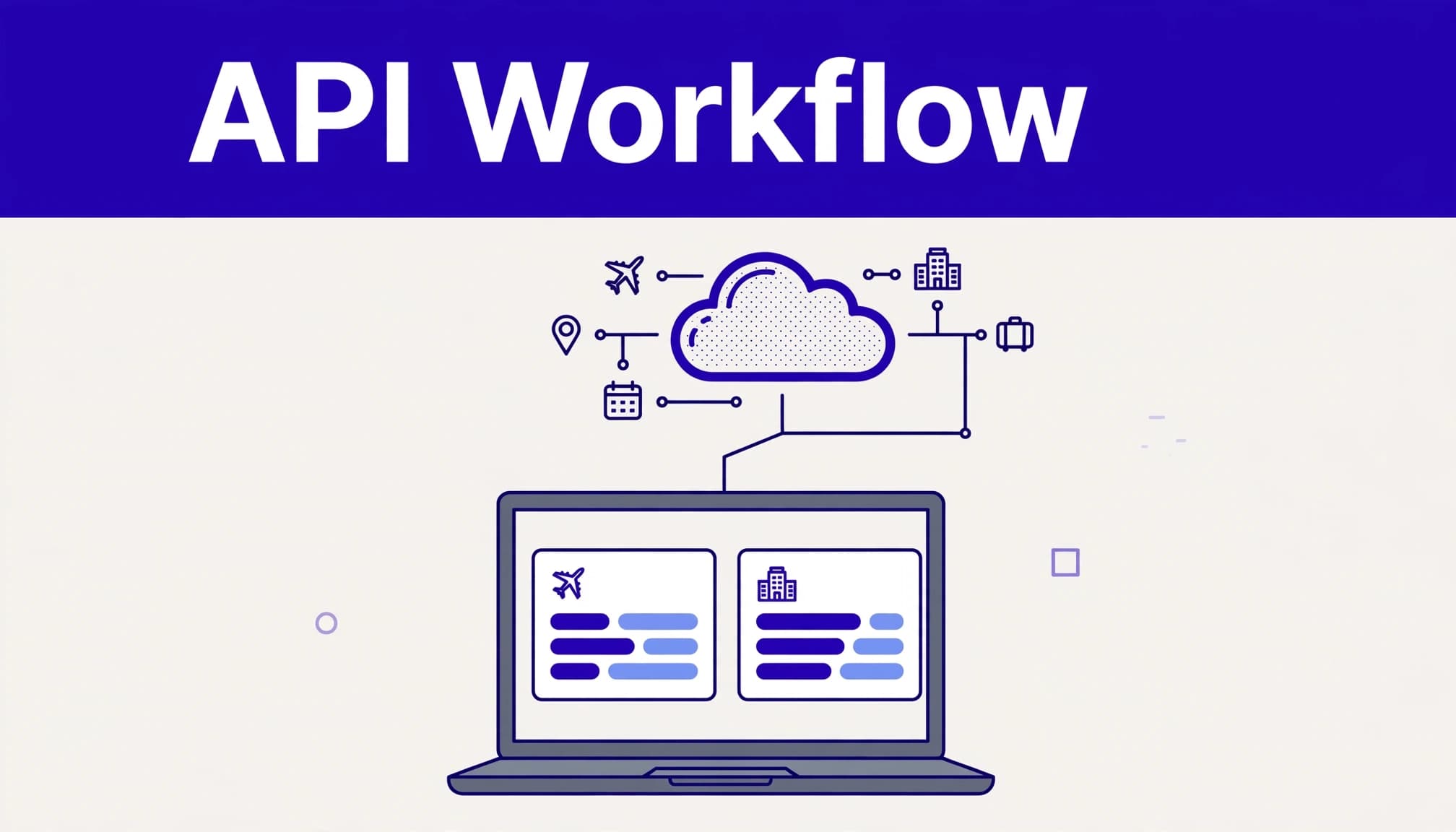
Start with one flight search flow. For example, a traveler searches New York to Paris with outbound and return dates, one adult, and economy class.
Your system should convert airport inputs to valid IATA codes before it requests price data. “New York” is not enough. The user may mean JFK, LGA, EWR, or a city-level option, depending on your product rules.
Step 1: validate and create a stable search record
Reject impossible inputs before they hit the provider. Return dates must follow departure dates. Passenger counts need limits. Airport codes must exist in your selected source.
Create a search ID and store:
- The cleaned query values.
- The chosen currency and locale.
- The request timestamp.
- The source endpoint and cache key.
- The response status and update time.
This record helps you investigate a bad result without storing more personal data than necessary.
Step 2: normalize returned flight or hotel results
Different suppliers can describe similar inventory in different ways. Your application needs one internal schema.
For flights, map values into fields such as total price, currency, outbound segments, inbound segments, duration, stops, airline codes, and booking URL. Keep raw provider data separate from your normalized record.
For hotels, use a separate schema. Do not force flight fields onto accommodation data. Capture check-in date, check-out date, property location, guest count, room type, rate conditions, and supplier link where the response provides them.
Do not calculate a “best deal” label from price alone. A cheaper fare with a 16-hour layover is not automatically better than a direct flight. Let users filter and sort based on clear rules.
Step 3: create the booking path
A result card needs a valid affiliate destination. Use Travelpayouts-approved partner links and preserve your marker and SubID where supported.
Your SubID should identify the source without exposing private visitor information. For example, paris-guide-flight-card is useful. An email address or full search history is not.
Test every destination link after deployment. Confirm the route, dates, supplier, and affiliate parameters survive redirects.
Design Results That Travelers Can Verify
A comparison tool wins trust when users can understand what they are seeing. Don’t hide the source time, supplier, currency, or major trade-offs.
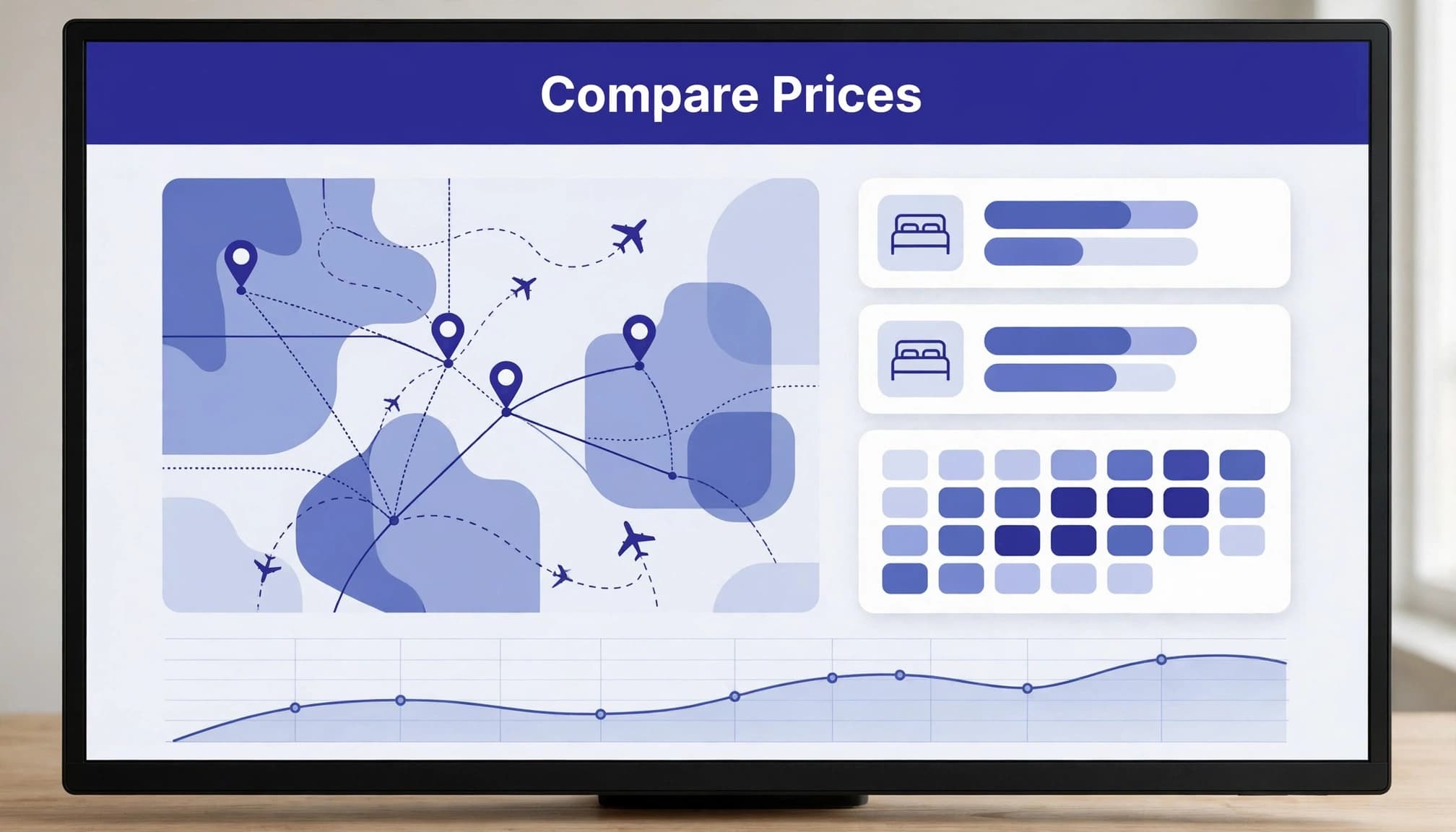
Show the parts that change a booking decision
For a flight result, show the total price, currency, airline, airports, dates, stop count, total duration, and a direct booking action. Do not display a low fare as though it includes baggage or refunds unless the data confirms it.
For hotels, show the total stay price and date range together. A nightly number can mislead users when taxes, fees, or different room conditions apply.
Use wording such as “Price last checked at 10:30 UTC” or “Continue to supplier for current availability.” That is more useful than a false promise.
Separate inspiration pages from live search
A city page can use historical or cached fare trends to help users choose a month or route. A live-search page should make it clear when the user is moving into a current supplier search.
The Aviasales Data API guidance explains that data access results come from cached search history. Treat those results as planning data, not a fixed offer a traveler can claim later.
Use search intent to choose the right interface:
| Page type | Best data approach | User expectation |
|---|---|---|
| “Cheapest month to fly to Rome” guide | Cached trends and calendar data | Planning and flexibility |
| Route comparison page | Cached data with update time | Broad fare comparison |
| Flight checkout search | Approved real-time search flow | Current availability |
| Hotel destination guide | Curated links and live supplier handoff | Property research |
A clear boundary prevents refund disputes, support tickets, and weak user trust.
Control Caching, Rate Limits, and Errors
Your application needs to remain useful when an upstream API slows down or rejects a request. Rate-limit handling is part of the product, not cleanup work for later.
Travelpayouts publishes endpoint limits in requests per minute and returns HTTP 429 when a limit is exceeded. Review the official API rate-limit rules before you set concurrency or launch paid traffic.
Use cache keys and bounded retries
Build cache keys from the query fields that affect the result. For a flight, that may include origin, destination, dates, passenger count, cabin, currency, and locale.
Travelpayouts recommends caching data API results onsite for 24 hours in its Aviasales API FAQ. Follow the rules for the endpoint you use. Don’t apply one cache policy to every product.
When the API returns a temporary error, retry with exponential backoff. Cap the retry count. Do not repeatedly retry a rejected token, a malformed request, or a permission failure.
Create visible fallback states
Never replace a failed response with invented prices. Show a useful status instead:
- “We could not refresh prices. Try again in a few minutes.”
- “Results are temporarily unavailable for this route.”
- “Continue to the supplier to check current availability.”
Keep the last trusted response separate from a failed run. Record the failure reason, time, endpoint, and request ID. This gives your team evidence when a provider issue or deployment breaks results.
Monetize Without Making Misleading Claims
Travel affiliate revenue is conditional. A click is interest. A booking may become pending, canceled, rejected, approved, or paid at different times.
Use affiliate links where they help the user complete a real task. A Barcelona hotel comparison should send users to relevant hotel inventory, not a generic travel homepage.
Disclose your relationship near the action
Put a short disclosure near commercial links and booking buttons. For example: “We may earn a commission if you book through this link, at no extra cost to you.”
The disclosure should be easy to see before the click. The FTC’s endorsement guidance requires clear and conspicuous disclosure when a financial relationship could affect an endorsement.
Do not claim “lowest price,” “guaranteed savings,” or “best available fare” unless you can prove that claim under the exact comparison conditions.
Measure approved earnings, not clicks
Keep one reporting record for each page, campaign, and SubID. Track clicks, searches, bookings, pending rewards, approved rewards, reversals, and paid earnings.
Use this calculation:
Net affiliate earnings = approved percentage rewards + approved fixed rewards – reversals
Keep original records when a booking changes. Add an adjustment row with the reason, date, and reviewer. Don’t overwrite last month’s number and lose the history.
If you need help defining the data model, conversion tracking, and launch scope, Book A Call.
Key Takeaways
- The Travelpayouts API can power a simple affiliate search form or a full travel comparison platform.
- Keep API tokens on the server and validate every public search request.
- Show update times and booking conditions. Never present cached data as a guaranteed live fare.
- Cache permitted data, respect rate limits, and stop retries after a defined limit.
- Use approved partner links, clear affiliate disclosures, and traceable SubIDs.
- Track approved earnings and reversals, not only clicks or early booking events.
Final Thoughts
A useful travel comparison tool does not need to start as a giant booking portal. Start with one route or destination, a controlled data flow, and links that match the user’s search.
The durable product is built on accurate results, clear disclosure, and recoverable records. When the data changes, your system should show it, not hide it.
FAQs
Can I put the Travelpayouts API token in a React or JavaScript app?
No. Browser code is public to the user. Send search requests to your own backend and keep the token in protected server-side secrets storage.
Can I show Travelpayouts price data as a guaranteed fare?
No. Prices, availability, taxes, and booking conditions can change. Show the source time and direct users to the supplier for final confirmation.
What should I do when the API returns HTTP 429?
Reduce request volume, use cached results where permitted, and retry only after a backoff period. Check the current endpoint limit before increasing traffic or concurrency.
How do I know if a travel comparison page is making money?
Review results by page, traffic source, program, and SubID. Compare approved commissions and reversals with the clicks each placement generates. High click volume with weak approved earnings is not a successful page.
