Track Influencer Links in Rewardful Without Guesswork
An influencer post can drive attention without driving revenue. Rewardful influencer links give you a way to connect a creator’s traffic to referred visitors, Stripe customers, and paid conversions. The setup only works when your nami...
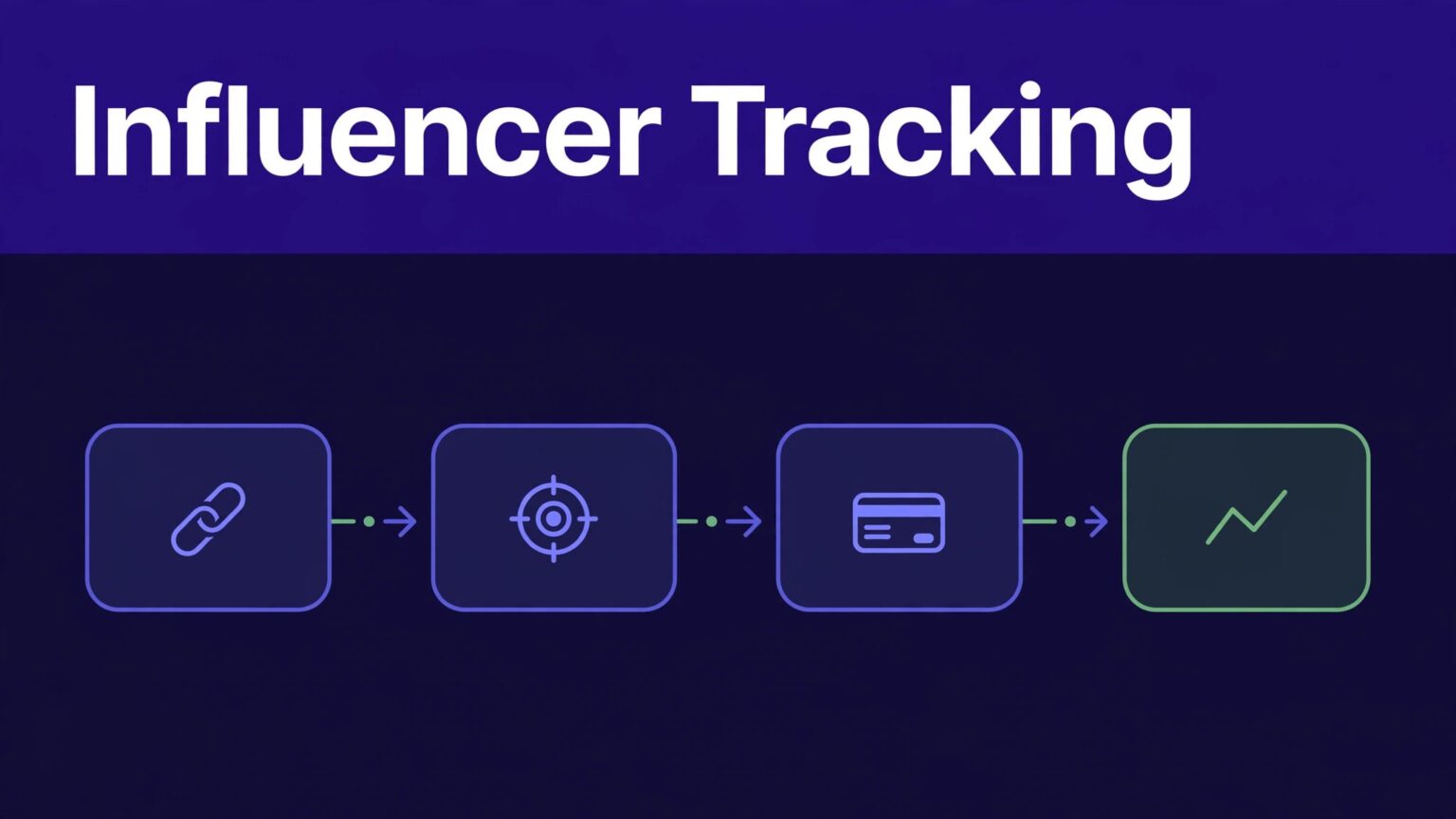
An influencer post can drive attention without driving revenue. Rewardful influencer links give you a way to connect a creator’s traffic to referred visitors, Stripe customers, and paid conversions.
The setup only works when your naming, attribution, and reporting rules stay consistent. A clean link structure also makes weak placements easier to fix.
SET UP REWARDFUL INFLUENCER LINKS BY CAMPAIGN
Start with a campaign. Rewardful assigns affiliates to campaigns, so the campaign controls the commission rule and attribution settings for each influencer group.
Review the current Rewardful campaign settings before you publish links. Choose first-touch or last-touch attribution based on how you want to credit creators. Don’t switch models mid-campaign unless you document the date and reason.
Rewardful’s default cookie window is 60 days. That may fit a short self-serve SaaS buying cycle. A longer B2B sales process may need more time. Set the window to match how customers actually buy.
Use one naming rule for every creator
Create a naming format before you invite influencers. Keep it short enough to scan in a report.
A practical format is:
creatorname_channel_offer_month
For example, maya_youtube_pro_2026-09 tells your team who promoted the offer, where it appeared, what they promoted, and when the test began.
Use the same creator name across Rewardful, your CRM, invoices, and campaign spreadsheet. “Maya Lee,” “mayalee,” and “MayaYT” create avoidable reporting work.
Give each placement its own link
One creator can publish several links. Don’t use one referral link for a YouTube description, newsletter, LinkedIn post, and podcast show notes.
Create separate referral links when you need to compare placements. The goal is not more links. The goal is a report you can act on.
If a creator sends traffic to more than one domain, configure tracking correctly. Rewardful can pass the referral parameter to approved domains when you add the data-domains attribute. Read its guidance on tracking referred visitors across domains before you assume cross-domain attribution will work.
KNOW WHAT EACH REWARDFUL METRIC MEANS
Clicks, visits, signups, and conversions are different stages. Treating them as one number creates bad decisions.
Clicks show initial response
A click means someone selected a tracked link or call to action. It tells you whether the placement attracts attention.
Clicks do not prove that a person reached your app, created an account, or paid. A creator can produce 2,000 clicks from a broad giveaway audience and still send few qualified buyers.
Use clicks to review message match, placement, and destination pages. Don’t use them to forecast commission income.
Visitors and signups show funnel movement
Rewardful uses Visitors, Leads, and Conversions in its tracking model. A visitor is a unique person attributed to an affiliate link.
A signup is your product event. It may mean a trial account, a free account, a demo request, or an email capture. Rewardful does not make every product signup a paid conversion.
Keep signup data in your product analytics or CRM. Then compare it with Rewardful referral data by creator, date range, and campaign name. This shows where the funnel breaks.
A high click count with low signup volume usually points to a weak landing page, poor audience match, or a misleading creator message.
Conversions need a payment event
In Rewardful, a conversion is tied to a referred customer who has made at least one payment. For Stripe-based programs, the referral data must reach the Stripe customer record correctly.
Your checkout flow matters. Rewardful’s referral value needs to pass through the integration flow, such as Stripe Checkout’s client reference ID or the Stripe customer referral metadata field.
For Stripe Payment Links, Rewardful requires a Stripe Customer object. Enable “Save Payment Details for Future Use” and test the full path before sending an influencer live.
ADD UTMS WITHOUT REPLACING REWARDFUL ATTRIBUTION
UTM parameters help you analyze traffic in Google Analytics or another web analytics tool. They do not replace Rewardful’s referral ID, cookie window, or Stripe attribution process.
Add UTMs to the destination URL while keeping the Rewardful referral link intact. Use a controlled format:
utm_source=maya_lee
utm_medium=influencer
utm_campaign=fall_pro_launch
utm_content=youtube_description
Keep utm_source tied to the creator or channel. Use utm_medium for the traffic type. Use utm_content for the exact placement.
Don’t rename values halfway through a launch. “youtube,” “YouTube,” and “yt” may become separate rows in your analytics reports.
Rewardful influencer links answer who receives credit inside the affiliate program. UTMs add context about the source and placement. Review both records together, but don’t claim Rewardful uses UTMs as its attribution rule unless your implementation confirms it.
TEST THE FULL TRACKING PATH BEFORE LAUNCH
A link that opens the right page can still fail to produce an attributed conversion. Test the complete customer path.
Run a clean-browser test
Use an incognito window. This removes old cookies and prior referral data that can hide a setup problem.
Click the influencer’s referral link. Confirm the landing page loads with the expected offer. Then check that the referred visit appears in Rewardful after normal processing time.
Complete a controlled signup and payment flow where your payment setup allows it. Confirm the customer appears under the correct affiliate and campaign.
Check the records, not only the dashboard total
Create a test log with the creator, link, campaign, landing page, device, test date, and result. Add the Stripe customer ID or test transaction reference when available.
If a result fails, record the funnel stage. State “visitor did not appear” or “payment did not create a conversion.” Don’t report only that “the commission is missing.”
Keep the original test record. If you correct a link, add a new test row rather than overwriting the failure. Your team needs to see what changed.
REVIEW RESULTS USING APPROVED CONVERSIONS
Run a weekly review during an active launch. Use the same date range for clicks, visitors, signups, paid conversions, refunds, and commissions.
Compare creators with a simple funnel:
- Clicks show whether the creator earned attention.
- Visitors show whether the referral tracking captured a unique person.
- Product signups show whether the landing page and offer worked.
- Paid conversions show whether referred customers became paying users.
Also separate pending commission value from approved earnings. A pending amount is potential liability, not a final result. Refunds, failed payments, and commission rules can change it later.
Keep corrections as adjustment rows. Don’t overwrite the original conversion or commission record. That history protects finance, affiliate managers, and creators when someone asks why a payout changed.
FINAL THOUGHTS
Rewardful influencer links work best when every creator, campaign, placement, and test has a clear record. Clicks measure attention. Paid conversions measure commercial results.
Build the naming rules first. Test the referral and Stripe path second. Then use clean reports to decide which creators and placements deserve more budget.
