Best PDF Redaction Tools for Small Teams in 2026
A redaction mistake is quiet until the file leaves your hands. Then it can expose names, account numbers, medical notes, or contract terms that should have stayed buried. For a small team, the right PDF redaction tools need to do more than...

A redaction mistake is quiet until the file leaves your hands. Then it can expose names, account numbers, medical notes, or contract terms that should have stayed buried.
For a small team, the right PDF redaction tools need to do more than draw a black bar. I want true removal, OCR that catches scanned pages, batch work when the queue grows, and sharing that does not turn one file into a leak.
In April 2026, my shortlist is clear, and the trade-offs matter more than the marketing copy.
The short list I would start with
These are the tools I would put on a real buying list first. The pricing snapshots below match current 2026 roundups, including Nitro’s 2026 PDF redaction comparison.
| Tool | 2026 pricing snapshot | What it does well | Main limitation | Best fit |
|---|---|---|---|---|
| Foxit PDF Editor | About $10 to $15 per month on business plans | Strong all-in-one editing, OCR, batch redaction, cloud collaboration | Less AI help than newer tools | Legal, operations, mixed-use teams |
| Adobe Acrobat Pro | $22.99 per month | Trusted workflow, metadata removal, reliable search-and-redact | Pricier, batch work can feel slower | Legal, finance, healthcare |
| PDFelement | About $80 per year or less | Easy to use, OCR, AI redaction, batch jobs | Fewer enterprise controls | Admin teams, budget-conscious teams |
| Smallpdf | Free for 2 tasks per day, Pro at $12 per month | Simple interface, quick edits, team sharing | Paid OCR and batch features, no auto-detect, not my first pick for HIPAA-heavy work | Light admin work, occasional redaction |
I only trust redaction when the data is gone, not hidden. If the text can be copied, searched, or recovered, I do not count it as safe.

That table tells me a lot. Foxit feels like the practical all-rounder. Adobe still wins on trust and familiarity. PDFelement gives me the best budget balance. Smallpdf is fine when the job is light and the risk is low.
What I check before I buy
I do not start with price. I start with the part that protects the file.
- Permanent removal: I want true redaction, not a dark box over live text. Metadata cleanup matters too, because hidden comments, author names, and file history can still leak details.
- OCR quality: Scanned PDFs are common in legal, healthcare, and admin work. If OCR misses a name or number, the cleanup job turns into manual hunting.
- Batch processing: Small teams often repeat the same redaction pattern across many files. Batch tools save time on intake forms, statements, and contract sets.
- Collaboration and logs: I want review comments, role-based access, and an audit trail. If my team works in Drive, I pair the redaction tool with secure Google Workspace document sharing so permissions stay narrow.
- Search and detect: I like keyword search for names, account numbers, and email patterns. For a wider look at AI-assisted options, I also compare tools with AI redaction software for sensitive files.
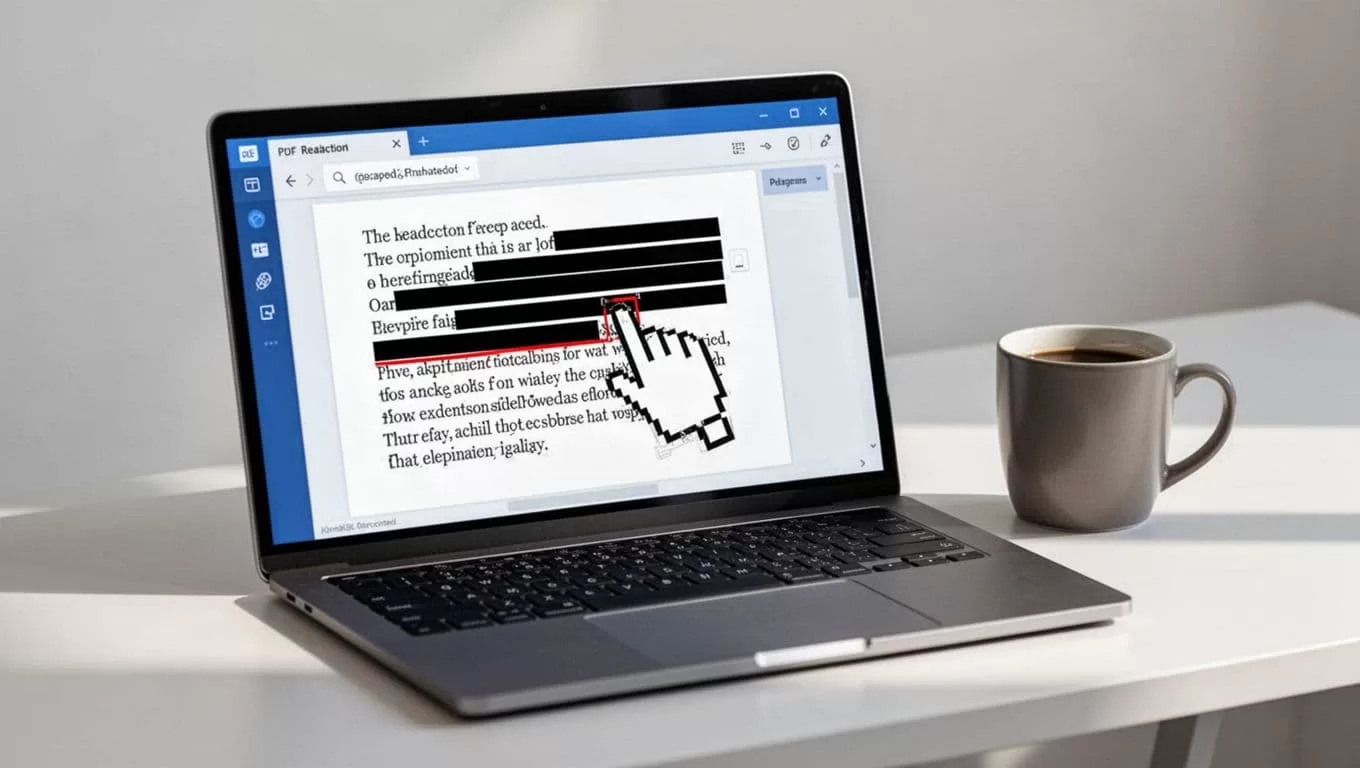
That mix of checks keeps me honest. A tool can look polished and still fail the first real privacy test. I prefer the one that catches the boring details, because that is where leaks hide.
Which tool fits each team type
Legal and finance
I would start with Adobe Acrobat Pro if I care most about trust, clean exports, and metadata removal. Legal and finance teams deal with files that get forwarded, annotated, and archived, so reliability matters more than a flashy interface.
Foxit PDF Editor is my next pick for these teams when they need more batch work and a lower price. It is less famous than Adobe, but it handles the job well. If the team redacts contracts, statements, or due-diligence files all week, Foxit often feels like the better fit.
Healthcare
For healthcare, I lean toward Adobe or Foxit first. I want strong OCR, dependable search-and-redact, and fewer surprises with scanned records.
Smallpdf is too light for my taste in a healthcare setting. Its own pricing model shows that key features sit behind the paid tier, and I would rather avoid a tool that feels casual around protected data. If the team handles PHI, I want a stricter workflow, not a quicker checkout page.
Admin and operations
PDFelement is the budget-friendly pick I would test first for admin and operations teams. It gives me OCR, batch work, and redaction without a steep learning curve.
If the same team also handles resumes or candidate files, I use standardizing CVs with privacy redaction to keep the output consistent after sensitive details come out. That matters when the same person is juggling intake forms, vendor docs, and hiring files.
Smallpdf still has a place here. I would use it for one-off files, quick cleanup, or light collaboration. I would not build a full privacy workflow around it.
Cloud or desktop, what I choose
Deployment shape changes the whole experience. Cloud tools help when my team is split across offices or time zones. Desktop tools help when I need offline work, fewer browser tabs, and tighter control over sensitive files.
Cloud redaction is convenient, but every upload creates another place where the document can sit. That is fine for low-risk files. It is less fine for payroll, insurance, or client records. I also watch whether the vendor offers role-based sharing, expiration dates, and audit logs.
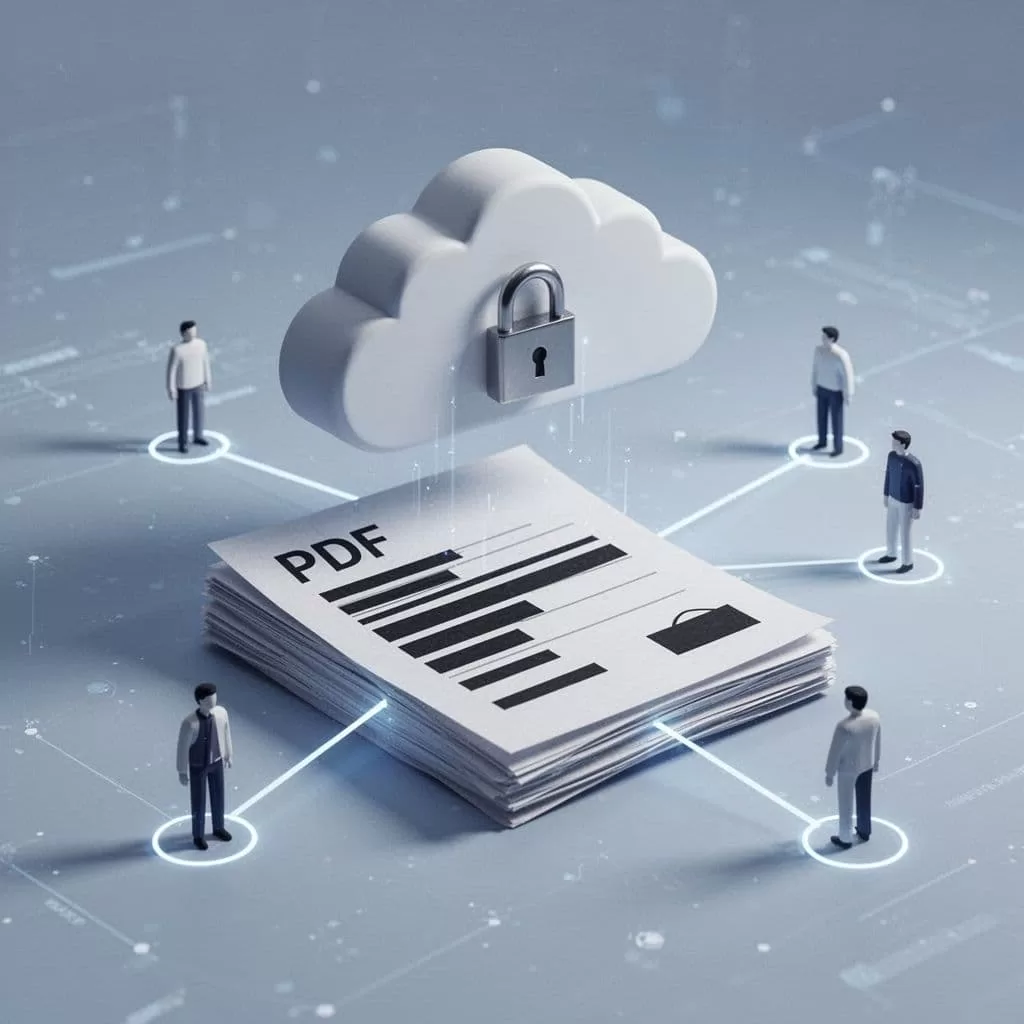
Desktop apps give me more comfort when the file stays local. They also work better for long batch runs, especially when I am redacting many similar documents at once. If my team needs cloud sharing, I keep the process strict and short-lived, because open links age badly.
The choice that saves time later
The best redaction tool for a small team is the one that fits the file risk, the workload, and the way people already work. Price matters, but OCR, search, batch jobs, and clean sharing matter more.
If I were buying today, I would start with Adobe Acrobat Pro for legal and finance, Foxit PDF Editor for mixed workloads, PDFelement for budget-sensitive admin teams, and Smallpdf only for lighter use. That order keeps me close to the real need, which is permanent redaction without a messy workflow.
A black bar only matters when the data is truly gone.
