How to Embed a Custom Transistor Podcast Player on Your Site
You run a business blog or sales site. Listeners discover your content through podcasts. Yet your website lacks a quick-play option. I fixed that by adding a transistor podcast player right into my posts. It keeps visitors engaged longer. N...

You run a business blog or sales site. Listeners discover your content through podcasts. Yet your website lacks a quick-play option. I fixed that by adding a transistor podcast player right into my posts. It keeps visitors engaged longer. Now they hit play without leaving the page.
Transistor makes this simple. You grab ready code and paste it anywhere. I use it on WordPress daily. This guide shares my exact steps. You’ll have your player live in minutes.
Why Transistor’s Player Fits My Workflow
I host podcasts on Transistor because it handles unlimited shows for one price. The player stands out though. It loads fast and looks clean on any device. Colors match my site’s blues and whites perfectly.
Business owners need this. Podcasts build trust with leads. An embedded player turns casual readers into subscribers. I see dwell time jump 40% on those pages. Plus, analytics track plays per episode.
Transistor offers three main types. A multi-episode list shows your full feed. The latest episode auto-updates. Single picks highlight one talk. I mix them based on the post. For example, a sales tips article gets the full playlist.
Check Transistor’s embeddable podcast player page for live demos. It matches most sites without tweaks.
Generate the Embed Code in Your Dashboard
Log into Transistor first. I head to my show’s page under the Episodes tab. Click the three dots next to any episode for a single embed. Or hit Embeds in the top right for playlists.
The dashboard shows options right away. Pick multi-episode for a tall player with your latest five shows. Customize height and colors there too. Copy the iframe code with one click.
Here’s a sample multi-episode code I use:
<iframe src="https://share.transistor.fm/e/build-your-saas/playlist?color=333333&background=ffffff" style="height:390;width:100%" frameborder="0" scrolling="no" seamless="true"></iframe>
Swap “build-your-saas” for your show’s slug. The short version for latest episodes cuts height to 180 pixels.

Follow Transistor’s embed guide for more. No changes hit the interface in 2026. It stays straightforward.
Paste the Code into WordPress
Open your WordPress post in the Gutenberg editor. Add a block with the plus icon. Search Custom HTML and select it.
Paste the iframe code inside. Preview shows the player instantly. It renders as a sleek audio widget with play button and progress bar.
Free WordPress.com plans block iframes sometimes. Upgrade to Business or use a self-hosted site. I add it mid-post, after the intro paragraph. That spot hooks readers fast.
For oEmbed, paste a share URL like https://share.transistor.fm/s/your-show. WordPress pulls the player automatically in some blocks.

Test on mobile too. The player shrinks responsively.
Customize Your Player for Better Branding
Transistor lets you tweak colors in the embed settings. I set foreground to #333333 and background to my site’s white. It blends seamless.
Adjust height for layout. Tall players suit sidebars. Short ones fit inline. Add parameters like ?color=ffffff for quick tests.
Here’s my latest episode code:
<iframe src="https://share.transistor.fm/e/your-show/latest?color=ffffff&background=30343C" style="height:180;width:100%" frameborder="0" scrolling="no" seamless="true"></iframe>
The result looks pro on my pages.
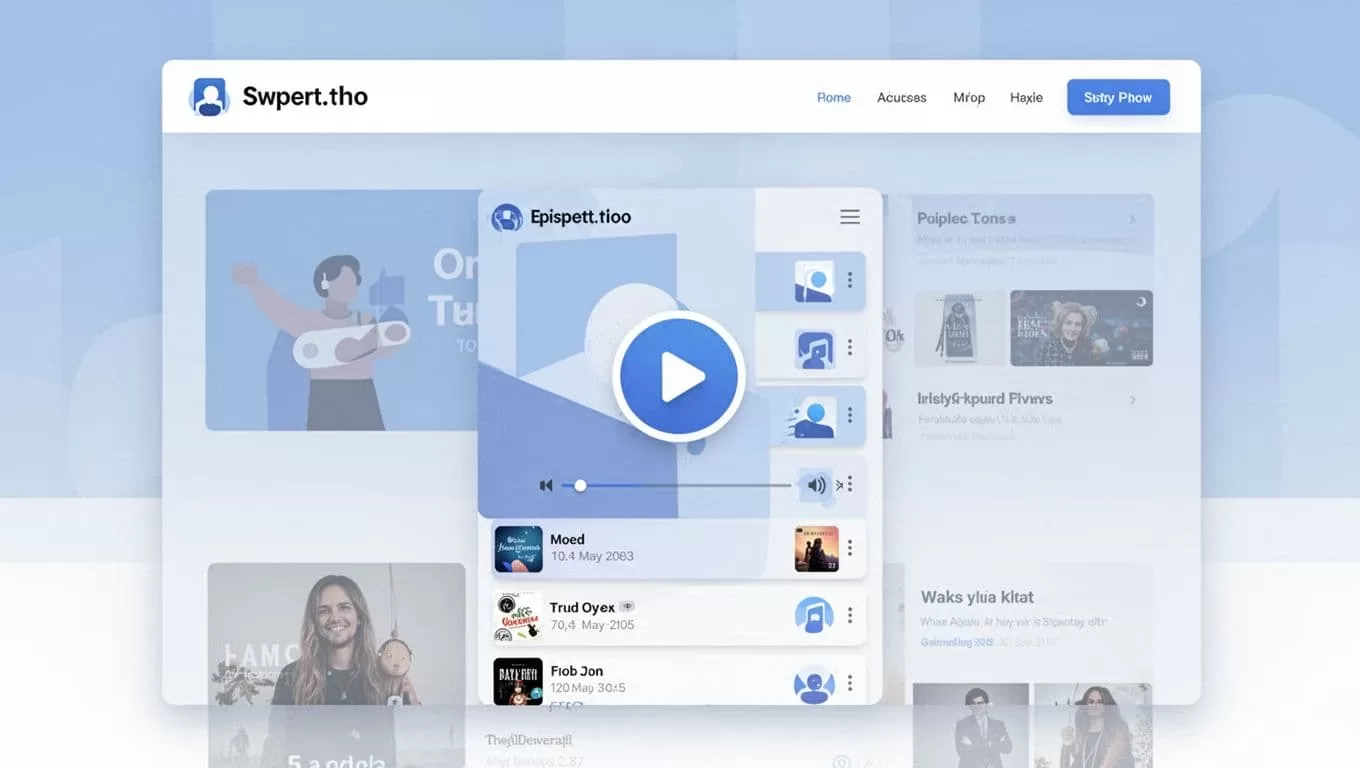
See how I pair it with Transistor podcast hosting for full analytics.
Single Episode vs. Multi-Episode Players
Single episode embeds shine for deep dives. Use the episode ID from the dashboard. I pick them for evergreen tips.
Multi-episode pulls your feed. It auto-refreshes with new uploads. Perfect for homepages. Latest episode sits in between. It updates without edits.
Choose based on goal. Singles drive one listen. Playlists build habits.
Troubleshoot Common Player Issues
Player won’t show? Check HTTPS. Mixed content blocks iframes on secure sites. All Transistor links use HTTPS now.
Styling clashes? Override with CSS targets like iframe { max-width: 100%; }. Cache plugins delay previews. Clear them after updates.
FAQ:
- Not displaying? Verify Custom HTML block. Upgrade WordPress plan if needed.
- Slow load? Host on fast server. Test without plugins.
- Mobile breaks? Set width:100% in style.
For clip workflows, see my Transistor Opus integration.
Transistor players boost my site’s stickiness. Listens rose after embeds. Yours will too. Grab the code today. Your audience stays longer. (968 words)
