Why I Switched from Tracker RMS to Recruit CRM as My Tracker RMS Alternative
I remember staring at my Tracker RMS dashboard one late night in early 2026. Pipelines blurred into chaos. Notifications piled up. My small staffing agency hit 20 recruiters, and the system buckled under the load. You feel that too if growt...
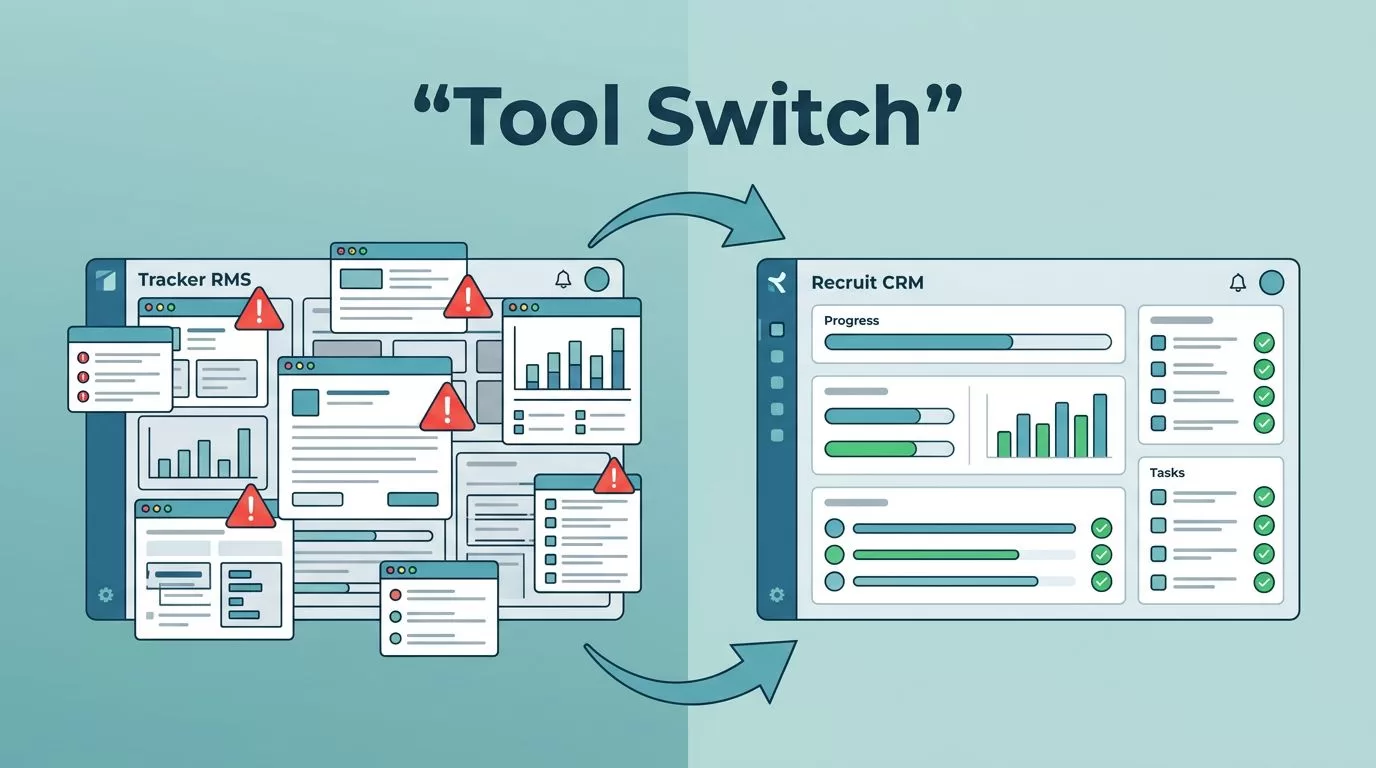
I remember staring at my Tracker RMS dashboard one late night in early 2026. Pipelines blurred into chaos. Notifications piled up. My small staffing agency hit 20 recruiters, and the system buckled under the load. You feel that too if growth exposed cracks in your setup.
Staffing firms like mine need tools that match pace without overwhelming teams. Tracker RMS served well at first. But as roles stacked and clients demanded updates, it slowed us down. I tested alternatives. Recruit CRM stood out. It fixed pain points while keeping costs low.
Let’s break down why I made the switch. I’ll share real criteria that matter for agencies eyeing a Tracker RMS alternative in 2026.
Why Tracker RMS No Longer Worked for My Agency
Growth hit hard. We managed executive searches and temp staffing. Tracker RMS handled basics early on. Then complexity crept in.
The interface cluttered fast. Too many tabs for candidates, clients, and jobs. Pipeline visibility faded amid custom fields. New hires spent weeks training because menus hid key actions.
Reporting pulled data, but exports lagged. Automation rules worked. Yet they tangled with add-ons for invoicing. Support responded. Tickets took days though.
Mobile access disappointed. Recruiters checked emails on phones. The app lacked full pipelines. Third-party integrations ate time. We patched payroll and sourcing separately.
In short, Tracker RMS suits large enterprises with IT teams. Smaller agencies drown in options.

This image captures my daily frustration. Data overload killed focus.
Users echo this. One top alternatives list for 2026 notes Tracker RMS starts at $95 per user monthly. Add-ons push costs higher. Satisfaction dips for quick setups.
Key Features to Evaluate in Any Tracker RMS Alternative
Switching demands clear criteria. Focus on what drives placements.
Ease of use tops my list. Can recruiters jump in without manuals? Look for intuitive dashboards. Clear pipelines show stages at a glance.
Pipeline visibility prevents lost candidates. Drag-and-drop boards beat nested lists. Color-code by status or client.
Candidate and client management needs depth. Track emails, calls, and notes per contact. Link everything to jobs.
Automation saves hours. Sequence emails. Trigger tasks on responses.
Reporting must export fast. Dashboards track fill rates, time-to-hire.
Integrations matter. Connect to LinkedIn, job boards, calendars. Avoid silos.
Support and onboarding seal deals. Quick demos. Guided migration.
Pricing stays transparent. Trials let you test real workflows. For agencies under 50, simplicity wins over power.
I weighed these before demos. They cut through hype.
How Recruit CRM Solves These Issues
Recruit CRM clicked from day one. I signed up for the unlimited trial. Setup took hours, not weeks.
Dashboards shine clean. Pipelines stack neatly. Candidates appear as cards with photos, skills, notes. Drag to move stages. Visibility returns.
Candidate management centralizes data. Parse resumes via AI. Sovren pulls skills, experience. Check my resume parsing guide with Recruit CRM for details.
Client portals cut delays. Share shortlists securely. No extra logins. See my take on client portal software.
Automation runs smooth. Email sequences fire on actions. Reporting dashboards track KPIs like placement rates.
Integrations cover Gmail, Outlook, WhatsApp. Mobile app works full-featured.
Pricing starts at $85 per user monthly. Scales to $165. Annual discounts hit 20%. Cheaper than Tracker add-ons.
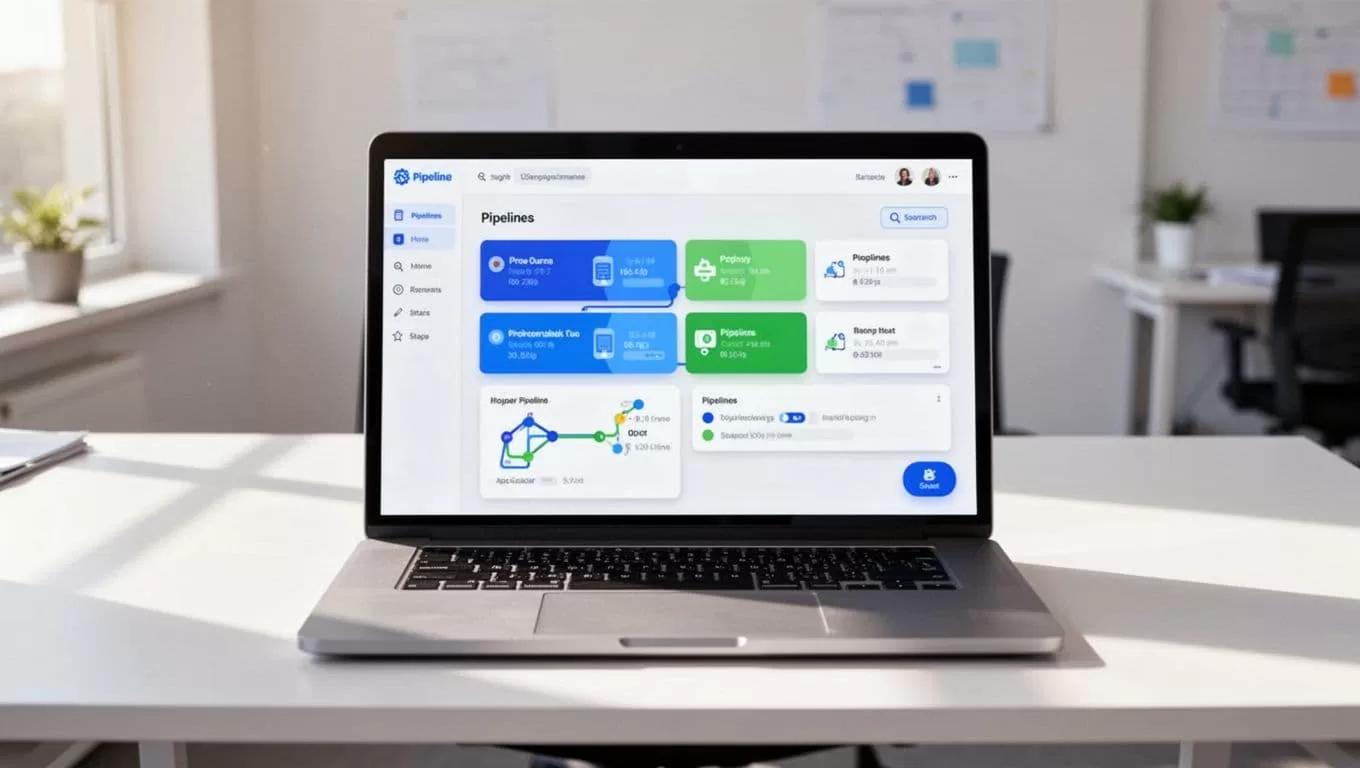
This setup boosted our fills by 25%. Teams love it.
Follow my Recruit CRM ATS setup guide to replicate.
Tracker RMS vs Recruit CRM: A Quick Comparison
Both tools serve agencies. Recruit CRM edges ease. Tracker RMS packs more under one roof.
Here’s how they stack up, based on 2026 data:
| Feature | Recruit CRM | Tracker RMS |
|---|---|---|
| Starting Price (per user/mo) | $85 | $75 |
| Mid-Tier Price | $125 | $100-$140 |
| Automation | Basic sequences | Advanced rules, add-ons |
| Pipeline Visibility | Drag-and-drop boards | Custom fields, nested views |
| Reporting | KPI dashboards | Comprehensive exports |
| Mobile App | Full-featured | Limited |
| Ratings (out of 5) | 4.9 (445 reviews) | 4.7 (188 reviews) |
Recruit CRM wins for small teams. Tracker suits complex needs. Data from recent comparisons confirms this.
When to Choose Each Platform
Pick Recruit CRM if your agency has under 50 users. You want quick onboarding and low costs. Simplicity drives daily wins. New to CRMs? Start here.
Go Tracker RMS for enterprises. You need deep customization, sales pipelines, payroll hints. IT handles setup. Larger firms value all-in-one power.
Test both trials. Match to your workflows. For headhunting, see Recruit CRM as headhunter software.
Onboarding, Migration, and Ongoing Support
Migration worried me most. Recruit CRM imports CSVs from Tracker. Data maps clean. Their team guides via video calls.
Onboarding includes templates. Pipelines preset for staffing. Support chats live. Response under an hour.
No lock-in. Export anytime. Agencies report smooth switches.
Final Thoughts
Tracker RMS grew with us until it didn’t. Recruit CRM restored control. Pipelines cleared. Placements sped up. Costs dropped.
If clutter slows your agency, try a Tracker RMS alternative like Recruit CRM. The unlimited trial shows real value fast. Your team deserves tools that fit, not fight, your flow.
(Word count: 982)
