Safe AI Recruitment with Recruit CRM: My Deployment Guide
I’ve chased bad hires that cost teams thousands. Resumes blur together after hour five. AI promises relief, but unchecked tools spit out biased lists or privacy nightmares. You need speed without the fallout. Recruit CRM lets me tap A...

I’ve chased bad hires that cost teams thousands. Resumes blur together after hour five. AI promises relief, but unchecked tools spit out biased lists or privacy nightmares. You need speed without the fallout.
Recruit CRM lets me tap AI recruitment power safely. It parses resumes, matches candidates, and drafts outreach. Human checks stay central. I always review outputs before action.
This guide shares my steps. You get practical setups, real examples, and pitfalls to dodge.
Risks You Face in AI Recruitment Today
AI scans thousands of profiles fast. It ranks by skills or fit scores. Sounds perfect for busy agencies. But errors creep in.
Bias hides in training data. An algorithm favors men for tech roles because past hires skewed that way. Privacy slips happen too. Candidate emails leak without controls.
Regulators watch close. The UK’s ICO stresses human involvement in automated decisions. They want bias monitoring and clear candidate info. EU rules label some AI tools high-risk by August 2026.
I learned this the hard way. Early tests showed uneven matches across regions. Now I build safeguards first. Recruit CRM fits because it supports reviews at every step.
You must audit regularly. Track scores for patterns. Consent matters. Tell candidates AI helps screen them.
Key Safety Features in Recruit CRM
Recruit CRM packs AI tools with built-in controls. Resume parsing pulls skills and history from any file. It handles non-English docs too. But I never trust it blind.
Human review gates block auto-decisions. You approve matches before outreach. Permission settings limit team access to sensitive data. Only sourcers see full profiles.
It’s GDPR compliant. That covers data protection basics across Europe. For bias, use transparent scoring. Scores base on skills you define. Spot drifts by comparing top picks manually.
Transparency shines in audits. Log every AI action. Export reports show what triggered a match. I review weekly.
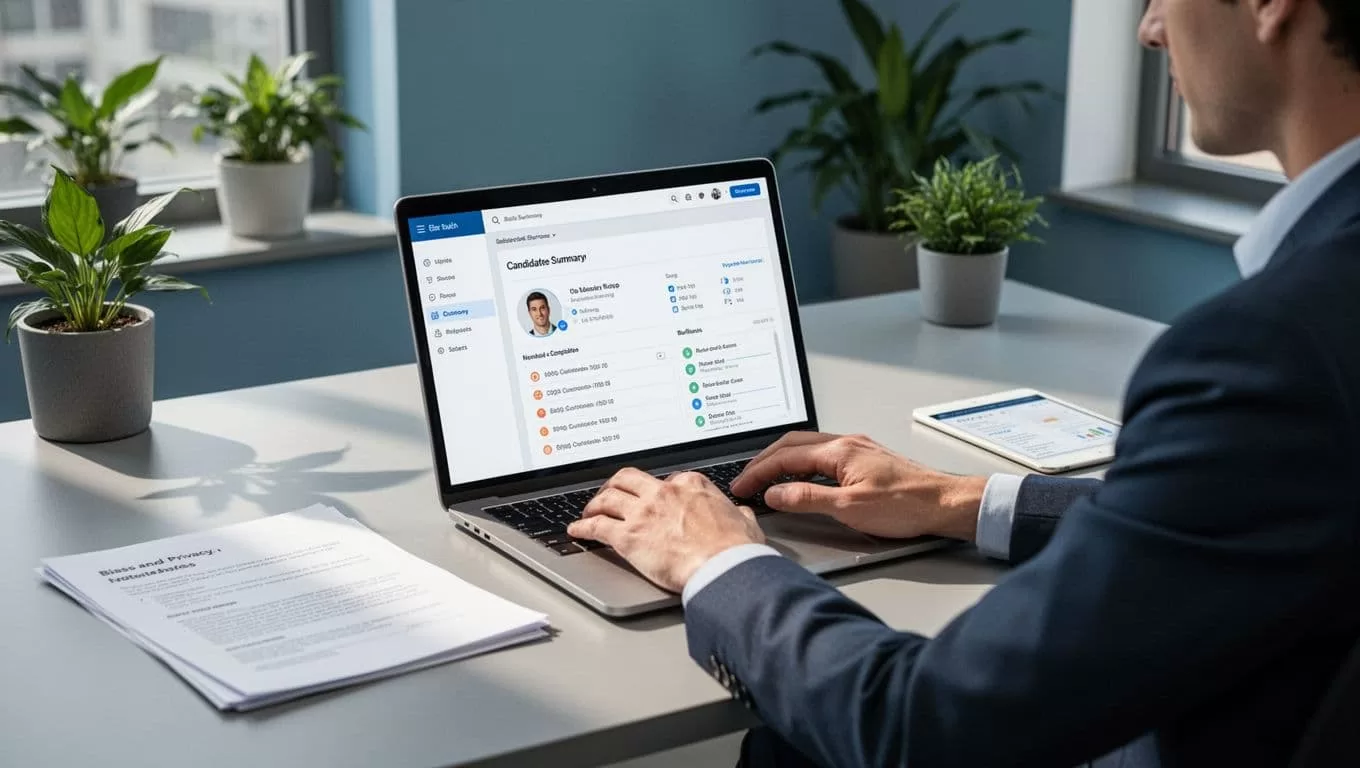
In practice, I set role-based permissions. Juniors get sourcing views only. Seniors handle approvals. This cuts errors.
For deeper ethical steps, check Recruit CRM’s guide on legal AI use. It covers audits and candidate notices.
These features let AI handle grunt work. You keep judgment calls.
Real-World Use Cases I Rely On
I start searches with AI sourcing. Type “Node.js devs in Spain.” It pulls LinkedIn profiles, enriches them. I review top 10 for fit. No auto-sends.
Resume screening comes next. AI summarizes careers, flags gaps. But I cross-check references. Human eyes catch soft skills machines miss.
Outreach drafting saves hours. GPT writes personalized emails. I tweak tone, add notes from calls. Workflows auto-schedule follow-ups after replies.
Note summarization shines post-interview. AI condenses transcripts. I verify key points before pipeline moves.
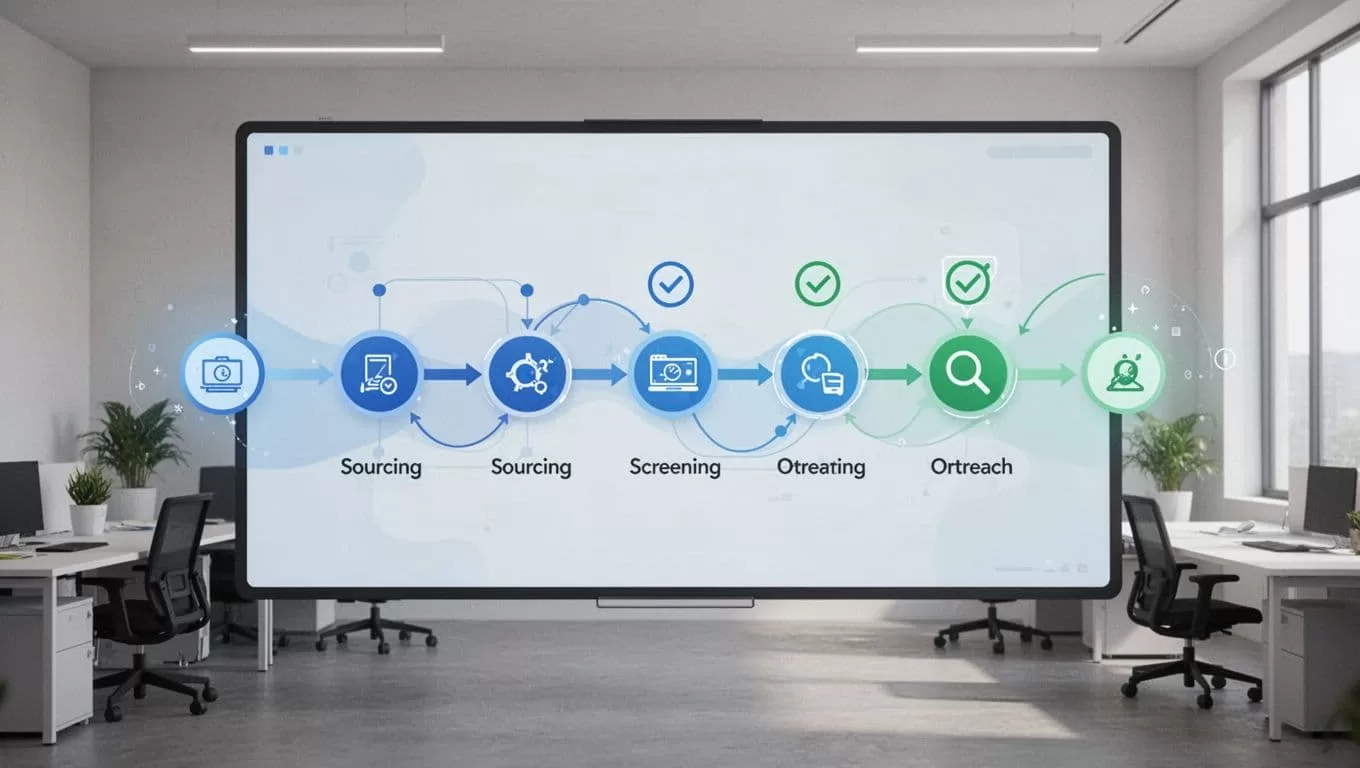
Picture a dev rush. I sourced 50 fits. AI screened to 15. I called top five. Hired two in a week.
For agency setups like this, my Recruit CRM setup guide boosted placements 30%. It details pipelines.
These cases work because humans gatekeep. AI assists. You decide.
Common Pitfalls and Fixes I Learned
Over-reliance tops the list. AI matches a candidate perfectly. You skip the call. They bomb interviews. Fix: Always talk first.
Bias sneaks in via poor prompts. “Senior leaders” pulls mostly males. Solution: Add diversity tags. Review lists for balance.
Privacy oversights hurt. Shared links expose data. Use Recruit CRM’s controls. Set expirations on views.
Workflows jam without tests. Auto-emails fire wrong. Test small batches first.
The ICO pushes safeguards like these. Their update demands human input and docs. EU rules add risk checks soon.

I fixed my flows with checklists. Now audits pass easy.
Conclusion
Safe AI recruitment balances speed and control. Recruit CRM delivers with review tools and compliance basics. I use it for sourcing, screening, and more, always with human oversight.
Hires improve. Risks drop. Start small. Test one workflow. Scale as confidence grows.
Your team deserves this edge. Deploy thoughtfully, and placements follow.
