How I Deployed Recruit CRM for My Agency’s Recruitment Workflow
Running a recruitment agency feels like herding cats sometimes. Candidates vanish, clients demand updates, and pipelines clog with endless emails. I faced that chaos daily until I switched to Recruit CRM. This platform cut my admin time in...
Running a recruitment agency feels like herding cats sometimes. Candidates vanish, clients demand updates, and pipelines clog with endless emails. I faced that chaos daily until I switched to Recruit CRM. This platform cut my admin time in half and boosted placements by 30%.
You know the drill: spreadsheets fail under pressure, and generic tools miss agency needs. Recruit CRM changes that with AI smarts and custom flows built for teams like yours. Let me walk you through my deployment step by step, so you can replicate it fast.
Why Recruit CRM Fits Agency Needs
Agencies thrive on speed and relationships. Recruit CRM delivers both. I chose it because it handles high-volume hiring without the bloat of enterprise software. Its AI sourcing pulls LinkedIn profiles in seconds, no Boolean strings needed.
In my team of 15, we track 200 candidates weekly. The platform’s Kanban boards keep everyone aligned. Plus, 2026 updates added free AI tools like job description generators. They save hours on repetitive tasks. For deeper insights, check this Recruit CRM review for small agencies.
Pricing starts at $85 per user monthly for Pro plans. That’s fair for unlimited trials and no hidden fees. Most teams get productive in two hours. Data shows 94% of users love the candidate matching, which lifts interview success by 14%.

This setup fits contract staffing too. Bill and pay features handle invoicing smooth. Meanwhile, GDPR compliance keeps us safe. I sleep better knowing client data stays secure.
Setting Up Your Recruit CRM Account
Start simple. Sign up for the free trial at their site. I did it in five minutes. Verify your email, then pick your plan based on team size. Pro works for most agencies under 50 people.
Next, invite your team. Use the admin dashboard to assign roles like recruiter or manager. Everyone gets mobile access right away. I set permissions so juniors see candidates only, while leads view reports.
Customize your workspace early. Add your logo and colors. This builds brand trust with clients. Also, connect email and calendars. Gmail integrates seamless, so calls log automatically.
Test the Chrome extension first. It pulls profiles from LinkedIn with one click. In my first week, we sourced 50 candidates faster. Because setup takes little time, your team adopts it quick.
Configuring Pipelines and Workflows
Pipelines make or break agencies. Recruit CRM’s drag-and-drop Kanban boards fix that. I built custom stages: Sourced, Screened, Interview, Offer, Hired. Each job gets its own board.
Create workflows next. Automate emails for follow-ups. For example, send nurture sequences via AI sequencing. It handles LinkedIn, SMS, and email on autopilot. Response rates jumped 25% for us.
Add tasks per stage. Screened candidates trigger interview invites. No more forgotten steps. Data enrichment auto-fills profiles with jobs and contacts. So, you focus on calls, not research.
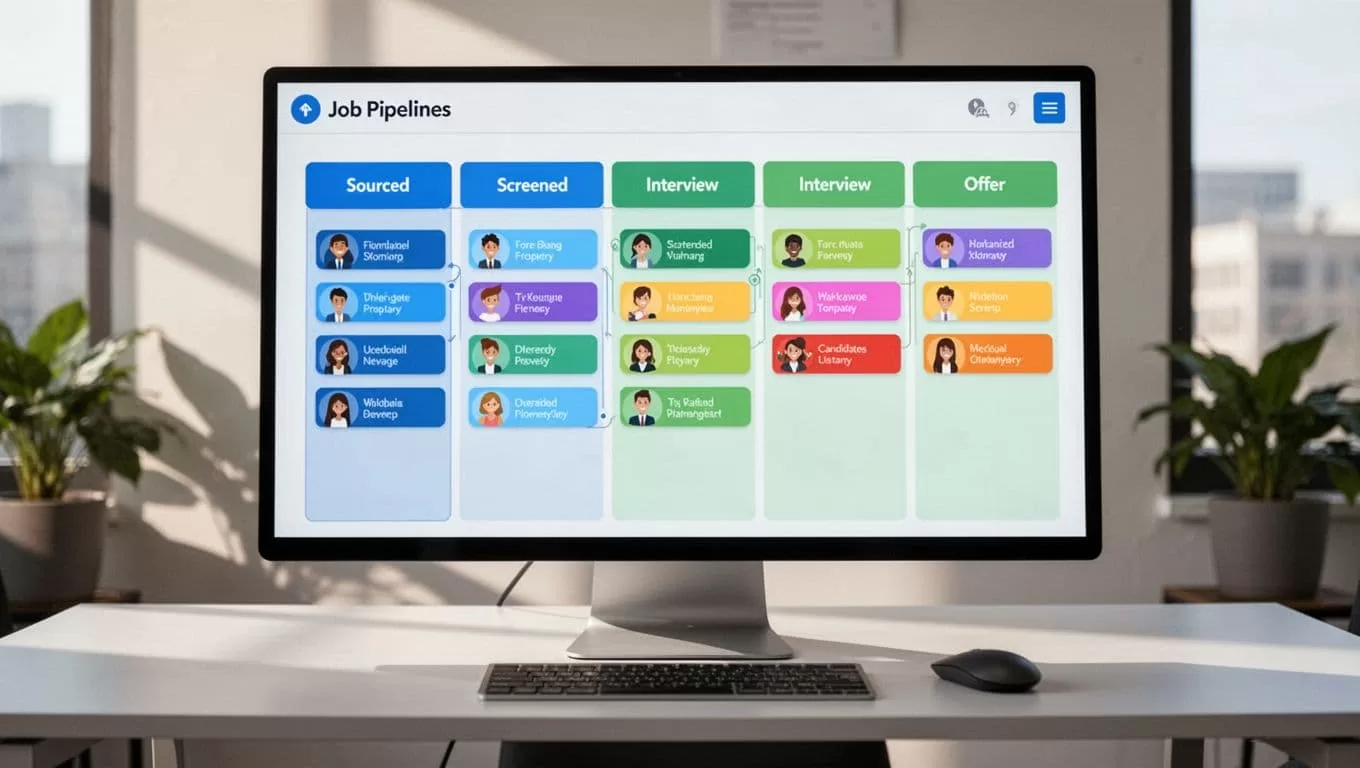
Team collaboration shines here. Assign owners and comment inline. Clients get portals for feedback. In short, pipelines flow like a well-oiled machine.
Mastering Candidate Tracking and Client Management
Track candidates end-to-end. Upload resumes; AI parses them instant. Tag skills and match to jobs. I search by criteria, and it ranks top fits.
Client management ties in tight. Log interactions in one place. Notes, calls, even transcripts stay searchable. Submit shortlists via reports. Clients reply real-time.
For high-volume roles, use bulk actions. Move 20 candidates at once. Automation reduces drop-offs with personalized nudges. Our candidate experience score rose 100%.
Scale with integrations. Link to 5,000 job boards. Post once, watch apps roll in. Because everything centralizes, collaboration boosts productivity 25%.
Explore Recruit CRM for recruitment agencies for more setup tips.
Leveraging Reporting and Automation
Reports turn data into decisions. Recruit CRM dashboards show placements, pipeline health, and sources. Filter by recruiter or client. I spot bottlenecks weekly.
2026 AI screening cuts time-to-hire 75%. Agents handle journeys from source to hire, saving 5-10 hours. Custom analytics track revenue growth.
Automate more with no-code workflows. Trigger invoices on hires. Enterprise ties zap repetitive work. Meanwhile, mobile apps keep you mobile.
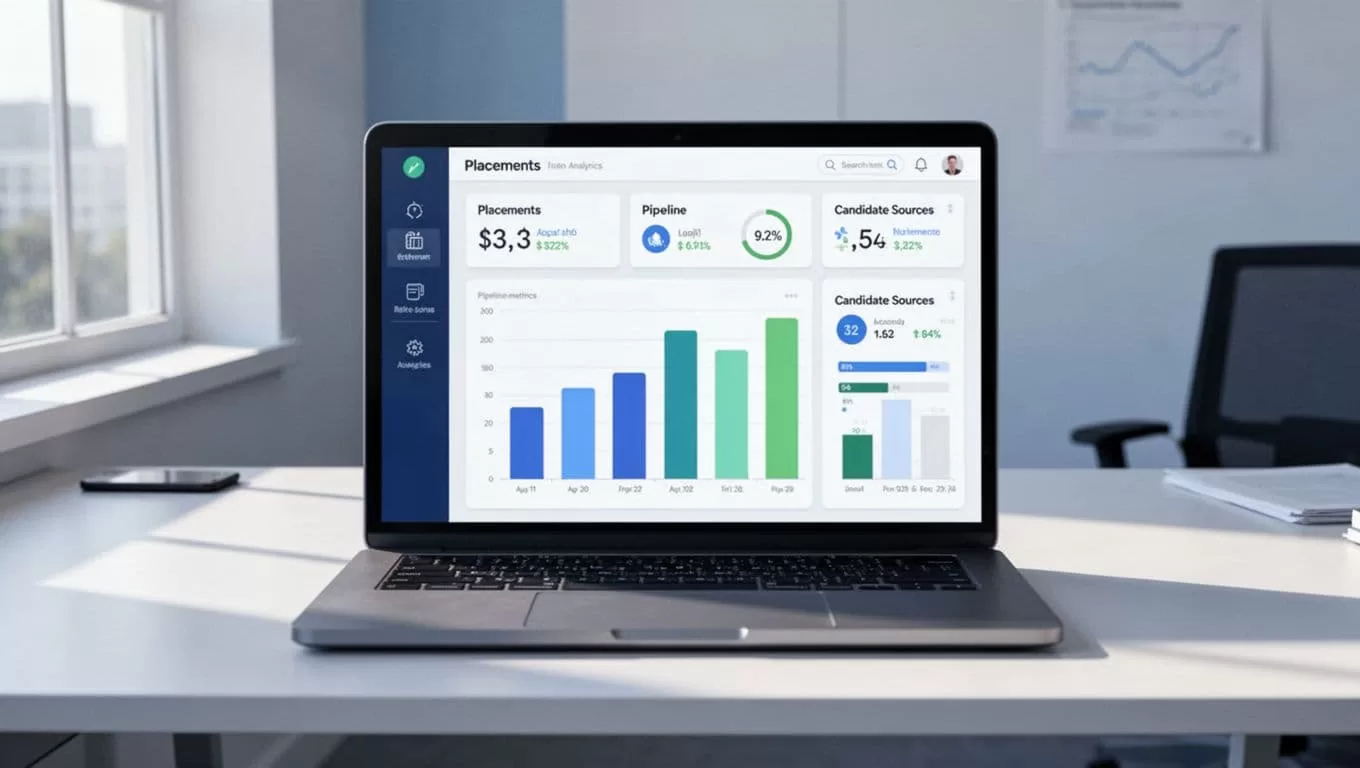
In my agency, reports drove 35% database growth. Focus on reporting to scale smart.
Deploy Recruit CRM and Watch Your Agency Grow
I deployed Recruit CRM in a week, and it transformed our ops. Pipelines cleared, teams collaborated better, and placements soared. You can do the same with these steps.
Start your free trial today. Tweak for your workflows, then measure wins. How will you build your first pipeline? Your agency deserves this edge.
