How I Set Up Restricted Podcast Access in Transistor.fm
You’ve got valuable audio content for your team or paying members. But you don’t want it out there for anyone to grab. I faced this when I started sharing exclusive training episodes with my membership group. Public feeds left e...
You’ve got valuable audio content for your team or paying members. But you don’t want it out there for anyone to grab. I faced this when I started sharing exclusive training episodes with my membership group. Public feeds left everything exposed.
Transistor.fm solves that with private podcasts. Each listener gets their own RSS feed. No one else sees it. I control who listens, revoke access fast, and keep things secure. Let’s walk through how I do it step by step.
How Private Feeds Work
Private podcasts in Transistor.fm hide your show from directories like Apple or Spotify. You create enhanced private podcasts for the strongest control. Each subscriber receives a unique RSS link. They add it to their favorite app.
This setup beats shared feeds. One person leaks nothing because feeds stay personal. I use it for internal team updates and paid course audio. Revoke access, and their feed vanishes instantly.
For example, picture your sales team getting weekly strategy pods. Free users can’t touch them. Or members pay via Ghost, and access syncs automatically.

The flow stays simple. You publish an episode. It hits only approved feeds. Subscribers get email alerts too. Check Transistor’s private podcast page for full details on this feature.
Creating Your First Private Podcast
I start in my Transistor dashboard. Log in, then click Add a show. Pick Create an enhanced private podcast. This option gives unique feeds per listener. Skip “unlisted” unless you want a basic shared one.
Next, fill show settings. Add a name, description, and square artwork. I keep mine 1400×1400 pixels for crisp display. Record episodes with GarageBand or my phone’s Voice Memos app. Export as MP3 at 128kbps, 44.1kHz. Upload directly.
Publish the episode. It’s live but locked. No public access yet. All plans support this, starting at $19 a month. Unlimited subscribers too.
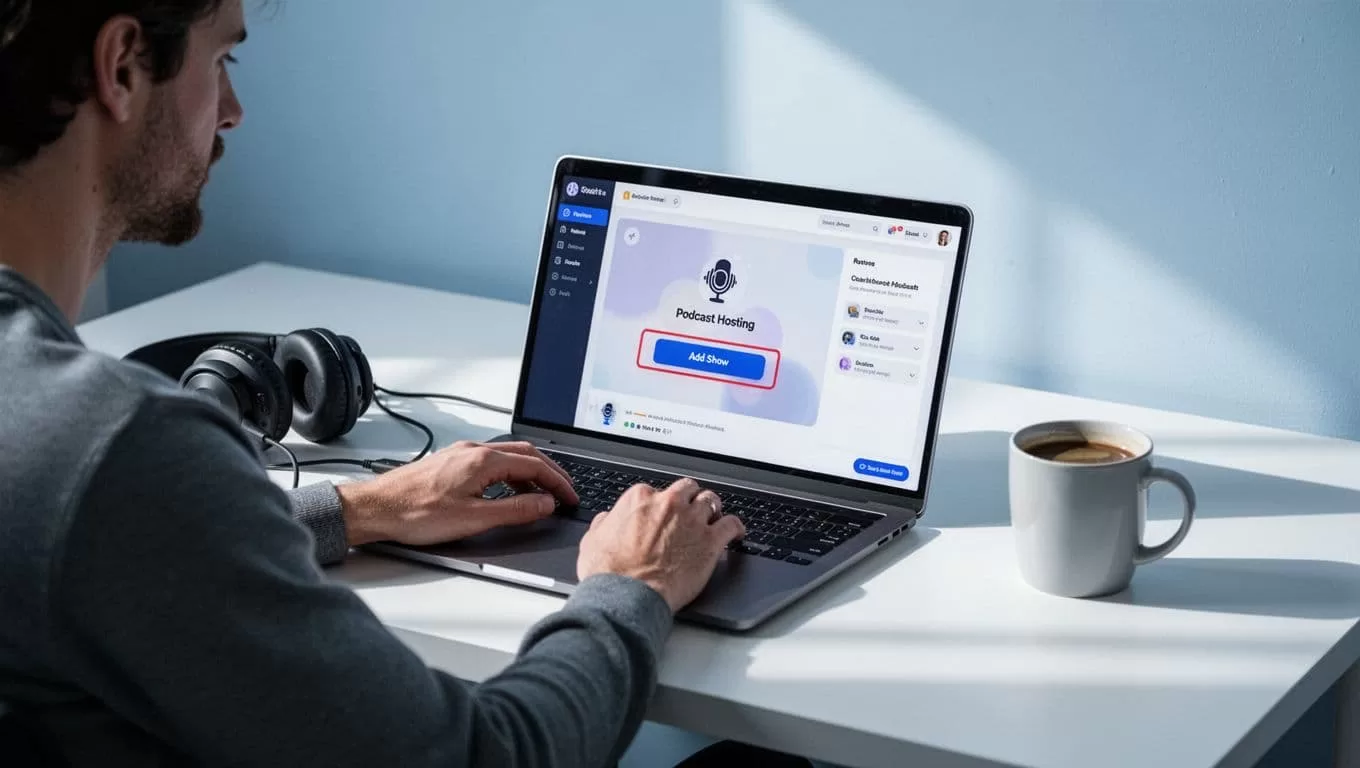
Test it yourself. Create a dummy show first. That catches glitches early. I always do. See Transistor’s help docs on private podcasting for exact interface tips.
Managing Listener Access
Now add people. Go to the Subscribers tab. Enter emails one by one, upload a CSV, or send invite links. I bulk import from my membership list. Each gets a welcome email with their RSS and app setup steps.
For teams, assign roles. Give admins full access or just analytics. Paying members? Link to Ghost CMS. It syncs upgrades and cancellations. New paid user joins; access grants. They cancel; feed revokes.
Onboarding feels smooth. Subscribers paste the RSS into Overcast or Pocket Casts. I send one-time emails for updates. Track everyone in the tab. Revoke with one click if needed.

This powers my business pods. Clients love the exclusivity. Learn more in Transistor’s features overview.
Reaching Apps Like Spotify
Subscribers want their apps. RSS works everywhere. But Spotify added Open Access in 2026. I submit from the Distribution tab. Wait an hour for approval. Toggle search visibility off for full privacy.
New invites include Spotify links. Announce to existing ones too. It pulls from the unique feed. No public leak. Apple Podcasts and others follow the RSS standard.
I embed players on member sites. Free users see an upgrade prompt. Perfect for courses.
Troubleshooting Common Issues
Setup hiccups happen. I hit a few early on. Here’s what fixes them most.
| Issue | Fix |
|---|---|
| Subscribers can’t access feed | Confirm they’re added and episode published. Resend welcome email. |
| Spotify won’t show | Wait one hour post-submit. Check toggles and announce. |
| CSV or Ghost import fails | Match emails exactly. Test one first. |
| Feed not private | Use enhanced private, not unlisted. |
| No Distribution tab | Switch to enhanced private show. |
Test with a fake subscriber always. That spots 90% of problems. Contact support if stuck; they respond fast.
If you repurpose episodes into clips, check my Transistor.fm Opus Clip workflow for extra reach.
Key Takeaways
Restricted podcast access in Transistor.fm keeps your content safe and subscriber-only. I set up unique feeds, manage access daily, and troubleshoot quick. Teams and members stay engaged without leaks.
Start small. Build your private show today. You’ll wonder how you shared openly before. Your exclusive audio deserves this control.
