How I Manage Dynamic Audio Insertion with Transistor.fm
I remember the frustration of manually editing ads into old episodes. Listeners heard outdated promos, and I wasted hours on audio files. Then I started using Transistor.fm’s dynamic audio insertion. It lets me swap ads, promos, or an...
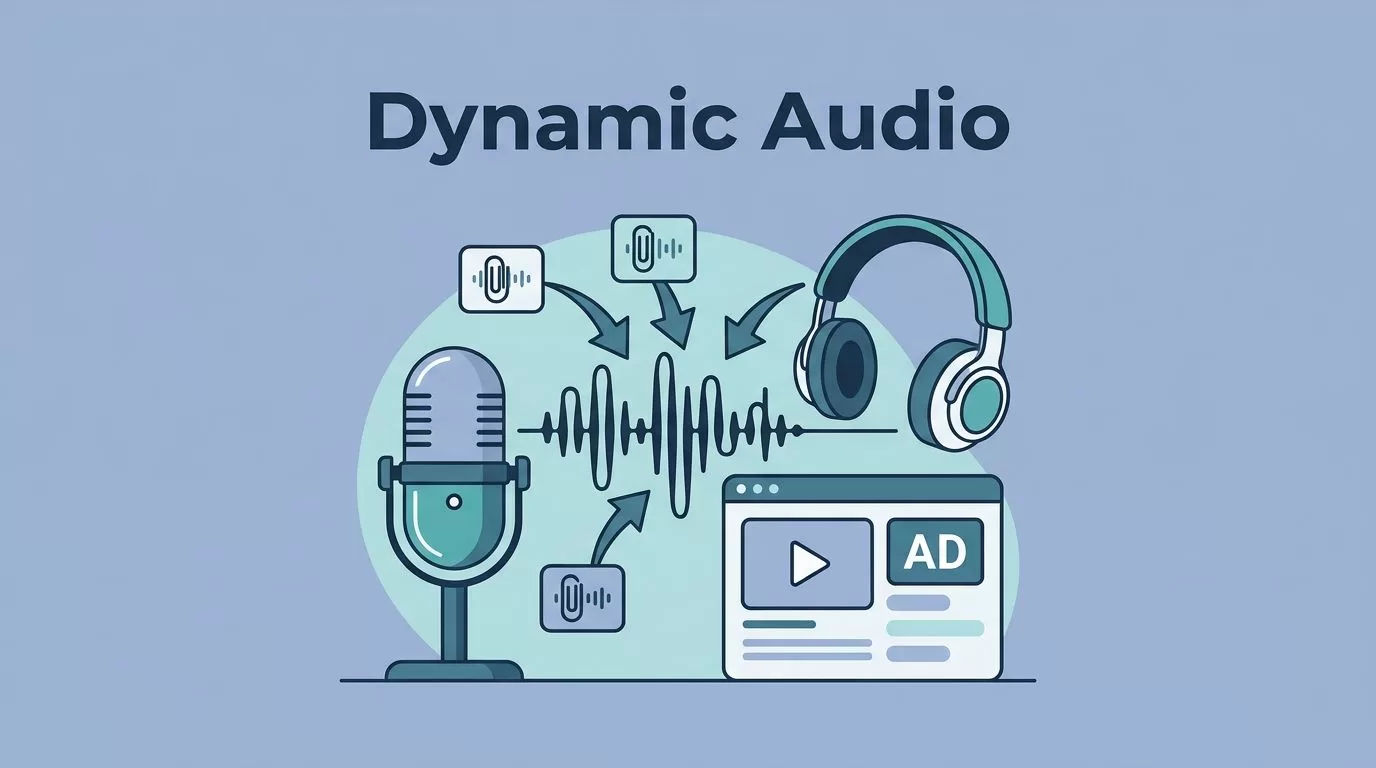
I remember the frustration of manually editing ads into old episodes. Listeners heard outdated promos, and I wasted hours on audio files. Then I started using Transistor.fm’s dynamic audio insertion. It lets me swap ads, promos, or announcements across my entire catalog with a few clicks.
This feature saves time and keeps content fresh. You add clips for the start, middle, or end of episodes. Campaigns run automatically, and show notes update too. In the next sections, I walk you through my exact process.
Why Dynamic Audio Insertion Fits My Podcast Workflow
Transistor.fm handles dynamic audio insertion on Professional or Business plans. I pay $49 a month for Professional, which unlocks it. The tool stitches in pre-roll at the beginning, mid-roll at chosen spots, or post-roll at the end.
I use it for sponsor ads first. A 90-second clip from a client drops right before the intro. Listeners get relevant messages without me re-uploading files. For promos, I swap network shows or events. Time-sensitive announcements, like live tour dates, appear only during the window I set.
Chapters adjust automatically. If my episode has markers at 5:00 and 10:00, Transistor shifts them after insertion. No mismatched timestamps. I host multiple shows on one account, so campaigns stay separate per podcast.
Limitations exist. No geo-targeting or listener behavior matching. You mark mid-roll spots manually per episode. Still, it beats competitors for simplicity. Check Transistor’s dynamic ads page for plan details.
I link it to my Transistor.fm hosting setup, where unlimited shows pair well with this monetization boost.
Setting Up Your First Campaign
I log into my podcast dashboard and click Campaigns. A clean list shows existing ones or a New Campaign button. I name it, say “Spring Sponsor Drive.”
Next, upload audio clips. Drag MP3s for pre-roll, mid-roll, post-roll. I keep them under two minutes. Add show note text, like “Sponsored by FreshBrew Coffee.” Links go here too.
Set it as default for all episodes, new and old. Activate the toggle. Boom, audio processes across the catalog. Deactivate later to remove everything cleanly.

For specifics, Transistor’s help article on campaigns matches my steps. I test on one episode first. Edit that show, assign the campaign, preview the flow.
Multiple clips rotate. If I add three pre-rolls, they cycle per listener. Extras skip if spots run short.
Marking Mid-Roll Spots
Mid-roll needs timestamps. I go to Episodes, pick one, click Ad locations. The player loads. I scrub to a natural break, like after a segment intro, hit the plus icon.
Pause sounds best, one to two seconds of quiet. I add three spots per 30-minute show: 8:00, 15:00, 22:00. Preview plays the clip there. Adjust if it clips words.

Save, then link a campaign. It fills available spots. For back catalog, repeat per episode. Bulk edits risk mid-sentence breaks, so I listen fully.
Transistor’s campaigns guide warns against bulk. I follow that. Now my episodes monetize mid-flow without edits.
Scheduling Time-Sensitive Promos
Promos shine with dates. In Campaigns, set start and end. My live event promo runs April 10 to 20, 2026. It auto-stops after.
I create “Event Alert.” Upload a 60-second clip: “Join me live in Austin next week.” Add show notes with ticket links. Assign to episodes, activate.
Multiple campaigns stack. Pre-roll sponsor plus mid-roll promo. They order by upload sequence.

Deactivate mid-campaign if needed. Notes vanish instantly. I use this for guest swaps too. Old promo out, new one in, no reprocessing hassle.
Best Practices I Follow
Keep clips short. Long ads drop listeners. Preview every episode post-activation.
Test small. One show first, check feeds on Apple and Spotify. Audio consistency matters; match volume levels before upload.
Time campaigns right. Weekly ads rotate fresh. Avoid overload; two to three insertions max per episode.
Watch spot matching. More spots than clips leave silences. Plan rotations.
Listener experience rules. Natural breaks prevent jarring cuts. Schedule ends prevent stale messages.
Wrapping Up Dynamic Audio Wins
Dynamic audio insertion transformed my podcast revenue. I swap ads and promos fast, keep announcements timely. Follow my steps: campaigns first, spots next, dates last.
Start with one campaign today. Your back catalog gains fresh monetization without rework. Listeners stay engaged, you save hours.
