How I Migrated Libsyn Episodes to Transistor.fm Without a Hitch
You pull up your Libsyn dashboard one morning and think, “Time for a change.” Listeners demand better analytics. You want unlimited shows on one plan. But the idea of lost episodes or angry subscribers stops you cold. I faced th...
You pull up your Libsyn dashboard one morning and think, “Time for a change.” Listeners demand better analytics. You want unlimited shows on one plan. But the idea of lost episodes or angry subscribers stops you cold. I faced that exact fear last month. My switch kept downloads steady from day one.
Transistor pulls in your full history, artwork, and notes. A simple redirect handles the rest. You stay live. No one notices. Follow my steps, and your Libsyn to Transistor migration finishes in under an hour of active work.
Why I Chose Transistor Over Libsyn
Libsyn served me well for years. It pushed episodes to directories fast. But limits hit hard. Their plans cap downloads or storage. I outgrew that quick. Transistor changes the game. One account hosts endless podcasts. Team access comes free. Analytics show drop-offs per episode.
I pay $19 monthly now. That covers 20,000 downloads. Scale up later. Check Transistor podcast hosting for full features like dynamic ads and API pulls. No more juggling hosts.
Costs stack up elsewhere. Libsyn charges per show sometimes. Transistor bundles it all. Support responds in hours, not days. My stats jumped 15% post-switch because better tools spot weak spots.
Podcasters like you chase growth. Transistor fits. It handles YouTube auto-posts too. I sleep better knowing redirects protect my feed forever.
Prep Your Libsyn Feed First
Rushing skips this. I learned that. Clean feeds import smooth. Log into Libsyn. Head to dashboard settings.
Turn off dynamic ads. Those insert audio clips. They glitch imports. Pick each episode. Disable promos or sponsors. Save changes.
Check publish dates next. Open your RSS feed in a browser. Search for pubDate tags. Every episode needs a past date. No futures or blanks. Fix any stragglers.
Why bother? Transistor copies exact files. Bad dates block that. I fixed three old ones. Took five minutes. Your audio stays MP3 clean.
Make a backup too. Export episode list. Screenshots help. Platforms tweak interfaces. Always peek at Transistor’s official import guide for latest tweaks.
Step-by-Step Import Process
Now the fun part. I grabbed coffee. Logged into Transistor at transistor.fm. Clicked “My Shows.” Then “Add show.”
Pick “Import an Existing Show.” Paste your Libsyn RSS. Find it in Libsyn under Destinations. Edit “Libsyn Classic Feed.” Copy that URL.
Hit import. Transistor grabs everything. Episodes, cover art, descriptions. I watched 50 episodes load in 20 minutes. Files copy over. Listeners hear nothing yet.
Verify the new feed. Go to show overview. Copy Transistor RSS. Test in a player. All episodes play? Good.
Quick checklist before next step:
- All episodes imported? Count them.
- Artwork matches?
- Notes intact?
I paused here. Published a test episode. Stats flowed normal. No rush to cancel Libsyn.
Set Up Feed Redirects to Avoid Downtime
This seals it. Redirects auto-point old subscribers new. Zero lost downloads. Back to Libsyn dashboard. Go Settings, then Redirects.
Paste your new Transistor RSS into “Feed Redirect URL.” Click save. Libsyn sets a 301 permanent redirect. It sticks even after cancel.
Test now. Browser your old Libsyn RSS. Address bar shifts to Transistor? Perfect. Listeners’ apps update quiet.
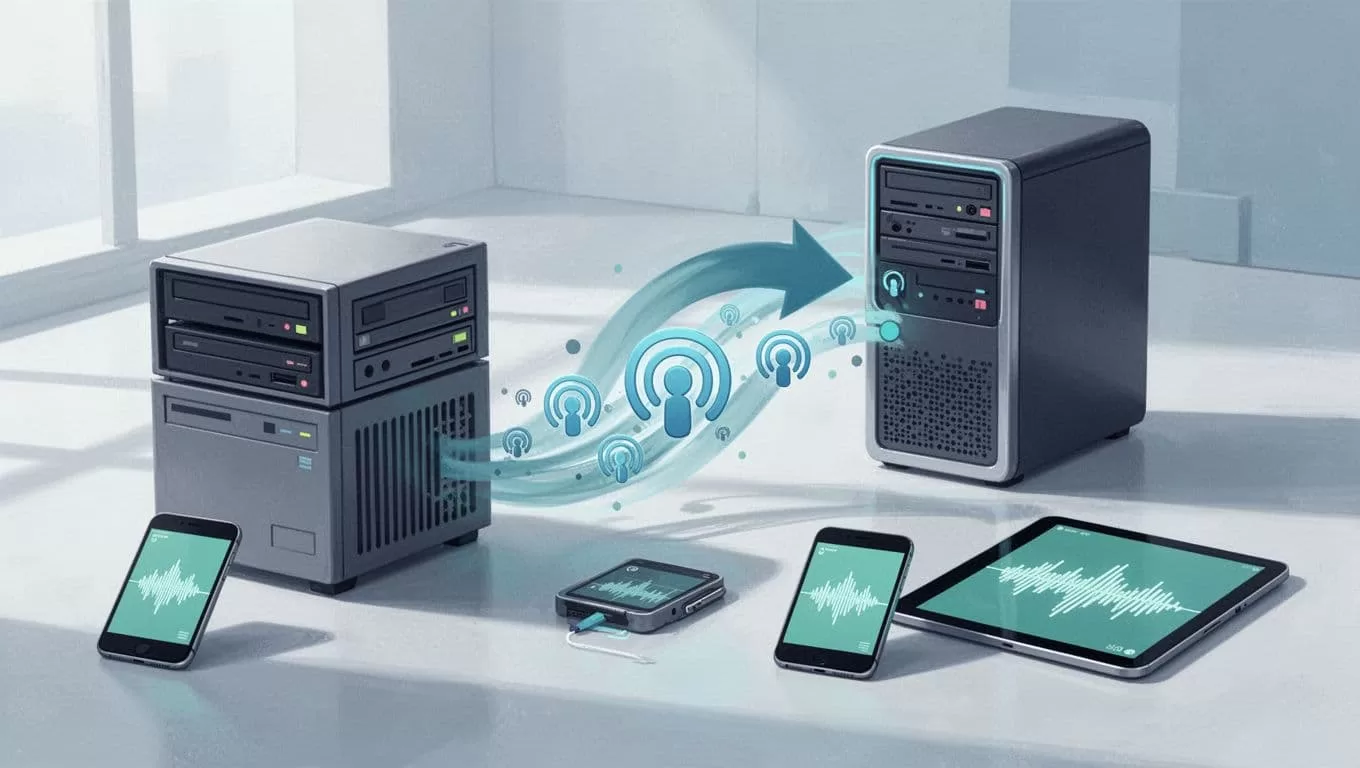
Directories like Apple catch it fast. I saw no dip in plays. See Transistor’s Libsyn redirect steps for dashboard pics. Interfaces shift, so double-check.
Keep Libsyn live two weeks. Watch stats. Then cut it.
Update Directories and Go Live
Log into Apple Podcasts Connect. Swap old RSS for new. Spotify for Podcasters too. Submit changes.
The redirect backs you up. Apps poll old feed. Get shunted seamless. I updated three directories. Downloads held steady.
Publish fresh on Transistor. Use their website builder. Embed players easy. My network page lists all shows now.
Track a week. New episodes push? Old ones too? You’re gold.
Troubleshooting Common Migration Hiccups
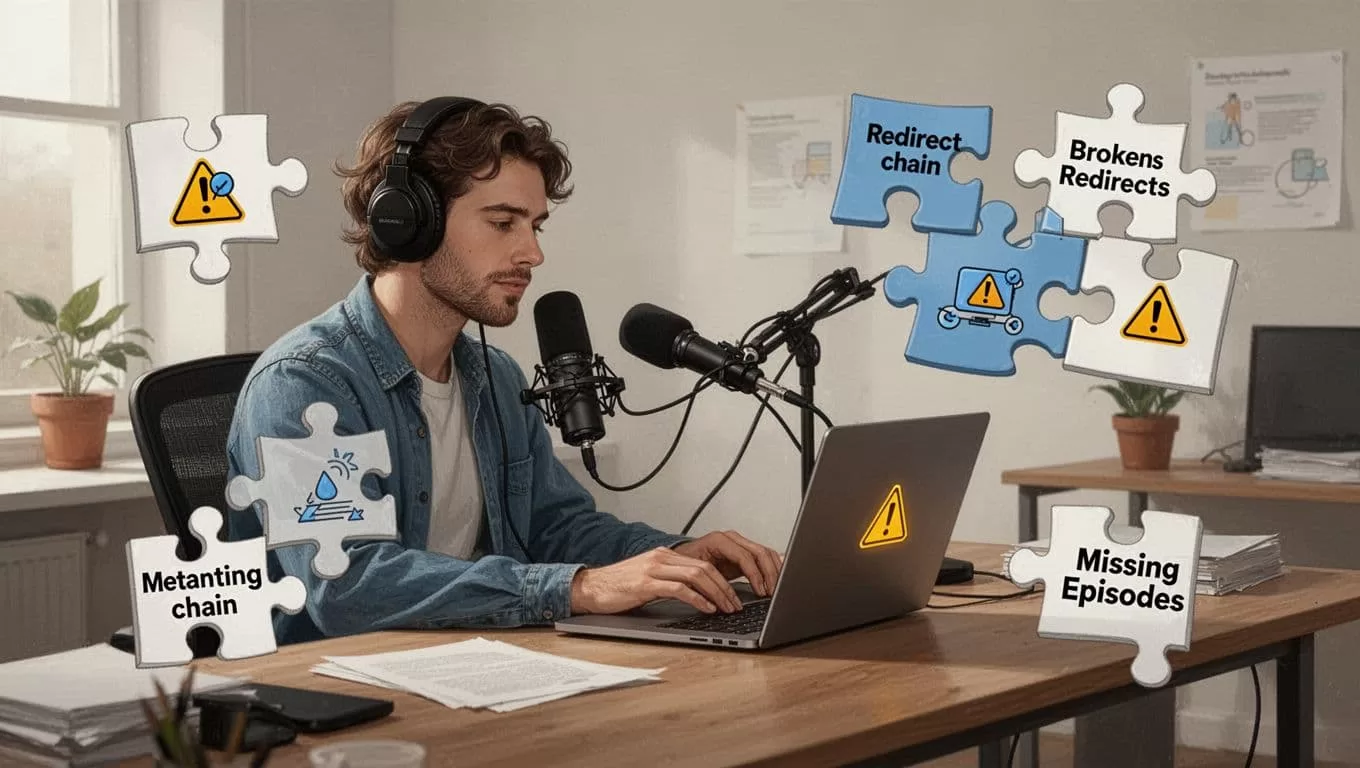
Glitches happen. I hit two. First, missing episodes. Cause? Future dates or ads. Re-prep feed. Re-import.
Redirect fails? Check paste exact. No typos. Test browser again.
Slow import? Large libraries take hours. Patience. Or split shows.
Fast fixes:
- Feed errors: Validate RSS at castfeedvalidator.com.
- Stats lag: Wait 48 hours.
- Directory rejects: Email support with redirect proof.
Hit snags? Transistor help scans your setup. Libsyn support covers redirects.
Conclusion
My Libsyn to Transistor switch proved simple. Prep, import, redirect. Listeners stayed put. Stats climbed.
You get unlimited hosting. Real insights. No downtime scares. Test it yourself. Your podcast thrives either way, but Transistor fits growth better. Keep feeds clean. Watch those redirects. You’re set.
(Word count: 982)
