How I Built a No-Code AI Agent with Twin.so
You’ve got repetitive tasks eating your time. Emails pile up. Research drags on. Browser tabs multiply. I faced this daily in my operations work. Then I tried Twin.so. It lets you create no-code AI agents that handle web tasks autonom...
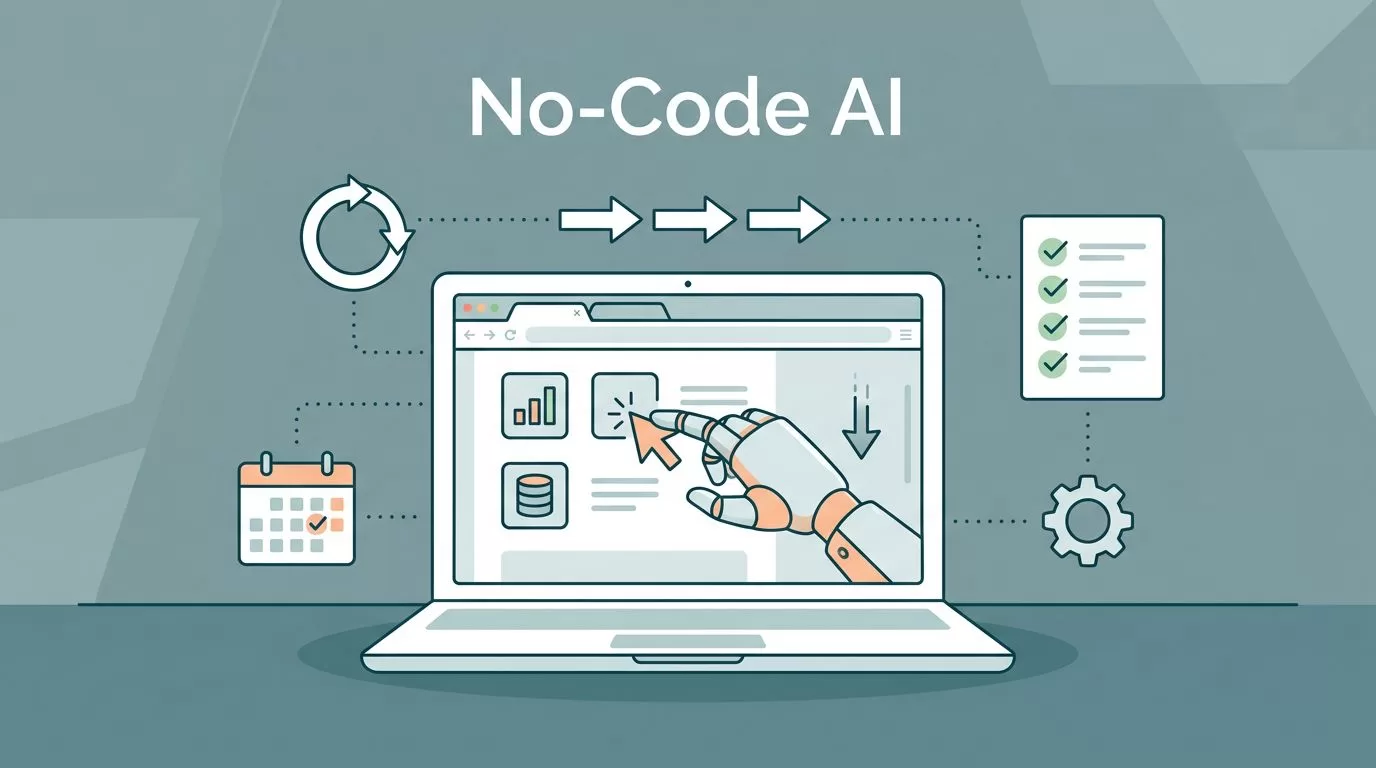
You’ve got repetitive tasks eating your time. Emails pile up. Research drags on. Browser tabs multiply. I faced this daily in my operations work. Then I tried Twin.so. It lets you create no-code AI agents that handle web tasks autonomously. No programming. Just chat your goal.
These agents mimic human actions. They click, scroll, and fill forms. Or connect APIs on the fly. I built one in minutes that preps my meetings. You can too. Let’s walk through how I did it step by step.
Why Twin.so Stands Out for Autonomous Agents
Twin.so changes how I automate. Traditional tools need code or rigid setups. This platform uses chat to build agents that run alone. They trigger on schedules, emails, or webhooks. Your computer stays off. The agent works.
Self-healing keeps them reliable. If a site tweaks its layout, the agent adapts. It grabs data from any browser-based site without APIs. For APIs, it connects instantly. I love that flexibility.
Users praise its speed. One built a weekly intel brief in 20 minutes. Another automated LinkedIn posts. For businesses, it fits sales research or lead gen. Check the Twin quickstart guide for hands-on tasks like email categorization.
It beats coding from scratch when sites lack APIs. Or when you need quick prototypes. I switched because setups elsewhere took days.
My First Steps: Signing Up and Brainstorming
I headed to twin.so. Signup is simple. Email in, free trial starts. No credit card upfront. That matches 2026 freemium trends.
Next, open a workspace. Start the chat. I typed: “Research prospects on LinkedIn, enrich with email, schedule weekly.” Twin brainstorms instantly. It suggests steps. Refine with follow-ups like “Add calendar booking if they reply.”
No planning phase. The AI maps your words to actions. It adds browser tools or APIs as needed. I felt like directing a smart assistant. For tips on clear prompts, see Twin’s tips and tricks page.
This chat flow suits non-tech folks. Yet it handles complexity. My agent now scans profiles, extracts contacts, and logs them.
Designing Your First No-Code AI Agent
Now build. Twin generates instructions from your chat. These define tools, order, and logic. Like a script the agent follows.
Edit if needed. I tweaked a filter for “tech leads only.” Click edit in the panel. Changes stick for all runs. It’s cheaper than rebuilding.
Prompts matter. Be specific: “Log into LinkedIn, search ‘sales managers Austin,’ grab top 10 profiles.” Mention tools like email or sheets. Twin picks browser for sites, APIs elsewhere.
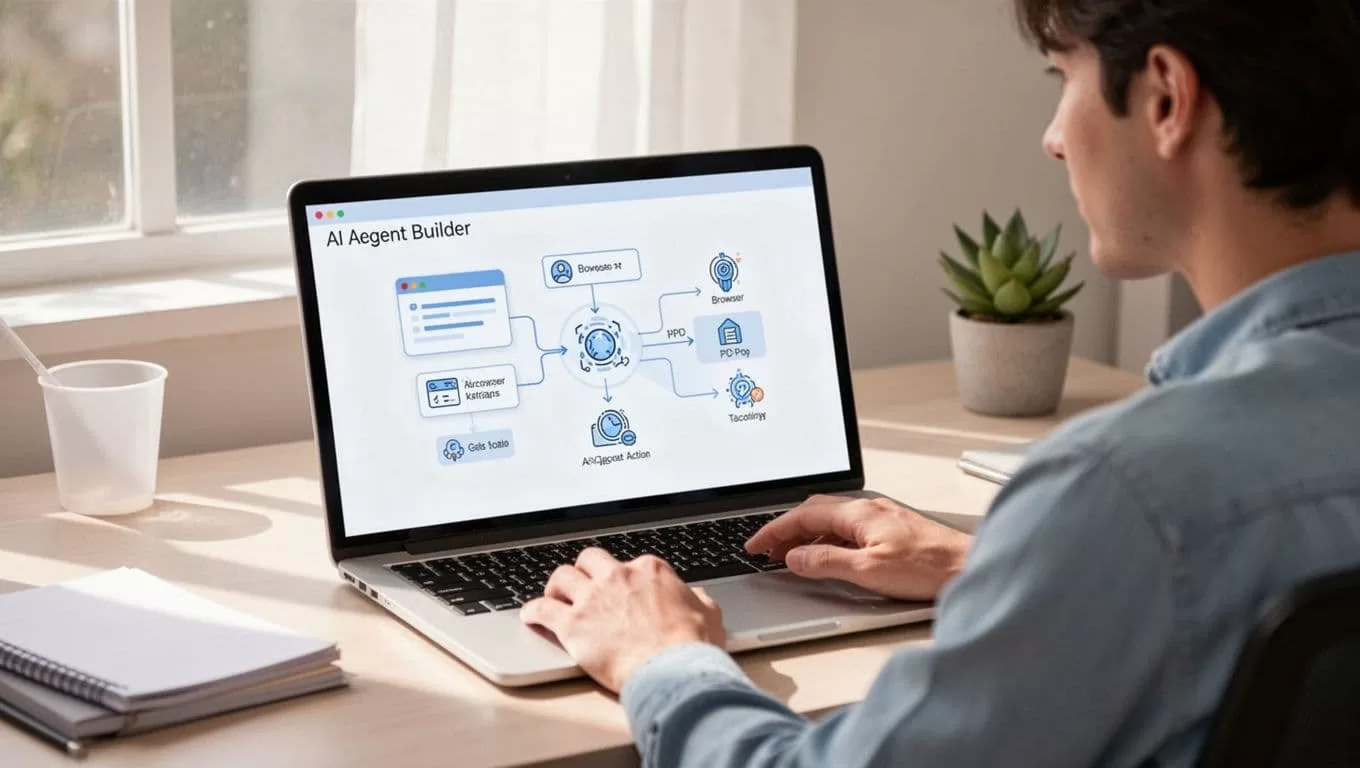
In my case, the agent flows like this. Login to LinkedIn. Search. Scrape details. Find emails via tools. Output to Google Sheets. Simple diagram appears in chat. You see the path.
Test small. Run once. Watch logs. Adjust. I added “skip if no email found.” Ready in under 10 minutes.
Testing and Refining Your Agent
Run it. Twin shows real-time actions. Browser opens virtually. It searches, clicks, types. Logs explain each step.
My first test grabbed wrong profiles. I chatted: “Focus on recent posts.” It updated instructions. Rerun. Perfect.
Self-healing shines here. A button moved? Agent finds it. Still, sites blocking bots can trip it. Retry logic helps.

Monitor via dashboard. Errors highlight. For web-heavy tasks, pair with tools like Browse AI for data monitoring. It complements Twin on static scrapes.
Refine iteratively. Costs stay low. Deploy when solid.
Deploying and Running Agents on Autopilot
Hit deploy. Choose schedule: daily, weekly. Or triggers like new emails. API endpoint for calls.
Mine runs Sundays. Outputs a sheet with 50 enriched leads. I review, act. Hands-free.
Scale up. Multiple agents in workspaces. Sell them if savvy. Twin’s instructions docs detail control.
It runs cloud-based. No infra worries. Integrates calendars, calls via Vapi. Example: Search hotels on Booking.com, call to confirm, book slot.
Practical Examples and When It Fits Best
I tried meeting prep. Agent researches calendar contacts overnight. Pulls LinkedIn, news, emails briefing.
Competitive intel: Weekly web scan for rivals. Posts to Slack.
Limitations hit on heavy enterprise. Security proofs lag. Complex logic may need tweaks. Browser fails on captchas.
Pricing? Freemium. Paid for volume. Check twin.so; trials cover tests.
Use Twin over code for speed. Prototypes, web tasks sans APIs. For pure APIs, others shine. See a full build guide here.
Conclusion
Twin.so makes no-code AI agents accessible. I went from manual drudgery to automated leads in hours. Key win: Chat builds reliable automations.
Start small. Test your pains. You’ll save weeks yearly. Agents like mine now handle the grind. Your turn to automate.
