How I Automate Web Scraping with Twin.so
I remember the hours I wasted copying data from websites into spreadsheets. Job listings, competitor prices, leads from directories. It ate my time. Then I found Twin.so. This no-code tool lets me build AI agents that scrape sites automatic...
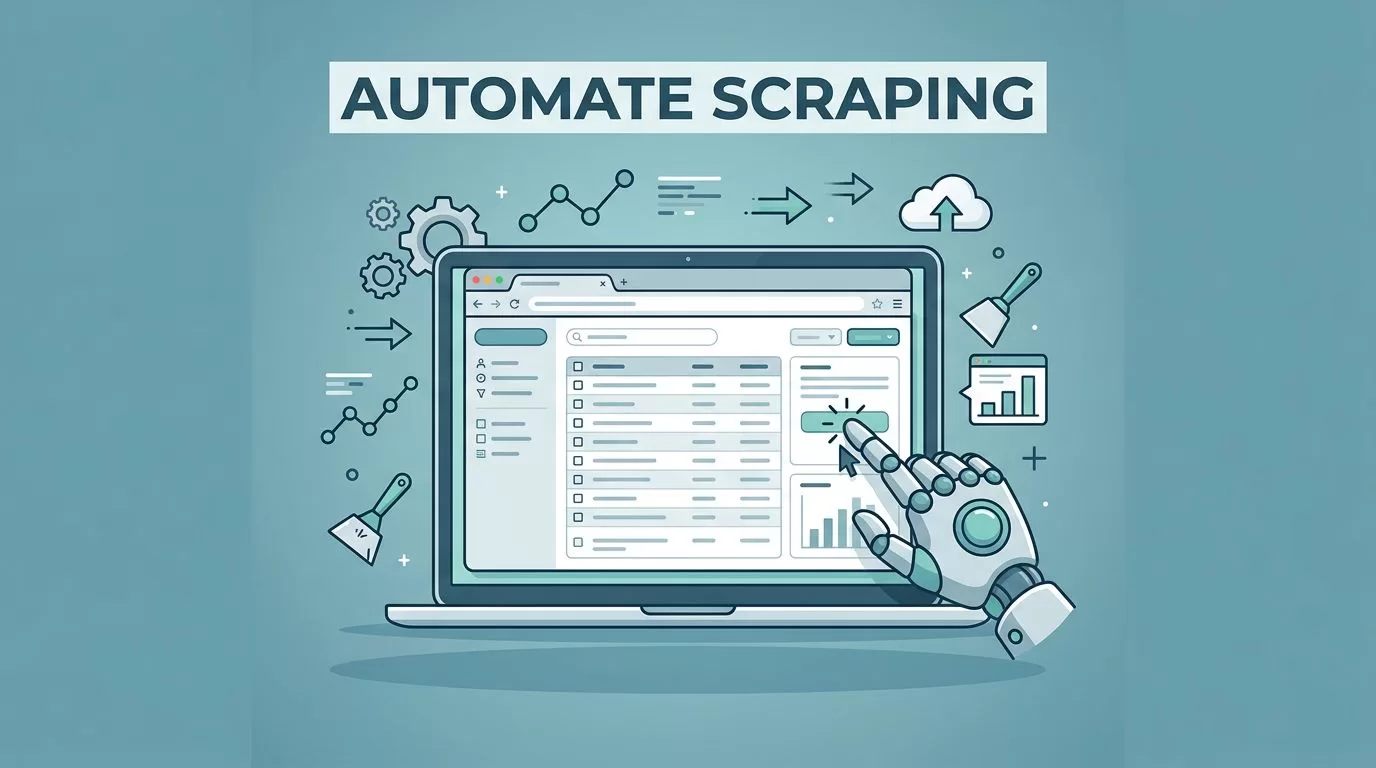
I remember the hours I wasted copying data from websites into spreadsheets. Job listings, competitor prices, leads from directories. It ate my time. Then I found Twin.so. This no-code tool lets me build AI agents that scrape sites automatically. You describe what you want in plain English. The agent handles the rest. In this guide, I’ll show you how I set it up for real workflows.
No more manual work. Agents run on schedules or triggers. They pull clean data into Google Sheets or emails. Let’s walk through it step by step.
Why Twin.so Fits My Scraping Needs
Twin.so stands out because it mixes AI smarts with browser actions. Sites with JavaScript or logins block simple scrapers. Twin.so agents use a cloud browser to click, scroll, and type like I would. They hit 96% site coverage and pull structured data with high accuracy.
I start in the chat interface. I tell the orchestrator my goal. For example, “Scrape job listings from Indeed daily.” It builds the agent. You watch it run live. Pause if needed. First builds take 5-10 minutes as it learns the site. Later runs fly.
It prefers APIs first. That’s faster and cheaper. No API? It scrapes or browses. Integrations cover Google Sheets, emails, HubSpot. Data comes out clean, categorized. No messy post-processing for me.
Proxies aren’t built-in. For heavy anti-bot sites, you might add them later. But for most business tasks, the cloud browser dodges basic blocks.
Check the Twin quickstart guide for basics. It covers browser tasks right away.
Step-by-Step: Create Your First Scraping Agent
Sign up at twin.so. It’s free to start. Open the chat. Describe your task simply. Keep it narrow at first. “Go to example.com/jobs, extract titles, companies, salaries. Save to a Sheet.”
The orchestrator plans it. It scrapes the page first to map fields. Then launches the browser if needed. You review the steps. Edit the prompt. Hit launch.
Test in build mode. Costs more but lets you tweak. Once good, switch to run mode. That’s 3-10 times cheaper. Set triggers: daily at 8 AM or on new emails.
Connect outputs. OAuth makes Sheets or Airtable one-click. I export leads there. Then they flow to my CRM.
For logins, grant access once. Agents remember. No repeated hassle.
Follow Twin’s Web Agent docs for form-filling examples. They match scraping flows.
Building Scraping Workflows That Stick
I build reusable agents. Duplicate one for new sites. Tweak the prompt. That’s how I scale.
Say I want job listings. Agent navigates searches, clicks pages, grabs details. Handles pagination. Extracts salary ranges, locations. Ignores duplicates.
For leads, I target Google Maps. Agent pulls names, phones, addresses. Filters by rating. Emails a summary.

In workspaces, agents team up. One scrapes. Another cleans data. Third analyzes trends.
Use built-in tools like web_search or scrape_platforms for social or jobs. Saves browser credits.
See Twin tips for API-first approaches. Prioritize them over browsers.
Real-World Examples from My Workflows
Lead generation tops my list. I scrape directories for B2B contacts. Agent finds companies, grabs emails if public, verifies basics. Exports to Sheets. I pair it with tools like Hunter.io for email verification.
Competitor monitoring runs weekly. Agent checks prices on rival sites, news pages. Summarizes changes in an email. Spots drops or launches fast.
Job listings help hiring. Daily pull from boards. Filters by skills. Sends top matches. No more manual hunts.
Product data collection tracks e-commerce. Agent visits Booking.com or Amazon. Pulls prices, features. Builds comparison tables.

Explore Twin use cases for Maps scrapers. They match my lead flows.
Data cleans itself mostly. Agents categorize, dedupe. For extras, prompt refinements.
Tackling Scraping Hurdles with Twin.so
Anti-bot measures trip others. Twin.so’s browser mimics humans. Handles JS sites well. CAPTCHAs? Not detailed, so test tough ones.
Scale matters. High volume needs monitoring. No free tier limits noted. Start small.
Tweaks fix AI slips. Edit instructions directly. Agents self-improve over runs.
If sites break, agents adapt better than rigid scrapers. Still, check no-code alternatives like Browse AI for static pages.
Conclusion
Twin.so web scraping saved me weeks yearly. Agents handle browsers, clean data, integrate smoothly. Start with one task: jobs or leads. Build from there.
You get reliable automation without code. Test it today. Your spreadsheets fill themselves.
(Word count: 982)
