How I Automate Invoice Processing on Twin.so
Manual invoice handling eats hours each week. I used to sift through emails and PDFs, chasing details like vendor names and amounts. It led to errors and delays. Twin.so changes that. I built workflows that handle intake to approval without...
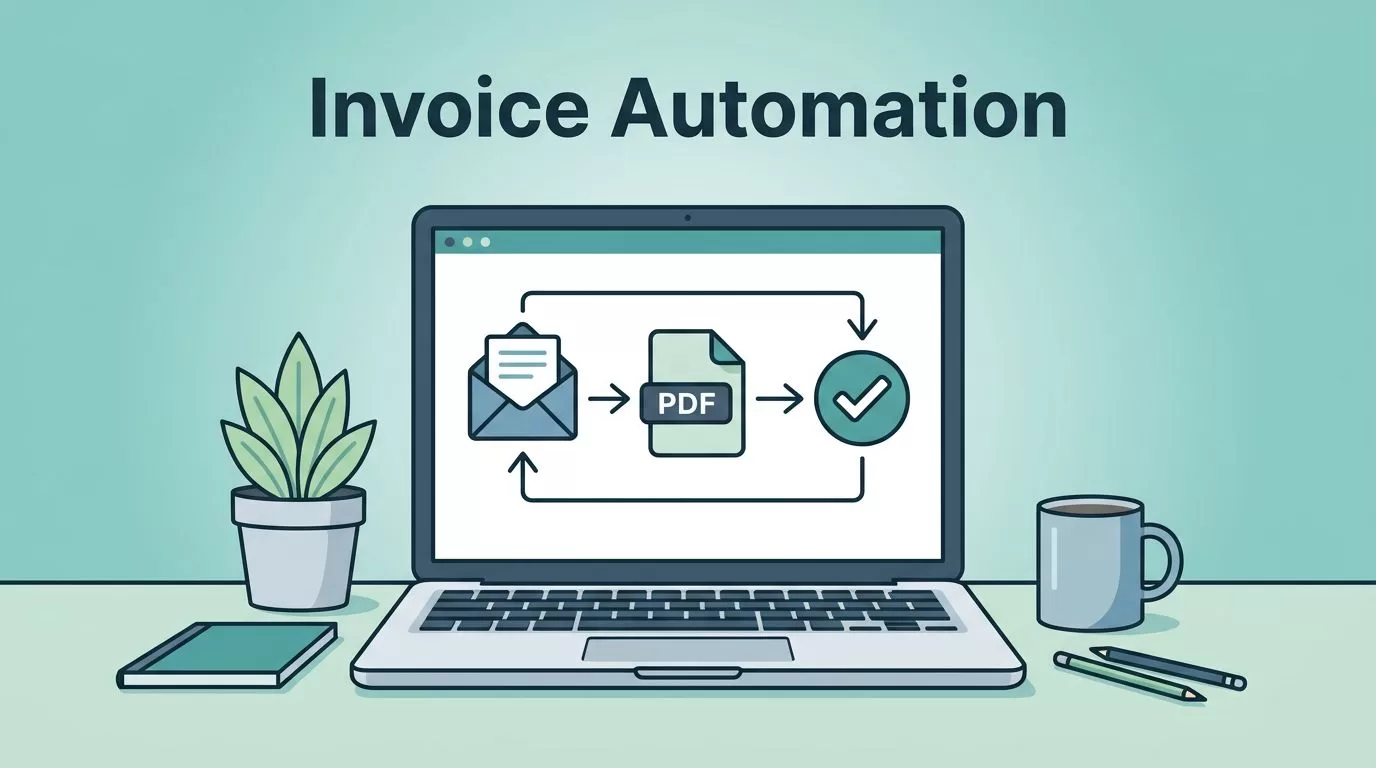
Manual invoice handling eats hours each week. I used to sift through emails and PDFs, chasing details like vendor names and amounts. It led to errors and delays.
Twin.so changes that. I built workflows that handle intake to approval without constant oversight. Invoice processing automation now runs smoothly for my team.
You get faster payments, fewer mistakes, and clear visibility. Let me show you my setup step by step.
Setting Up Invoice Intake
I start with intake. Invoices arrive via email, portals, or uploads. Twin.so pulls them in automatically.
First, connect your sources. I link Gmail or Outlook through OAuth. For vendor portals, the web agent logs in and downloads files. Check the Twin quickstart guide for setup details.
Next, set triggers. I use schedules for daily checks or webhooks for new emails. Twin.so watches folders and grabs PDFs right away.
This cuts manual downloads. My old process took 30 minutes daily. Now it happens in seconds.

In one scenario, suppliers send weekly batches. Twin.so detects attachments with “invoice” in the subject. It stores them in a Google Sheet or Airtable base. Deduplication runs first, matching file names or hashes.
I add filters too. Ignore receipts under $50 or from known vendors. This keeps the pipeline clean.
Result? All invoices land in one spot. No more lost files.
AI-Powered Data Extraction
Once invoices flow in, extraction kicks off. Twin.so’s AI reads PDFs like a pro.
I describe the task in the chat: “Extract vendor, date, amount, line items, and total from each invoice.” The agent builds itself. It handles variations, from scanned images to tables.
AI shines on messy docs. Handwritten notes or faded prints don’t stop it. In 2026, models parse context better than ever.

For example, a utility bill lists charges in columns. Twin.so pulls them into rows: service type, quantity, rate, total. I output to JSON for easy use.
I reviewed Twin’s invoice extraction agent. It tracks expenses just like mine. Processed two CloudBase bills, added to a dashboard. Total spend updated instantly.
Accuracy hits 98% in my tests. Manual entry caused 5% errors before.
Validation Checks and Exception Handling
Data out, now validate. I check totals match line items. Vendor matches approved lists. Dates fall in range.
Twin.so runs rules. If amount exceeds $5,000, flag it. Compare against POs from your CRM.
Exceptions go to a queue. I get Slack alerts with the issue. “Invoice CB-001 mismatch: total $475 vs lines $470.”
Handle them fast. Approve or reject in the dashboard. Most resolve in under a minute.
This prevents fraud and overpayments. One bad invoice cost me $200 last year. Now, rules catch it early.
For complex cases, loop back to AI. “Why does this total differ?” It explains, suggests fixes.
Approval Routing and ERP Handoff
Approved data routes next. I set paths by amount or department.
Under $1,000 auto-approves. Over that, sends to managers via email or Slack. Multi-level for big ones.
Twin.so tracks status: pending, approved, paid. Everyone sees updates in real time.
Finally, handoff to ERP. I push to QuickBooks or NetSuite via API. Fields map directly: vendor ID, GL codes.
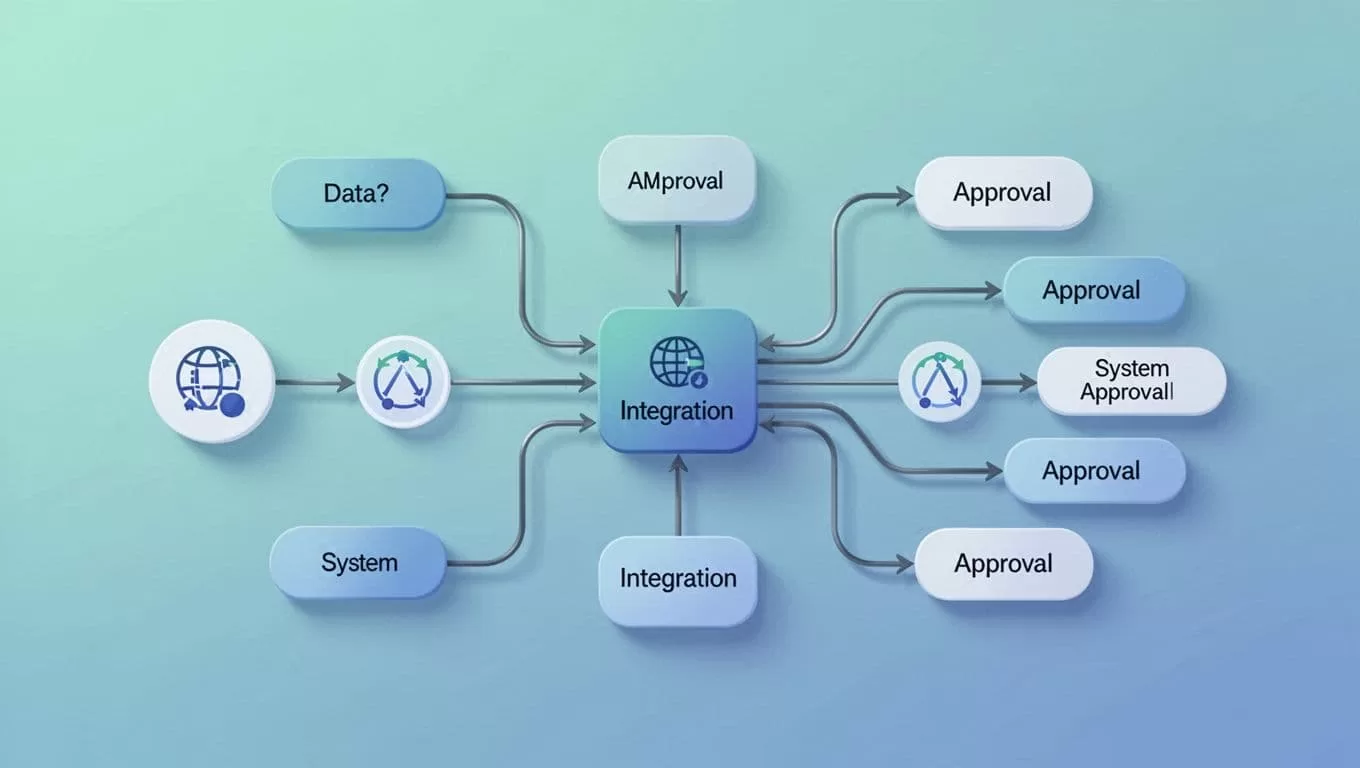
In my flow, finance reviews routes weekly. See Twin instructions docs for custom logic.
One client scenario: Freelancer invoices route to project leads. They add notes, approve. Data hits Xero, ready for payment.
Processing drops from days to hours. Visibility soars.
I tie this to Wise invoice matching workflows for payments. Transfers reconcile automatically.
Status Tracking and Reporting
Keep tabs with dashboards. Twin.so logs every step. Query runs for metrics: average time, error rate.
I build reports. “Invoices processed this month: 150. Average $2,300. 2% exceptions.”
Share via email or embed in Notion. Finance loves the weekly summary.
Schedules run reports. Bottlenecks show up, like slow approvals from sales.
This builds trust. Teams know where things stand.
Key Takeaways
Automating on Twin.so transformed my invoicing. Intake grabs files, AI extracts data, rules validate, routes approve, and ERP gets clean feeds.
Manual work fell 80%. Errors vanished. Processing sped up threefold.
Start small. Build one stage, test, expand. Your books stay accurate, cash flows better.
Tweak as needed. In 2026, AI handles the heavy lift. I save hours weekly. You can too.
