How I Get Wise UK Account Details Abroad in 2026
I remember the first time a UK client wanted to pay me in pounds. I sat in my apartment halfway across the world, staring at an email with their question: can you share UK bank details? Banks back home laughed at the request. Fees piled up,...
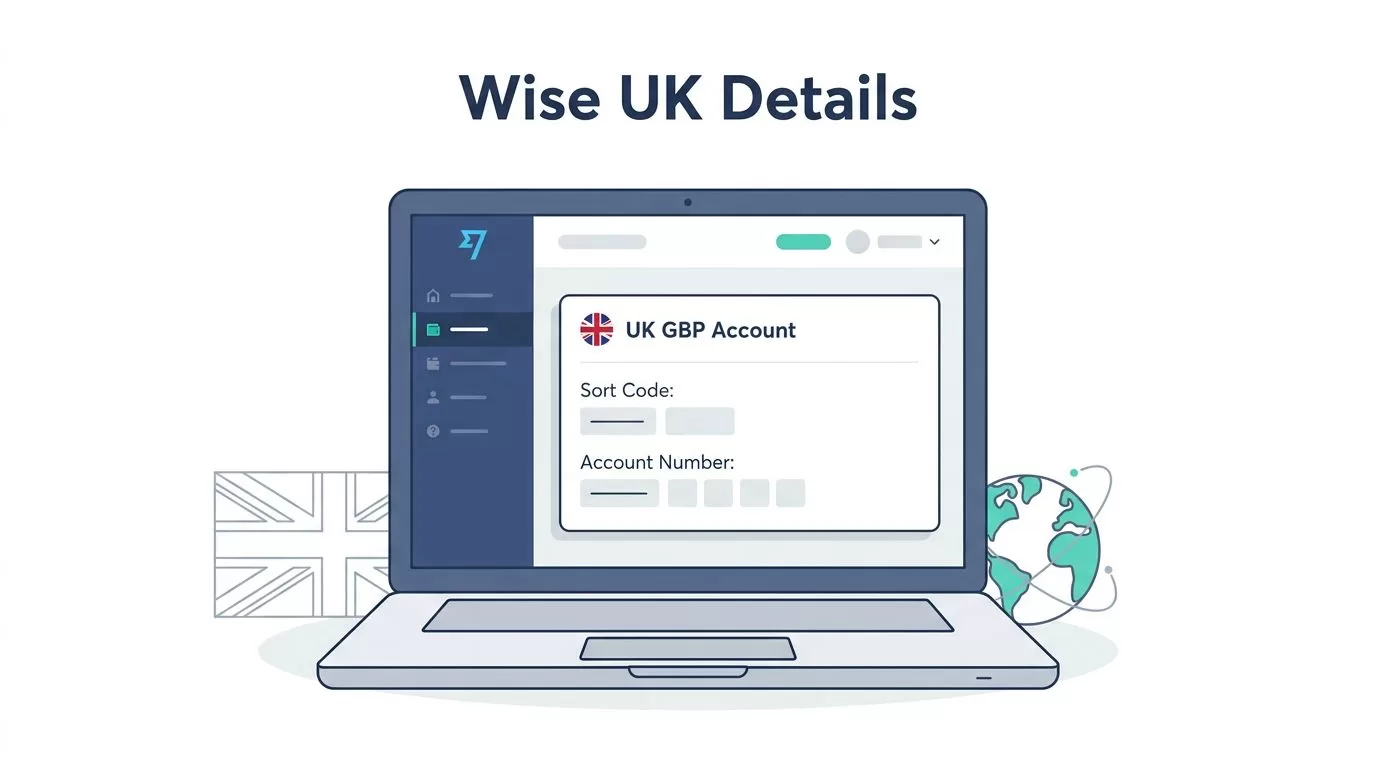
I remember the first time a UK client wanted to pay me in pounds. I sat in my apartment halfway across the world, staring at an email with their question: can you share UK bank details? Banks back home laughed at the request. Fees piled up, delays stretched weeks. Then I found Wise. It gave me Wise account details that looked local, right down to the sort code. No travel needed.
You might face the same snag with freelance gigs, remote jobs, or family transfers. Wise solves it for many non-residents, but rules shift. Eligibility depends on your country. I always check the app first. Let me walk you through what works now, based on my setup.
What Wise UK Account Details Really Mean
Wise hands you local-looking bank info for GBP payments. Think account number, sort code, even reference for invoices. Senders in the UK treat it like a domestic transfer via BACS or FPS. No hefty SWIFT fees hit them.
I hold balances in 40-plus currencies. The GBP one unlocks these details. It’s not a full bank account. Wise is an e-money service. You get payments, hold funds, send abroad at mid-market rates. Clients pay fast because it feels routine.
For details on how Wise account details work, their help page spells it out. Payers need your name as it appears, the sort code, and account number. Add a reference if billing.
This setup beats traditional wires. I receive salary chunks without currency conversion traps. Yet payers must accept e-money accounts. Some landlords or firms balk. I test small amounts first.
Check Your Eligibility Before Starting
Not every non-UK resident qualifies. Wise bases it on residence country. Supported spots get full access. Others hit walls on local details like UK ones.
I start in the app. Download it, tap sign up. Pick personal or business. Enter your residence nation from the list. If UK details show later, you’re good. No UK address required.
Policies evolve. In May 2026, many places outside the UK work. But sanctions or regs block some. Wise’s GBP account page lists currencies with details. Eight-plus offer locals, GBP included.
Business accounts often need company docs. I run one for clients. It unlocks details faster if verified. Always confirm inside Wise. Their site warns: availability changes.
If stuck, their residence verification guide covers docs. Passports, IDs, visas count. No UK proof needed for non-residents.
Steps to Open a Wise Account from Anywhere
Sign up takes minutes. I use the app on my phone. Go to wise.com or download. Choose personal for starters.
Enter email, set password. Verify phone. Pick residence country. Boom, account live. No fees.
Add GBP balance next. Home screen, plus icon. Select GBP. If eligible, “get account details” appears. Copy sort code, number.
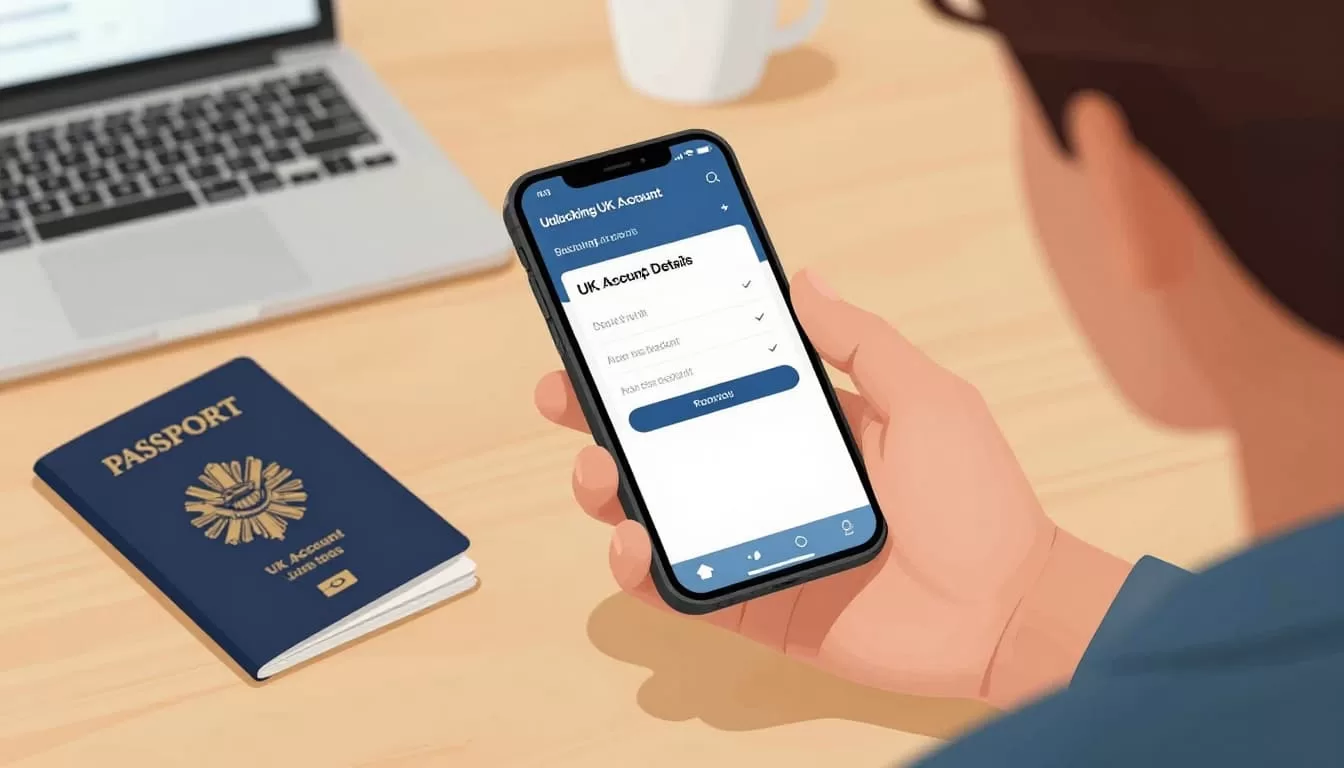
This shot matches my routine. Phone out, passport handy for later checks. Details pop up clean.
For business, upload firm papers early. I link it to my freelance setup. Clients pay seamless.
Test it. Ask a friend for pennies. Confirm arrival. I do this before big sends.
Verification Steps That Unlock Full Access
Wise flags high activity. They ask for proof. I prep passport, address bill, selfie.
First, ID upload. Passport works best. National ID too. Then residence doc. Utility bill, bank statement under three months.
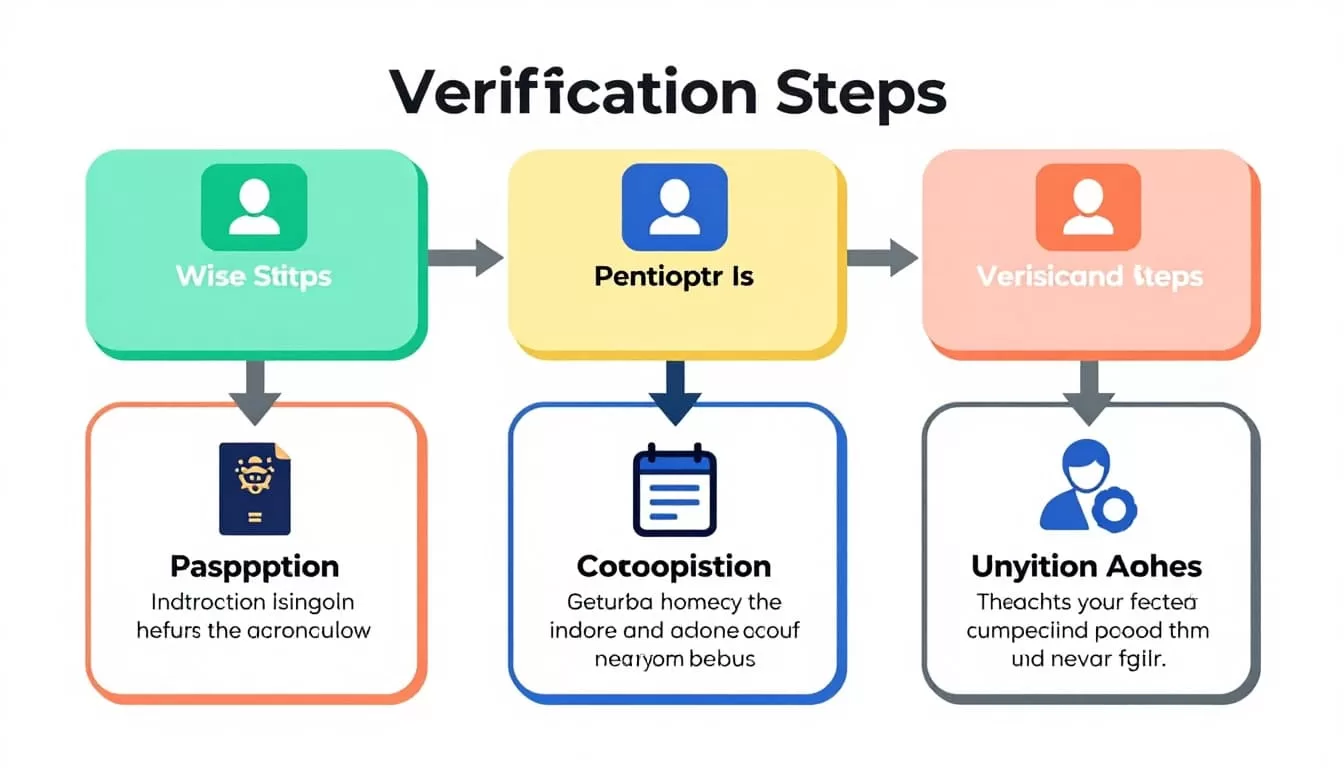
These icons sum my flow. ID first, then address, selfie last. App guides you.
Delays happen. Upload clear scans. I light my docs even. Approval in days usually.
If rejected, check reasons. Wrong country doc? Resubmit. I fixed a blurry bill once.
Business needs more. Tax ID, company register. Verify early.
Using Your UK Details for Real Payments
Share the details. Email client: “Pay to [your name], sort code XX-XX-XX, account XXXXXXXX.”
They send via bank app. Funds land in GBP balance. Convert or hold.

Like this, I check inflows over coffee. World map reminds me why: global work.
Limits apply. Monthly receives cap low tiers. Upgrade verifies higher.
I use for rent, freelance. UK firms accept most times. Test key payers.
See my full Wise GBP account guide for invoice tips.
Troubleshooting When Things Go Wrong
Details not showing? Residence mismatch. Switch countries? Can’t. Contact support.
Payer rejects? “Not real bank.” Explain e-money. Or use SWIFT alternative.
Delays in verification? Check spam for emails. Resubmit if timed out.
Funds frozen? Rare, but activity flags. Provide source proof.
I chat support in-app. Quick fixes. For business snags, see Wise business payments setup.
App glitches? Update, clear cache. Works on web too.
Limitations You Can’t Ignore
No overdrafts. No loans. ATM fees after limits.
Taxes? Your duty. UK details don’t make you resident. Report home rules.
Not all payers take it. Government sometimes picky.
Interest on balances? Eligible currencies only.
Check Wise app always. Features vary by spot.
Like my Wise US details experience, rules per currency.
Conclusion
Wise UK account details open doors for non-residents like me. I pull in GBP payments smooth, no borders in way. Verify eligibility, test small, stay updated.
It fits my remote hustle. Grab the app, check your spot. If it works, clients pay local style. Policies shift, so peek official sources.
Your turn fits global work? Start simple, build from there.
