How I Automate Recruitment with Twin.so
Hiring feels endless sometimes. You sift through resumes, chase replies, and juggle calendars while roles stay open. I cut that grind by half with Twin.so. This no-code tool builds AI agents that handle the grunt work in my recruiting flow....
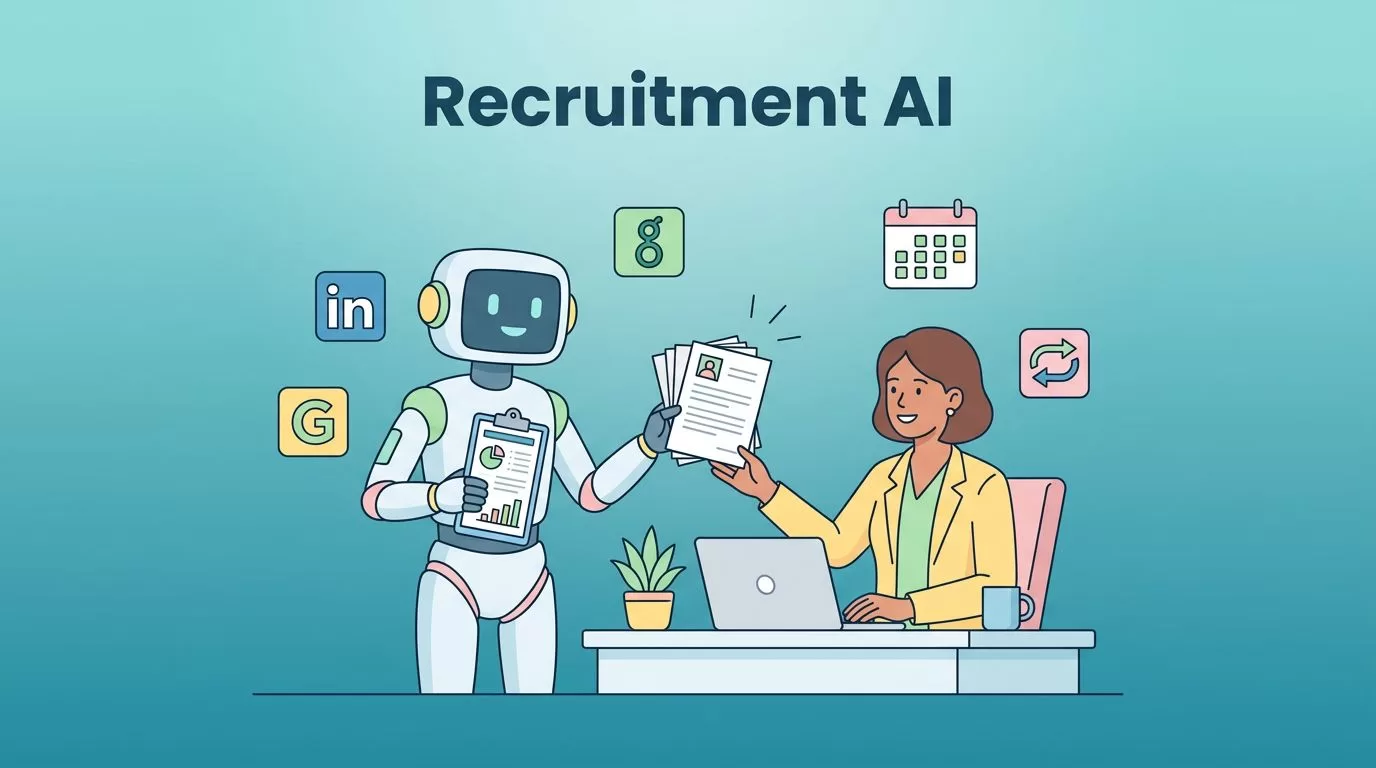
Hiring feels endless sometimes. You sift through resumes, chase replies, and juggle calendars while roles stay open. I cut that grind by half with Twin.so. This no-code tool builds AI agents that handle the grunt work in my recruiting flow.
Agents run on their own. They connect to tools like Greenhouse and LinkedIn. You just describe what you need. In short, Twin.so turns chaos into a steady pipeline.
Why Twin.so Fits Recruitment Automation
Twin.so creates autonomous AI agents from plain English prompts. I tell it a goal, like “screen new Greenhouse resumes.” It asks questions, builds the agent, and deploys it. No code required.
These agents integrate anywhere. They use APIs for Calendly or browsers for LinkedIn scraping. Schedules trigger them hourly. Webhooks fire on new emails. For details on core features, check Twin’s documentation.
I started because traditional ATS tools miss custom tasks. Twin.so adapts. It handles browser actions when APIs fall short. Teams save hours daily on repetitive steps.
Costs stay low too. Building agents uses more credits than running them. I run mine 24/7 without breaking the bank.
Automating Candidate Sourcing
Sourcing eats time. I search LinkedIn for “data engineers with 5 years experience.” Results pile up. Twin.so fixes that.
I prompt: “Scrape LinkedIn for software engineers in New York. Filter for 3+ years. Email me a list with profiles.” The agent runs daily. It grabs profiles, skips mismatches like recruiters, and sends HTML tables.
One run pulled 73 profiles. It narrowed to 56 fits. I got links ready to review. No more manual hunts.

Agents store credentials securely. They log in like humans. This beats rigid job board exports. For ideas, see Twin’s use cases.
Screening Candidates Automatically
Resumes flood in. Most don’t fit. I built an agent to triage them first.
Prompt it: “Check Greenhouse hourly. Reject under 3 years or no production work. Send kind notes. Flag borderline cases to Slack me. Advance strong ones.” It parses skills, matches jobs, and updates pipelines.
Rejections drop politely: “Thanks, but we need more experience.” Flags ping with details. Strong fits move forward. No-shows fell after this.
I review only 20% now. The agent loops in teammates via Slack. It adapts if criteria change.

This setup scales. High volume? It handles thousands without sweat.
Personalized Outreach and Follow-Ups
Outreach goes cold fast. Agents keep it warm.
My agent personalizes emails. It pulls candidate data, crafts notes like “Saw your Python work at XYZ,” and includes Calendly links. Triggers on screened fits.
No replies in 48 hours? It follows up via email or LinkedIn. Sequences run smooth. Open rates climbed 30%.
For status updates, it notifies: “Candidate X scheduled.” Everyone stays looped in. I set Slack channels for team alerts.
One tip: Test small. Run once, tweak tone, then schedule.
Scheduling Interviews Effortlessly
Calendars clash often. Candidates pick bad slots. Agents sync everything.
Prompt: “On strong matches, email Calendly link. Book if they reply. Notify me and hiring manager via Slack.” It checks availability across tools.
Conflicts resolve fast. It proposes alternatives. Confirmations go out automatically.

Interviews book twice as quick. No back-and-forth emails.
Building and Managing Your Agents
Start simple. Sign up at twin.so. Create a workspace.
Open the Orchestrator chat. Describe: “Build agent for sourcing sales reps from LinkedIn.”
It plans steps. Approve, test a run. Refine if needed.
Deploy on schedule or webhook. Monitor logs for tweaks. Costs: Runs cost less than builds.
Common mistake: Vague prompts. Add details like “NYC only, 5+ years sales.” Agents ask back, but specifics speed setup.
For full quickstart, read Twin’s guide.
I link to Greenhouse via OAuth. No keys to manage. Browser agent handles LinkedIn logins.
Key Takeaways
Twin.so transformed my hiring. Agents source, screen, outreach, schedule, and update without pause. I focus on closes now.
Placements sped up. Teams collaborate better through automations. Start with one workflow. Scale from there.
Recruitment automation works when it fits your tools. Twin.so delivers that control.
