How I Run a Discord Auto Poster with Twin.so
I manage several Discord servers for my side projects, and manually posting updates eats hours each week. What if you could automate those announcements, promotions, or reports instead? Discord auto posters save time, but most bots feel clu...
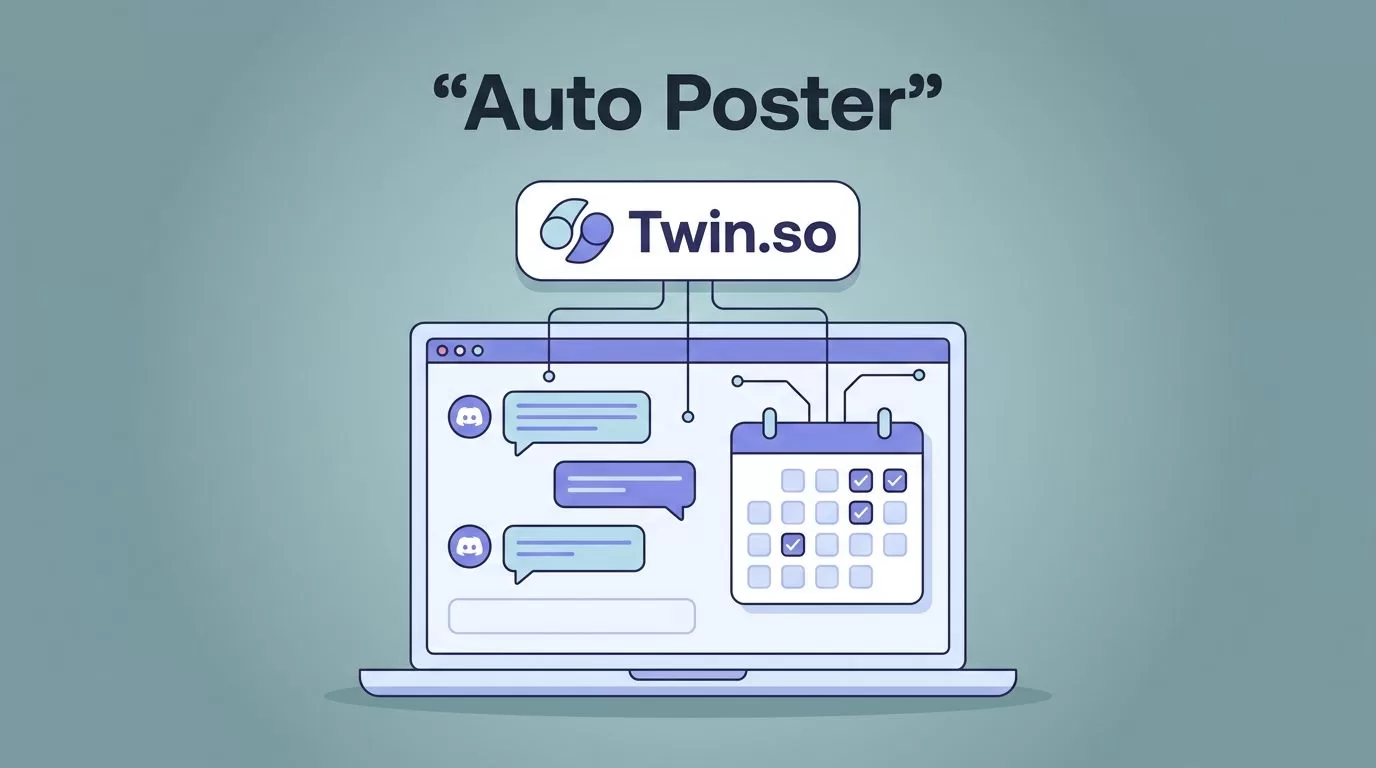
I manage several Discord servers for my side projects, and manually posting updates eats hours each week. What if you could automate those announcements, promotions, or reports instead? Discord auto posters save time, but most bots feel clunky or risky.
Twin.so changes that. It lets me schedule posts without code, using simple agents that handle OAuth securely. You connect once, set rules, and watch messages flow. In this guide, I walk you through my exact process. Follow along, and you’ll post automatically by the end.
Why Twin.so Beats Other Discord Automation Tools
Twin.so fits my workflow because it focuses on no-code agents. I build tasks like “post sales reports every Friday” without scripting. Unlike traditional bots, it uses credits only when agents run, so costs stay low. The Pro plan gives 2,000 credits for $20 a month.
Other options like MEE6 work for basics, but they lack Twin.so’s flexibility for custom triggers. For example, I pull data from emails or sheets and format it into Discord messages. Check the Twin.so quickstart guide for their core setup, which mirrors what I do here.
Discord servers thrive on consistent activity. Auto posts keep channels alive during off-hours. However, pick tools wisely. Free bots often spam or hit limits fast. Twin.so queues actions smartly, so my servers stay smooth.
I switched after testing alternatives. Now, my community gets timely updates without me logging in daily.
Gather Your Prerequisites First
Start with a Discord server you own or admin. You need “Manage Server” rights there. Create a dedicated channel for auto posts, like #announcements, to control visibility.
Sign up for Twin.so. It offers a free tier to test. Note their credit system: agents burn credits on runs, browses, or posts. For Discord, expect 1-2 credits per message batch.
Enable developer mode in Discord. Right-click your server, select “Server Settings,” then “Integrations.” Generate a webhook URL for that channel. Webhooks bypass some bot limits at 30 messages per minute.
Verify permissions early. Bots need “Send Messages” and “Embed Links” in the channel. Over-permissioning risks issues, so stick to essentials.
Test in a private server first. This avoids public mishaps.
Step-by-Step Setup for Your Auto Poster
Log into Twin.so and click “New Agent.” Name it “Discord Poster.” Choose “Scheduled” trigger for regular posts.
Connect Discord via OAuth. Twin.so prompts authorization without API keys. Select your server and channel. Paste the webhook if needed. I always double-check the channel dropdown here.
Set the schedule next. Pick daily, weekly, or custom like “every Monday at 9 AM.” For my reports, I use cron syntax: 0 9 * * 1.
Add your message prompt. Write natural text: “Weekly sales: $5,200 (up 12%). Full sheet: [link].” Twin.so supports embeds, images, and variables. Pull data from Google Sheets by linking accounts.
Save and run a test agent. Watch the dashboard log the post. Interfaces change, so peek at Twin.so docs if buttons shift.
Grant bot roles properly. In Discord, drag the integration role above others. Toggle “Send Messages” on. This prevents silent fails.
Your poster now hums in the background.
Customize Messages, Channels, and Formatting
Tailor content to engage. Use embeds for rich previews: title, description, thumbnail. In Twin.so, add JSON like {“title”: “Update”, “description”: “Details here”}.
Select channels wisely. Announcements suit public ones; logs go private. I segment by topic to dodge clutter.
Format for mobile. Short lines, emojis sparingly. Test renders: Discord caps embeds at 6000 characters.
Variables add smarts. Link RSS feeds or APIs for dynamic posts. For business, I pipe CRM data: “New lead: John Doe, interested in AI tools.”
Rate limits matter. Discord allows 5 messages per 5 seconds per channel. Twin.so handles queuing, but space schedules 10+ minutes apart.
Mention moderation. Auto posts can trigger filters. Whitelist your bot in server rules.
Test and Monitor Your Discord Auto Poster
Run a manual test post. Trigger the agent from Twin.so dashboard. Check Discord for arrival, format, and permissions errors.
Monitor logs in both apps. Twin.so shows credit use and errors. Discord audit logs track sends.
Scale slowly. Start weekly, then daily. Watch for 429 errors (rate limits). Add delays: 1 second between posts.
If posts vanish, revoke and re-OAuth. Common with permission tweaks.
Troubleshoot Common Setup Hiccups
Posts not sending? Check webhook validity. Regenerate if expired.
Credit shortages halt agents. Upgrade or optimize prompts.
Discord blocks? Review rate limits: 50 requests per second global. Use webhooks for volume.
Permission denials show in logs. Reorder roles; ensure “Send Messages” is on.
Formatting breaks on mobile? Preview embeds first.
Server owners, enable “Allow webhooks” in channel settings.
If Twin.so glitches, their support responds fast. Always test changes live.
For bot-heavy servers, see why Discord excels in moderation workflows.
Stick to Safe Practices and Limits
Follow Discord’s terms: no spam. Space posts, add value.
Monitor usage. Big servers hit per-route limits quick. Queue via Twin.so.
Backup webhooks. Rotate if abused.
Review monthly. Tweak for engagement.
Automation boosts efficiency, but humans moderate best.
Conclusion
Twin.so makes Discord auto posting simple and reliable. I now handle updates hands-free, freeing time for growth. Key wins: easy OAuth, smart scheduling, low costs.
Start small, test thoroughly, and scale. Your servers will thank you. Check docs for updates, as features evolve.
(Word count: 982)
