ARPA in Baremetrics: Separating Pricing Changes From Mix Shift
ARPA moves faster than most founders expect. One pricing change, one enterprise deal, or one wave of discounting can bend the line in a single month. I watch ARPA growth trends because the average tells me whether my revenue base is getting...
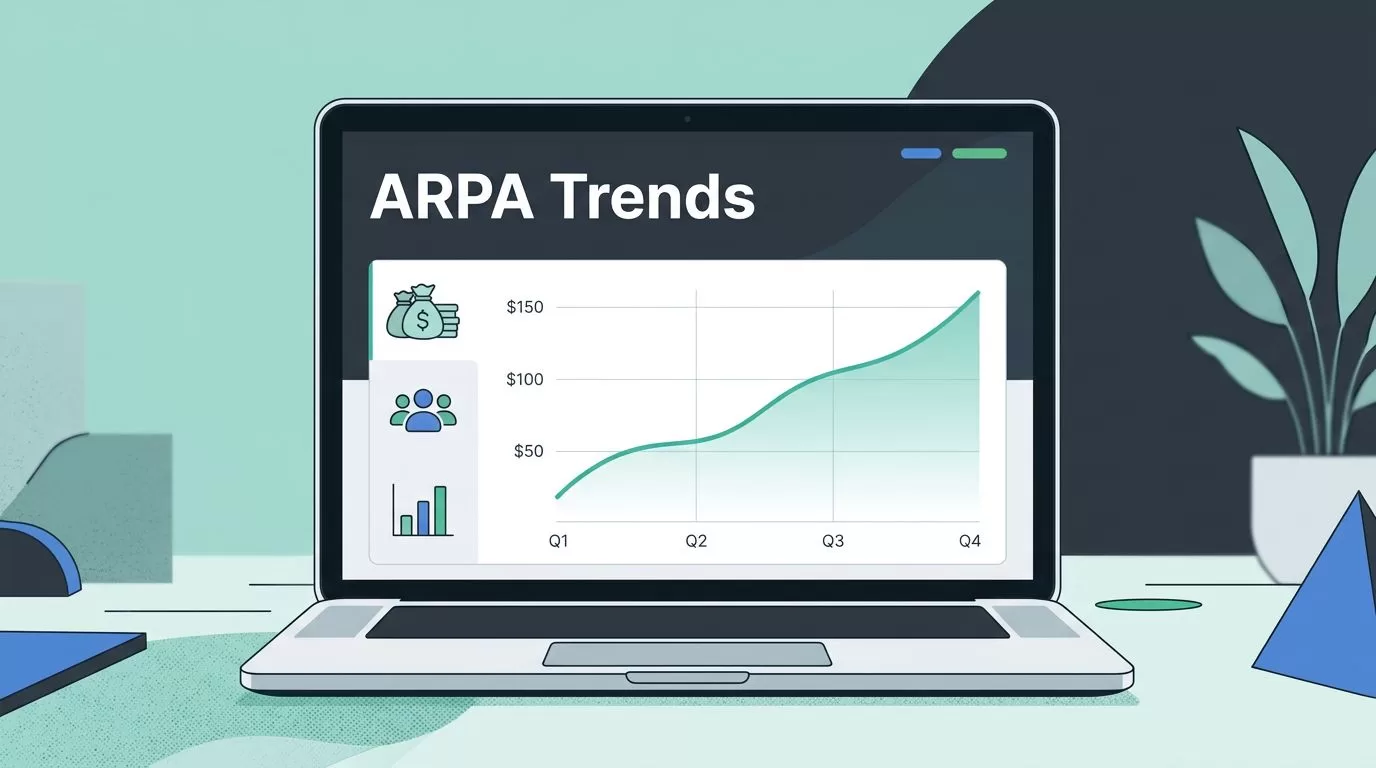
ARPA moves faster than most founders expect. One pricing change, one enterprise deal, or one wave of discounting can bend the line in a single month.
I watch ARPA growth trends because the average tells me whether my revenue base is getting stronger or just getting bigger. If the number rises for the right reason, I can trust the model. If it rises for the wrong reason, I need to look harder.
What ARPA means in my SaaS reports
ARPA means average revenue per account. I use it to see how much recurring revenue each account brings in during a set period.
The math is simple. I divide recurring revenue, usually MRR, by the number of active accounts in the same period. If I bill annually, I convert that revenue into a monthly figure first. That keeps the comparison clean.

I like ARPA because it sits between raw revenue and customer mix. Revenue alone can look healthy while low-value accounts pile up. ARPA shows me whether each account is worth more over time.
When I want the wider context, I keep key SaaS revenue indicators open beside ARPA. That helps me avoid reading one metric in a vacuum.
My monthly ARPA calculation
I keep the formula plain:
ARPA = recurring revenue for the period ÷ active accounts for the period
If I want a quick check, I pull the month’s MRR and the account count, then divide. I do the same for each segment I care about, such as plan, channel, or customer size.
Baremetrics has a helpful MRR calculation guide when I want to sanity-check the revenue side, and its ARPU guide helps me keep per-user and per-account math separate.
Here’s the kind of quick check I use:
| Month | Recurring revenue | Active accounts | ARPA |
|---|---|---|---|
| January | $120,000 | 240 | $500 |
| February | $126,000 | 245 | $514 |
| March | $124,000 | 235 | $528 |
This table tells me more than the top line does. Revenue slipped in March, but ARPA still climbed. That can happen when I lose smaller accounts and keep larger ones, or when upgrades outpace churn.
I never use cash collected in the month if annual plans are in the mix. That can make ARPA jump around for the wrong reason. Instead, I stick to recurring revenue so the comparison stays tied to the service period.
How I read Baremetrics without getting fooled
I treat Baremetrics as my working dashboard, not my final answer. I use it to pull the numbers, then I check whether the story makes sense.
My first move is to look at the same date range every time. Month over month works well for most teams. If I’m reviewing a price change or a campaign launch, I also compare the same period last quarter.
Then I place ARPA beside the rest of the revenue picture. I want MRR, churn, expansion, and customer count in the same view. That keeps me from celebrating a rising average that hides a shrinking base.
My Baremetrics dashboard guide is the page I send to teammates when they need the same layout I use. It keeps the monthly review focused on the numbers that actually move decisions.
A few habits help me trust the chart:
- I compare the current month with the prior month and the same month last quarter.
- I split the number by plan tier before I call it a trend.
- I note every pricing change, promotion, and packaging update.
- I check whether new accounts are landing in cheaper or richer plans.
- I watch for one or two large accounts dragging the average up.
A rising average can hide a weak base if one big account is doing all the work.
That warning matters because Baremetrics shows me the trend, but it doesn’t interpret my business model for me. I still have to ask what changed.
How I separate pricing changes from mix shift
This is the part that saves me from bad decisions. ARPA can rise for two very different reasons. One is stronger pricing. The other is a change in customer mix.
If I raise list prices, remove discounts, or push upgrades harder, ARPA should move up. That’s a pricing effect. If I start attracting more enterprise customers while smaller plans slow down, that’s a mix shift.
The trick is to break the average into pieces. I usually look at plan level first, then customer segment, then acquisition source. If the uplift shows up across every segment, pricing is the likely cause. If only one segment moves, the mix changed.
I also keep an eye on net revenue retention, because ARPA and retention often travel together. When I need that fuller picture, I use my NRR tracking guide alongside ARPA. It helps me see whether the same accounts are growing or whether a few new deals are masking churn.
Healthy and concerning patterns look different:
| Pattern | What I usually read | What I check next |
|---|---|---|
| ARPA up, accounts steady | Pricing or expansion is working | Look at upgrades and discount removal |
| ARPA up, accounts down | Bigger customers may be replacing smaller ones | Check churn and concentration risk |
| ARPA down, MRR up | Low-priced accounts may be driving volume | Review plan mix and acquisition channels |
| ARPA flat, MRR up | Growth is coming from account volume, not value | Inspect upsell paths and packaging |
I like the first pattern most. ARPA rises, account count stays stable, and churn stays calm. That usually means I’m growing account value without losing the base.
The second pattern needs care. Bigger accounts can improve the average, but they can also make revenue more fragile. If a few large customers hold the score up, I want to know that before I celebrate.
The third pattern tells me I may be discounting too much or adding lower-tier customers faster than I expected. That’s not always bad. It just means my average revenue per account is not keeping up with total growth.
The fourth pattern is common in early-stage SaaS. Volume can hide weak pricing power for a while. That’s fine if I expect it. It’s a problem if I’m trying to move upmarket.
A review routine I trust
I use the same process every month so the trend stays easy to read.
- I pull the monthly MRR and active account count from Baremetrics.
- I calculate ARPA for the month and compare it with the prior month.
- I split the view by plan, customer type, and acquisition source.
- I mark pricing changes, new offers, and discount campaigns on the timeline.
- I compare ARPA with churn, expansion, and NRR before I call the trend healthy.
That routine keeps me honest. If ARPA rises and churn rises too, I don’t treat the average as a win. If ARPA dips after a new starter plan launches, I check whether the lower price is helping overall growth.
I also write a short note beside every monthly change. I record whether the move came from pricing, product mix, or customer behavior. Those notes matter later, because a chart without context is easy to misread.
Using ARPA as a decision tool, not a vanity metric
I get the most value from ARPA when I pair it with action. If it rises, I ask whether I should push more expansion offers or keep the current packaging. If it falls, I ask whether I’m selling too much volume at too low a price.
The number also helps me talk to finance and revenue teams in plain terms. A high MRR number sounds good. A healthy ARPA trend tells me the business is getting better at earning revenue per account, not just collecting more accounts.
That difference matters in board reviews, pricing work, and forecasting. It changes the conversation from “How much did we sell?” to “How strong is each account, and why?”
Conclusion
When I track ARPA in Baremetrics, I’m looking for a pattern I can trust. A good trend usually shows up with stable account growth, sensible churn, and clear pricing context.
The best way I’ve found to read it is simple. Calculate it the same way every month, compare it across segments, and separate pricing moves from mix shifts before I draw a conclusion.
ARPA is one of those numbers that gets better the more carefully I read it. When I treat it that way, it stops being a line on a dashboard and starts becoming a useful signal.
