Bulk Schedule Social Media Posts Fast With Someli
If you need to bulk schedule social media posts fast, the bottleneck is rarely the calendar. It is the handoff chain. Drafts sit in docs, approvals happen in chat, and publishing gets pushed to the end of the day. Someli cuts that loop down...
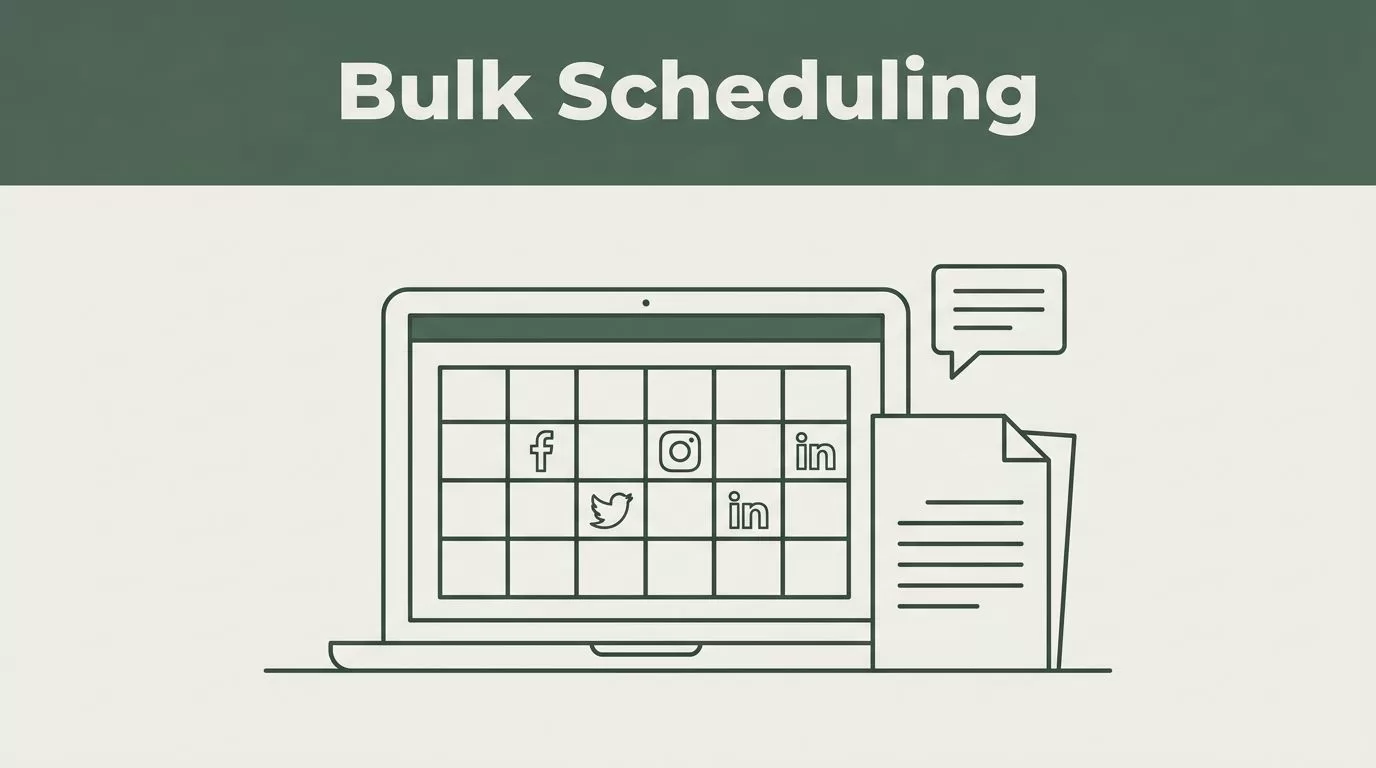
If you need to bulk schedule social media posts fast, the bottleneck is rarely the calendar. It is the handoff chain. Drafts sit in docs, approvals happen in chat, and publishing gets pushed to the end of the day.
Someli cuts that loop down. It brings content creation, scheduling, publishing, and analytics into one place, so you can move from idea to queue without rebuilding the same post three times. In 2026, that matters more than ever because teams want fewer tools and tighter workflows.
The fastest way to use Someli is to build a batch process, not a random posting habit.
Key Takeaways
- Someli combines creation and scheduling so you spend less time moving content between tools.
- Bulk posting works best in batches when you group posts by campaign, channel, and approval status.
- Employee advocacy is built in, which helps brands spread approved content through personal networks.
- AutoPost AI is useful for Instagram and Facebook, especially when you want a shorter path from idea to publish.
- A clean workflow matters more than a full calendar. Speed comes from fewer decisions, not more posts.
What Someli Changes in a Bulk Scheduling Workflow
Someli is not a plain queue tool. It is an AI-powered social media automation platform built to handle content creation, strategy, creatives, scheduling, publishing, and analytics in one dashboard.
That changes bulk social media scheduling in a practical way. You are not writing captions in one app, resizing graphics in another, then copying everything into a scheduler. Someli can generate unique content and videos in minutes, which gives you a usable draft pool before you touch the calendar.
The platform also fits employee advocacy and personal branding work. Private content libraries, pre-approved assets, and one-click sharing help teams push approved posts through personal professional networks without losing control of the message. That is useful when you want more reach without turning every employee into a manual publisher.
If your workflow centers on Instagram and Facebook, the AutoPost AI system is the shortest path. You feed it ideas, then it handles content creation through automatic publishing.
The 14-day free trial gives you enough room to test a full batch cycle before you decide how it fits your team.
Build a Batch Process That Does Not Break
Bulk scheduling works when the work is organized before it touches the calendar. Start with the campaign. Then build the queue around that campaign, not around whatever feels urgent that day.
- Lock the message first. Decide what the batch is about. A launch, a weekly theme, a founder story, or an employee advocacy push all need different content rules.
- Write one core idea, then adapt it. Use one message for LinkedIn, Instagram, Facebook, or other channels. Keep the angle consistent, but change the format.
- Generate drafts in Someli. Let the AI engine produce variations. Then cut the weak ones and keep the posts that fit the brand voice.
- Move approved content into a library. Private, pre-approved content cuts back-and-forth later. That matters when several people need the same assets.
- Schedule in blocks. Fill multiple time slots in one sitting. Leave room for live updates and campaign changes, but do not rebuild the queue post by post.
If a post still needs a fresh decision every time, it is not ready for bulk scheduling.
That pattern works for agencies, founders, and in-house teams. If you want a reference point for how other schedulers handle batch setup, CloudCampaign’s bulk social media posting tool shows the standard pattern clearly.
Where Bulk Scheduling Pays Off Most
Bulk scheduling is strongest when the same message needs many small variations. Product launches are the obvious case. You need teaser posts, announcement posts, demo posts, and follow-up reminders. Doing that one post at a time is slow and messy.
Weekly content themes are another fit. If you publish tips every Monday or a recap every Friday, batching removes the daily scramble. You write once, approve once, and load the whole run.
Employee advocacy also benefits from batching. One approved message can move through a team faster when the content is already sitting in a shared library. That is where Someli’s private content setup matters. It gives people something ready to share without inventing their own copy from scratch.
Creators and small businesses use the same method for a different reason. It protects focus. You can write on one morning, schedule on the next, and keep the rest of the week open for sales, calls, or client work.
For a broader look at the category, Sprout Social’s 2026 roundup of social media scheduling tools is useful. It shows how the market splits between calendar-first planners and more automated systems.
Keep the Calendar Clean at Scale
A full calendar is not the goal. A clean calendar is. You want clear labels, fixed owners, and a review point before anything goes live.

Use separate lanes for launches, evergreen posts, employee advocacy, and reactive content. That keeps the queue readable. It also helps you spot gaps fast.
Set a simple approval rule. One person checks tone. One person checks assets. One person schedules. That may sound rigid, but it prevents duplicated work and last-minute fixes.
Time zones matter too. If you manage multiple regions, bulk scheduling only saves time when the publish time is right the first time. Otherwise, you are back in the queue making corrections.
If you want a second comparison set, Sintra’s social media scheduling tools guide is a quick way to scan the basics. It is helpful when you want to compare simple schedulers against more automated workflows.
Someli Compared With Standard Scheduling Tools
Someli is strongest when content creation and publishing need to happen together. Traditional schedulers are still useful, but they usually focus on planning and posting. That is enough for some teams. It is not enough for teams that want to move faster with less manual work.
| Tool | Best fit | Main strength |
|---|---|---|
| Someli | Teams that need AI content generation, employee advocacy, and bulk scheduling in one place | One workflow for drafting, libraries, approvals, publishing, and analytics |
| Buffer or Hootsuite | Teams that want calendar-first scheduling | Familiar planning and publishing setup |
| CloudCampaign | Agencies that manage bulk post patterns across accounts | Batch posting across slots and platforms |
The difference is simple. If you only need a calendar, a standard scheduler works. If you need content production and bulk publishing in the same system, Someli is the tighter fit.
That is also why it matters for teams that are tired of switching between writers, designers, and schedulers. Less switching means fewer mistakes. Fewer mistakes mean faster publishing.
Conclusion
Bulk scheduling gets fast when the workflow is fixed. Someli helps because it combines content generation, approval, and publishing in one place. That removes the extra steps that usually slow a queue down.
If you are managing several channels, several people, or several campaigns at once, the job is simple. Build once, review once, schedule once.
Use Someli on a real batch cycle and watch where the time goes. The win is not a bigger calendar. It is a cleaner one.
