Deploy Speechify AI Voice Generator: My Hands-On Guide
Ever needed realistic voices for your app or video without hiring talent? I faced that challenge building a customer support tool. Speechify’s AI voice generator solved it fast. It turns text into lifelike speech across 60+ languages....
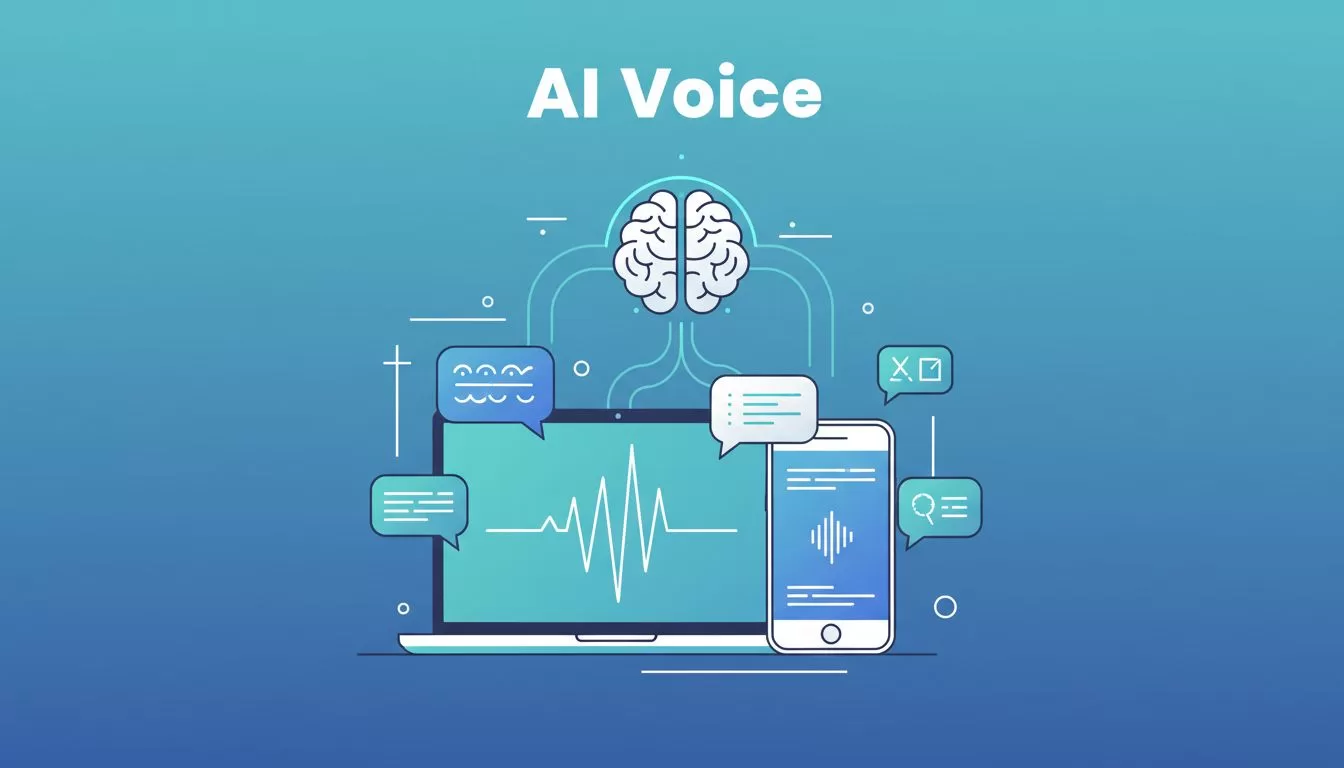
Ever needed realistic voices for your app or video without hiring talent? I faced that challenge building a customer support tool. Speechify’s AI voice generator solved it fast. It turns text into lifelike speech across 60+ languages.
This guide shares exactly how I integrated it. You get steps for beginners, plus tips I learned. No fluff, just what works in April 2026.
Understand Speechify’s AI Voice Generator Basics
Speechify stands out as a full voice AI tool. It offers over 1,000 voices with accents like American or Indian. I adjust pitch, speed, and emotion easily.
You clone voices too. Upload a short clip, and it mimics it perfectly, with permission of course. Real-time generation fits videos or podcasts. Plus, it handles voice typing and AI summaries.
I started on their web app. Free tier lets you test basics. No signup needed for quick tries. Paid plans unlock unlimited use and cloning.
It syncs across web, iOS, Android, and Chrome extensions. Internet required, so plan for that. English shines brightest, but other languages work well.
Why I Picked Speechify Over Basic TTS Tools
Businesses need reliable audio now. Speechify powers Fortune 500 teams for voiceovers. I chose it because voices sound human, not robotic.
API access makes deployment simple. Stream audio directly into apps. SSML controls pauses and emphasis precisely.
Costs beat voice actors. Free start, then affordable plans. No on-premise setup, but API embeds anywhere.
Limitations exist. Offline mode absent. Free caps exports. Still, for web or mobile, it excels.
Gather Your Tools Before Deployment
Prep saves time. You need a Speechify account first. Sign up at console.speechify.ai for API keys.
Pick a language like Python or JavaScript. Install SDKs: pip for Python, npm for JS. Set API key as environment variable.
Test environment ready? Use code editor and terminal. Basic coding knowledge helps, but steps stay simple.
Free API trial available. Note rate limits on starter plans.
Step-by-Step Deployment Guide
I deployed in under 10 minutes. Focus on API integration, the closest to “deployment” since no self-hosting exists. Embed it in your site or app.
First, grab your key. Head to Speechify API quickstart guide. Copy the default key.
Set it up. In terminal:
export SPEECHIFY_API_KEY="your-key-here"
Install SDK. For Python:
pip install speechify-api
Now generate speech. Here’s my first script:
from speechify import Speechify


client = Speechify()
response = client.tts.audio.speech(
    input="Hello from my app!",
    voice_id="george"
)
Save audio file. Play it. Natural tone surprised me.
For web, use embeddable UI. NPM install @speechify/embeddable-ui. Drop player component into HTML.
Test in browser. Adjust voice_id for options. Stream for live apps.

Scale next. Add SSML for prosody:
<speak>
  <prosody rate="slow">Welcome slowly.</prosody>
</speak>
Pass as input. Handles emotions too.
Common pitfall: Wrong voice_id. List available via API docs. Rate limits hit fast on free; upgrade early.
I integrated into a React app. Users type, hear instant response. Perfect for support bots.
Best Practices for Crisp Voice Quality
Quality matters. Start with clear text. Short sentences flow best.
Pick voices matching audience. American for US clients. Test accents.
Tweak settings. Slow pace for complex topics. Add emotion for engagement.
Clone ethically. Get consent. Short samples yield best clones.
Batch process large scripts. Export MP3 or WAV.
Monitor usage. Analytics track generations. Optimize prompts for filler-free output.
Speechify vs Other AI Voice Tools
I compared Speechify to ElevenLabs and Murf. Speechify wins on voice count and cloning speed.
ElevenLabs excels in realism but costs more for enterprises. See ElevenLabs vs PlayHT vs Murf comparison.
| Feature | Speechify | ElevenLabs | Murf |
|---|---|---|---|
| Voices | 1,000+ | 100+ premium | 200+ |
| Cloning | Instant | Advanced | Basic |
| Pricing | Free tier | Subscription | Enterprise focus |
| API Ease | Simple SDK | Robust | Video-centric |
Speechify fits most B2B needs. Others suit niches.
Wrap Up and Next Steps
Speechify’s API deploys voices effortlessly. I use it daily for automation.
Start free today. Build your prototype. Upgrade as needed.
What project calls for voices? Test it now and share results.
