How to Check the Remitly Sri Lanka Exchange Rate
A small change in the Remitly Sri Lanka exchange rate can affect how much your family receives in rupees. The rate also changes during the day, so an old screenshot or search result isn’t enough before you send money. You need to revi...
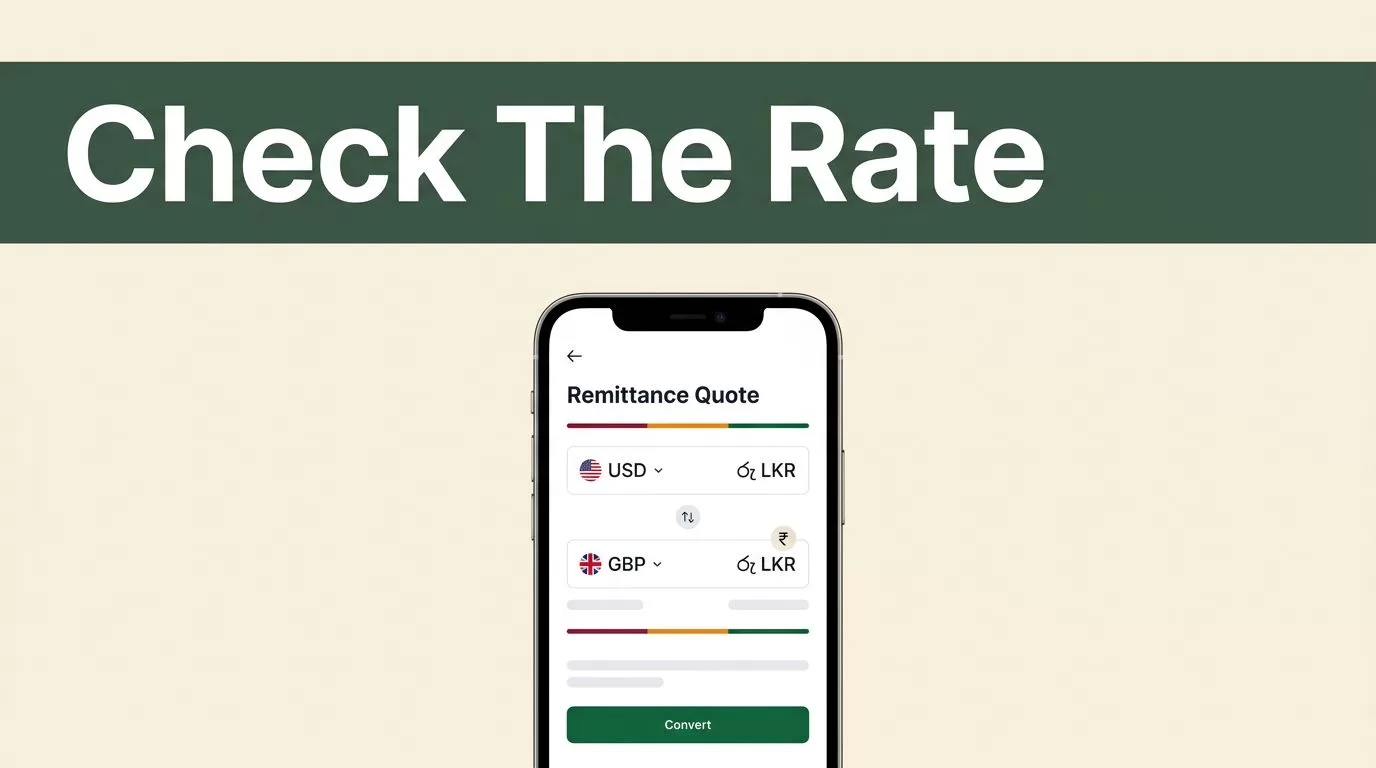
A small change in the Remitly Sri Lanka exchange rate can affect how much your family receives in rupees. The rate also changes during the day, so an old screenshot or search result isn’t enough before you send money.
You need to review three figures together: the exchange rate, the transfer fee, and the recipient’s final amount. Use the live Remitly quote for your sending country, payment method, delivery speed, and transfer amount.
What the Remitly Sri Lanka Exchange Rate Shows
Remitly converts the currency you send into Sri Lankan rupees, or LKR. If you send US dollars, the quote uses USD to LKR. If you send British pounds, it uses GBP to LKR. The result changes based on the currency pair and the details entered in your transfer.
You can view the current USD to LKR exchange rate on Remitly when sending from the United States. Senders in the United Kingdom can check the GBP to LKR rate instead.
The displayed rate isn’t the same as the mid-market rate you may see on a currency website. Remitly sets the rate shown for its transfer service. That rate can include a margin, which is the difference between the provider’s rate and the broader market reference rate.
Don’t treat the exchange rate as the total cost. A quote can show an attractive rate but include a higher fee. Another option may show a lower fee but provide fewer rupees after conversion.
The number that matters most is the amount your recipient gets in LKR. Check that figure alongside your total payment in your sending currency.
The exchange rate tells you how currencies convert. The transfer fee tells you what you pay for the service. The recipient amount shows the actual payout.
Remitly may also display a promotional rate for a first transfer. Welcome offers can have limits, eligibility rules, or maximum amounts. They don’t necessarily apply to future transfers.
The standard rate can differ after the promotion ends. Review the quote each time instead of assuming your last transfer uses the same terms.

How to Check the Remitly Sri Lanka Exchange Rate
Use the Remitly app or website to check the live quote. The process is straightforward, but each field affects the final calculation.
- Open Remitly and sign in. Create an account if you haven’t used the service before. Remitly may request identity verification with government-issued identification before allowing transfers.
- Choose Sri Lanka as the destination. The receiving currency should appear as Sri Lankan rupees, or LKR.
- Enter the amount you want to send. You can usually enter either the amount you pay or the amount the recipient should receive. Test both views if you need to hit a specific rupee target.
- Confirm the sending country and payment method. Available funding methods differ by market. Options can include a bank account, debit card, credit card, or another supported local method.
- Select the delivery method and speed. The quote may change when you switch between bank deposit, cash pickup, mobile wallet, or another payout option.
- Review the quote before continuing. Check the exchange rate, fee, total amount charged, estimated arrival time, and recipient payout.
- Enter the recipient information. Bank deposits normally require the recipient’s legal name, bank name, account details, and other information requested by Remitly. Cash pickup requires accurate identity and contact details.
- Confirm only after checking every figure. The final review screen is the correct place to verify the live terms for that transfer.
The quote can change if you edit the amount, delivery speed, payment source, or payout provider. If the recipient needs a precise amount, start with that target and adjust the sending amount until the payout matches.
Remitly’s send money to Sri Lanka page can also help you review the available delivery methods for a supported sending market. The exact options shown inside your account are more important than general website information.
Don’t rely on a rate page alone. A currency converter can show a reference rate, but it may not include the service fee or the payout method used for your transfer.
Compare the Rate, Fee, and Recipient Amount
The Remitly Sri Lanka exchange rate is only one part of the transaction. Use the quote as a three-part cost breakdown.
The exchange rate determines how many LKR your sending currency buys. A higher rate usually gives the recipient more rupees, assuming the other details stay unchanged.
The transfer fee is the charge Remitly adds for processing the payment. It may vary by sending country, transfer amount, payment method, delivery speed, and recipient location.
The recipient amount is the final LKR payout after the conversion and applicable charges in the quote. This is the number your family member should use when planning expenses.
For example, two transfer setups can produce different outcomes:
| Quote detail | Option A | Option B |
|---|---|---|
| Sending amount | Same | Same |
| Exchange rate | May be higher | May be lower |
| Transfer fee | May be higher | May be lower |
| Delivery speed | Faster | Slower |
| Recipient payout | Check the quote | Check the quote |
The table shows why comparing only the fee can lead to the wrong choice. A lower fee doesn’t automatically produce the largest payout.
Delivery speed can also affect the price. Remitly commonly presents faster Express delivery and lower-cost Economy delivery where those options are available. Express may suit an urgent medical or household payment. Economy may suit a planned monthly transfer.
Payment method matters too. A bank-funded transfer may have different pricing from a card-funded transfer. The available choices depend on the country where you send money and the payment method supported for your account.
Check the total amount charged, not only the amount you enter. If you send 500 in your local currency, the final debit can include the transfer fee. The recipient amount is calculated after Remitly applies the quoted rate and delivery details.
Choose the Right Payout Option in Sri Lanka
Remitly may support several ways to deliver money in Sri Lanka. The practical choice depends on what the recipient can access and how quickly they need the funds.
Bank deposit sends the money to the recipient’s account. This option works well for regular household support, rent, bills, and larger planned payments. Confirm the account name and number before sending. A mismatch can delay the transfer or require correction.
Cash pickup is useful when the recipient doesn’t have a suitable bank account. The recipient must usually collect the funds with valid identification. Their legal name in the transfer should match their identification documents.
Mobile wallet delivery can work when the recipient uses a supported wallet. Check the wallet provider and account details before confirming. Availability depends on the route and the information Remitly requests.
Delivery time isn’t guaranteed by one universal number. Remitly says arrival depends on the payout method, payment completion, transaction review, and system availability. Most transfers can arrive quickly, but the estimate shown for your specific quote is the one to use.
The payment source can change timing as well. Card-funded Express transfers may process faster than bank-funded Economy transfers in some routes. A faster option can cost more, so choose based on the recipient’s deadline.
Never select cash pickup only because it appears faster. Confirm that the recipient can reach the location and meet the identification requirements.
Check These Details Before You Send
Use the final review screen as an operational control. Confirm the following details before authorizing the transfer:
- The sending currency and destination currency are correct.
- The exchange rate matches the current quote, not an older saved figure.
- The transfer fee and total debit are clear.
- The recipient’s final payout is enough for the intended purpose.
- The selected delivery method matches the recipient’s access.
- The delivery estimate fits the required deadline.
- The recipient name and account or wallet details are accurate.
- Any promotional rate or offer has its conditions clearly displayed.
Availability, rates, fees, sending limits, and delivery methods vary by sending country, payment method, transfer amount, and recipient details. A quote available in the United States may not match one available in the United Kingdom or another market.
Remitly may also request additional verification for certain transfers. Larger amounts, unusual activity, or account changes can trigger a review. Complete those requests through the official app or website, and don’t send identification documents through an unsolicited message.
Save the confirmation number after you send the transfer. Use it to track the status and resolve problems with Remitly support if the recipient doesn’t receive the funds within the quoted timeframe.
Final Thoughts
The current Remitly Sri Lanka exchange rate can change during the day, so check the live quote immediately before sending. Review it with the fee, delivery speed, payment method, and final LKR payout.
The strongest workflow is simple: enter the transfer details, compare the available options, verify the recipient information, and confirm the total before you pay. That process gives you a clear cost and prevents an outdated rate from deciding how much your family receives.
