Affordable A/B Testing with Mida.so: A Practical Guide
Many small businesses know their website could convert more visitors, but expensive testing platforms make experimentation difficult. You may have enough traffic to test a checkout button or product page, yet not enough budget for an enterp...

Many small businesses know their website could convert more visitors, but expensive testing platforms make experimentation difficult. You may have enough traffic to test a checkout button or product page, yet not enough budget for an enterprise contract.
That is where affordable A/B testing becomes useful. Mida.so gives ecommerce owners and marketing teams a no-code way to compare page changes, track outcomes, and make decisions with real visitor data. The tool can reduce the technical work, but good test design still depends on you.
Key Takeaways
- Mida.so supports no-code website experiments for teams without dedicated developers.
- Start with one page, one hypothesis, and one primary conversion goal.
- Affordable testing includes software cost, setup time, traffic, and lost sales from poor tests.
- Let the experiment collect enough data before choosing a winner.
- Mida can support the testing process, but it doesn’t replace analytics, consent management, or sound decision-making.
Why Small Teams Need Affordable A/B Testing
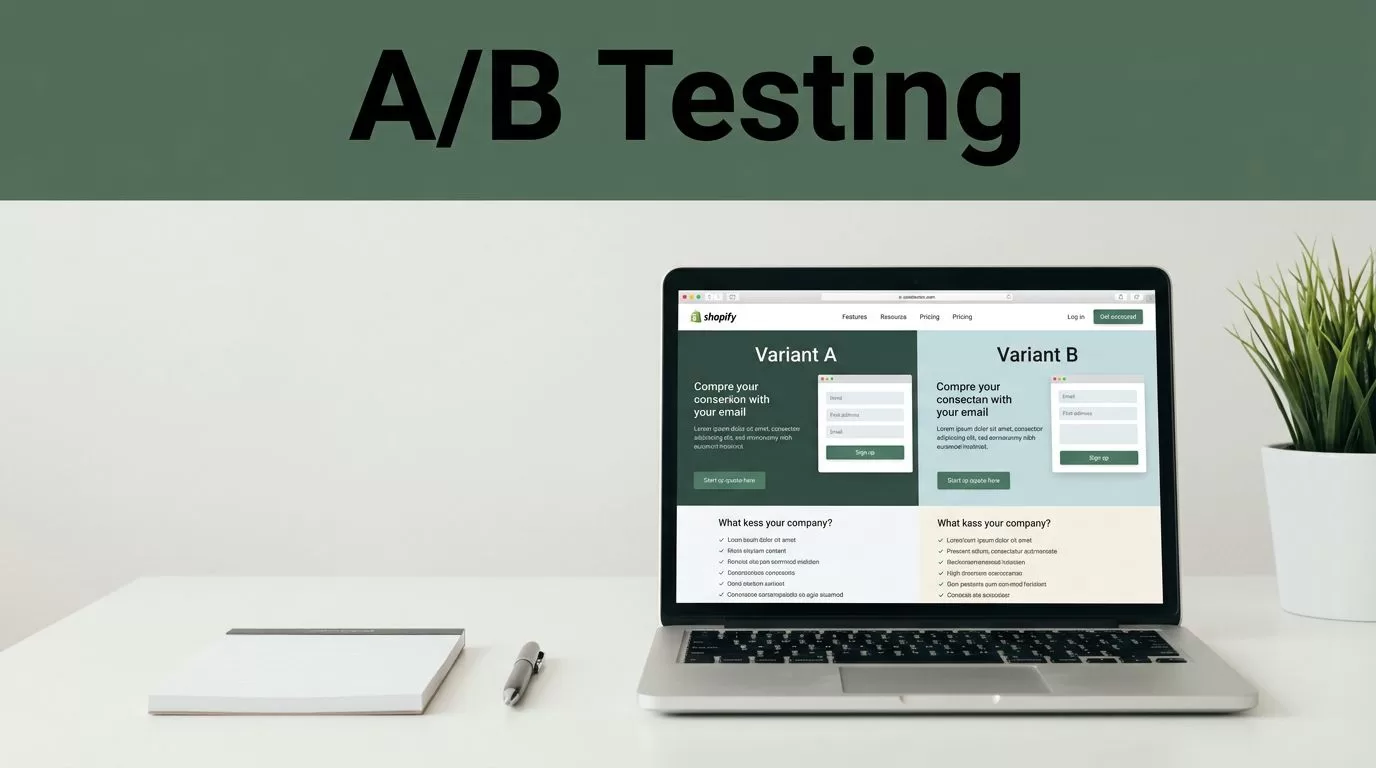
An A/B test compares two versions of a page. The original page is the control. The changed page is the variant. Visitors are split between both versions, and the results show whether the change affects a chosen goal.
The goal may be a product purchase, email signup, demo request, add-to-cart action, or checkout completion. The test should answer one business question. For example, “Will a clearer shipping message increase completed checkouts?” is useful. “Can we improve this page?” is too broad.
Large testing platforms often include advanced targeting, personalization, experimentation workflows, and enterprise reporting. Those features can help large teams. They can also create costs that don’t fit a small business budget.
Affordable A/B testing doesn’t mean choosing the cheapest tool without checking its limits. You need to consider the full cost of the process:
- Monthly software fees
- Developer time
- Analytics and reporting work
- Traffic required to reach a useful result
- Revenue lost when a weak variant runs for too long
A low-cost platform can still be expensive if it takes weeks to configure. A free test can also waste money if it measures clicks while your business depends on completed orders.
Use the test to improve a specific page decision. Keep the scope small. A product page, landing page, cart, or signup form usually gives you a better starting point than an entire website redesign.
For a plain explanation of the method, Optimizely’s A/B testing glossary covers the basic control-and-variant model and common testing terms.
What Mida.so Adds to the Testing Process
Mida.so is built for website analytics and experimentation without requiring you to edit every test directly in your site’s code. You connect the platform to your website, choose a page, and make changes through its testing interface.
That setup fits teams that manage Shopify stores, marketing websites, SaaS landing pages, and lead-generation sites. A marketer can test a headline, button label, image, layout element, or page section without waiting for a full development sprint.
Visit the Mida.so website to review its current product capabilities and plan details. Pricing, traffic limits, and included features can change, so check those details before you commit.
A typical Mida workflow includes four parts:
- Select the page where you want to run a test.
- Create an alternative version with a visual or content change.
- Choose the audience and conversion goal.
- Launch the experiment and review the results.
The value is not limited to the editor. You also need a clear view of how each version performs. A testing platform should help you connect the page variation with a measurable action, such as a purchase or form submission.
Mida can make the deployment process easier. It doesn’t decide what to test, which metric matters, or whether the result is reliable. Those decisions remain part of your marketing process.
You should also confirm how Mida fits with your existing stack. Check whether the installation works with your content management system, ecommerce platform, tag manager, analytics setup, and consent tools. A testing script that conflicts with checkout code or privacy settings can create more work than it removes.
For Shopify stores, compare the experiment setup with your current analytics and theme workflow. Shopify’s A/B testing guide provides useful background on testing store elements and interpreting the business result.
How to Run Your First Mida.so Test
Start with a page that receives steady traffic and has a clear business purpose. Don’t begin with a low-traffic page that receives a few visitors each week. The test may take too long to produce useful information.
Use this process:
- Write one hypothesis. State the change, the expected result, and the reason. A useful format is: “Changing X will affect Y because Z.” For example, changing the product page’s delivery message may improve add-to-cart activity because shoppers can see the shipping information earlier.
- Choose one primary metric. Ecommerce teams may use completed purchases, revenue per visitor, or add-to-cart rate. Lead-generation teams may track qualified form submissions. Pick one main outcome before the test starts.
- Create a focused variant. Change one major idea at a time. You can change a headline and supporting copy when they form one message. Avoid changing the headline, pricing, product images, navigation, and checkout layout in one test. If the result changes, you won’t know which adjustment caused it.
- Connect Mida to the site. Follow the current installation instructions for your platform. Check that the script loads on the target page and that the original version still works. If your store uses a content delivery network, caching system, or consent banner, test those conditions before launch.
- Set the audience and goal. Decide whether the test includes all visitors, mobile users, new visitors, or a defined traffic source. Keep the audience broad enough to collect data unless you have a clear reason to target a segment.
- Run quality checks. Open both versions on desktop and mobile. Test the main button, product options, forms, cart actions, and checkout path. Confirm that analytics records the chosen conversion event.
- Launch without changing the rules. Don’t edit the variant halfway through the test. Don’t stop the experiment because one day produces a strong result. Daily traffic can vary because of ads, email campaigns, weekends, promotions, and stock levels.
A test should have a planned duration based on traffic and conversions. There is no universal number of days that makes a result reliable. A store with thousands of weekly orders can learn faster than a small site with a few monthly purchases.
Record the test name, launch date, pages involved, traffic source, primary metric, and business hypothesis. This simple log prevents your team from repeating old tests or forgetting why a change was made.
How to Control Costs and Read the Results
Review Mida’s current plan limits before you install it. Check the allowed traffic, number of experiments, user seats, data retention, integrations, and support options. Select a plan that matches your present testing volume. You can upgrade when your process proves useful.
Your largest cost may be traffic, not software. If a page receives little traffic, prioritize a high-impact issue and avoid running several tests at once. Paid campaigns can produce more visitors, but don’t increase ad spend only to create test volume unless the expected business value supports it.
Keep your measurement system simple. Use one primary metric and a small number of guardrail metrics. For an ecommerce product page, the primary metric could be completed orders. Guardrails could include add-to-cart rate, checkout errors, average order value, and refund-related issues.
A higher click-through rate doesn’t automatically mean more revenue. A new button may attract more clicks while sending fewer shoppers through checkout. Measure the action that matters to the business.
Don’t call a winner after a few hours. Early results are unstable because the sample is small. Wait until the test has enough visitors and conversions to reduce random variation. Use Mida’s reporting as one input, then check the result against your sales data and other analytics tools.
Segment data can reveal a problem that the overall result hides. A variant may work on mobile but perform poorly on desktop. It may help new visitors while reducing conversions from returning customers. Treat segments as diagnostic evidence unless you planned them as part of the original test.
The right decision may be to keep the control. That isn’t a failed test. You learned that the proposed change didn’t produce a clear improvement under those conditions.
A test that protects you from a weak change has business value, even when the original page wins.
Mida can reduce the cost of launching experiments. It can’t remove the need for enough traffic, accurate conversion tracking, proper quality checks, and disciplined analysis.
Conclusion
Affordable A/B testing works when the process stays focused. Choose one important page, define one hypothesis, connect one primary goal, and give the test enough time to produce useful data.
Mida.so can help small teams run no-code experiments without adding every change to a developer queue. Review its current plan limits, confirm the installation works with your site, and compare results against real business outcomes. The most useful test isn’t the one with the most variations. It’s the one that gives you a clear answer you can act on.

