Monitor Airspace Restrictions Automatically With Twin.so
Airspace restrictions can change after a route has been planned, approved, or assigned to a pilot. A manual check completed yesterday may not protect today’s operation. Twin.so can help teams collect approved aviation data on a schedu...

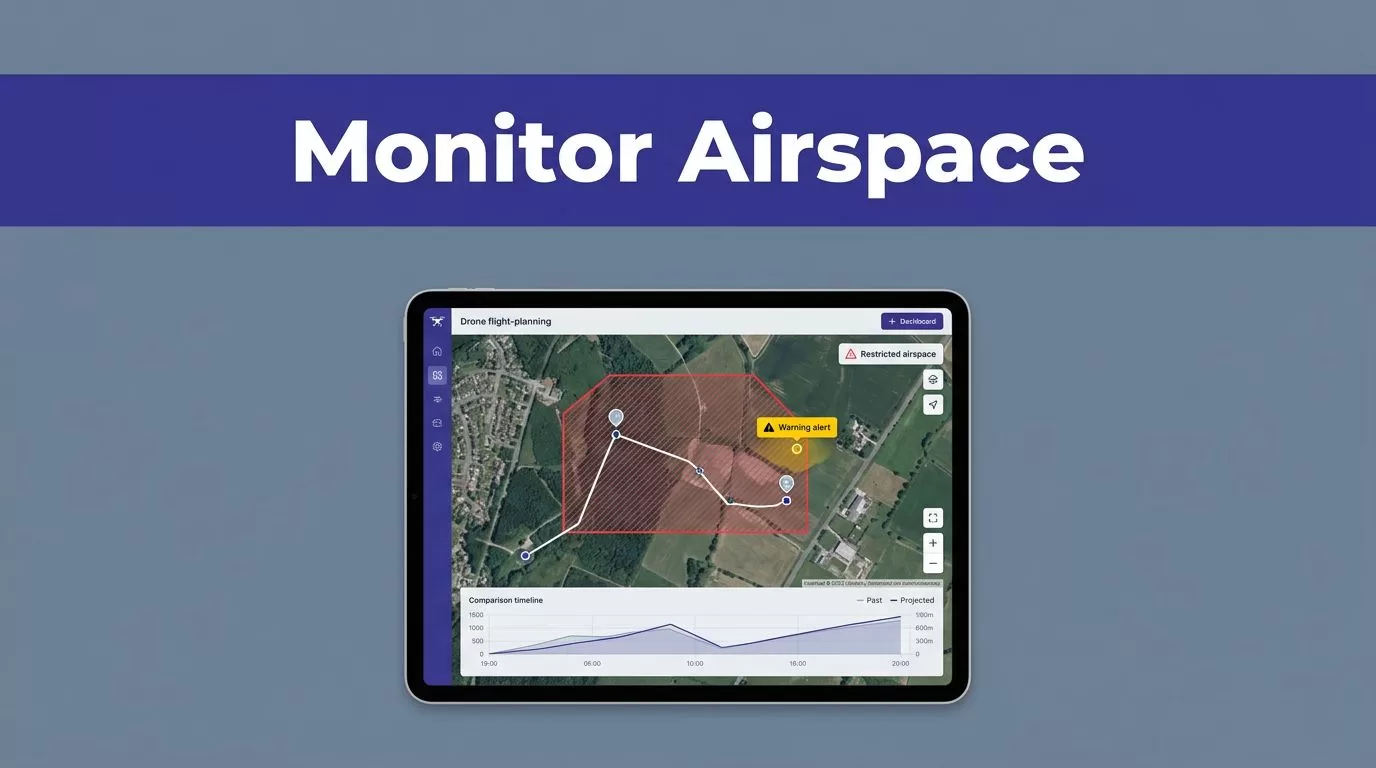
Airspace restrictions can change after a route has been planned, approved, or assigned to a pilot. A manual check completed yesterday may not protect today’s operation.
Twin.so can help teams collect approved aviation data on a schedule, compare it with prior results, and route possible changes for review. It doesn’t grant permission to fly. Your team still needs to verify every restriction with the applicable aviation authority before launch.
Why Airspace Restrictions Need Continuous Monitoring
A flight plan is a snapshot. The operating environment can change after the plan is saved.
Temporary Flight Restrictions (TFRs), NOTAM updates, controlled-airspace requirements, emergency activity, and local restrictions can affect a mission. A drone operator who checks only during initial planning may miss a restriction added later.

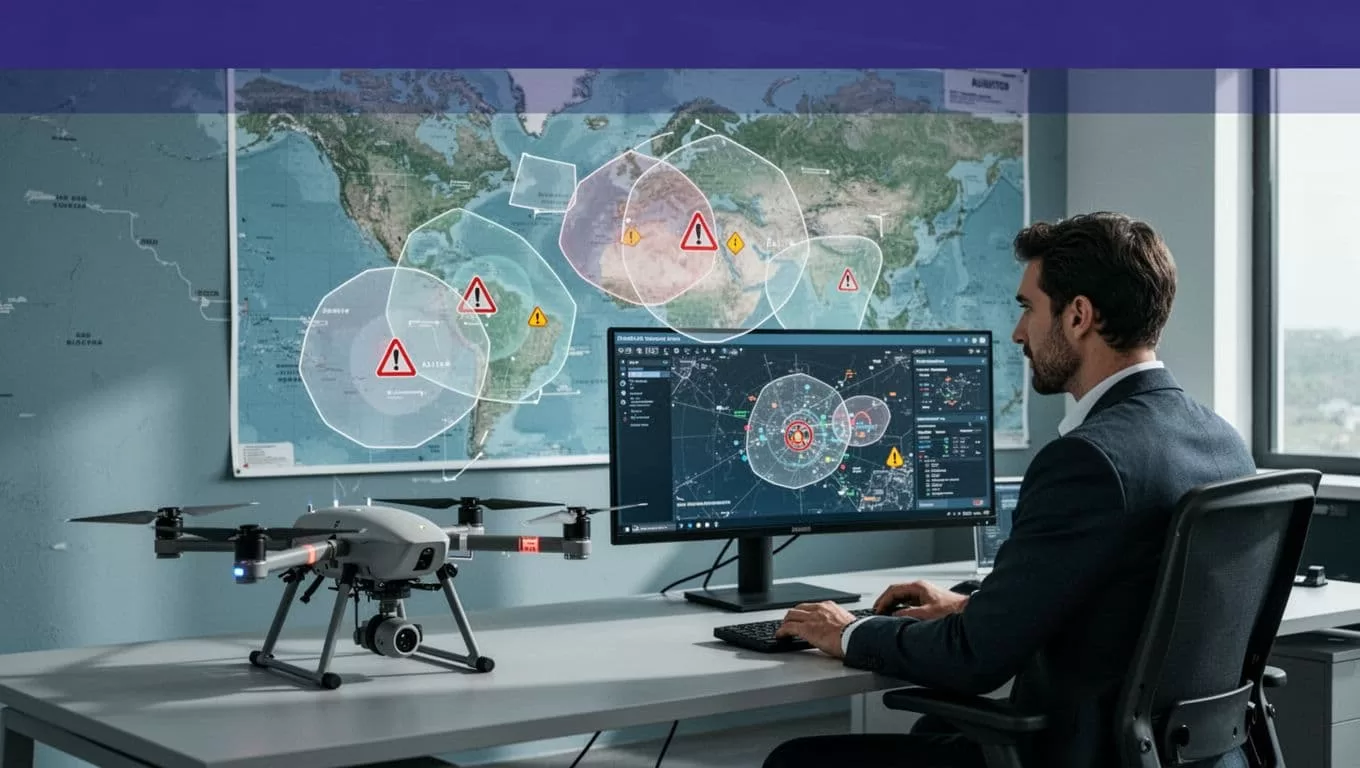
A preflight check is only one point in time
Many teams still rely on a pilot opening a map or aviation website before each flight. That process can work for low flight volume. It becomes difficult when several pilots manage recurring missions across multiple locations.
Manual checks also create weak records. You may know that someone looked at a source, but not which version they saw, when they checked it, or whether the restriction changed afterward.
An automated workflow creates a repeatable check. It can store the source, retrieval time, affected location, restriction status, and review outcome for each run.
Official verification remains mandatory
Automation can identify a possible conflict. It cannot convert that finding into legal authorization.
For US drone operations, the FAA states that TFRs can restrict aircraft, including drones, from operating in an area without permission. Operators must check current NOTAM information before flight. Review the FAA’s TFR guidance for the current requirements.
Airspace checks also don’t replace other operating rules. Teams must review the applicable FAA Part 107 rules, waivers, authorizations, local requirements, and company procedures.
The same principle applies outside the United States. Use the official aviation authority and approved authorization process for the country where the operation takes place.
What Twin.so Can Automate
Twin.so is an AI agent and workflow platform. Its documented capabilities include scheduled, on-demand, API-triggered, and event-driven agent runs. It can connect to business tools, read information, store results, and trigger downstream actions.
Twin’s public materials describe monitoring and alert workflows for business changes. They don’t identify airspace restriction monitoring as a native aviation module. Plan this as a custom workflow built around approved sources and your existing operations systems.
Use APIs and structured sources first
Start with an official API or structured data source when one is available and permitted for your use case. API-based retrieval is easier to repeat, audit, and test than browser-based extraction.
A Twin workflow can collect fields such as:
- Source name and URL
- Restriction type and status
- Effective and expiration times
- Geographic area or coordinates
- Altitude limits, when published
- Retrieval timestamp
- Source version or identifier
- Validation result and review status
Use a fixed output schema. Don’t ask the agent for free-form notes and expect the result to support operational decisions. Structured fields make it easier to compare today’s result with the previous run.
Use browser automation as a controlled fallback
Some aviation portals may not expose the information your team needs through an API. Twin’s Web Agent can use an isolated cloud browser to access authorized websites, read pages, and complete browser steps when API access is unavailable or incomplete.
That flexibility has limits. Browser automation is more expensive and less predictable than stable API retrieval. A page redesign, login challenge, empty client-rendered page, or incomplete table can produce a technically successful run with an incomplete result.
Keep browser access narrow. Use approved accounts, limit the websites the workflow can access, and require review before the result affects a flight decision.
Build a Practical Twin.so Monitoring Workflow
Start with one operating area and one approved source. Prove that the workflow returns accurate records before adding more regions, authorities, or data types.

1. Define the monitoring boundary
Write down the locations, time windows, altitude bands, and source types your team needs to monitor. A utility inspection program may track recurring launch sites. An aviation department may monitor several operating areas around airports or critical facilities.
Avoid starting with a broad instruction such as “monitor all airspace restrictions.” That request doesn’t define the sources, geographic boundaries, update frequency, or action for each result.
A better workflow definition identifies the exact operating areas and the conditions that require human review.
2. Collect and normalize the source data
Configure Twin to retrieve the approved source on a schedule or through the trigger that fits your process. Store the raw source value alongside the normalized record.
For example, retain the original restriction wording while also storing a standard status such as active, expired, changed, or unable to verify. Keep the source URL, timestamp, extraction method, and quality flags.
This separation matters when someone challenges a result. Reviewers need to see what the source said, what the workflow interpreted, and who approved the operational decision.
3. Compare the current run with the previous run
The workflow should identify meaningful changes. A new restriction, changed effective time, altered boundary, or removed notice may need review.
Don’t treat every difference as a flight prohibition. A formatting change may not affect the operation. A new active restriction that overlaps the planned operating area may require an immediate hold.
Set the workflow to report missing data and failed retrievals. Silent skips are dangerous because an empty result can look like a clear operating area.
4. Route the result to a reviewer
A useful output is a proposed decision, not an automatic authorization. Twin can write the result to an approved database, operations tracker, or connected business system when configured to do so. It can also trigger a downstream notification based on your workflow setup.
Define the review path before production. The reviewer should confirm the official source, assess the planned operation, check required authorization, and record the final decision.
If the source is unavailable, the restriction data conflicts, or the geographic match is uncertain, stop the workflow and escalate it.
Examples for Drone and Aviation Teams
The right workflow depends on how your team plans and releases flights. Automation should remove repeatable checking work while keeping the flight decision under human control.
Recurring drone inspection missions
A drone program may inspect substations, cell towers, construction sites, or pipelines on a repeating schedule. Each mission has a known location and a planned operating window.
Twin can check the approved restriction sources before the dispatch queue is released. If the current record differs from the stored result, the workflow can create a review item and mark the mission as pending review in the connected system.
The flight coordinator then verifies the official source. If the restriction affects the mission, the coordinator delays the flight, changes the plan, or obtains the required authorization. If the result is clear, the reviewer records the approval and the source timestamp.
This process reduces repetitive searching without allowing an agent to make an unsupported legal decision.
Multi-site aviation operations
An aviation team may manage several facilities, contractors, and flight crews. Each location can have different operating rules and review requirements.
A scheduled workflow can collect the latest records for each approved area, attach them to the correct site, and identify changes for the operations team. The output should include enough detail to answer four questions:
- Which location changed?
- What source produced the change?
- When did the change become effective?
- Who reviewed the result?
This record helps prevent an outdated clearance from being reused across multiple missions.
Controls to Add Before Production
Airspace monitoring is a safety-related workflow. Treat it differently from a low-risk task such as organizing internal notes.
Add approval and failure rules
Create explicit escalation rules before enabling automated updates. Escalate when the source is unavailable, two sources conflict, a boundary cannot be matched to the mission, an authorization is required, or the workflow returns incomplete data.
Don’t retry every failure indefinitely. A temporary network error may justify a limited retry. A changed page structure requires investigation.
Keep the original record unchanged. Store the proposed interpretation and final reviewer decision in separate fields. This gives your team an audit trail and prevents a later workflow run from overwriting the evidence used for a prior decision.
Measure accuracy and operating cost
Track performance before expanding the workflow. Useful measures include:
- Percentage of records that pass validation
- False positives and missed changes
- Failed runs and retry counts
- Duplicate or missing records
- Human review minutes per run
- Time from source update to reviewer notification
- Credit cost per accepted record
- Flights delayed because of an automation error
Twin uses credits for building, running, browsing, researching, and generating output. Its documentation describes simple automations at roughly 15 to 30 credits and browser sessions of about 20 steps at roughly 100 to 200 credits. Actual usage depends on the workflow.
Run a small approved sample first. Calculate cost per successful, reviewed result rather than cost per run. Repeat executions can cost much less than the initial build, but your own source complexity and retry rate determine the real capacity.
If you need help mapping the first workflow, Book A Call.
Protect access and source rights
Browser access doesn’t make data collection lawful or compliant by itself. Your organization remains responsible for the purpose of collection, source permissions, privacy requirements, retention, and deletion.
Use the minimum account access required for the workflow. Keep credentials out of task instructions and shared documents. Review the aviation authority’s terms, API rules, and applicable privacy obligations before collecting or exporting data.
Store only the information needed for operational review. Delete temporary downloads when they are no longer required, and retain the records needed to support flight decisions and audits.
Conclusion
Twin.so can support automated airspace restriction monitoring when the workflow has approved sources, structured outputs, scheduled checks, change detection, and human review. APIs should handle stable data where possible. Browser automation should remain a controlled fallback for authorized sources.
The strongest operating model is simple: collect the current information, preserve the source record, flag changes, verify with the official aviation authority, and record the final decision. Automation reduces missed checks, but legal and operational responsibility stays with your aviation team.

