Automate Alumni Database Update Tasks Using Twin.so
Advancement teams waste hundreds of hours every year manually updating mailing addresses, employment changes, and marital statuses in legacy spreadsheets. When records fall out of date, fundraising campaigns miss their mark and donor outrea...
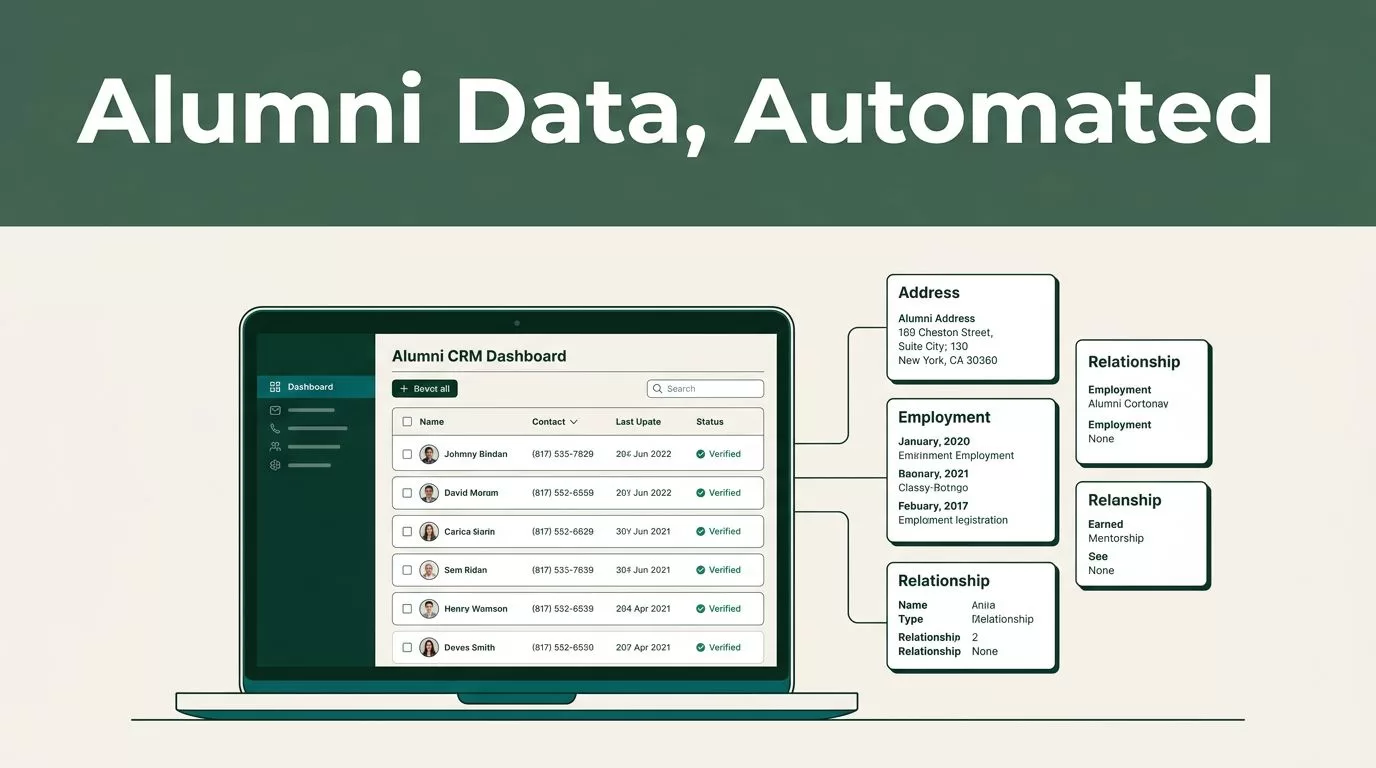
Advancement teams waste hundreds of hours every year manually updating mailing addresses, employment changes, and marital statuses in legacy spreadsheets. When records fall out of date, fundraising campaigns miss their mark and donor outreach falls flat. You solve this bottleneck by deploying alumni database automation to keep your constituent records accurate without manual data entry. Twin.so provides the orchestration layer you need to turn chaotic inbound updates into clean, verified CRM inputs.
The Cost of Manual Record Maintenance
Alumni relations officers spend up to thirty percent of their working week chasing updated contact details. Every graduation season brings a fresh wave of job title changes, new email addresses, and relocated households. If your advancement office relies on manual data entry, your records degrade the moment you finish a cleanup cycle. Outdated data hurts donor retention and creates friction during high-stakes capital campaigns. Many institutions explore specialized platforms, but choosing the right Alumni management software solutions is only half the battle. You also need a reliable mechanism to process the incoming flow of personal information without breaking your existing tech stack. Manual updates invite human error, duplicate profiles, and compliance risks under data privacy regulations. When a donor receives a solicitation addressed to a deceased spouse or a former employer, trust evaporates instantly. Automating this pipeline removes human fatigue from the equation and ensures your database reflects reality.
Configuring Twin.so for Alumni Data Workflows
Setting up your automation pipeline starts with defining clear triggers and data sources. Twin.so connects incoming forms, survey responses, and event registrations directly to your operational workflows. You configure source connectors to ingest files from email attachments, webhooks, or cloud storage folders.
You establish field mapping rules so every inbound data point lines up with your exact CRM schema. First name, last name, graduation year, degree program, and employer details must map precisely to avoid fragmented records. You define clean data rules to standardize phone numbers and capitalize names automatically. This front-end standardization prevents messy variations from polluting your master database. Once your triggers and mapping rules are active, you run a pilot test with a small batch of alumni records to verify that data flows smoothly from source to staging. Mapping disparate data fields requires careful attention to historical naming conventions stored in your central repository. You must ensure that custom constituent attributes align perfectly across your email marketing tools and donor management database.
The Mechanics of Alumni Database Automation
Moving data automatically requires strict security protocols because alumni records contain sensitive personal information. You must secure handling of alumni personal data by restricting access permissions and encrypting payloads in transit. Twin.so allows you to enforce strict authorization rules so only designated advancement personnel can approve database write operations. When new information arrives, the system parses the unstructured text or structured form submission against existing records. It flags discrepancies, such as a mismatched birth date or conflicting employer names, for human review before updating your primary database. For a comprehensive overview of how institutions evaluate vendor security and architecture standards, review university alumni advancement systems reviews to understand industry benchmarks. You never want raw automated scripts writing directly to your core donor database without a validation gate. Reviewing automated changes before they are committed to your CRM prevents corrupt records from disrupting your daily fundraising operations.
Implementing Recommended Data Quality Checks
Data quality checks act as your primary defense against bad records entering your CRM. Before any automated update clears your staging environment, your workflow must execute a series of validation rules.

You check for duplicate profiles by comparing incoming email addresses and phone numbers against existing database identifiers. If a match occurs, the workflow routes the record into a merge queue instead of creating a duplicate constituent profile. You also implement completeness checks to ensure that vital fields like graduation year and primary contact details are present. If an inbound record lacks critical identifiers, the system holds the update and notifies an administrator to request missing details. These guardrail checks protect your CRM from garbage data and keep your segmentation lists reliable for future appeals. Maintaining strict hygiene standards across your constituent tables reduces bounce rates on email newsletters and ensures your direct mail campaigns reach active mailing addresses.
Building Resilient Inbound Parsing Rules
Inbound data arrives in many formats, ranging from clean API payloads to messy email notifications sent by alumni. Your automation setup needs robust parsing logic to extract meaningful fields without human intervention. You configure text pattern matching to identify graduation years, job titles, and postal codes buried inside unstructured paragraphs. When alumni submit feedback via open text boxes, the system isolates key value pairs before routing them to staging. This preprocessing step eliminates administrative review bottlenecks and keeps your processing queue moving at a steady pace. You also account for edge cases like international phone formats or hyphenated last names during this parsing phase. Testing your parsing logic with historical form submissions reveals hidden flaws before you connect live data streams. Robust parsing ensures that messy submissions do not crash your synchronization pipeline during peak giving days.
Your Implementation Checklist for Alumni Records
Deploying an automated update workflow requires a disciplined sequence of operational steps. You follow a structured build plan to ensure your system goes live without data loss or downtime.
Audit your current data sources and map out every inbound channel where alumni submit personal updates. Connect your intake forms and webhooks to Twin.so and configure baseline field mapping rules for your standard contact attributes. Establish staging tables to hold inbound updates temporarily before they are approved for CRM integration. Set up validation rules and duplicate detection filters to catch malformed entries and conflicting records. Run a controlled test using a subset of historical alumni data to verify that updates map correctly without errors. Enable notification alerts so advancement staff can review flagged discrepancies before final commits. Launch the production workflow and monitor initial processing logs daily to catch edge cases early.
For teams evaluating end-to-end operational strategies, exploring a dedicated alumni database management system for universities helps benchmark your internal workflows against established industry standards.
Final Operational Takeaways
Manual data entry is a silent killer of advancement productivity and donor trust. By deploying alumni database automation through Twin.so, you eliminate repetitive administrative chores and keep your records accurate. Focus on building strict validation checks, maintaining secure data handling protocols, and reviewing automated changes before they touch your CRM. Audit your current manual update backlog today and deploy your first automated workflow to reclaim hundreds of productive hours for your advancement team.
