How I Automate Apple Podcasts Submission with Transistor.fm
I remember my first Apple Podcasts submission. It took hours of copying RSS feeds, uploading artwork, and fixing validation errors. Rejections piled up because of tiny issues like episode counts or image sizes. Then I switched to Transistor...

I remember my first Apple Podcasts submission. It took hours of copying RSS feeds, uploading artwork, and fixing validation errors. Rejections piled up because of tiny issues like episode counts or image sizes. Then I switched to Transistor.fm. Now I handle submissions in minutes. You can too, even in 2026.
Transistor automates most of the heavy lifting. It generates valid RSS feeds and offers one-click submission. Still, some steps need Apple Podcasts Connect. This guide shares my exact process. Follow it to get your show live fast.
Why I Rely on Transistor.fm for Podcast Hosting
I host all my shows on Transistor.fm because it simplifies everything from uploads to distribution. You get unlimited podcasts on one account. Analytics track listener drop-offs and top apps. Plans start at $19 monthly for 20,000 downloads.
Transistor creates clean RSS feeds right away. These feeds meet Apple’s standards out of the box. No more tweaking XML tags yourself. I upload episodes, publish, and watch downloads climb.
For creators like us, time matters. Manual hosting leads to errors. Transistor prevents that. Check out Transistor’s podcast hosting features to see why it fits automation workflows.
In short, strong hosting sets up smooth Apple Podcasts submission. I never look back.
Preparing Your Podcast in Transistor for Submission
Start with a solid setup. Log into Transistor.fm and create your show. Add a title, description, and square artwork at 1400×1400 pixels. Keep files under 512KB in JPG or PNG.
Upload at least one full episode. Apple rejects feeds with just trailers. Use MP3 format at 128kbps or higher. Transistor handles hosting and generates the RSS feed automatically.
Next, complete the Distribution Checklist in your dashboard. It flags missing tags like categories or copyright info. Pick from Apple’s list, such as Education or Business. I always add a website link and contact email.
Once ready, your RSS feed URL appears. Copy it if needed, but Transistor skips that step later. This prep takes 10 minutes. It ensures validation passes on the first try.
Automating the Submission Process
Transistor’s one-click feature changed my routine. From the Distribution tab, I click “Submit my show to Apple Podcasts.” It pushes the RSS feed directly. No logging into Apple Podcasts Connect first.
Here’s how I do it:
- Publish your first episode.
- Confirm third-party content rights in Transistor.
- Hit the submit button.
Transistor handles the initial feed validation. Apple reviews in 1-5 days. I get notified when it goes live.

This beats manual submission. Before, I pasted feeds and waited for processing errors. Now, automation cuts friction. See Transistor’s changelog on one-click Apple submission for details.
Result? My shows appear faster. Listeners find them on day one.
Manual Steps You Handle in Apple Podcasts Connect
Automation covers the feed push. You still verify details in Apple Podcasts Connect. Log in at podcasters.apple.com with your Apple ID. Add a credit card, though submission stays free.
After Transistor submits, Apple emails a claim link. Click it to access your show. Update title, description, and categories if needed. Set availability and release date.
Claim ownership to block others. Add transcripts for better search. Apple’s auto-transcripts work, but I upload my own for accuracy.
Submit final changes for review. This part takes five minutes. Transistor pre-fills most fields correctly. For full steps, read Apple’s official submission guide.
These actions lock in approval. Skip them, and delays follow.
Avoiding Common Pitfalls in Apple Podcasts Submission
Feeds fail on basics. I check artwork first. Use exact 1400×1400 specs. No borders or text overlays. Test square crops.
Episodes need full audio. One trailer won’t cut it. Aim for 10-30 minutes per file. Categories must match your content. Business fits sales podcasts; avoid mismatches.
RSS validation trips most. Transistor flags issues early. Still, scan for duplicates or passwords. Ownership claims prevent hijacks.
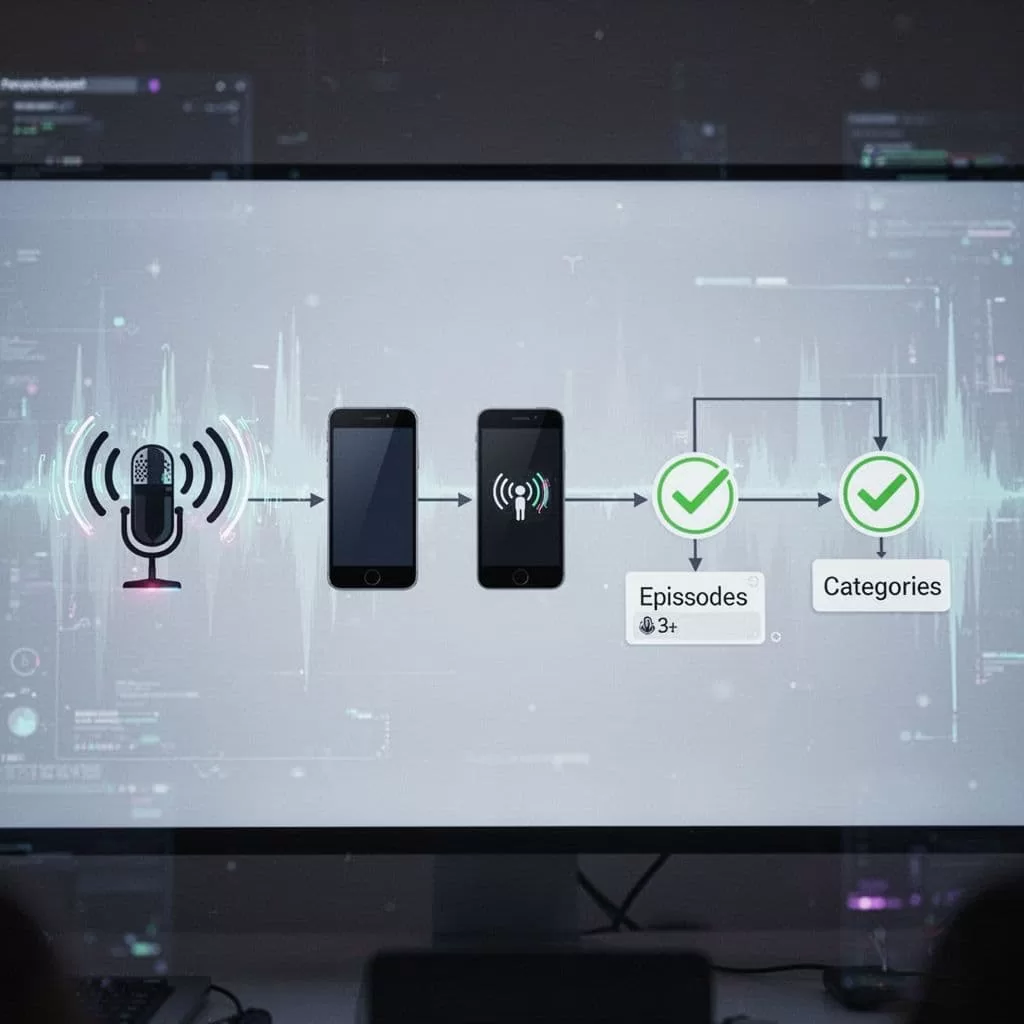
Follow Transistor’s Apple submission article for checklists. My shows pass 95% first time now.
Troubleshooting Rejections and Fixes
Rejections sting, but fixes are simple. Apple emails reasons. Common ones: invalid RSS, rights issues, or ad-heavy episodes.
For RSS errors, republish in Transistor. Wait 24 hours, then resubmit. Artwork fails? Resize and reupload. Categories wrong? Edit in Connect.
Ownership blocks happen if someone claims first. Use “Claim an existing show” option. Video podcasts need extra tags, but audio works fine.
I track via Apple’s dashboard. Most issues resolve in one retry. For more, see Apple’s podcast requirements.
Patience pays. My latest show launched after one tweak.
Transistor.fm turns Apple Podcasts submission into a quick task. I save hours weekly. Prep your feed, click submit, and verify in Connect. Pitfalls fade with checklists.
Your first listeners wait. Automate today. Shows grow from there. (962 words)
