
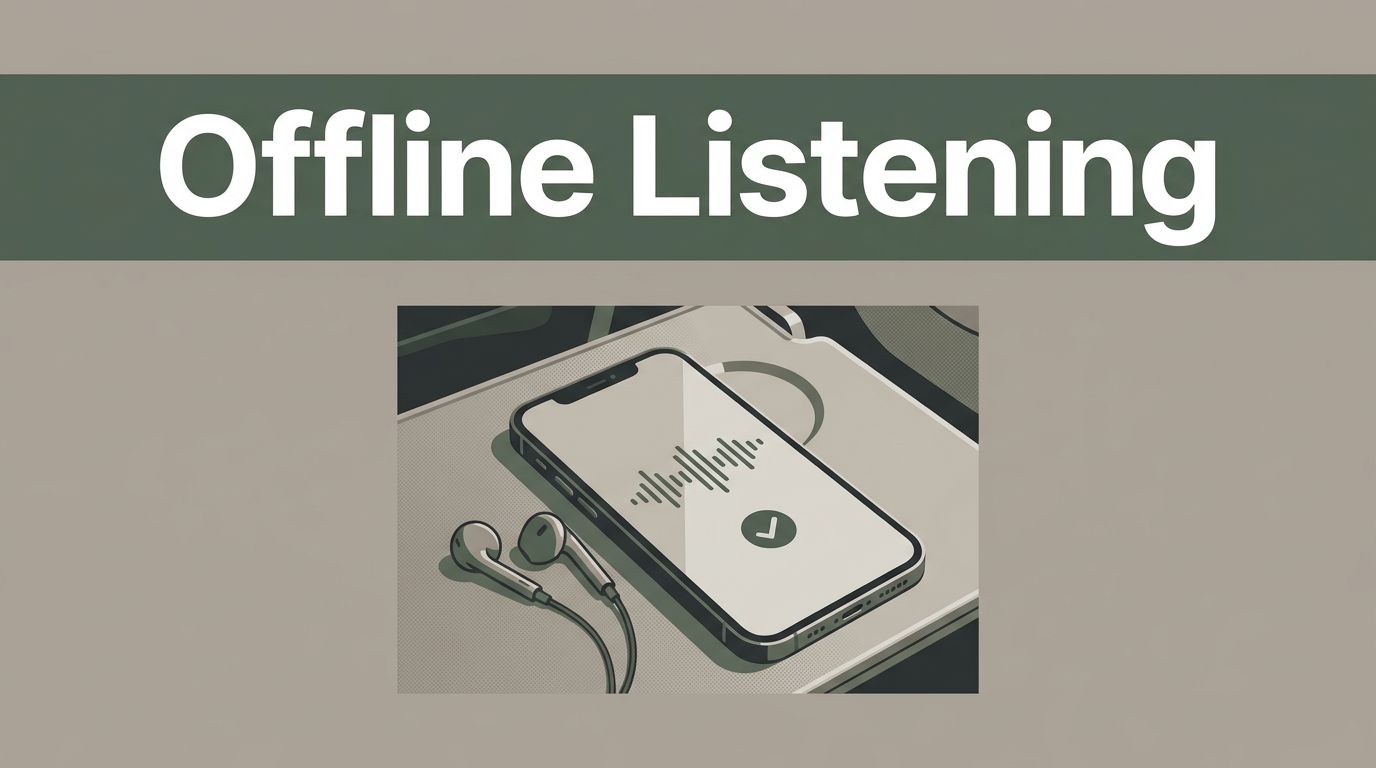


A weak internet connection can stop Speechify at the worst time, especially during a flight, commute, or work trip. Offline text to speech apps solve that problem by storing audio or voice models on your device before you lose service. Speechify supports offline use, but the process differs between iPhone, iPad, and Android. Your plan,

A strong Reel can lose viewers before the first cut if the voice sounds flat, rushed, or difficult to understand. Speechify Studio gives you a faster way to create a clean Instagram Reels voiceover without recording in a treated room. The process is simple: write a short script, choose a suitable voice, adjust the delivery,
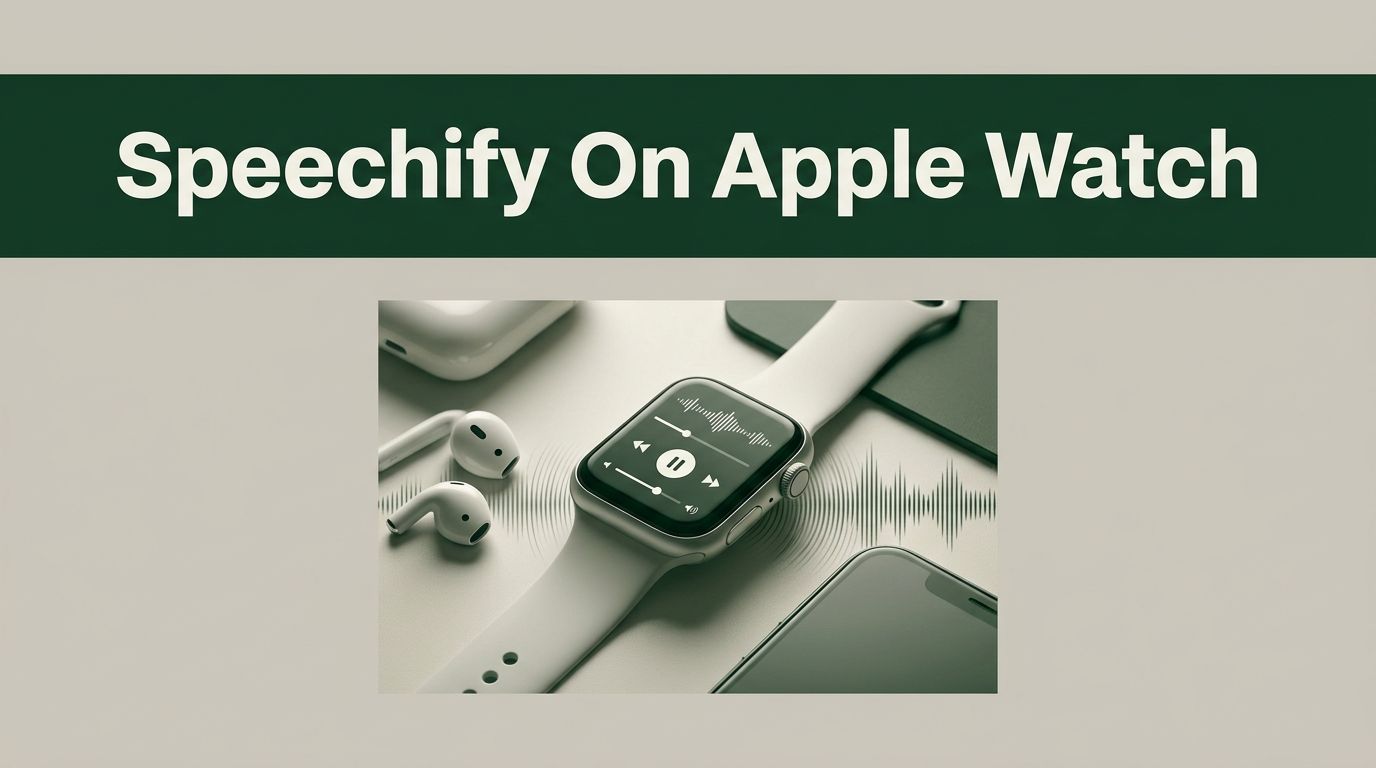
You can’t install Speechify directly on an Apple Watch. As of July 2026, there is no dedicated watchOS Speechify app, so your Speechify library, saved documents, and reading position won’t sync natively to the watch. You still have workable options. You can transfer Speechify-generated audio to Apple Watch, use Apple’s accessibility features, or move documents

A long commute gives you time, but reading on your phone takes your eyes off the road. Speechify solves that problem by converting articles, PDFs, emails, and other written content into spoken audio. The app can help you listen while driving safely, but it doesn’t remove the risks of distracted driving. You still need to


Your reading list grows while your available screen time disappears. Speechify helps you turn documents, articles, emails, and study material into audio so you can listen during low-attention tasks. That doesn’t mean every task belongs in the background. Complex material needs focused reading. The practical approach is to match the content to the task, set
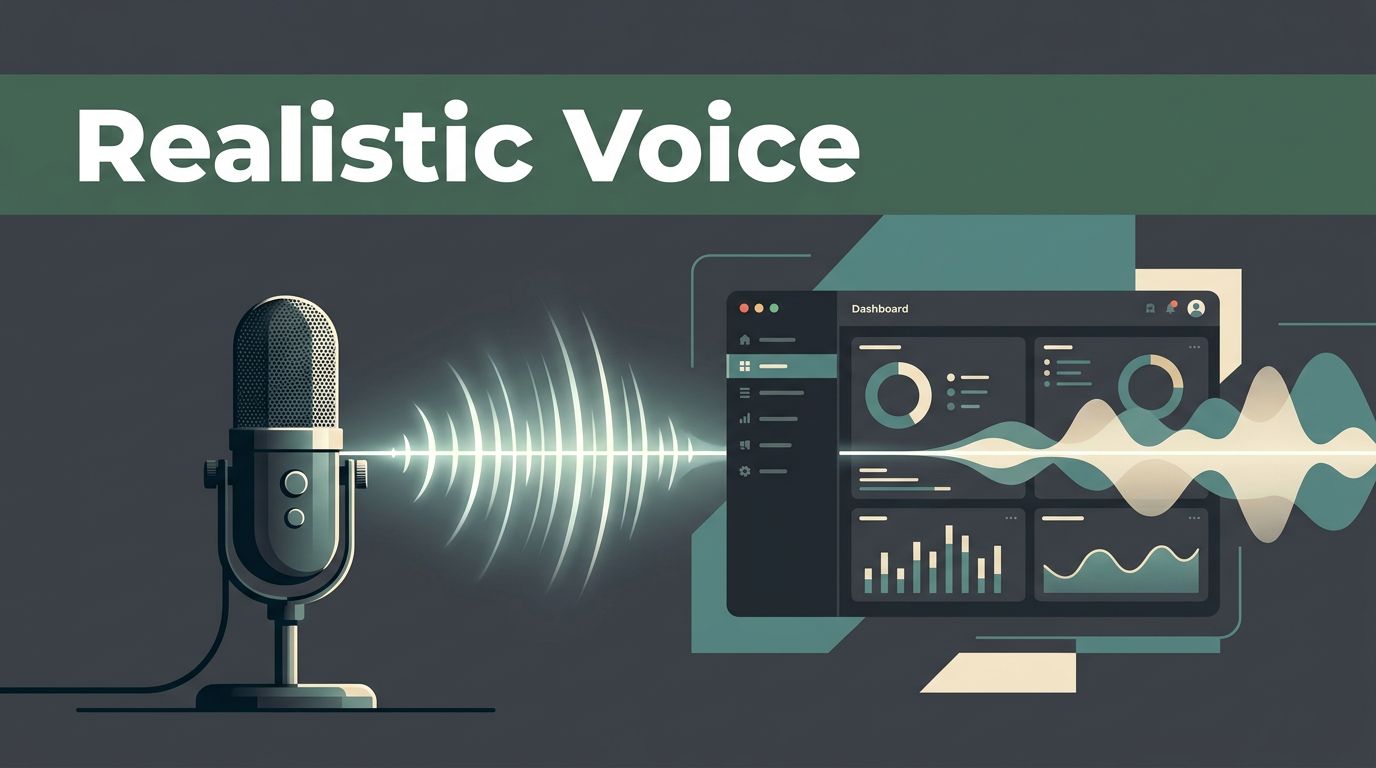
A realistic voice can improve an app, but poor deployment can make the same feature frustrating. The output needs the right voice, pronunciation, timing, format, and delivery path. Speechify text to speech is available through the SpeechifyAI Build API. It can generate complete audio, stream longer content, process SSML, return word-level timing data, and support
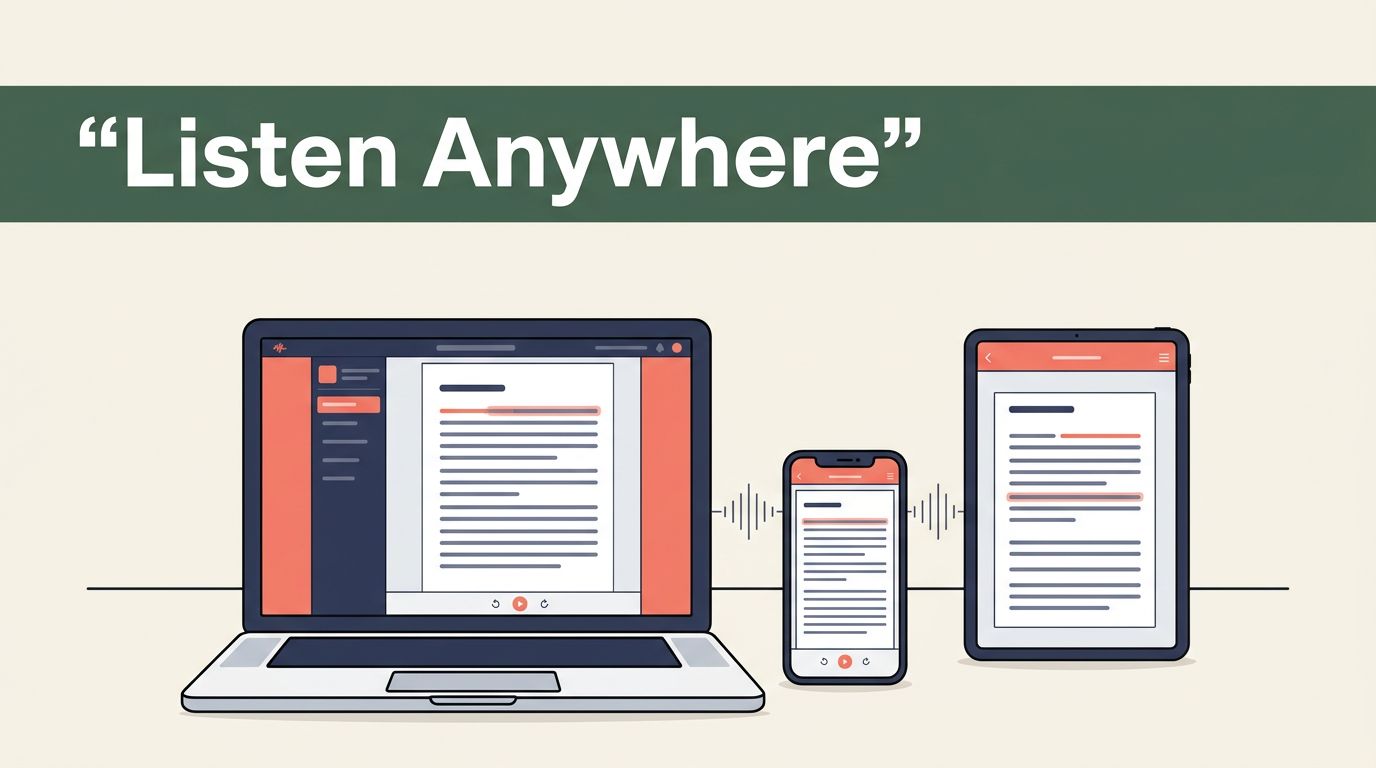
Reading time is often the first bottleneck in a busy workflow. Long PDFs, research papers, emails, and web pages can consume hours before you reach the useful information. Speechify turns written content into spoken audio across mobile, desktop, and browser environments. A practical deployment requires more than installing one app. You need the right platform,
A strong TikTok voiceover can hold attention when the visual alone cannot. Speechify helps you create that narration without recording every take yourself. The workflow happens outside TikTok. You write and generate the audio in Speechify Studio, edit it with your video, then upload the finished content to TikTok. There isn’t a confirmed native button

Medical school can turn one week of reading into hundreds of pages, lecture slides, research papers, and practice questions. The problem isn’t access to information. It’s processing that information without losing hours to rereading. Medical student study tools from Speechify can reduce the friction around dense reading. You can listen to course material, scan printed

