
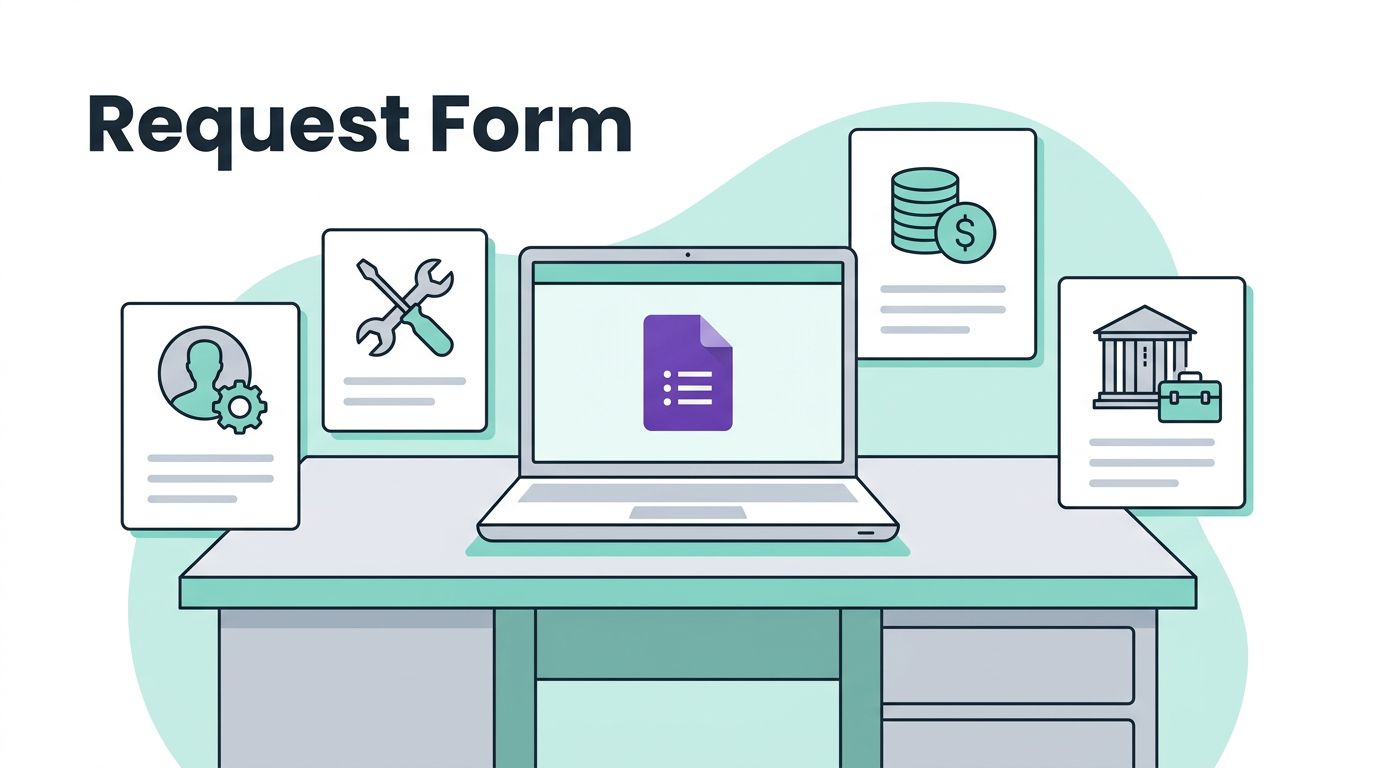


Internal requests get messy fast when they live in chat, email, and hallway conversations. One missed message can slow down HR, IT, finance, or facilities for days. I use Google Forms for internal requests when I need a simple intake process without buying ticketing software. It gives me one place to collect the same details

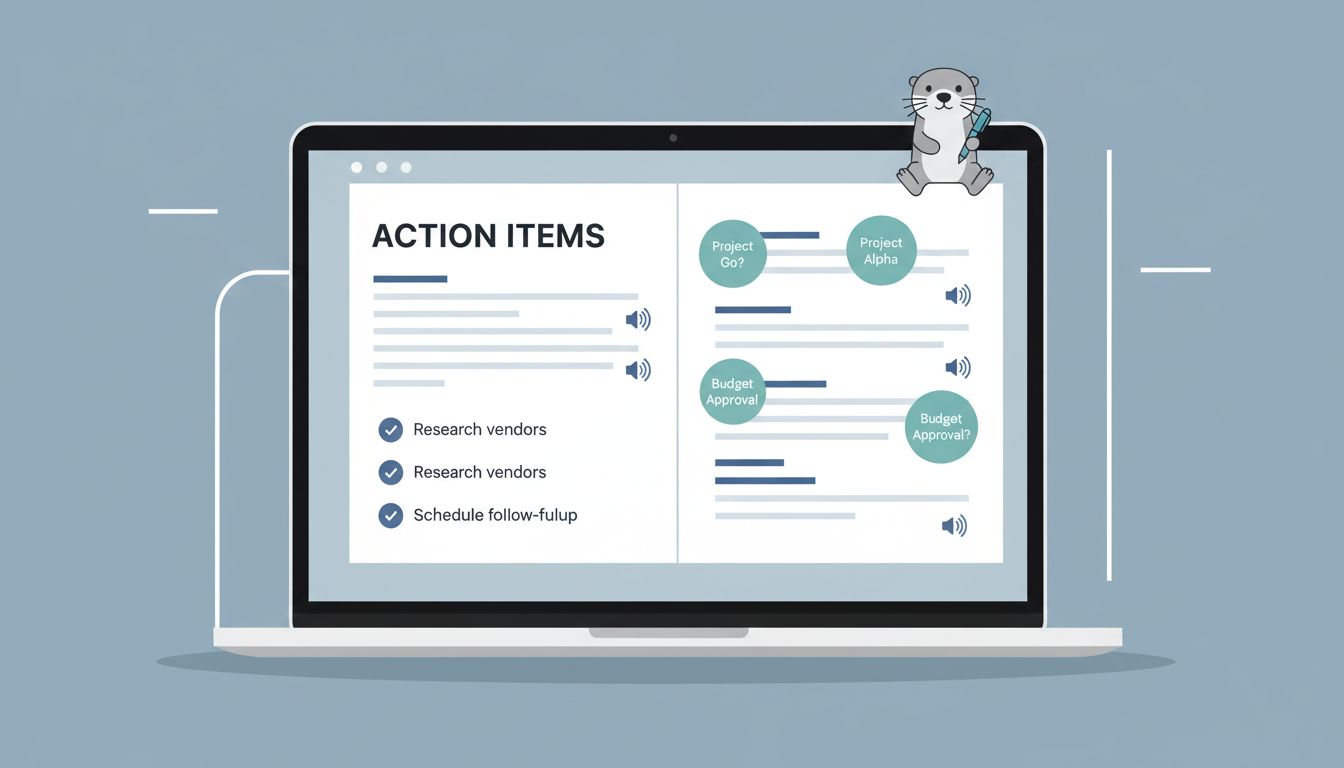
Meeting notes are easy to collect and hard to use. I’ve seen too many good conversations disappear into a transcript nobody opens again. That’s why I rely on Otter AI action items to turn loose notes into clear next steps. When I do it well, my meeting recap becomes a work plan, not a memory
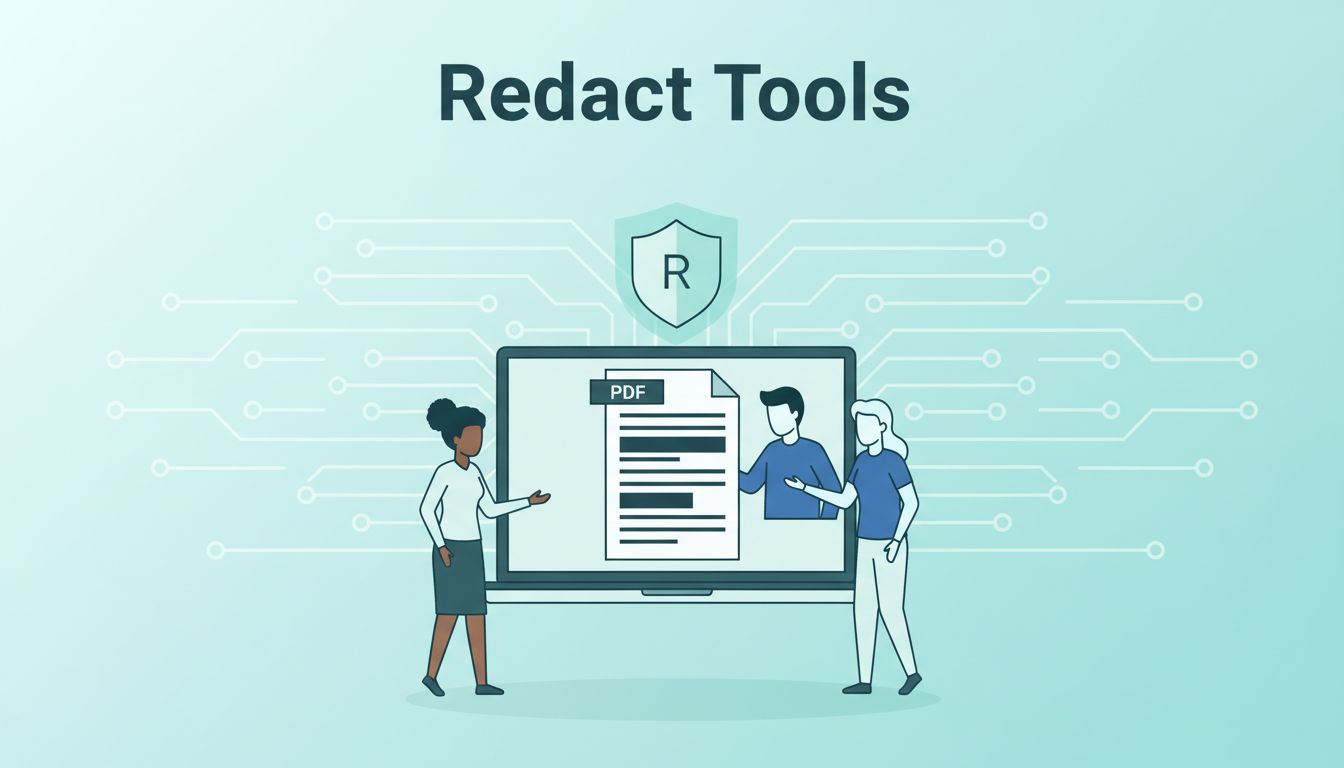
A redaction mistake is quiet until the file leaves your hands. Then it can expose names, account numbers, medical notes, or contract terms that should have stayed buried. For a small team, the right PDF redaction tools need to do more than draw a black bar. I want true removal, OCR that catches scanned pages,
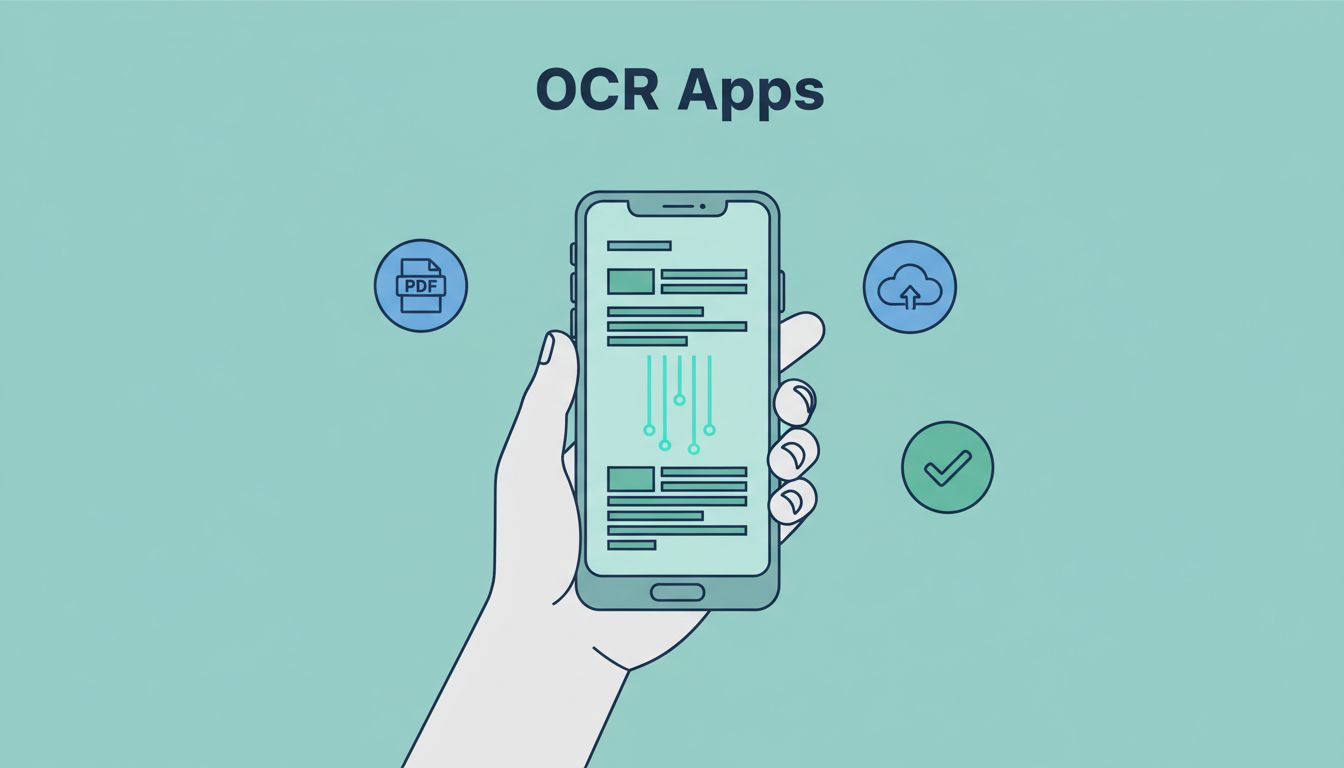
A photo of a receipt should not turn into ten minutes of typing. The best OCR apps save me from that grind, and they do it in different ways. Some apps are built for quick phone scans. Others keep complex PDF layouts intact, or push text into a workflow where teams can use it. Because
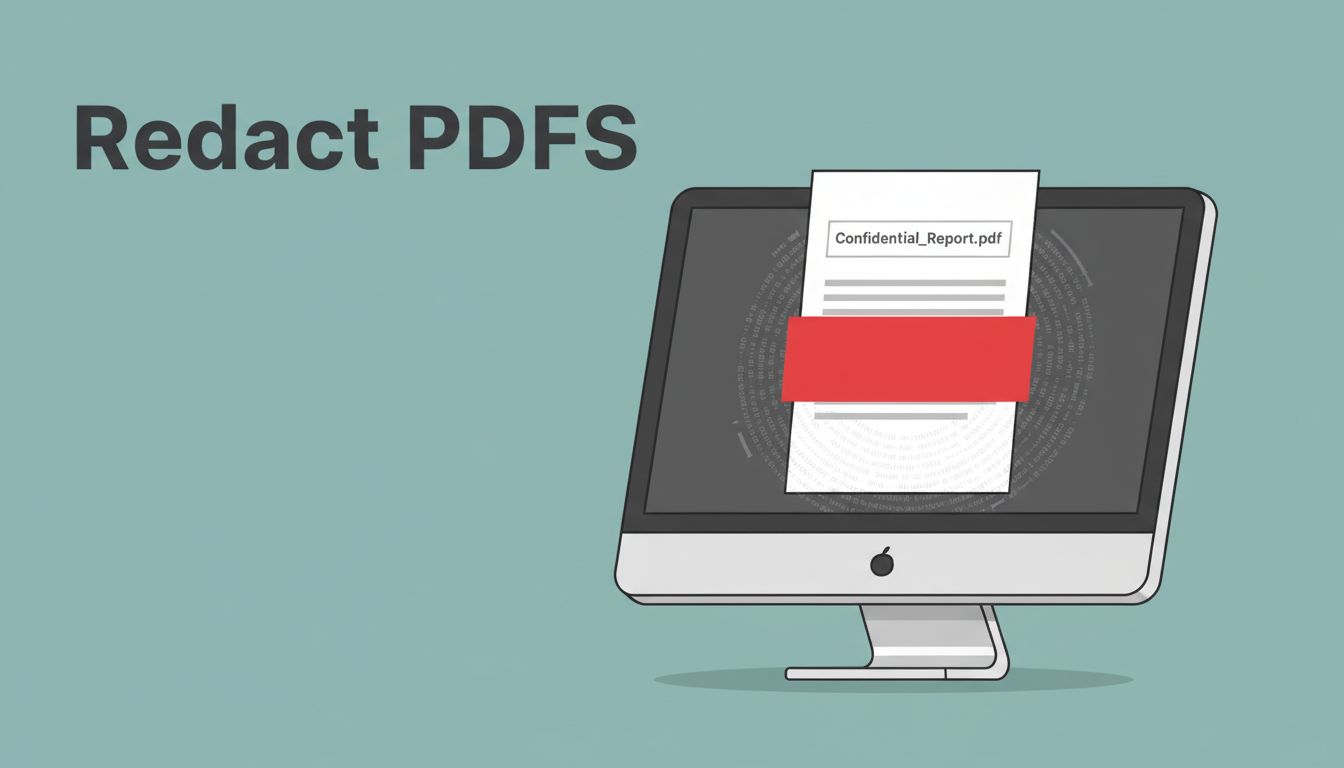
A black box can hide text on screen and still leave that text inside the file. That mistake turns a private PDF into a document that can leak with one bad click. When I prepare a PDF for sharing, I treat PDF redaction as permanent removal, not visual cover-up. If the file can still be
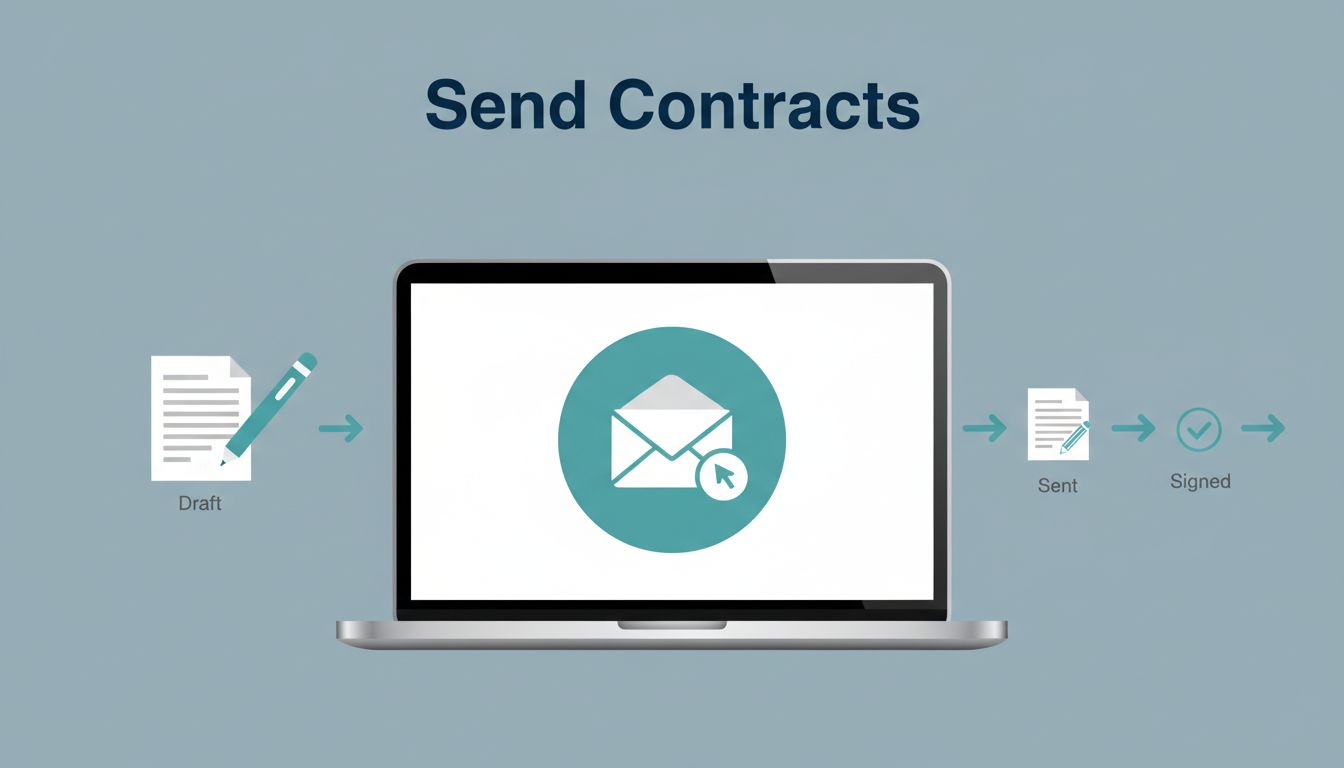
A contract should take minutes to send, not a morning to untangle. When I use DocuSign, I turn a final PDF into a tracked envelope, then I can watch it move from sent to completed. The process is simple once I know the order. Still, one missed field or wrong signer can slow everything down.
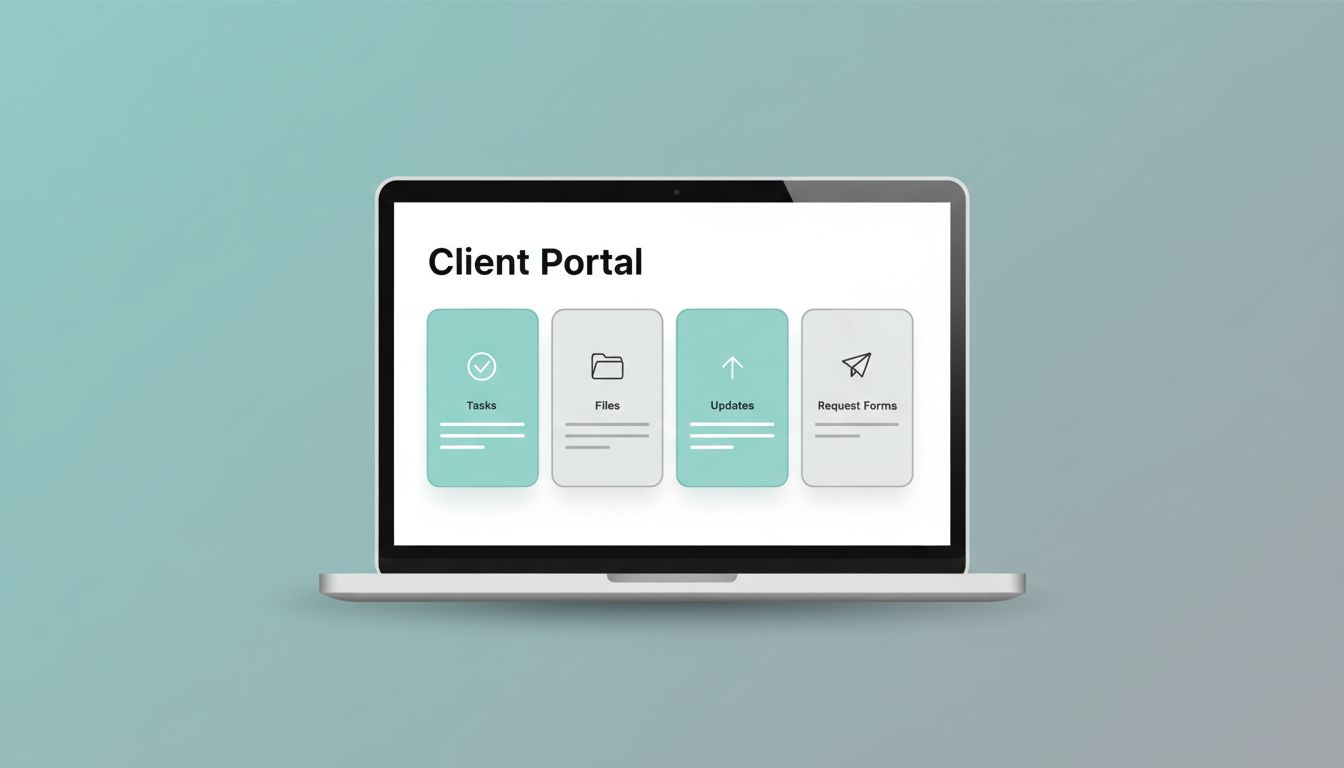
A messy client portal gets ignored fast. I build mine in Notion because it lets me keep projects, files, updates, and requests in one place without extra software clutter. The trick is simple, but easy to miss. I don’t start by adding pages. I start by deciding what a client actually needs to see, what
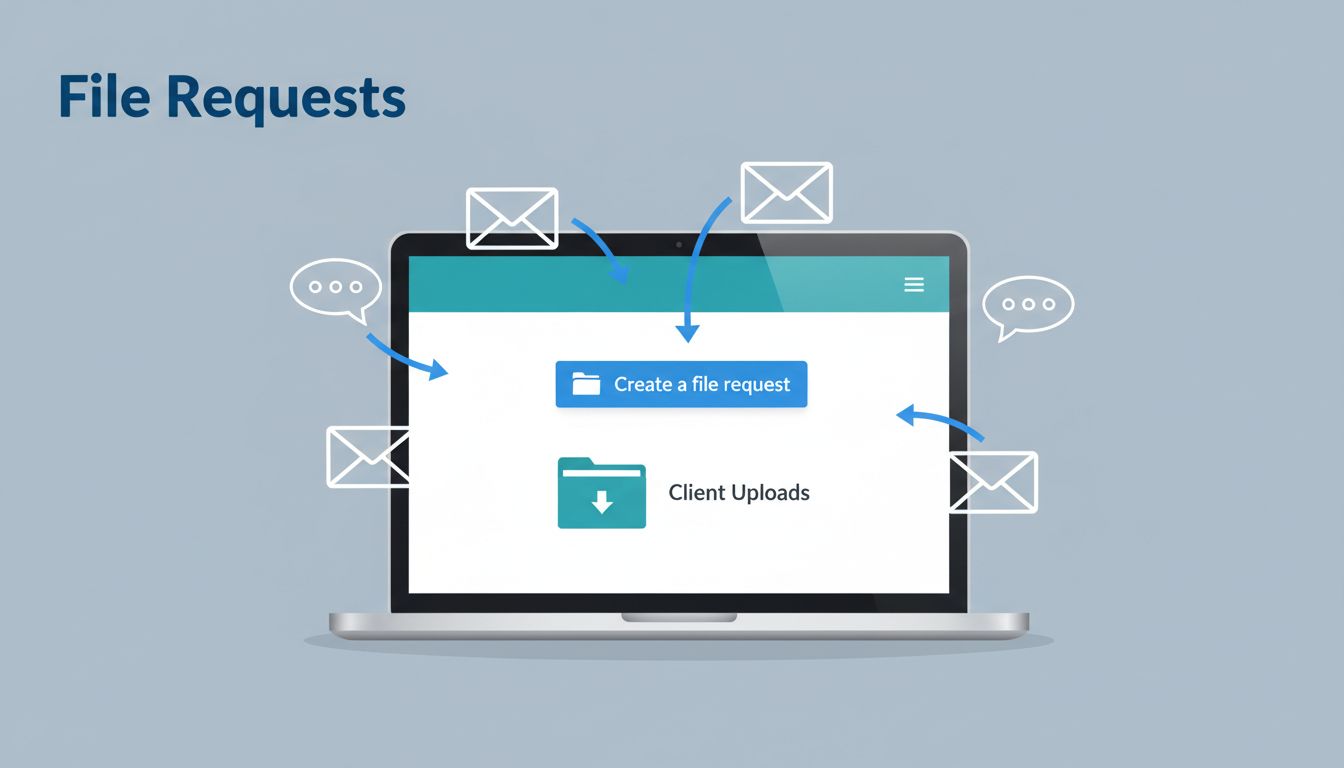
Client files can turn messy fast. One logo lands in email, another draft shows up in chat, and the final version gets buried in a thread no one can find. I use Dropbox file requests to pull everything into one place without giving clients access to my whole folder tree. The setup is simple in

A decision that drags on in chat can take five minutes in Slack Huddles. I use them when the team already has context and we only need a clear answer, a shared screen, or a quick debate. That keeps the work moving and cuts the calendar clutter. When I want faster team decisions, I reach

