How I Use Slack Huddles For Faster Team Decisions
A decision that drags on in chat can take five minutes in Slack Huddles. I use them when the team already has context and we only need a clear answer, a shared screen, or a quick debate. That keeps the work moving and cuts the calendar clut...

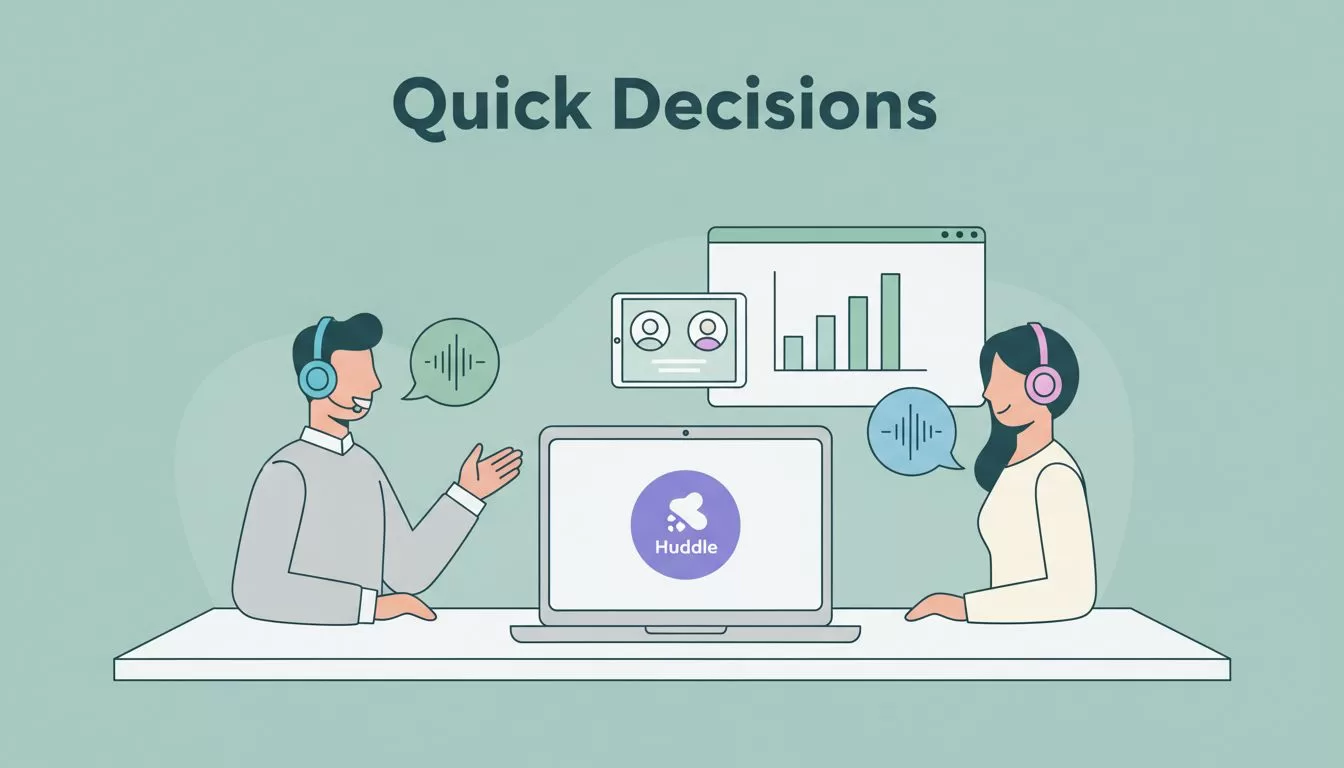
A decision that drags on in chat can take five minutes in Slack Huddles. I use them when the team already has context and we only need a clear answer, a shared screen, or a quick debate.
That keeps the work moving and cuts the calendar clutter. When I want faster team decisions, I reach for the smallest meeting that can do the job.
When I choose a huddle instead of chat, calls, or meetings
I use a simple rule. If text can solve it, I stay in chat. If words start looping, I open a huddle. If the topic needs slides, a broad audience, or a formal record, I book a meeting.
Here’s the split I use most often.
| Situation | Best tool | Why I use it |
|---|---|---|
| One quick update with no debate | Async Slack chat | It keeps the flow light |
| Two or three people need to settle a question | Slack Huddles | Voice clears confusion fast |
| We need to look at a file, sheet, or mockup | Slack Huddles | I can talk and share the screen |
| The topic needs a formal agenda or larger audience | Full meeting | It gives more structure |
That split keeps huddles short and useful. It also stops me from turning every problem into a calendar event.
For document-heavy work, I keep the files and notes close with Google Workspace collaboration for remote teams. When the decision needs a more formal meeting, I move to Google Meet enterprise video conferencing instead.
My five-minute setup for a Slack Huddle
Slack’s huddles help guide matches the basics I use. I open the channel or DM, click the huddle icon, and start talking. I keep the goal narrow, because a huddle works best when the answer is close.


I follow the same five steps almost every time:
- I open the right channel or direct message.
- I name the decision in one sentence.
- I invite only the people who can answer it.
- I share my screen only if the file needs a live look.
- I end with one owner and one deadline.
That last step matters most. A huddle without a clear owner feels helpful in the moment, then it fades.
I also keep my opening line simple. “I need a quick call on this launch date” works better than a long status recap. If the discussion starts to wander, I pull it back fast. Slack Huddles work best when the team treats them like a sharp tool, not a room to fill.
What Slack Huddles can do well in 2026, and where I draw the line
As of April 2026, Slack Huddles are still audio-first, with video optional. They also support screen sharing, live thread updates, and AI notes in workspaces where admins allow them. I like the AI notes because they turn a rushed talk into something the team can revisit.
Slack describes Huddles as a way to solve problems aloud with Slack Huddles, and that’s the right lens. I use them for quick fixes, fast debate, and short planning loops. They work well when I need answers while the context is still fresh.
I do not use them for every kind of meeting. If I need a long agenda, a formal presentation, or a larger group with many speakers, I skip the huddle. I also avoid using one when the decision needs heavy note-taking or board-style discussion.
That boundary saves time. It also keeps the channel from becoming noisy. A good huddle feels like a focused desk-side conversation. A bad one feels like a meeting that escaped into chat.
How I document the decision so the team doesn’t lose it
After the huddle, I write the outcome in the same channel thread. That way, people who missed the talk can catch up without asking the same question again. I treat the thread like the receipt for the decision.

I usually post four lines:
- Decision, in one sentence
- Owner, named clearly
- Deadline, with a real date or time
- Open question, if anything still needs work
If a doc, sheet, or project brief drove the call, I link it right there. That’s where Google Workspace collaboration for remote teams helps me keep the source material easy to find.
If I can’t find the decision in the thread an hour later, I didn’t finish the job.
I also pin the message when the channel is busy. If the decision affects more than one team, I copy the summary into the right project channel. That keeps the signal visible without making people chase it.
Conclusion
I use Slack Huddles when speed matters more than ceremony. They help me cut meeting time, surface the real issue fast, and leave the decision in the same place where the work already lives.
The pattern is simple. Keep the huddle short, use it for live discussion, and write the result back into Slack before everyone moves on.

