How to Automate Blog Posting Schedules With Twin.so
A content calendar can look complete while your publishing process still depends on manual reminders, spreadsheet updates, and last-minute uploads. If you want to automate blog posting, Twin.so can help move scheduled articles from an appro...

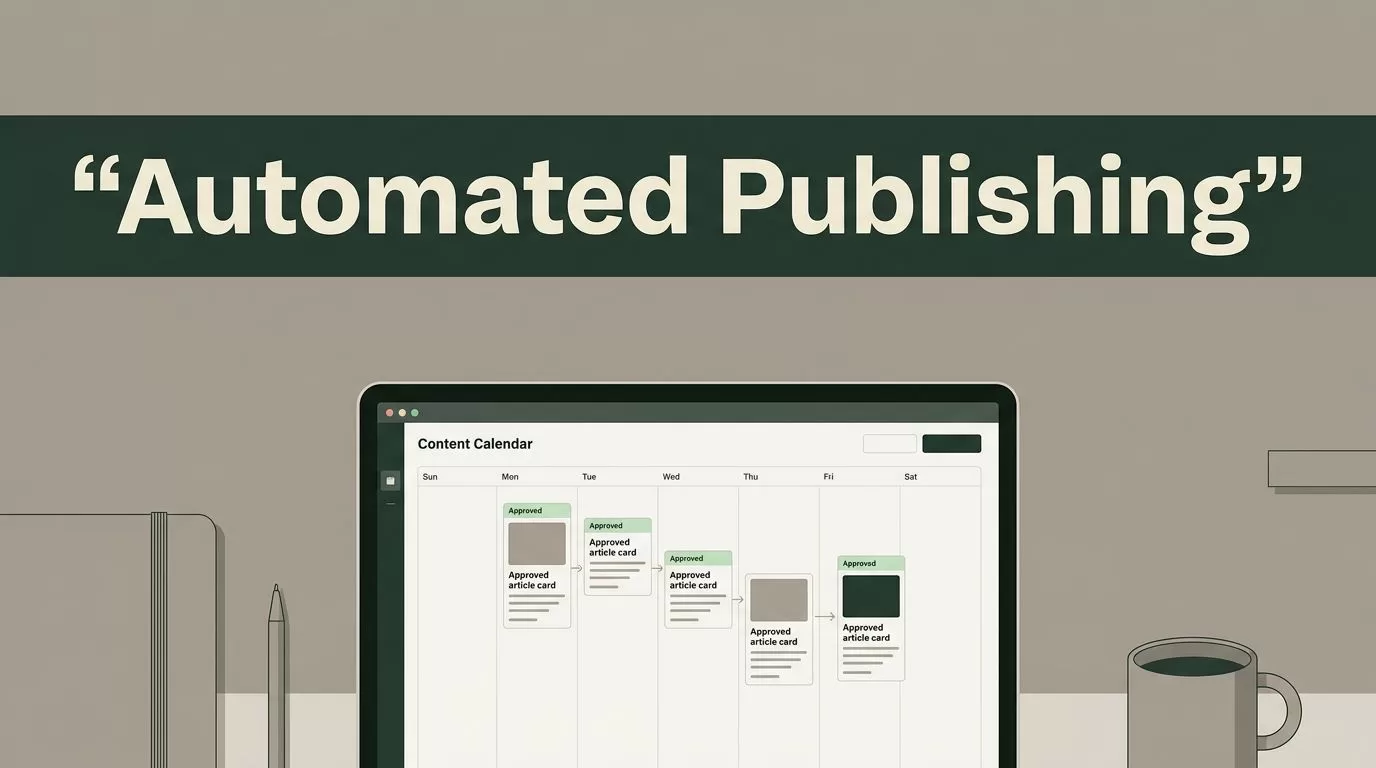
A content calendar can look complete while your publishing process still depends on manual reminders, spreadsheet updates, and last-minute uploads. If you want to automate blog posting, Twin.so can help move scheduled articles from an approved queue to publication without making your team manage every handoff.
Automation only works when the process is clear. You still need strong briefs, accurate drafts, editorial review, and a publishing plan that matches audience demand. Twin.so should handle repeatable scheduling work, not decide what your business publishes.
What Twin.so Should Handle in Your Publishing Workflow
Your blog workflow has several separate jobs. Someone chooses a topic, prepares the brief, writes the article, checks the facts, adds internal links, creates media, and publishes the final version. These jobs require different levels of judgment.
Scheduling is more predictable. Once a post is approved, the system knows the destination, date, time, title, and content package. That makes it a practical task for automation.
Use Twin.so as the control point between your approved content and your publishing channel. The exact options depend on your Twin.so setup, plan, and connected tools, but the operating model stays the same:
- Create or import the content record.
- Add the planned publishing date and time.
- Assign the destination and content details.
- Keep the item in review until an editor approves it.
- Release the post through the scheduled workflow.
- Confirm that the article published correctly.
This structure removes repetitive handoffs without removing accountability.
A scheduled article should never be treated as an approved article. Approval and publication are separate workflow states.
A useful automation system also records what happened. You need to know whether a post is queued, approved, published, delayed, or failed. If Twin.so provides status fields, use them consistently. If it connects to another project management or publishing system, keep one system as the source of truth.
Teams can also compare their workflow against broader content marketing automation tools before adding more software. More tools don’t automatically create a better process. Each new connection adds another place where data can fail.
Build the Editorial Schedule Before You Connect Twin.so
Twin.so can’t fix an unclear publishing plan. Start with the schedule your audience needs, then configure the automation around it.
Define your publishing frequency by capacity. A small business may publish one strong article each week. A larger content team may publish several articles across different topic groups. The correct schedule is the one your writers and editors can maintain without lowering quality.
Create topic groups that match your business priorities. For a software company, these may include implementation guides, product comparisons, security explainers, workflow tutorials, and customer use cases. Assign each topic a clear audience and search purpose.
Your schedule should also show the stage of every article. Use simple statuses such as:
- Brief required
- Drafting
- Editorial review
- SEO review
- Approved
- Scheduled
- Published
- Needs revision
Keep the approved queue separate from the working queue. Only approved articles should be eligible for automatic publication.

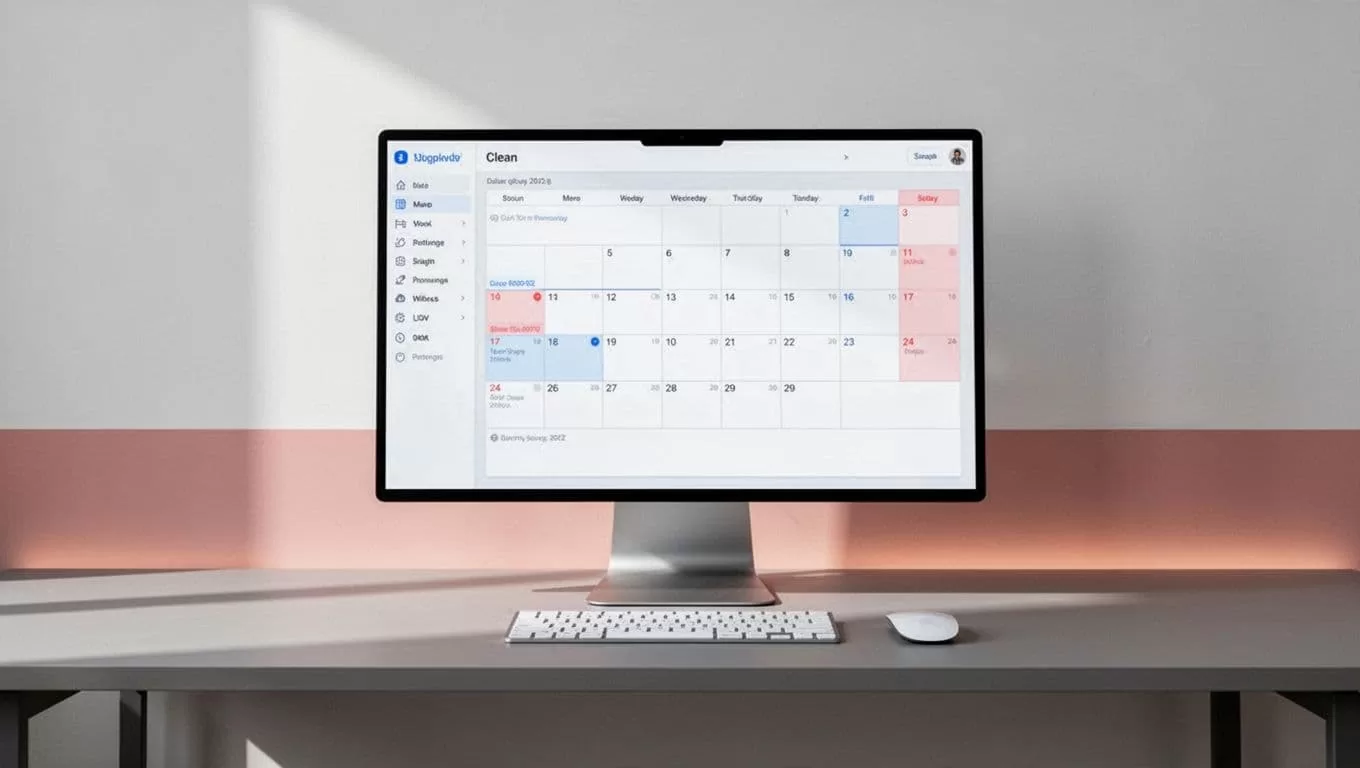
The calendar needs more than dates. Add the target keyword, article type, owner, reviewer, destination, and planned update date. These fields give your team enough context to catch conflicts before an article goes live.
Check for overlap before scheduling. Two posts targeting the same search intent can compete with each other. A product announcement may also be poorly timed if it appears beside a comparison article aimed at the same reader.
Scheduling tools work better when the calendar is treated as an operating system, not a list of ideas. For teams that coordinate deadlines across contributors, content marketing scheduling workflows can provide useful reference points for assigning owners and managing handoffs.
Configure Twin.so Around Approved Content
Once the schedule is clean, configure Twin.so around the fields your publishing process actually uses. Avoid building a complicated automation on the first attempt. Start with one content type and one publishing destination.
Prepare a standard content record. Include the article title, body, slug, author, category, tags, featured image, excerpt, and publishing date when those fields are available in your setup. Add the source document or draft link if editors need to review the final version before release.
Keep required fields strict. A missing title or publication date should stop the workflow instead of producing an incomplete post. The same rule applies to images, categories, and author information if your CMS requires them.
Set the workflow trigger carefully. The trigger should be an intentional state change, such as moving an article to “Approved” or adding a confirmed publishing date. Don’t use a vague trigger such as “new record created.” New records often include unfinished drafts.
A practical setup looks like this:
- Create a draft in the content workspace.
- Add the article metadata and target date.
- Complete editorial and SEO checks.
- Change the status to approved.
- Let Twin.so place the article into the publishing queue.
- Review the scheduled item before the release time.
Use a delay when the workflow needs a final inspection. For example, a team can approve a post at least 24 hours before publication. That gives the editor time to verify links, formatting, images, and claims.
Don’t automate every field that can be automated. Preserve human control over title changes, sensitive claims, pricing information, legal language, and content connected to current events.
The goal is predictable execution. Twin.so should reduce manual copying and date entry. It shouldn’t hide the content from the people responsible for its accuracy.
Add Editorial Review Before Automatic Publication
The most important control is a review gate before the article becomes eligible for scheduling. Automation makes mistakes repeatable. A bad field mapping can publish the wrong category across every article in the queue.
Create a short review process that every post follows. The editor should confirm that the article answers the search intent, supports claims with reliable sources, and matches the publication’s standards. The SEO reviewer should check the title, heading structure, internal links, URL, metadata, and canonical settings where relevant.
Review the content package as one unit. A strong article with the wrong featured image still creates a poor publication. Check the image filename, alt text, crop, and license. Confirm that links open correctly and that any call to action points to the intended page.
Run a manual test before enabling live publication. Use one low-risk article or a private staging destination. Check whether Twin.so transfers the content correctly, preserves headings and links, and applies the planned publication time.
Test these conditions:
- A post with a complete content package
- A post missing a required field
- A post with a changed publication date
- A post moved back from approved to revision
- A failed or disconnected publishing action
Your workflow should stop or alert when something goes wrong. It shouldn’t silently mark a post as complete.
The best automation test is not whether the happy path works. It is whether the system fails safely when a required detail is missing.
Use separate permissions for writers, editors, and automation administrators. Writers may need to create drafts. Editors may approve content. Only a small number of users should change the automation or publishing connection.
Use a Realistic Workflow for Solo Creators and Teams
A solo creator can keep the process lightweight. Store each article in one content workspace, add a publication date, and use Twin.so to move approved posts into the publishing queue. Reserve a fixed review block each week for fact checks, formatting, and link checks.
Don’t schedule an entire month without reviewing the posts together. A new product update, algorithm change, or business decision can make several queued articles outdated. A weekly review keeps the calendar flexible.
Teams need clearer ownership. Assign one person to the brief, one person to the draft, and one person to final approval when the team is large enough. One person can hold several roles, but every post still needs one named approver.
A small B2B marketing team might use this sequence:
- The SEO manager adds a keyword-backed brief.
- The writer submits the article and source links.
- The editor checks accuracy, structure, and tone.
- The content owner confirms the image and call to action.
- Twin.so schedules the approved article.
- The publisher checks the live page after release.
This workflow prevents the common problem where everyone assumes someone else checked the final version.
Keep urgent posts outside the standard queue when necessary. Product notices, security updates, and time-sensitive announcements may need a different approval path. Don’t force every content type through the same timing rules.
You can also use different schedules by content type. Evergreen tutorials may publish on a stable weekly cadence. News commentary may require same-day review. Customer stories may depend on approval from the customer or legal team.
Monitor Published Posts and Fix Failures
Scheduling ends when the article goes live. Your operational process should continue with a post-publication check.
Verify the live URL after each automated release. Check the title, body formatting, images, links, author details, and metadata. A successful workflow run doesn’t always mean the page looks correct in the browser.
Track failures in a simple log. Record the article, scheduled time, failure type, owner, and resolution. Common issues include expired connections, missing fields, incorrect time zones, duplicate records, and formatting differences between systems.
Time zones need special attention. Choose one standard for your team and document it. If the audience is in multiple regions, decide whether the schedule is based on your team’s local time or the audience’s main market.
Review performance after publication, but don’t change the schedule based on one article. Measure organic impressions, clicks, engagement, conversions, and assisted pipeline activity when those metrics are available. Compare similar content types over a reasonable period.
Use the results to improve the calendar. If implementation guides generate qualified traffic while broad opinion posts do not, allocate more production capacity to the guides. If several posts receive impressions but few clicks, review titles and search intent before changing the automation.
The workflow should also include maintenance. Recheck the Twin.so connection after permission changes, CMS updates, or account ownership changes. Run a test publication when you modify field mappings.

Where Automation Stops
Twin.so can manage timing and repeatable publishing actions. It can’t replace editorial judgment.
Don’t use automation to publish unverified statistics, unreviewed AI drafts, outdated product details, or articles written for a keyword without a real audience need. These errors damage trust faster than a missed publishing slot.
Keep human review for claims, sources, examples, tone, and commercial recommendations. Use automation for status changes, queue movement, date handling, notifications, and routine transfers.
Your content strategy should also control the schedule. Publish because a topic supports a business or audience goal, not because an empty calendar slot exists.
A reliable rule is simple: automate execution after the decision is complete. Keep topic selection, final approval, and quality control with people who understand the audience.
Conclusion
You can automate blog posting with Twin.so by connecting a clean editorial calendar to an approved publishing queue. The setup depends on clear statuses, complete content fields, controlled permissions, and a tested release process.
Start with one content type and one destination. Review every scheduled post before publication. Track failures and live-page errors after release.
Automation should remove repetitive work without removing responsibility. When Twin.so handles the schedule and your team controls the quality, publishing becomes easier to manage and safer to scale.

