How I Lock Blog Posts Behind MemberSpace Paywalls
You’ve poured hours into a killer post on cybersecurity tools. Readers devour the free version, but they grab it and run. No recurring revenue follows. I faced that too until I started using MemberSpace blog paywalls. Now my premium g...

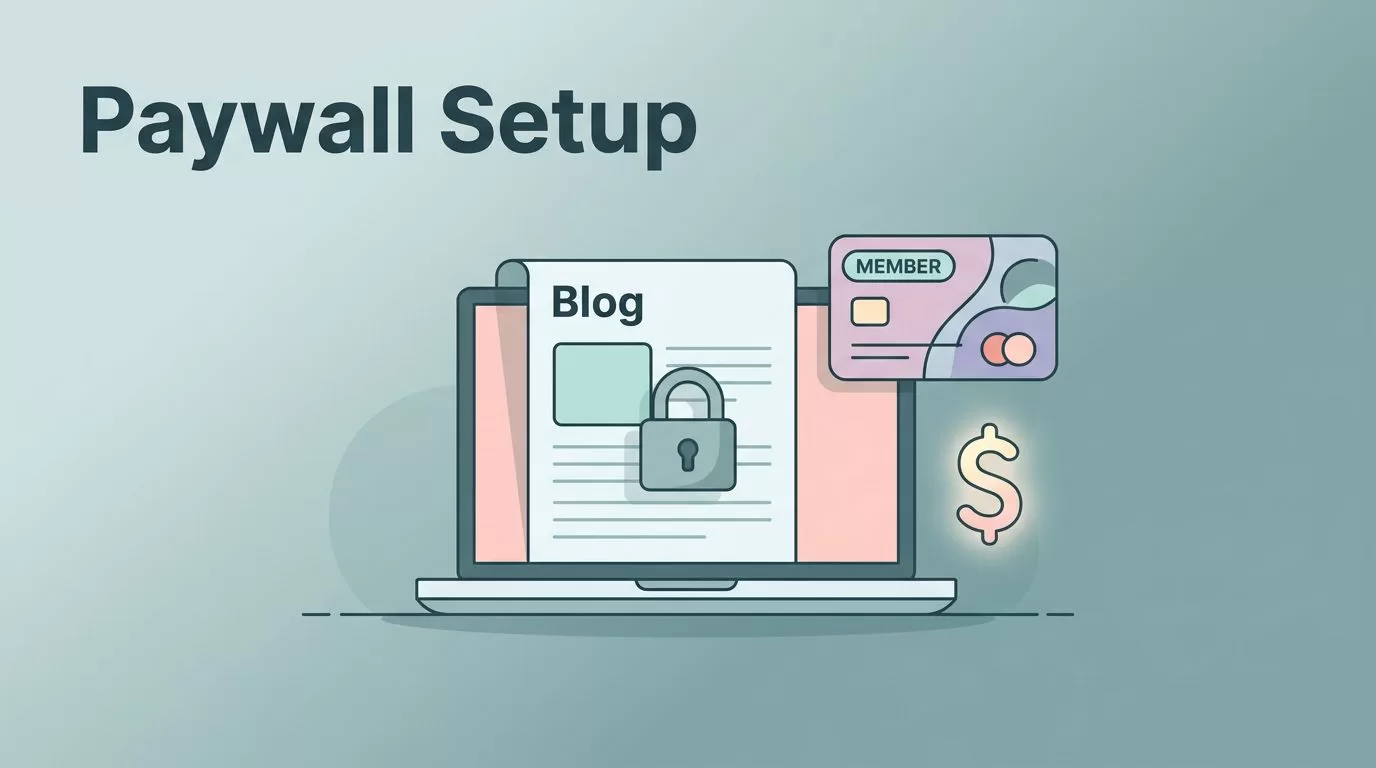
You’ve poured hours into a killer post on cybersecurity tools. Readers devour the free version, but they grab it and run. No recurring revenue follows. I faced that too until I started using MemberSpace blog paywalls. Now my premium guides convert traffic into steady subscribers.
This tool lets me gate single posts or sections without rebuilding my site. You keep SEO juice from public teasers while charging for the gold. In the next sections, I walk you through my exact setup. You’ll see steps that work on common platforms.
Why MemberSpace Fits My Blog Monetization
I run a blog packed with B2B software breakdowns. Free posts draw founders and analysts. But my deep dives on automation workflows? Those stay behind a paywall. MemberSpace handles that split cleanly.
It plugs into sites like Squarespace or WordPress. No code needed. You pick pages or posts, set prices, and boom: subscribers see full access. Non-members hit a signup form. I charge $9 monthly for my inner circle content. That pulls in $500 extra each month from loyal readers.
Public posts still rank on search. They tease value, then funnel folks to paid tiers. MemberSpace tracks everything in one dashboard. You spot drop-offs and tweak offers fast. For example, I added a 7-day trial after seeing cart abandons. Signups jumped 20%.
It beats native options. Squarespace gates whole collections, not single posts. WordPress plugins often glitch on themes. MemberSpace sits on top, stable across setups. Check their WordPress membership site guide for proof. I save time and keep content fresh.
Common Platforms for MemberSpace Paywalls
I test tools on real sites before recommending. MemberSpace shines on Squarespace blogs first. You connect in minutes, then lock posts one by one. My main site runs there; traffic flows from free reviews to paid implementations.
WordPress comes next. Install their free plugin, link Stripe, and protect categories or singles. I used it on a side blog for data analysis tips. No theme conflicts hit me. Their payments on WordPress post spells it out.
Wix or custom HTML? It works via code snippet. Paste once in the header. Notion sites too, if you embed blogs. Avoid complex builders like Webflow unless you test. MemberSpace skips hosting; it guards your existing setup.
For community angles, I pair it with tools like Skool community launch and monetization guide. Free blog teases lead to Skool groups. MemberSpace gates the blog; Skool handles chats. That combo boosts retention.
Pick your platform, then follow my setup. It takes under 30 minutes start to finish.
Setting Up MemberSpace on Your Blog
Start with a free MemberSpace account. I signed up at memberspace.com. They guide you to connect Stripe next. Use an existing account or create one. Payments land there instantly.
Log into your blog dashboard. For Squarespace, grab the code snippet from MemberSpace. Paste it site-wide. WordPress users search “MemberSpace” in plugins, install, activate. Done.


Back in MemberSpace, create plans. I set a basic monthly at $9, annual at $90. Add free trials or coupons. Test each: buy as a dummy subscriber. Cancel works smooth.
Common snag? Stripe mismatches. Double-check currencies. Also, clear caches after install. Your first protected post goes live fast. Preview non-member view; it prompts signup nicely.
Now you control access. Members log in once; single sign-on covers all gates.
Locking Specific Blog Posts with MemberSpace
Target one post at a time. Say my guide on algorithmic trading systems. Free readers see the intro. Paywall blocks the rest.
In MemberSpace dashboard, add the post URL. Assign it to your paid plan. Choose visibility: full hide, excerpt, or password. I use excerpts. They hook without spoiling.

Hit save. Refresh the post. Non-members see a clean barrier: “Join for full access.” Custom colors match your brand. I tweak buttons to green for trust.
Edge case: dynamic URLs. Squarespace blogs shift slugs sometimes. Pin exact links. For categories, group them under one “space.” My premium series lives in a members-only folder.
Test on mobile. Paywalls load quick; no bounce spikes. Track views in analytics. Locked posts convert 15% of teasers for me.
Avoid over-gating. One post per week keeps urgency. Readers subscribe for the series, not singles.
Balancing Free Content and Paid Sections
Free posts build your audience. I post weekly automation tips open to all. They rank, share, drive traffic. Then link to “Members get the full playbook.”

End teasers with calls: “Paid members unlock templates and audits.” That path feels natural. Discoverability stays high; Google indexes free stuff.
Use previews wisely. Show 300 words, hide code snippets. Readers taste value, then pay. I run 70/30 free-to-paid ratio. Subscribers grow steady.
Onboarding matters. New members land on a welcome post. List their gated content. Add a directory; they search posts easy. I email recaps too. Drop-off halves that way.
Coupons pull fence-sitters. 20% off first month works. Track in dashboard: which posts convert best?
Onboarding Subscribers and Driving Conversions
First login sets tone. Route newbies to a dashboard page. “Here’s your exclusive content.” Pin top posts.
Email flows help. MemberSpace integrates; send drips. Day 1: welcome. Day 3: first premium link. I see 30% open rates.
Boost trials. 7 days free lets them binge. Most stick post-trial. Cancel page? Soften it: “Pause and return anytime.”
Metrics guide tweaks. Low conversions? Shorten teasers. High churn? Add Q&A posts. My cybersecurity series retains 85% at month three.
Pair with communities if you want. Free blog funnels to paid groups like Skool. See my Skool monthly fees setup for billing tips.
Key Takeaways for Your MemberSpace Setup
MemberSpace turns blog traffic into revenue with per-post control. I gate premiums, tease freely, and watch subscribers climb. Start small: lock one post today.
Your setup pays off fast. Balance gates with hooks, onboard smooth, and iterate on data. That builds a business from content you already own.
Stick to these steps, and you’ll monetize without losing reach.

