How I Automate Discord Messages Safely with Twin.so
I manage a busy Discord server for my sales team. Notifications pile up fast. Manual updates waste hours each day. That’s why I turned to Twin.so. It lets me automate Discord messages without the spam risks that get accounts banned. Y...

I manage a busy Discord server for my sales team. Notifications pile up fast. Manual updates waste hours each day. That’s why I turned to Twin.so. It lets me automate Discord messages without the spam risks that get accounts banned.
You want reliable alerts or welcomes, not trouble with Discord’s rules. Twin.so handles that through official bots and secure triggers. It runs in the cloud, so I watch everything live. Let me show you my setup.
Why Twin.so Fits My Discord Workflow
Twin.so builds AI agents from simple prompts. I describe a task, like posting daily summaries, and it creates the steps. No code needed. This works for Discord because it connects via bot tokens or APIs, not risky self-bots.
Discord bans automation that mimics users or floods channels. I stick to their Developer Policy. Twin.so stores credentials encrypted and runs in sandboxes. Agents trigger on schedules or events, like new emails.
For my team, this means status posts at 9 AM or replies to mentions. Costs stay low. Builds run once, then executions cost pennies. I cut manual posts by 80%. Other tools like Zapier help too. Check my Zapier lead capture setups for similar flows.
It scales for business servers. One agent monitors channels; another pulls data from Sheets. Results land in Discord clean and on time.
Legitimate Use Cases I Rely On
I automate welcomes for new members. When someone joins, the bot sends rules and a role prompt. No overload, just value.
Daily digests work next. I pull CRM updates and post them. Team sees pipeline changes without digging.
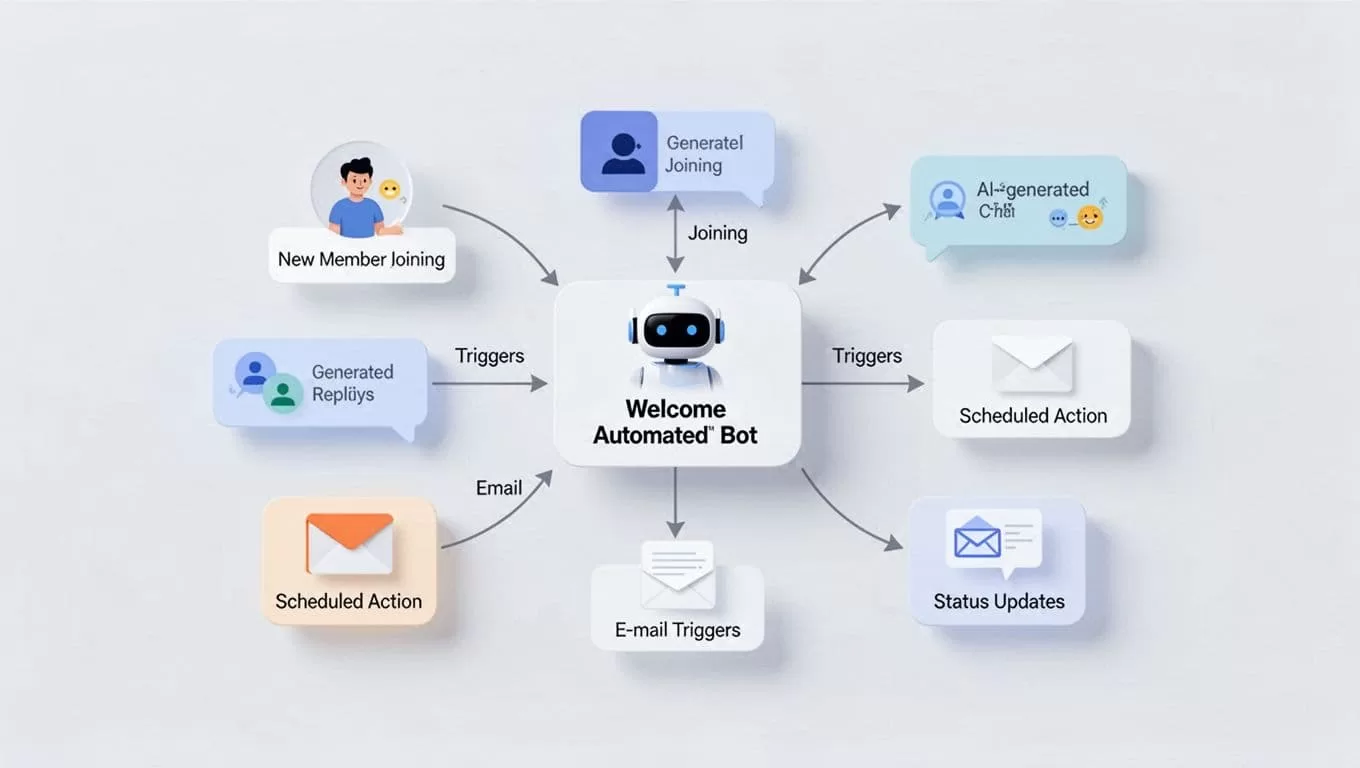
Event reminders follow. A trigger from Google Calendar posts invites. Members react for RSVPs.
These stay safe because I limit to owned channels. Messages add context, like “Pipeline grew 15% this week.” No repeats or blasts.
For analysis shares, agents grab metrics and format them. One runs weekly; it checks Slack first, then posts to Discord. This keeps ops smooth.
I test each on a private server. Feedback loops in. Adjustments happen quick.
Step-by-Step Setup on Twin.so
Start at Twin.so quickstart. Sign up free. Create a workspace.
Prompt the Orchestrator: “Build an agent for my Discord bot. Post ‘Team update: 5 new leads’ daily at 9 AM in #general.” It asks for your bot token.
Get that token first. Head to Discord Developer Portal. New application, bot section, copy token. Paste into Twin.so securely.

Hit build. Watch the cloud browser log in. Test run confirms the post. Set trigger: schedule or webhook.
For reacts to events, prompt: “On new member in server X, send welcome via bot.” Connect Discord OAuth if needed.
Monitor dashboard. Logs show each step. Pause if a site tweaks layout; agent adapts.
My first agent took 10 minutes. Now four run daily.
Pitfalls to Dodge and Best Practices
Spam kills bots fast. Discord’s Platform Manipulation Policy flags bulk sends. I cap at five messages per minute, add delays.
Self-bots ban accounts. Always use official bots, never personal logins. Twin.so prefers APIs anyway.

Rate limits bite too. Check channel caps. Test small; scale slow.
Get server consent. Pin rules on automation. Mute options for opt-out.
Log everything. Twin.so dashboards help. Review weekly.
Avoid peak hours for non-urgent posts. Randomize schedules slightly.
These habits keep my server clean. No bans in two years.
Key Takeaways
Twin.so makes automating Discord messages straightforward and safe. I focus on bots, limits, and value. Servers run smoother now.
Stick to rules, test often. Your team gains time; risks stay low. Start with one agent today.
