How to automate model training schedules with Twin.so
A training pipeline that runs only when someone remembers it isn’t a production system. You need a reliable way to automate model training without making an engineer start every job by hand. Twin.so can coordinate recurring business w...
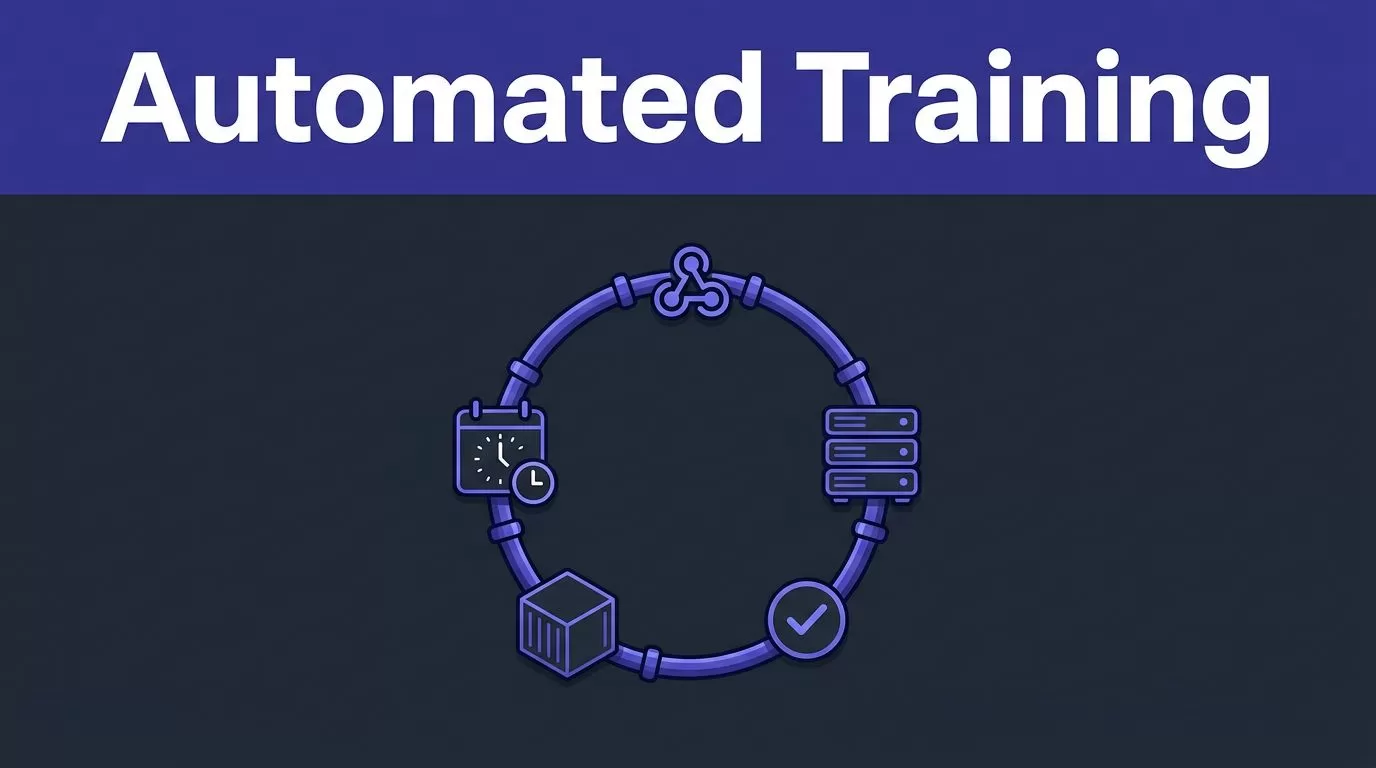
A training pipeline that runs only when someone remembers it isn’t a production system. You need a reliable way to automate model training without making an engineer start every job by hand.
Twin.so can coordinate recurring business workflows through scheduled agents and webhooks. It can trigger an external training process, collect the result, and send updates to the right channel. It doesn’t replace your training infrastructure. The practical setup is to use Twin.so as the automation layer and keep training, validation, registry, and deployment inside dedicated MLOps tools.
What Twin.so does in an MLOps workflow
Twin.so is an AI automation and agent-building platform. Its agents can plan steps, work with connected applications and websites, and run on a schedule or webhook. A scheduled agent wakes at a defined cadence, completes the assigned workflow with fresh context, and returns the result.
That capability fits the control layer of a model retraining process.
Twin.so is not documented as a model-training platform. Its published product information doesn’t describe native experiment tracking, model registries, feature stores, training clusters, model validation pipelines, or production deployment controls. Don’t use it as a substitute for those systems.
Your training process still needs an execution environment. That may be a container job, Airflow DAG, Kubeflow pipeline, Vertex AI workflow, SageMaker pipeline, or another internal service. Twin.so can start that process when the schedule or event condition is met.
The separation is important:
- Twin.so handles the trigger, workflow coordination, status collection, and notifications.
- Your MLOps stack handles data preparation, training, evaluation, registration, and deployment.
- Your monitoring system decides whether the model needs retraining because of drift or performance loss.
Google Cloud’s continuous training guidance follows the same general structure. Automated retraining needs pipeline triggers, data validation, model validation, and metadata management. A schedule alone isn’t enough.
How to automate model training with Twin.so
Start with the training workflow. Add the schedule after the workflow works reliably on demand.
Build a stable training contract
Create one clear entry point for the training process. An HTTPS endpoint, cloud job, command wrapper, or workflow trigger can work. The endpoint should accept the information needed to reproduce the run.
Useful fields include:
- A unique run ID.
- The dataset or feature snapshot to use.
- The training code version.
- The target model name.
- The evaluation environment.
- The requested action, such as train, validate, or promote.
Return structured status information. At a minimum, the response should identify whether the job was accepted, started, completed, or rejected. Include a link to logs and the resulting model version when those values are available.
This contract prevents Twin.so from carrying the training logic itself. The agent starts a known process and handles the response. Your training service remains responsible for the actual computation.
Use immutable dataset references whenever possible. A label such as latest_data can point to different records during a retry. A dated snapshot or versioned artifact gives you a stable input.
Keep the trigger separate from the training job
Configure the Twin.so agent to call the connected API or workflow that starts training. Use the method supported by your environment. An API request is usually easier to audit than browser automation, but Twin.so supports both API integrations and browser-based workflows according to its product positioning.
Give the agent a narrow task. It should start the correct pipeline, check the returned status, and report the result. Don’t make the agent responsible for deciding whether a model is statistically safe to deploy unless that decision is implemented in a controlled validation service.
A typical flow looks like this:
- Twin.so starts the training endpoint on schedule.
- The endpoint creates a run ID and queues the job.
- The training system validates the data and code version.
- The job trains and evaluates a candidate model.
- A registry stores the candidate only if it passes defined gates.
- Twin.so sends the outcome to your operations channel or ticket system.

Choose a schedule based on data and risk
A recurring schedule should match how quickly the underlying data changes. Training every day isn’t automatically better. It can increase compute costs, create noisy model versions, and produce unnecessary deployments.
Use calendar schedules for predictable retraining
A calendar schedule works when new training data arrives at a known rhythm.
A practical schedule might look like this:
- A fraud model retrains nightly after the previous day’s transactions are labeled.
- A recommendation model retrains weekly after product and interaction data are consolidated.
- A demand forecast model retrains monthly when the business has limited new observations.
- A document classifier retrains after each approved batch of newly labeled examples.
Set the schedule after the data snapshot closes. If the agent starts before the snapshot is complete, the run may train on partial data. Record the expected data version in the request and reject the job when that version isn’t available.
Use a weekly schedule for the first production rollout unless the business case requires more frequent updates. This gives the team time to review failed runs, compare metrics, and confirm that the new model adds value.
A schedule should also include an overlap rule. If Monday’s training job is still running when Tuesday’s trigger arrives, the second request shouldn’t create an untracked duplicate. Use a lock, queue policy, or idempotency key in the downstream system.
Use webhooks for data and metric events
A webhook is better when retraining depends on an event rather than a date.
Examples include:
- A new labeled dataset reaches the required size.
- A schema validation job passes.
- Production accuracy drops below a defined threshold.
- Feature drift exceeds the approved limit.
- A data pipeline publishes a new version.
- An engineer approves a manual retraining request.
Twin.so supports webhook-based agent runs. In this pattern, the external system detects the condition and sends the event. Twin.so starts the next workflow step.
The external monitoring system should remain the source of truth. Don’t ask an automation agent to guess whether drift is high enough from an unstructured report. Send explicit fields such as metric_name, current_value, threshold, dataset_version, and requested_action.
The core MLOps trigger patterns include calendar events, messaging events, monitoring events, and changes to data or training code. Twin.so maps well to the trigger and coordination part of these patterns. The training and deployment controls still belong in your MLOps system.
Add gates, monitoring, and failure recovery
A training schedule only answers the question, “When should we try?” Production automation also needs answers for “What counts as success?” and “What happens when the run fails?”
Monitor each run at three levels
Track the workflow, the data, and the model.
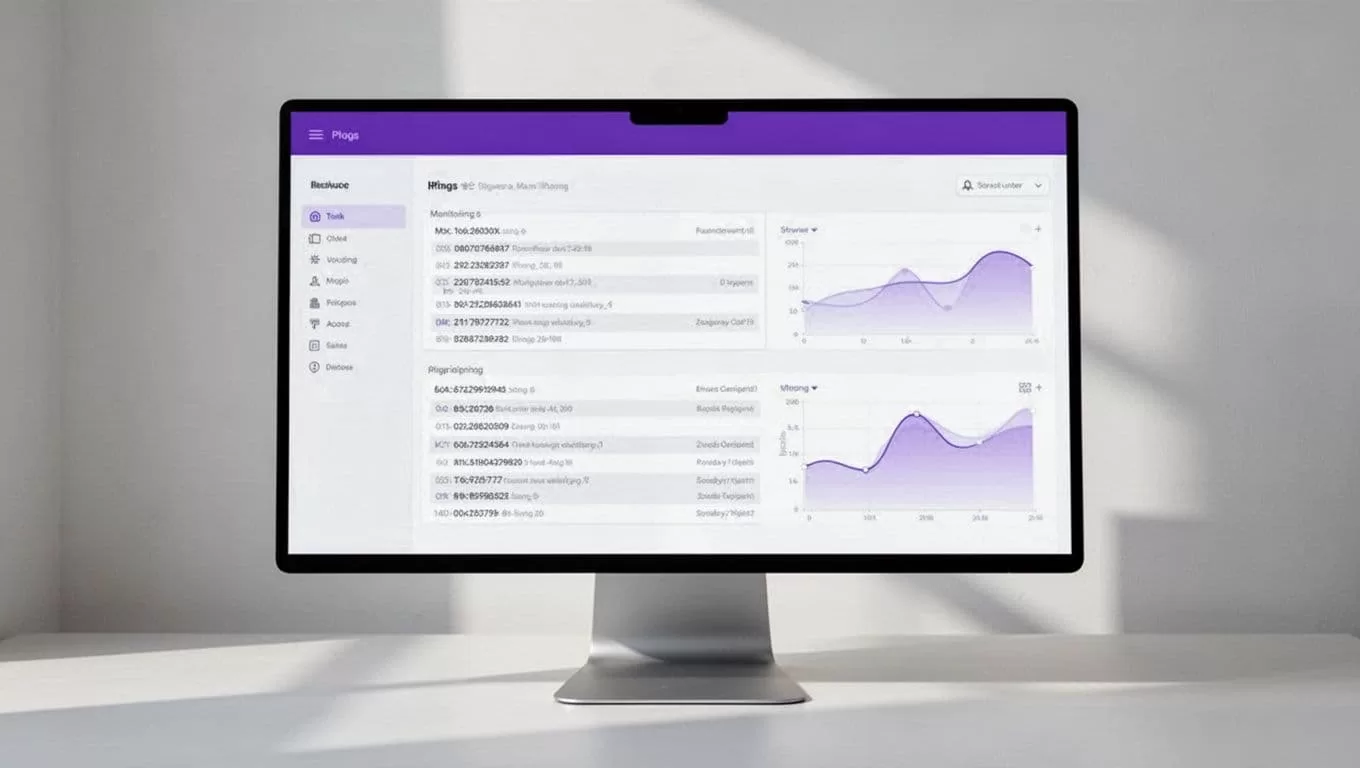
Workflow monitoring should capture the request time, run ID, queue time, duration, final status, and error message. These values show whether Twin.so successfully triggered the job and whether the downstream service completed it.
Data monitoring should check row counts, missing values, schema changes, duplicate records, label balance, and feature freshness. Stop the run when a required field disappears or the data volume falls outside an approved range.
Model monitoring should compare the candidate against the current production model. Track the primary business metric and supporting metrics. Depending on the use case, that may include precision, recall, calibration, latency, cost per prediction, or fairness measures.
Use a model registry or metadata store to record code version, data version, parameters, metrics, and approval status. This makes a successful run reproducible instead of turning it into an unexplained file in object storage.
Recover without promoting a bad model
Build failure handling into the downstream pipeline. Twin.so can report the failure and start an approved recovery action, but it shouldn’t become the only place where recovery logic exists.
Use these controls:
- Retry transient failures such as temporary API errors or unavailable compute.
- Avoid retries for schema failures, missing data, or failed evaluation gates.
- Use the run ID as an idempotency key so a retry doesn’t create a second deployment.
- Keep the last approved model active when a new candidate fails.
- Send the failed run ID, logs, and failure reason to the responsible channel.
- Escalate repeated failures instead of retrying forever.
A failed training run should not block predictions from the current production model. The safest default is simple: train a candidate, validate it, register it, and deploy it only after every gate passes.
A schedule is not a release policy. It starts a candidate run, while validation decides whether that candidate can move forward.
The MLOps automation guidance from Stonebranch also treats orchestration as part of a larger lifecycle. Your implementation should follow that same boundary. Twin.so coordinates the work. Dedicated services protect the model lifecycle.
A practical Twin.so rollout plan
Use a small workflow before connecting every model in the organization.
- Select one model with a stable dataset and a clear evaluation metric.
- Run the training job manually and document every required input and output.
- Add a single callable endpoint or workflow trigger around that job.
- Configure a Twin.so agent to start the endpoint on a weekly schedule.
- Return the run ID, status, logs, candidate version, and evaluation metrics.
- Add failure notifications and a no-deployment rule for failed validation.
- Test duplicate triggers, missing data, expired credentials, and interrupted jobs.
- Move to event-triggered retraining only after scheduled runs are reliable.
Keep credentials restricted to the actions the agent needs. Store secrets in the relevant secret manager rather than inside prompts or workflow text. Log every trigger and response so an operator can trace the run later.
If you need help mapping the trigger, training service, validation gates, and recovery path before implementation, you can Book A Call.
Conclusion
Twin.so can help you automate model training schedules when you use it as a workflow trigger, not as the training engine. Its scheduled agents and webhooks can start recurring jobs, coordinate responses, and notify the right people.
Keep training and model governance in dedicated MLOps systems. Add versioned data, validation gates, monitoring, idempotent retries, and last-known-good recovery before you increase the cadence. That structure turns a calendar reminder into a controlled retraining process.
