Automate Recall Notifications on Twin.so Safely
A recall message has two jobs: reach affected people quickly and leave a reliable record of what happened. Teams use Twin.so to automate recall notifications, but speed doesn’t help if the workflow selects the wrong customers or sends...
A recall message has two jobs: reach affected people quickly and leave a reliable record of what happened. Teams use Twin.so to automate recall notifications, but speed doesn’t help if the workflow selects the wrong customers or sends the same notice twice.
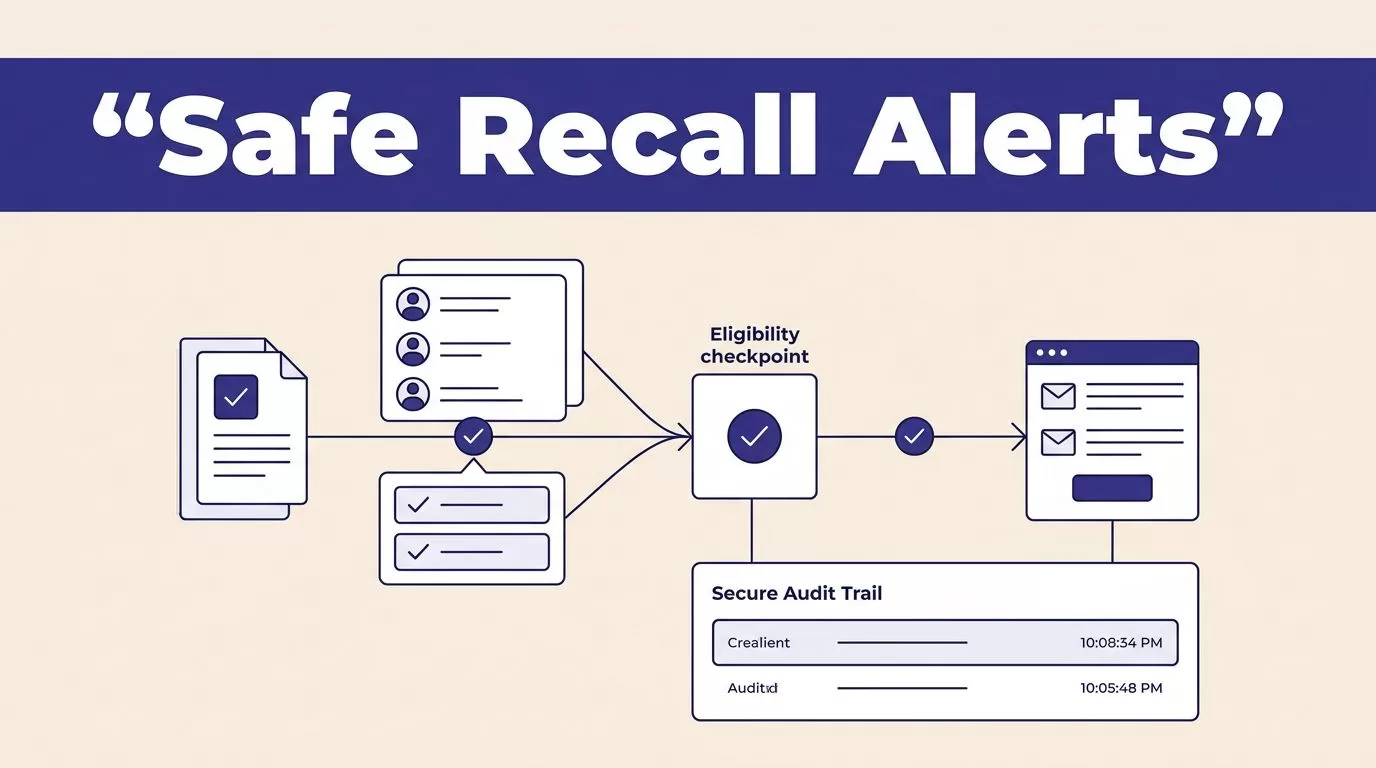
The reliable design uses a verified recall record, a clear eligibility gate, a connected delivery provider, and an audit record outside the agent. Twin can coordinate these steps. Your team still owns the data, consent rules, message approval, and exception handling.
How to Automate Recall Notifications on Twin.so
As of August 2026, Twin’s public materials confirm scheduled agents, event-based triggers, webhooks, REST and API-triggered runs, OAuth integrations, and browser actions when no usable API exists. The Twin Quickstart covers scheduled agents, event-driven triggers, OAuth integrations, and browser automation. Twin’s trigger guidance also lists schedules, webhooks, inbound emails, CRM records, and form submissions as possible workflow starts.
For delivery, Twin connects to tools that send email and SMS. Its integration directory describes email workflows through Resend and SMS workflows built from plain-language instructions. Twin is coordinating the connected services. It isn’t a recall-specific messaging provider.
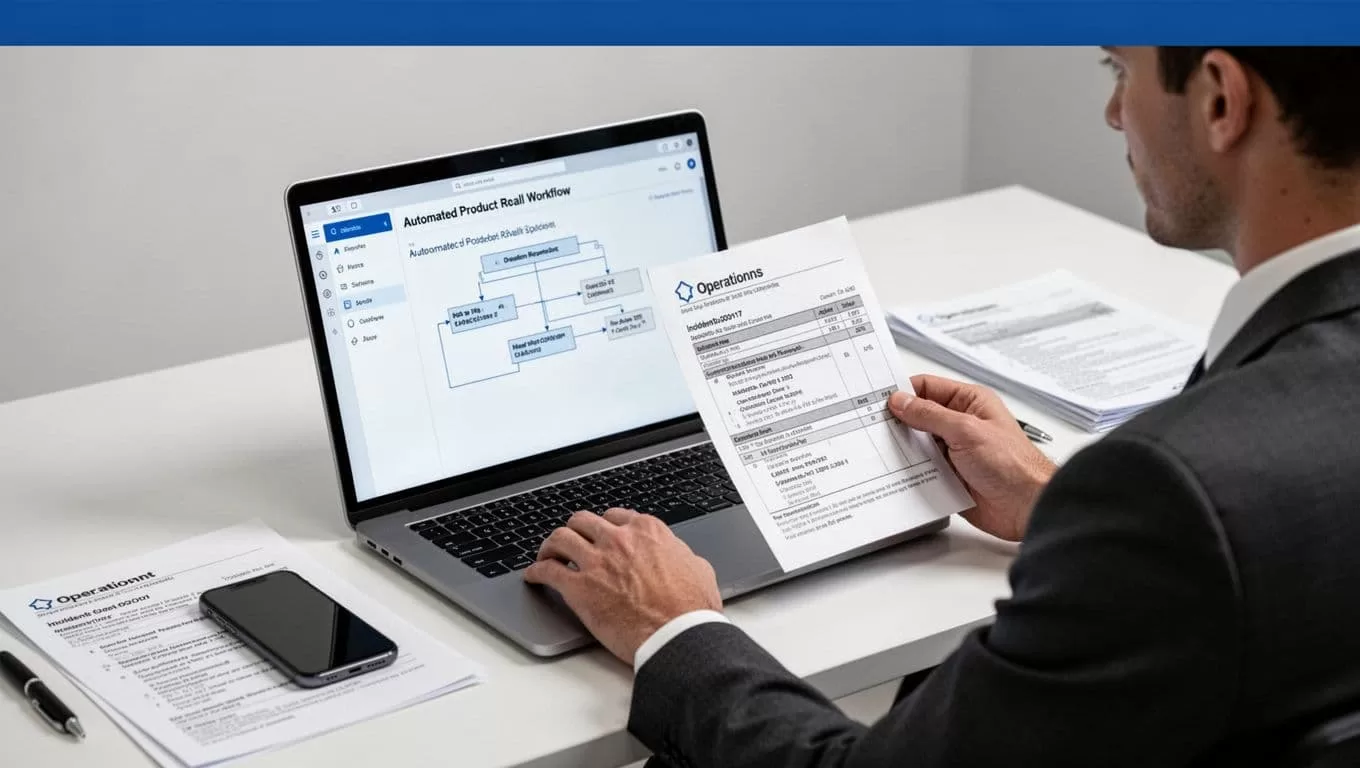
Public documentation doesn’t clearly confirm first-class approval queues, configurable retry policies, or detailed execution logs. Treat those as design requirements. Put approval, duplicate prevention, retries, and run records in your CRM, database, queue, or delivery provider unless your Twin workspace documents those capabilities.
Start with one source of truth
Create the recall record in one approved system. This can be a CRM, incident database, product information system, or controlled spreadsheet during the pilot.
Include the recall ID, product identifier, lot or serial range, severity, affected market, approved message version, effective time, owner, and workflow status. Don’t ask the agent to infer affected products from a long incident note. Store the eligibility rules as structured data.
Use API or webhook paths first
Use a webhook when the recall status changes to approved. Use an API to retrieve affected customers and write delivery results. Use browser automation only for an authorized portal that lacks a usable API.
Twin supports browser-based actions, but browser sessions require more steps and can fail after a page change. API retrieval is usually easier to test, cheaper to repeat, and more stable for customer and order data.
Build the Recall Workflow in Twin.so
Build the process as a set of controlled states. Don’t give Twin one broad instruction such as “notify everyone affected by this recall.” That makes the audience, message, and completion status difficult to verify.
Set the trigger and eligibility gate
A practical trigger is a webhook that fires when a product recall changes from draft to approved. A scheduled agent can also scan for approved recalls every 15 minutes. The schedule option fits systems that don’t produce reliable events.
The workflow should then:
- Read the approved recall record and message version.
- Match the affected product, lot, or serial number against customer and order records.
- Remove records outside the approved market or date range.
- Check the available contact method and channel policy.
- Create an outbound notification record before sending.
- Send the message through the connected email or SMS provider.
- Store the result, provider message ID, and timestamp.
Suppose a manufacturer approves recall R-2026-014 for one lot of a kitchen appliance. Twin receives the webhook, finds customers who bought that lot, excludes returned units, checks each contact record, and creates one outbound record per customer and channel. Records with missing contact data go to an exception queue instead of receiving a guessed message.
Put approval outside the send action
Use a status gate such as pending_review, approved, sending, and complete. Product or compliance staff should change the status to approved after reviewing the affected population and message.
Twin’s public documentation doesn’t clearly show a native approval queue. A CRM status change, ticket approval, or database field can provide the control. The important rule is simple: the agent must not send while the recall is still a draft.
Define the Message Fields Before Sending
A structured payload limits errors and makes each notification easier to audit. Keep the fields separate from the message template.
| Field | Example value | Purpose |
|---|---|---|
recall_id | R-2026-014 | Connects every action to the incident |
customer_id | C-88421 | Identifies the approved recipient |
product_name | Model 410 kettle | Names the affected item |
lot_or_serial | L410-8821 | Supports the customer match |
required_action | Stop using and contact support | Gives a direct instruction |
support_route | Phone number or portal URL | Tells the customer what to do |
message_version | recall-v3 | Proves which content was sent |
idempotency_key | R-2026-014-C-88421-email-v3 | Blocks duplicate sends |
consent_status | Transactional approved | Applies channel policy |
Keep templates short and channel-specific
Email can carry the recall reason, affected product, action, support route, and privacy notice. SMS should contain the recall ID, immediate action, and a short approved link to the full instructions.
Don’t generate a different safety explanation for every customer. Use an approved template with controlled substitutions. Limit personalization to fields such as the customer’s name, product, purchase date, and support instructions.
Keep the original message version in the record. If the wording changes, create a new version instead of overwriting the old one.
Handle consent and opt-outs as workflow rules
Maintain subscription status separately for email and SMS. A customer may allow email but reject SMS. The workflow should read the channel-specific status before it creates a send action.
Consent rules vary by country, industry, provider, and message type. A recall notice may qualify as a safety communication, but don’t assume that classification allows every channel or overrides every suppression request. Have compliance define when a required notice can bypass a marketing suppression rule.
Record the policy decision with the recall configuration. Give customers a support route for questions or contact updates. Don’t use a recall workflow to add recipients to a marketing list.
Prevent Duplicate or Incorrect Notifications
A duplicate recall message can cause confusion. A wrong message can create a larger support and compliance problem. Build safeguards before connecting a live provider.
Use an idempotency key
Create one key from the recall ID, customer ID, channel, and message version. Before sending, check whether that key already has a sent, delivered, or pending record.
If the same webhook arrives twice, the second run should find the existing key and stop. If a provider times out after accepting a message, don’t send again immediately. Look up the provider response, message ID, or outbound status first.
If Twin’s retry behavior isn’t documented in your workspace, don’t rely on automatic retries to protect the workflow. Store the key in your own system and apply the retry rule there.
Validate the audience and contact record
Require an exact match on the approved product and lot fields. Don’t match customers by name alone. Names, addresses, and product descriptions can be shared or formatted differently across systems.
Reject records with missing customer IDs, invalid email addresses, disconnected phone numbers, unsupported countries, or conflicting product data. Route them to review. A failed validation is safer than a successful send to the wrong person.
Separate exceptions from completed work
Use distinct statuses for blocked, needs_review, sent, delivered, bounced, and failed. Don’t mark a recall complete because the agent created a message or because the provider accepted the request.
Store the source record, normalized recipient data, rendered message, provider response, and correction history. This gives support and compliance teams enough evidence to investigate a complaint.
Test, Monitor, and Troubleshoot Delivery
Testing should cover both correct sends and safe non-sends. Use a provider sandbox when available. If no sandbox exists, route the first run to a draft queue or internal test addresses.
Test with a controlled sample
Run these checks before production:
- Create one affected test record and one unaffected record.
- Confirm that only the affected record enters the outbound queue.
- Inspect the rendered email or SMS for the product, action, link, sender, and message version.
- Send the same webhook twice and confirm that only one outbound record is created.
- Simulate a missing phone number, invalid email, opt-out, provider timeout, and rejected request.
- Review a small approved batch manually before expanding the audience.
Check time zones and scheduled dates. A notice intended for 9:00 AM local time shouldn’t be sent at one universal time unless the policy says so. Test links, landing pages, contact details, and language versions before approval.
Monitor the provider result
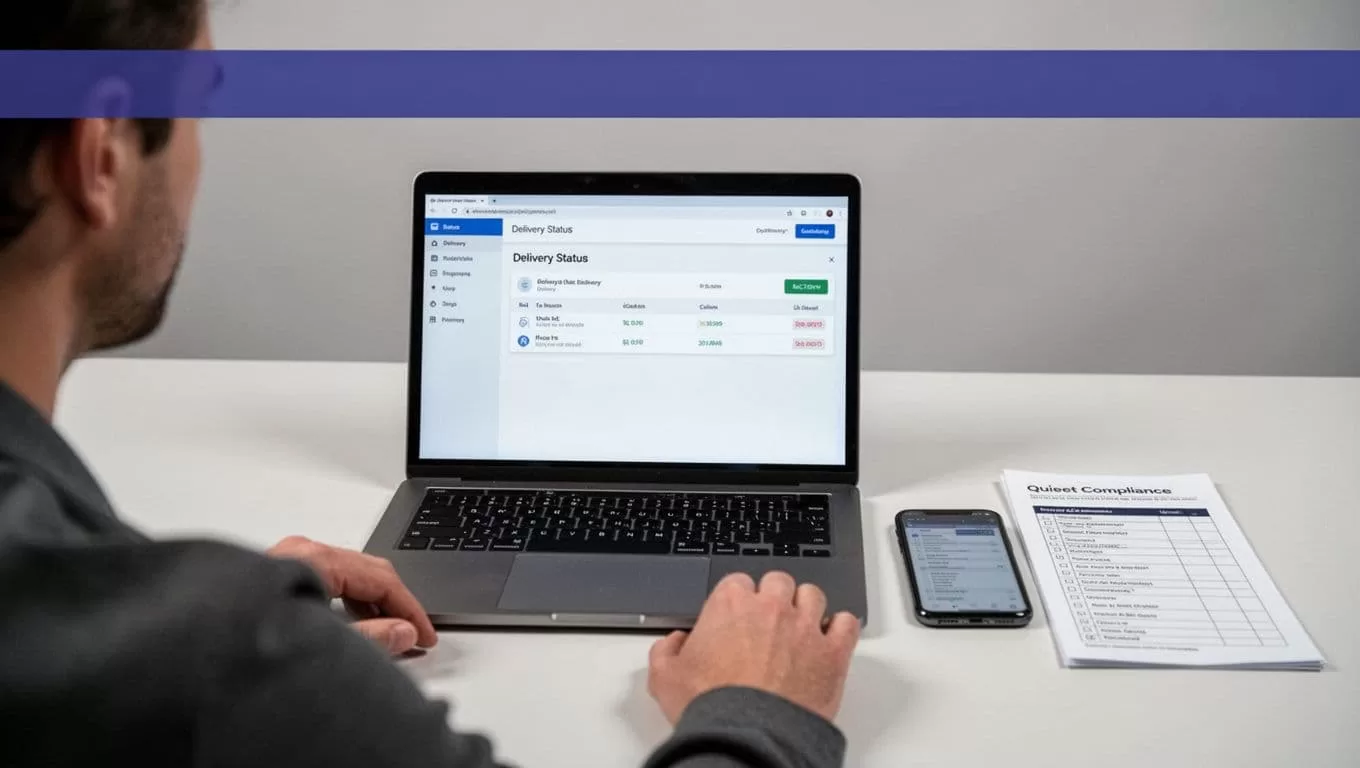
Write delivery states to your own database or operations table. Useful fields include the recall ID, customer ID, channel, idempotency key, provider message ID, send time, delivery time, response code, error text, and current status.
Track the totals for eligible records, suppressed records, blocked duplicates, sent messages, delivered messages, bounces, failures, and unresolved exceptions. Alert the owner when the failure rate rises, the provider returns an authentication error, or a run produces zero messages when records should be eligible.
Twin’s public pages don’t clearly document a detailed native run-history feature. Keep your operational record outside Twin so the team can reconcile the campaign even if the agent view is limited.
Troubleshoot by failure type
A missing trigger usually points to an inactive webhook, incorrect authentication, or a payload that doesn’t contain the expected status value. Compare the received payload with the trigger condition.
A wrong audience usually comes from a bad product join, stale order data, or an overly broad query. Recheck the source IDs and run the query against a known sample.
A delivery failure may come from expired OAuth credentials, an unverified sender, provider rate limits, an invalid address, or an unsupported phone route. Resolve the provider error before retrying.
A browser workflow that stops after a portal redesign needs a narrower task or an API path. Don’t repeatedly rerun a broken browser session against a live audience.
Plan Credits and Protect Recall Data
Twin uses credits for building, running, browsing, researching, and generating output. Planning examples put a simple automation at roughly 15 to 30 credits. A browser session with about 20 actions may use around 100 to 200 credits. Repeat runs can be three to ten times cheaper than initial workflow construction, but your own process should control the forecast.
Start with a small approved sample. Track credits per successfully reviewed notification, human review time, failed runs, duplicate blocks, and correction volume. Use the API for stable high-volume data and reserve browser actions for steps that need website interaction.
Recall records can contain names, addresses, phone numbers, purchase history, and product serials. Minimize the data sent to each connector. Keep credentials out of prompts and shared files. Restrict access by role and tenant. Store raw events, normalized records, and delivery outcomes separately.
Twin access doesn’t make a recall process GDPR compliant or satisfy every privacy obligation. Your organization remains responsible for legal basis, retention, deletion requests, source permissions, vendor terms, and breach handling. Review those controls before sending outputs to external systems. If you need help mapping the systems and approval points, Book A Call before production rollout.
Make Recall Delivery Repeatable
To automate recall notifications safely, start with structured data and a blocked-by-default send path. Use a verified trigger, an approved audience, a fixed template, an idempotency key, and a delivery record for every attempt.
Twin can connect the trigger, lookup, message, and status update across your systems. Your controls determine whether the result is accurate. When every send has a source record, message version, recipient decision, and provider outcome, the team can move quickly without losing accountability.
