Build a B2B Affiliate Dashboard With Rewardful
A partner portal should answer four questions without a support ticket: who referred the customer, what revenue they generated, what commission is approved, and when payment will happen. A branded B2B affiliate dashboard gives partners that...


A partner portal should answer four questions without a support ticket: who referred the customer, what revenue they generated, what commission is approved, and when payment will happen.
A branded B2B affiliate dashboard gives partners that visibility while keeping your team in control of billing data and payout decisions. Rewardful can track referrals and calculate commissions through Stripe. Your app still owns the dashboard, access rules, reporting logic, and payment workflow.
Build the reporting system first. Then give affiliates a simple view of records they can trust.
Build a B2B affiliate dashboard around clear boundaries
Start by separating the systems. This prevents a common mistake: treating Rewardful as a full partner portal and payout processor.
Rewardful connects with Stripe to track referred customers, paid invoices, recurring renewals, refunds, and commission adjustments. Its Stripe permissions are limited. Rewardful cannot send money, issue a customer refund, change pricing, or cancel a subscription. Review the current Rewardful Stripe permission scope before you grant account access.
Keep each system responsible for one job
Use Stripe as the billing source. Use Rewardful as the referral and commission engine. Use your application as the branded reporting and operations layer.
Your application should handle:
- Affiliate and internal user login, organization access, and role-based permissions.
- A branded dashboard with referral, commission, customer, and payout reporting.
- Custom hold periods, approval queues, tax document collection, and support notes.
- Actual money movement through Stripe Connect or another approved payment provider.
- Business rules that sit outside your Rewardful program settings.
Rewardful can calculate and adjust commissions. Your application must decide what an approved commission means for your business.
Plans and integration options can vary. Confirm your current Rewardful plan, Stripe billing setup, and program rules before you write the first production query.
Create a reporting model that does not lose history
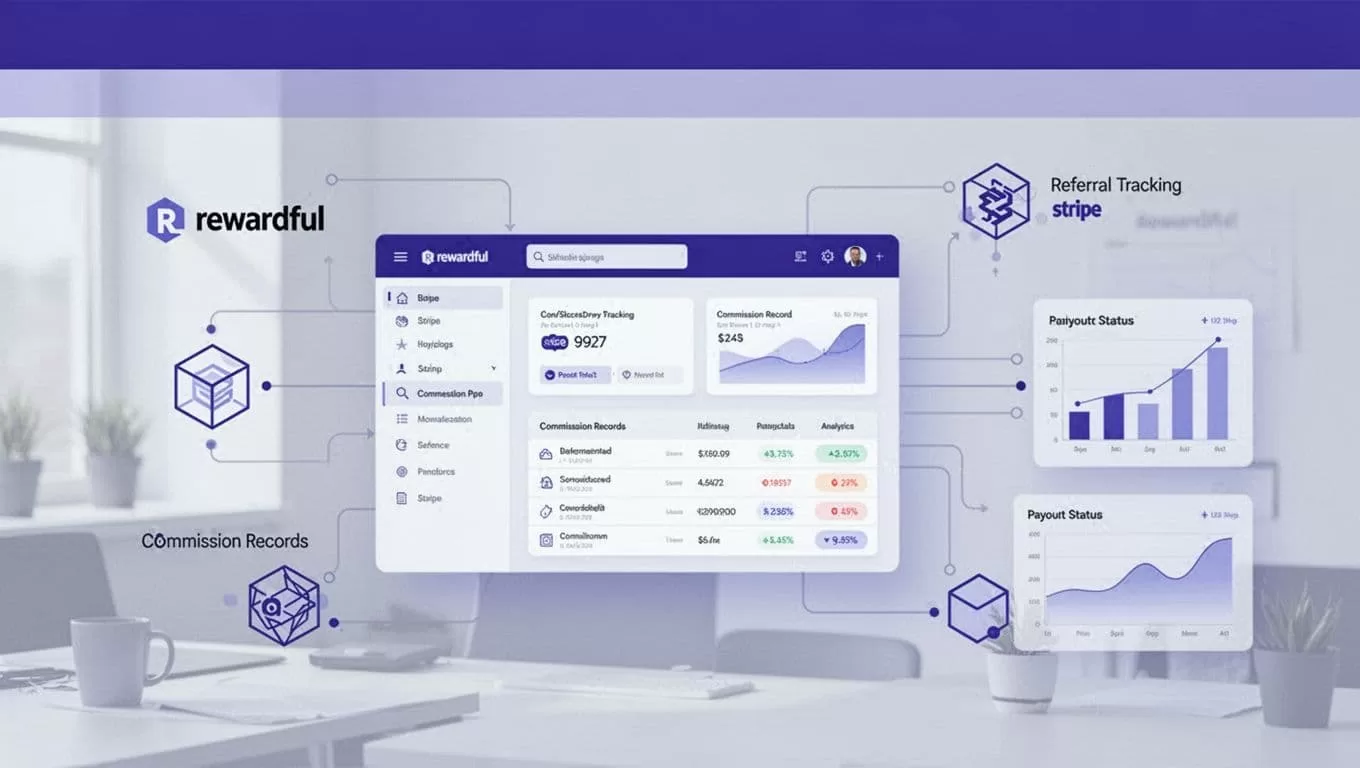
A dashboard is only as useful as its records. Do not build a page that sums a few API responses and calls it reporting. Store operational records in your own database.

Use stable IDs across every table
Every record needs a provider ID, your internal ID, timestamps, and a source reference. Do not use email addresses as permanent keys. An affiliate can change their email. A billing contact can leave the customer company.
| Record | Store these fields | Primary source |
|---|---|---|
| Affiliate | Rewardful affiliate ID, organization ID, status, referral URL, campaign ID | Rewardful |
| Customer | Stripe customer ID, company name, account owner, referral ID | Stripe and app |
| Referral | Referral ID, affiliate ID, Stripe customer ID, attribution date | Rewardful |
| Commission | Commission ID, invoice ID, amount, currency, status, created date | Rewardful |
| Payout | Payout ID, affiliate ID, amount, due date, paid date, payment reference | Rewardful and payment provider |
| Event log | Provider, event ID, event type, raw receipt time, processing result | Stripe and Rewardful |
Create unique constraints for external IDs. A repeated webhook delivery must update the existing event record, not create a second commission row.
Keep the original provider payload separate from your derived dashboard fields. If a reviewer changes a payout status, store the reviewer, timestamp, reason, and prior value. Do not overwrite the source record.
Treat B2B account structure as a product decision
A B2B purchase often has several people involved. The referral may come from one partner. The Stripe billing contact may be another person. Your customer success team may manage the company account.
Create a company or workspace record in your app. Link it to the Stripe customer and the Rewardful referral. This lets partners see “Acme Ltd.” without exposing every billing contact, seat, invoice, or support note.
Show only the minimum data needed for the affiliate relationship. Usually that means company name, conversion date, subscription state, commission amount, and payout status.
Capture referral attribution before Stripe creates the customer
Attribution breaks when the referral ID is missing at customer creation. You cannot reliably repair it after a customer has completed checkout.
Rewardful uses referral data attached to the Stripe customer to identify a conversion. Its Stripe account workflow explains that paid invoices and refunds drive commission creation and recalculation.
Pass the referral ID through your checkout flow
When a visitor arrives through an affiliate link, capture the referral value on your server. Tie it to the signup session. Then pass it into Stripe when you create the Customer or Checkout Session.
For Stripe Checkout, Rewardful documents passing referral data through client_reference_id or customer metadata. The referral value must survive the redirect and exist when Stripe creates the customer.
A conceptual server-side flow looks like this: capture referral -> create signup session -> create Stripe customer with referral metadata -> store Stripe customer ID -> reconcile with Rewardful.
Do not trust a referral ID sent directly from the browser without validation. A visitor can alter client-side values. Validate the campaign, affiliate status, and expected format on your server.
If you use Payment Links, check the integration requirements before launch. Rewardful notes that Payment Links tracking depends on Stripe customer objects and saved payment details. A one-time payment path may need different handling than a subscription checkout.
Process webhooks before you build live charts
A dashboard should not wait for a browser refresh to discover a refund or failed payout. Use provider events to update your reporting database.
Stripe can send invoice, refund, customer, and subscription events. Rewardful can notify your app about commission and payout activity. Your backend should receive, verify, store, and process those events.
Verify, deduplicate, then process
Never call Stripe or Rewardful with private keys from the browser. Keep API keys and webhook secrets in approved server-side secret storage.
Stripe requires webhook signature verification using the raw event payload, the Stripe-Signature header, and your endpoint secret. Follow Stripe’s webhook verification guidance before you process any event.
Your endpoint logic should follow a fixed order:
- Read the raw request body before JSON parsing changes it.
- Verify the signature or authentication method.
- Store the provider event ID with a unique constraint.
- Return a successful response quickly after durable storage.
- Process the event in a background worker.
- Record the final processing result or route it to an exception queue.
Use bounded retries for temporary failures. Do not retry bad signatures, revoked permissions, or broken schemas forever. Those cases need an owner.
Give finance and partner operations different roles. An affiliate should only see their own records. A support user may review referral history. A finance approver can mark a payment as reviewed. No role should receive more customer data than it needs.
Model commission state, not only commission amounts
A $500 commission total means little without status. It may include pending invoices, refunds, cancelled subscriptions, and payouts that have not left your account.
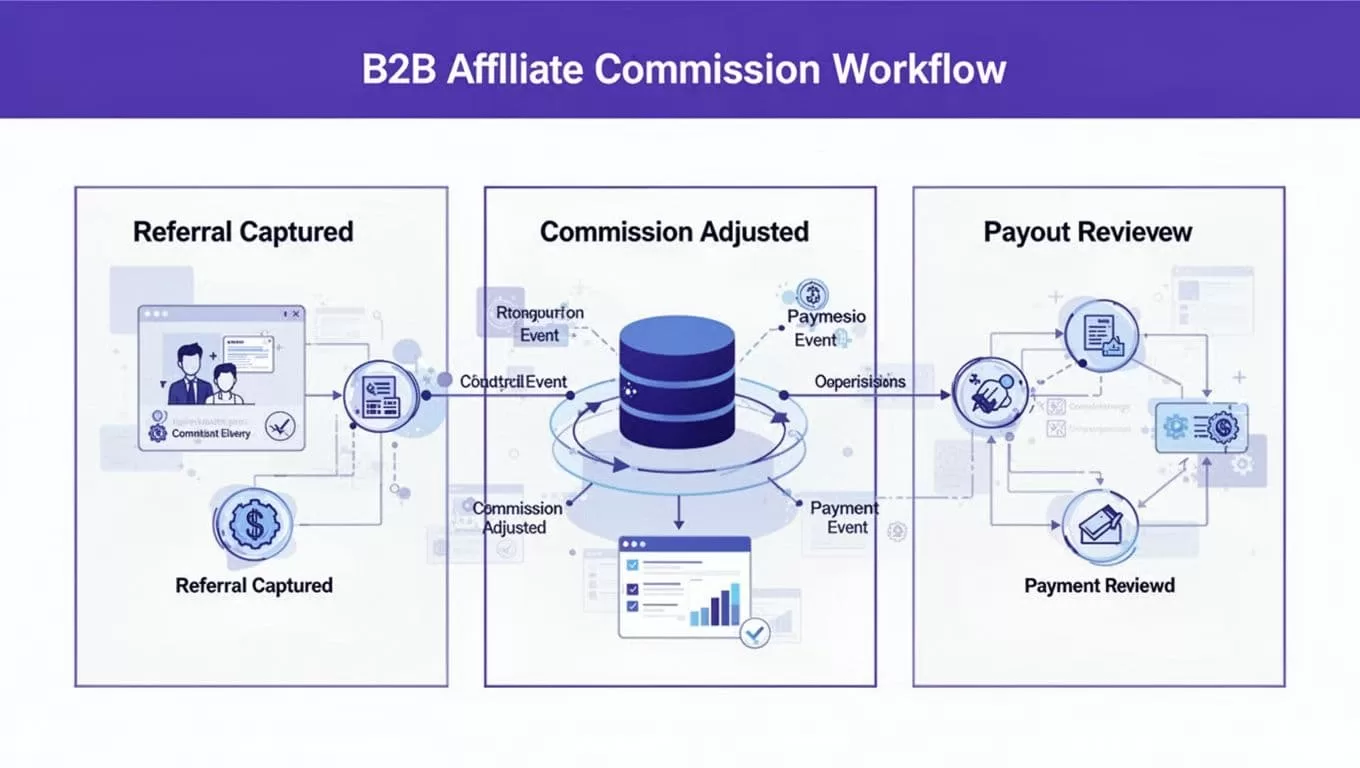
Rewardful generates recurring commissions when referred customers pay renewal invoices. It also recalculates commission when billing events change. A paid invoice is not the same as an approved partner payment.
Use states your finance team can explain
Keep provider status and internal approval status separate. For example, a Rewardful commission can exist while your internal record remains in a hold period.
A useful lifecycle is:
pending -> earned -> held -> approved -> included in payout -> paid
Add reversed, disputed, and needs review when your program needs them. The exact label matters less than the rule behind it.
Rewardful calculates commissions on the amount actually paid after discounts or account balance use. Full refunds can remove the commission. Partial refunds can reduce it. Cancellations, failed payments, and reactivated subscriptions can also change future recurring earnings.
Set a documented hold period. Many SaaS teams hold commissions until a refund window or invoice payment period has passed. That hold is your custom application logic unless your Rewardful setup already supports the rule.
Reconcile exceptions instead of hiding them
Do not force conflicting records into a clean dashboard total. Send them to an exception table.
Examples include a Stripe refund with no matching commission, an invoice linked to an unknown customer, a payout marked paid without a transfer reference, or a cancelled subscription with an open commission.
Keep the source value, exception reason, reviewer decision, and resolution date. Your team will need that history when an affiliate asks why a balance changed.
Show affiliates the numbers that affect payment
The partner view should be useful in under a minute. Avoid exposing your full Stripe billing screen or every customer event.
For each affiliate, show referral clicks or leads only if your program tracks them reliably. Lead metrics can help, but they are not payment metrics.
Make approved earnings the primary number
Lead with approved earnings, unpaid approved balance, next payout date, and paid lifetime commissions. Then show pending and reversed amounts as separate lines.
A practical dashboard summary might include:
- Referred customers with company name and conversion date.
- Active recurring customers and cancelled customers.
- Pending, approved, reversed, and paid commission totals.
- Payout due date, payout method, payment reference, and failure status.
- Monthly commission history based on finalized records.
Do not present an earned amount as cash received. A commission record, an approved payout, and a completed transfer are three different checkpoints.
Rewardful supports payout records and a workflow to mark a payout as paid after your system provides the reward. Its custom rewards guidance shows this pattern for customer referral programs.
If you use Stripe Connect for money movement, track the actual transfer or payout separately. Stripe’s connected account payout documentation lists payout events that can update your internal payment status.
Launch with a controlled reconciliation process
Run the dashboard in read-only reporting mode first. Compare a small approved batch of affiliate records against Rewardful, Stripe, and your payment system.
Test normal renewals, upgrades, downgrades, refunds, cancellations, failed payments, reactivations, duplicate webhooks, and delayed payout events. Include records with missing referral data.
Measure accepted records, not webhook volume
A completed webhook delivery only proves that a request arrived. It does not prove the commission was correctly displayed or paid.
Track accepted commission records, missing or duplicate records, unresolved exceptions, webhook failures, retry counts, reviewer minutes, and time from payment event to dashboard update. Add a simple unit-cost measure: internal operating cost divided by approved commission records.
Keep the last trusted report available. If an integration changes or an event backlog appears, your partner team still needs a known-good payout list.
Start with a limited affiliate group. Give reviewers clear statuses such as Draft, Needs Review, Approved, and Rejected. Expand access after your reconciliation results stay stable.
If your team needs help mapping partner roles, commission rules, and Stripe payout controls, Book A Call before you expose live balances to partners.
Final dashboard rule
A reliable B2B affiliate dashboard does not chase impressive click totals. It gives each affiliate a clear record of referred revenue, approved commission, reversals, and actual payment status.
Use Rewardful for referral tracking and commission automation. Keep Stripe as the billing record. Build your application layer around verified events, explicit approval states, and a payout history your finance team can reconcile.

