How I Vet A B2B Lead List Before Importing It
A B2B lead list can look ready and still poison a CRM. One messy import can bury good accounts under duplicates, bad fields, and dead email addresses. I don’t trust a spreadsheet until it passes a hard review. I want clean rows, usabl...

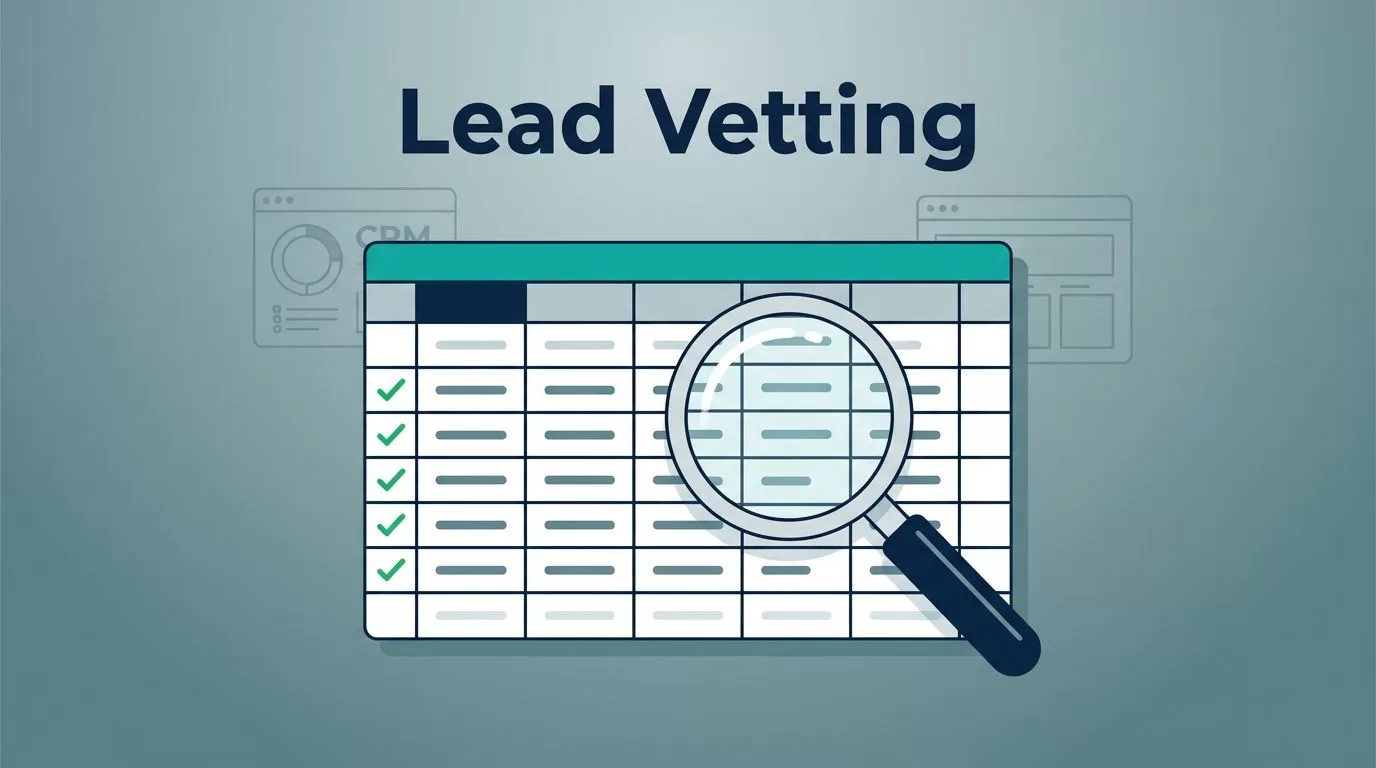
A B2B lead list can look ready and still poison a CRM. One messy import can bury good accounts under duplicates, bad fields, and dead email addresses.
I don’t trust a spreadsheet until it passes a hard review. I want clean rows, usable columns, and low risk before the file touches routing, scoring, or outbound. What looks like a small cleanup now can save weeks of CRM repair later.
In 2026, I treat this as a deliverability and hygiene task, not a clerical one. Here’s the exact vetting process I use before I import anything.
I start with the fields that prove the list is usable
I begin with the header row. If I can’t map the file cleanly, I don’t import it.
My minimum fields are email, first name, last name, title, company, company domain, geography, source, and a verification or import date. I also like a consent or opt-out flag when the source provides one.
- Email drives the import and every downstream send.
- Title helps me route and score the record.
- Company and domain keep the contact tied to the right account.
- Geography matters for territory rules and privacy handling.
- Source gives me an audit trail.
- Verification date stops stale data from sneaking in twice.
If the file misses email, company, or title, I stop. If it misses geography or source, I mark it for enrichment. I also normalize formatting early, so the CRM doesn’t inherit sloppy case, stray spaces, or mismatched country names. When I want a second pass on questionable contact data, I compare it with my Hunter.io review for B2B contact discovery.
I hunt for duplicates before they split my CRM apart
Duplicate records look harmless in a spreadsheet. In a CRM, they become split histories, wrong owners, and ugly reporting.


I check for exact email matches first, but I don’t stop there. I also look for the same person with different punctuation, the same company with suffix changes, and repeated domain patterns across exports.
For larger files, I use my Hunter.io bulk email verification workflow so I can catch risky rows before they hit the CRM. That keeps my import list closer to one record per person, which is how I want it.
If the duplicate rate looks high, I slow down. A list that needs heavy dedupe often comes from stitched-together sources, and that usually means more cleanup later.
I read bounce-risk signals like warning lights
The fastest way to hurt deliverability is to import bad email data and send to it later. I check for invalid syntax, disposable mailboxes, role-based addresses, catch-all domains, and stale verification dates.
If I see a lot of risky rows, I compare the file against email deliverability best practices before I approve anything. That’s not theory, it’s protection for my sending domain.
I treat the signals like this:
- Invalid and disposable addresses go straight to reject.
- Catch-all domains go to review.
- Role inboxes like info@ or sales@ only stay if the campaign fits shared mailboxes.
- Old verification dates trigger re-checks.
If a list looks noisy before import, it usually gets noisier after the first send.
I also keep reduce cold email bounces handy when a file will feed outbound. It reminds me that list hygiene starts before the sequence, not after the bounce report.

I check role, company fit, geography, and enrichment gaps
I want the right person at the right account in the right place.
A VP at a 20-person startup can be perfect for one offer and useless for another. The same goes for company fit. If I sell to enterprise teams, I don’t want a long list of tiny firms. If I sell regionally, I don’t want records outside my territory.
Geography matters for another reason too. Time zone, language, and regional privacy rules all shape whether a record belongs in my import queue.
I score enrichment gaps as well. Missing industry, employee count, LinkedIn URL, or tech stack data doesn’t always kill a record, but it does lower confidence. If the file is thin, I enrich first. If the gaps are too wide, I reject the list or send it back.
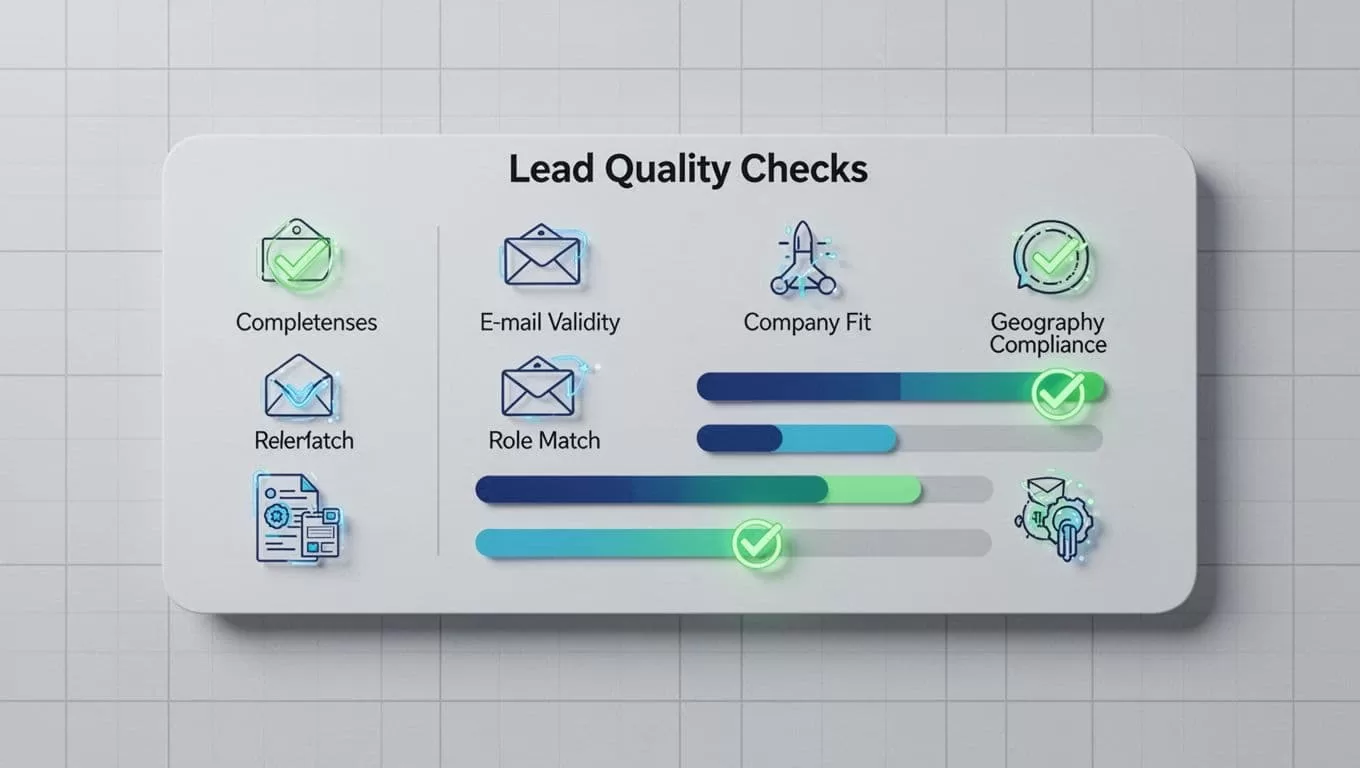
My lead list scorecard keeps the decision fast
I score each area from 0 to 2 points, then I sort the file fast. That keeps the decision out of my gut and into a repeatable process.
| Check | 2 points | 1 point | 0 points |
|---|---|---|---|
| Field completeness | All core fields present | One minor gap | Missing email, title, or company |
| Formatting consistency | Clean and standardized | Small cleanup needed | Mixed cases, dates, or labels |
| Duplicate rate | Very low | Moderate | High |
| Bounce-risk signals | Few or none | A few risky rows | Many invalid, disposable, or role-based |
| Role/title relevance | Matches ICP | Borderline | Off-target |
| Company fit | Right size and type | Partial fit | Wrong market |
| Geography | In scope | Needs review | Out of scope |
| Enrichment gaps | Small and fixable | Several gaps | Missing core context |
| Consent/compliance | Source and status clear | Needs review | No traceable basis |
I approve 14 to 18 points, fix 10 to 13, and reject anything below 10. That gives me a simple gate before import, which is exactly what I want.
Compliance and CRM hygiene matter more in 2026
I treat privacy and permission as part of list quality, not a separate chore. If the source is fuzzy, the record is risky.
For a practical overview of consent, storage, and handling, I cross-check a B2B data compliance guide before I move a large file into CRM. I don’t turn that into a legal claim, because the rules depend on region and use case. I do keep source notes, opt-out flags, and import dates, because that makes cleanup far easier later.
CRM hygiene matters too. A dirty import can break routing, skew dashboards, and clog sequences with dead contacts. I want every record to tell the same story from spreadsheet to CRM.
The real test is simple
A B2B lead list doesn’t earn a CRM seat because it looks full. It earns one when the fields are complete, the format is clean, the duplicates are gone, and the risk stays low.
I judge the file before the system does. That habit protects deliverability, keeps reporting honest, and saves my team from cleaning the same mess twice.
If a list can’t pass the gate, it doesn’t go in. A little restraint at import time is cheaper than a damaged CRM later.

