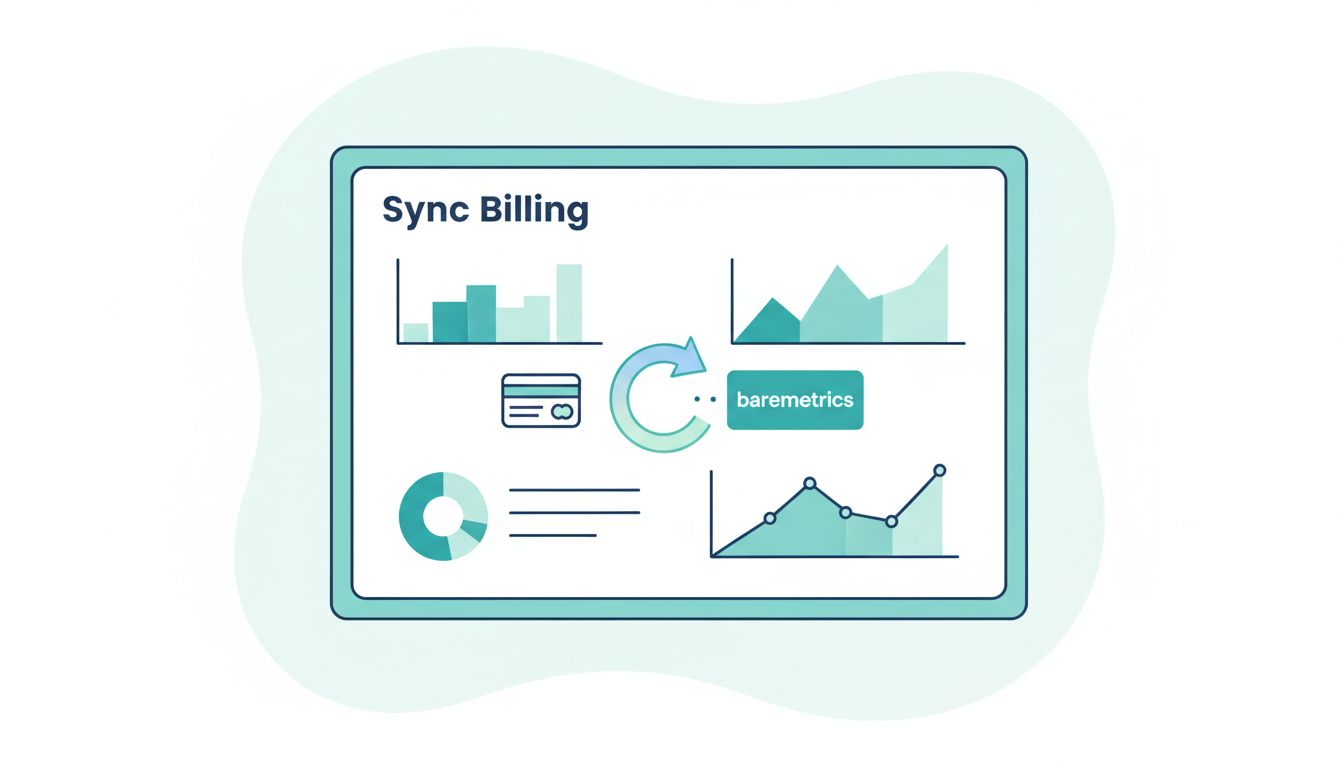
When my recurring revenue numbers feel off, I do not blame the dashboard first. I check the billing sync, because Baremetrics recurring billing reports are only as strong as the data behind them.
Once the sync is clean, I can trust MRR, churn, LTV, and failed-payment reports without second-guessing every chart. I can also spot billing problems before they turn into finance surprises. Here’s how I set it up and how I keep it honest.
Why I sync billing data before I trust Baremetrics
I treat Baremetrics as the center of my subscription finance view. That’s the same lens I use in my Baremetrics analytics platform review, because the product works best when the billing feed is clean.
The value is simple. Baremetrics turns raw payment activity into metrics I can act on. If a plan upgrade lands in the wrong place, MRR looks wrong. If a cancellation date is off, churn looks softer or worse than it should. If failed payments are missing, recovery work slips through the cracks.
I also like that the platform is built around billing data I already have. According to Baremetrics’ own help on connecting data sources, the setup starts with the payment processor or source system, then pulls subscriptions, payments, cancellations, and related events into the dashboard. That matters because I do not want to rebuild revenue logic in a spreadsheet.
For subscription businesses, the sync is not a technical side task. It is the line between guessing and knowing.
The billing fields I care about most
When I map data into Baremetrics, I focus on fields that shape subscription history, not just payment totals. A clean sync starts with identity, status, and timing.
| Field | Why I care | Common mistake |
|---|---|---|
| Customer ID | Keeps one customer tied to one history | Duplicate IDs split the record |
| Subscription ID | Tracks the life of the plan | Reused IDs blur churn and reactivation |
| Plan or price ID | Shows upgrades, downgrades, and migrations | Plan names change without a stable ID |
| Status | Tells Baremetrics if the sub is active, paused, canceled, or past due | Old statuses stay open too long |
| Billing amount | Feeds MRR and revenue reporting | Discounts and proration get mixed in wrong |
| Currency | Keeps multi-currency reporting clean | Totals are grouped without conversion rules |
| Billing interval | Separates monthly, annual, and custom plans | Annual plans get treated like monthly revenue |
| Cancellation and failure dates | Drives churn and failed-payment metrics | Events land on the wrong day |
The key is consistency. I want the same customer to look like the same customer everywhere. I also want each subscription event to have one clear time stamp. That keeps Baremetrics from guessing at the story.
If the source data is messy, the metric is messy too.
How I connect a billing source to Baremetrics


I start with the platform that holds the live subscription record. For many teams, that is Stripe. For others, it might be Chargebee, Recurly, or Braintree. Baremetrics also supports app-store and other business sources, and its integration options show how wide the setup can go.
My setup flow usually looks like this:
- I connect the primary billing source first, not every system at once.
- I grant access through the app connection or API key, depending on the source.
- I let Baremetrics backfill the historical records so the dashboard has context.
- I wait for the first sync to finish before I add any extra sources.
- I check the live metrics against the billing system before I touch anything else.
That order matters. If I connect five sources at once, I make debugging harder. If I start with one clean source, I can see whether the issue is in the data or in the setup.
I also pay attention to source priority. If billing flows through Stripe but refunds live in another system, I decide which system owns the final subscription record. That choice keeps the sync from double-counting revenue.
For teams with more than one processor, I keep the setup notes short and specific. The more complicated the billing stack gets, the more I want one source of truth for recurring revenue.
How I verify the sync is accurate


Once the connection is live, I do not assume the numbers are right. I test them. I compare Baremetrics against the billing app, then I follow a few records end to end.
I usually check these items first:
- Active subscriptions in Baremetrics match the active count in the billing source.
- Recent invoices show the same amount, currency, and date in both systems.
- Cancellations appear on the expected date, not the invoice date.
- Failed payments show up where the retry logic says they should.
- Annual plans and monthly plans are split the way I expect.
Then I pick one real customer and trace the full path. I look at the signup date, the first charge, any plan changes, the cancellation event, and the final invoice state. That one record often reveals more than a dashboard full of averages.
If MRR is off, I check the newest changes first. If churn looks strange, I check cancellation timing and trial conversions. If LTV seems too low, I look for missing renewal history or short history windows. The point is not to prove Baremetrics wrong. The point is to find where the story broke.
Common recurring billing sync problems I fix fast
Most sync problems are not dramatic. They are small mismatches that grow into bad reports.
Duplicate customers are one of the most common problems I see. That usually happens when one user appears under two IDs, or when test data slips into a live account. I clean up the source records before I trust the dashboard again.
Plan changes can also distort the numbers. If an upgrade gets logged as a brand-new subscription, churn may jump and expansion may vanish. I fix that by making sure the billing system treats the change as a migration, not a new customer.
Failed payments need close attention too. A retry window can make the account look healthy even when the first charge failed. If recovery is active, I want the failure event, retry event, and final outcome to all be visible in the same timeline.
Time zones can create smaller but still annoying errors. A cancellation at 11:55 p.m. on one side of the world can land on the next day in the report. That matters when I review daily activity or close a month.
I also watch refunds, pauses, and manual invoices. Those events are easy to overlook, but they affect MRR and churn in different ways. When a metric looks wrong, I fix the underlying event type before I touch the chart settings.
How I keep MRR, churn, and LTV reliable over time
A clean sync is not a one-time job. It needs a routine. I review billing data whenever I launch a new plan, change pricing, or add another payment source.
I also pair the sync with the metrics work I do in Baremetrics metrics for retention analysis, because the metric is only useful when the event trail behind it is stable. If I am watching retention, I want churn, expansion, and failed-payment recovery to tell the same story.
My monthly habit is simple. I spot-check a few subscriptions, compare the active count to the billing source, and review any unusual jumps in MRR or churn. If I see a jump after a product launch or price change, I trace the billing events before I assume the business changed shape.
That habit keeps the dashboard useful. It also keeps the team honest about what the numbers can and cannot prove. Baremetrics is strong when the source records are clean, but the responsibility still sits with me.
Conclusion
The best recurring revenue report starts long before the chart loads. It starts with clean billing data, stable IDs, and a clear source of truth.
When I sync recurring billing data with Baremetrics the right way, I get metrics I can trust and decisions I can make faster. That is the real payoff, not the dashboard itself, but the confidence behind it.