Automate Budget Tracking Workflows on Twin.so
Tracking company expenses often feels like a race against a clock that never stops. You collect receipts, update spreadsheets, and cross-reference bank statements. Then, you wait for team members to submit their reports, only to spend hours...

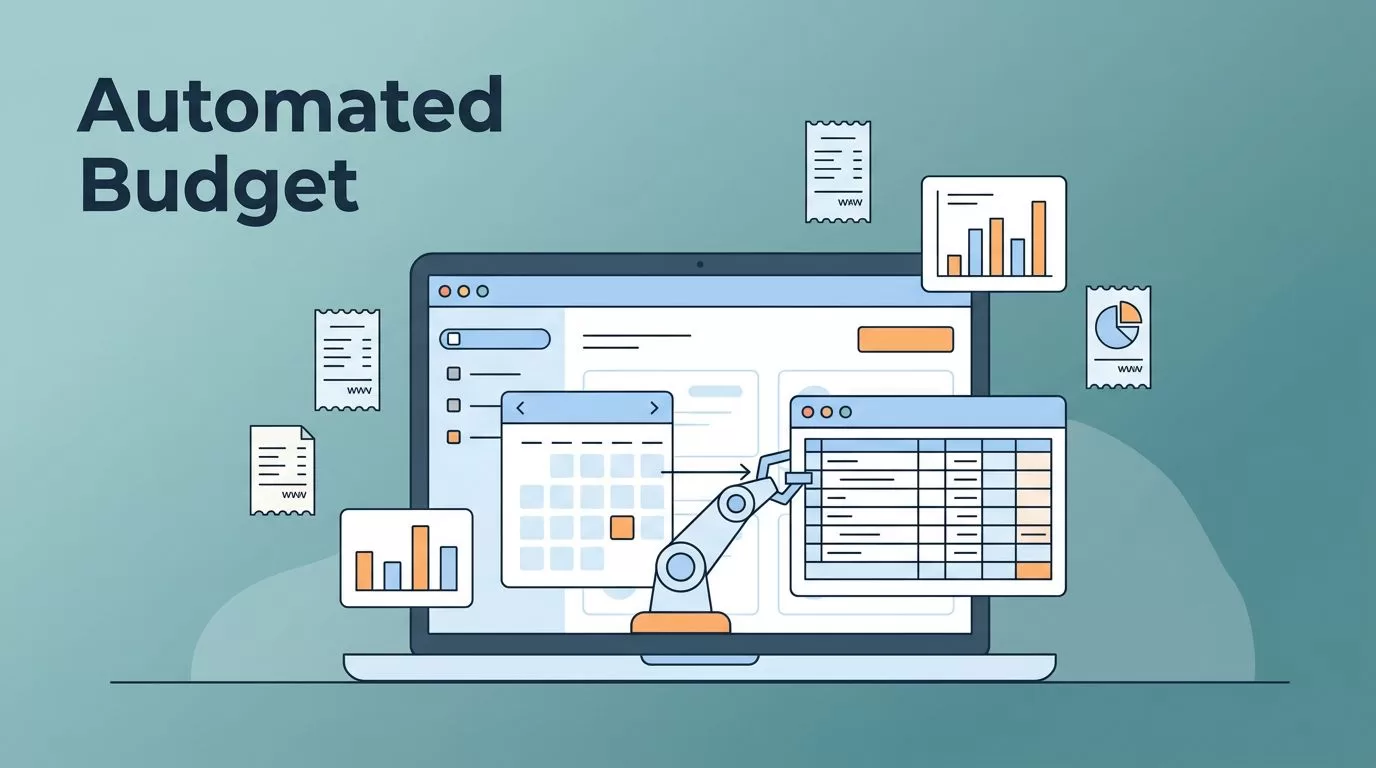
Tracking company expenses often feels like a race against a clock that never stops. You collect receipts, update spreadsheets, and cross-reference bank statements. Then, you wait for team members to submit their reports, only to spend hours chasing missing figures. This manual labor is expensive, error-prone, and soul-crushing for anyone involved in finance operations.
Using AI agents to handle these repetitive tasks changes the game for your team. Twin.so offers a way to build autonomous workflows that mimic human actions without the constant oversight. By shifting your approach to budget tracking automation, you turn a reactive chore into a proactive data stream.
Understanding Autonomous Budget Workflows
Traditional tracking relies on humans to move data from point A to point B. You copy a number from a vendor portal, paste it into an accounting tool, and hope the formatting remains consistent. When you scale, this model breaks. Every additional employee or software tool adds more friction.
Twin.so functions differently. It deploys agents that interact with your digital tools just like a human operator would. An agent can log into a subscription dashboard, grab the monthly invoice, and update your central tracking sheet. It doesn’t tire, it doesn’t forget, and it operates on your schedule.
These agents act as the connective tissue between your siloed apps. If you rely on specialized tools to manage your operations, you can find top-rated tools to increase conversions to ensure your data points remain unified. Moving toward this level of efficiency means your finance team focuses on analysis rather than data entry.
Setting Up Your First Budget Agent
Starting your first automation requires a clear map of the process. Identify the most time-consuming task in your current cycle. Recurring expense logging is usually the best candidate. You need an agent that knows where to look, what to grab, and where to store the result.


First, specify the trigger. Does your agent wake up every Monday morning, or does it run whenever a new email hits your inbox? You define these parameters in the Twin.so configuration console. The agent then follows a series of steps to authenticate with your targeted web platform. For deep integrations, you might want to review no-code web scraping automation if your financial data lives on platforms without native export features.
Be precise with your data mapping. If your spreadsheet expects a specific date format or a exact column structure, tell the agent exactly what to do with the information it collects. If a field is blank or unexpected, configure the agent to alert a human supervisor instead of proceeding with bad data. This safety step keeps your reports clean and reliable.
Managing Approvals and Variance Alerts
Automation isn’t just about moving numbers; it’s about control. You can design your agents to perform preliminary checks before finalizing any budget entries. For example, if an expense exceeds a specific percentage of the monthly allocation, the agent can pause the workflow. It then sends an instant notification to the department head.
This approach incorporates a human-in-the-loop strategy without demanding constant attention. You set the rules; the agent enforces them. By automating budget planning automation tasks, you ensure that no single person becomes a bottleneck during the end-of-month reporting cycle.
Version control becomes an automatic side effect of this setup. Every interaction is recorded, timestamped, and stored. If you need to audit why a specific variance occurred, you don’t have to dig through email threads. You simply inspect the agent logs to see what data it retrieved and how it applied that information to your master budget.
Connecting Data Across Your Tech Stack
Your budget doesn’t exist in a vacuum. It lives alongside your CRM, your payroll system, and your project management tools. A truly effective workflow pulls context from these sources to paint a complete picture of your spending. Twin.so agents can bridge the gap between platforms that don’t speak to each other natively.
If you are already using Mida A/B testing tool for marketing, you can trigger budget reports that correlate campaign spend with live conversion data. This gives you a view of your return on investment that was previously impossible to calculate in real time. The key is to standardize how your agents identify entities like project codes or vendor IDs.
Consistency is vital here. If one tool calls a client “Acme Corp” and another calls it “Acme Incorporated,” your automation will struggle. Use a master identifier across all systems to help your agents link data sets successfully. When the mapping is clean, your budget tracking becomes a live, breathing representation of your current cash flow.
Ensuring Data Security and Compliance
When you hand over account credentials to an AI agent, trust is the primary concern. You must limit the access granted to each agent. Only give the agent the permissions it needs to perform its specific task. If it only needs to read invoice data, don’t give it permission to edit your entire company dashboard.
Modern platforms handle these concerns through granular API keys and session isolation. You should treat agent security like you treat human employee access. Regularly audit what your agents are doing and revoke access for any workflow you no longer use.
Keeping your sensitive financial data secure while using smart budgets in Google Sheets requires a disciplined approach to your environment. Use unique credentials for the agent that differ from your personal login. This creates a distinct audit trail and prevents your personal account from being compromised if an automated workflow encounters an issue.
Scaling Operations with Automated Finance
Once you establish a rhythm with simple expense logging, you can scale toward more complex forecasting. An agent can take your actual spending data and update your projections for the coming quarter. This removes the “guesswork” from planning and lets your finance team test different scenarios quickly.
Automation also allows your organization to move faster. You no longer wait for the finance team to manually compile reports at month-end. Dashboards update as transactions occur. If a department is overspending, you know about it on the same day, not two weeks later.
This speed creates a culture of accountability. When data is transparent and readily available, teams naturally optimize their spending. They see the impact of their decisions in real time. By keeping your financial systems connected, you ensure that every dollar spent aligns with your business goals, and that your team remains focused on growth rather than accounting.
Final Observations
Budget tracking automation is a shift in how you manage your resources. It moves the effort away from data entry and toward interpretation. Start small by identifying one source of friction in your existing workflow and build an agent to handle it. Once that runs successfully, look for the next manual process you can offload.
Your finance operations are the backbone of your business strategy. By using agents to monitor these systems, you gain a degree of precision that manual entry cannot match. Focus on building clear, rule-based workflows that respect your security protocols. As your automation suite grows, your ability to make informed decisions will keep pace with your company’s expansion.

