Bypass Gatekeepers in Sales Using Hunter.io (Without Being Shady)
Gatekeepers are not villains. An executive assistant, a shared inbox, or an intake form exists to protect time. Most cold outreach fails at this stage because the message looks like outreach worth stopping. The fix is not a trick. Reach the...
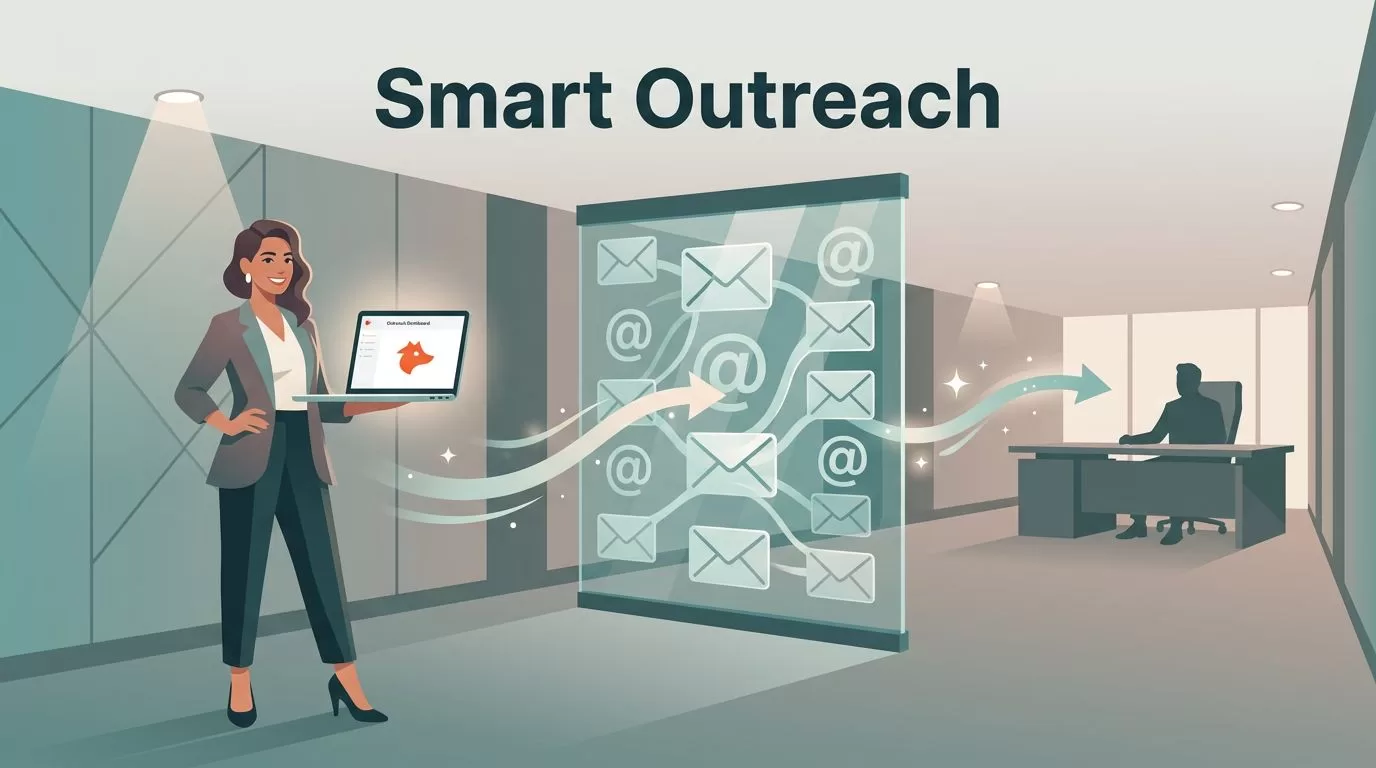
Gatekeepers are not villains. An executive assistant, a shared inbox, or an intake form exists to protect time. Most cold outreach fails at this stage because the message looks like outreach worth stopping.
The fix is not a trick. Reach the right role, write a message a stranger can route in ten seconds, and protect your sender reputation. Hunter.io sales prospecting supports each step. This guide shows you how to build a small, accurate contact set for each account, thread the contacts with restraint, and measure results against real benchmarks.
What gatekeepers actually block
A gatekeeper can be a person or a system. Common examples include executive assistants, shared inboxes such as info@ or office@, web forms, procurement portals, and spam filters.
These gates mostly block unclear intent. A message with no reason to exist gets deleted. A message with a clear reason, a clear owner, and a clear ask gets forwarded. Your job is to make forwarding easy.
- Target roles owning the problem, so the message belongs in the inbox.
- Cut friction, so a reader can understand the ask in one skim.
- Protect deliverability, so the message reaches the inbox at all.
Hunter publishes data on cold email performance in its email outreach statistics report. The report shows average cold email reply rates in the low single digits. Generic outreach sits at the bottom of the range. Precision beats volume.
Hunter.io workflow from domain to verified contact
Run the same sequence for every account. A fixed process keeps your data clean and your time short.

Step 1: Run Domain Search to learn the company pattern
Start with Hunter Domain Search. The tool returns email addresses linked to a company domain, with confidence scores, department filters, and public sources with discovery dates. Look for a repeated format such as first.last or first. Look for several matching examples, not one.
Hunter counts one search credit for up to 10 emails found for a single domain, according to the Domain Search page. Confirm current credit rules on the official page before a large run.
Step 2: Sanity-check the pattern against public names
Pick two or three public names from the leadership page or a press release. Confirm the pattern matches real people. Some companies use aliases, regional domains, or different formats after an acquisition. If the pattern looks inconsistent, slow down and review before sending.
Step 3: Use Email Finder for named contacts
Use Hunter Email Finder for the specific people you want. A small group works better than a large blast. Aim for these roles inside each account:
- The likely buyer, such as a VP, Head of, or Director.
- The operator who feels the problem every day.
- An adjacent stakeholder, such as finance, security, or technology leads, when the person influences approval.
Step 4: Verify before you send
Verification protects sender reputation. Bounces damage your domain, bad data wastes time, and sloppy lists signal low quality to assistants and filters. Run each address through the Hunter Email Verifier and keep only results you trust. Hunter reports an average cold email bounce rate of 3.6 percent in its 2025 data, so aim to land below the average.
Step 5: Export, tag, and track
Export to CSV or push contacts into your CRM. Tag each contact by account, persona, and hypothesis. A hypothesis is a one-line reason the person should care. Tags make follow-ups easier and keep your testing honest.
| Step | Hunter tool | Output | Check before moving on |
|---|---|---|---|
| 1 | Domain Search | Company pattern and sources | Several matching examples |
| 2 | Manual review | Confirmed pattern | Pattern matches public names |
| 3 | Email Finder | Named contacts | Role fits the message |
| 4 | Email Verifier | Status per address | No invalid or disposable results |
| 5 | CSV or CRM export | Tagged contact set | Source and date recorded |
Single-thread or multi-thread the account
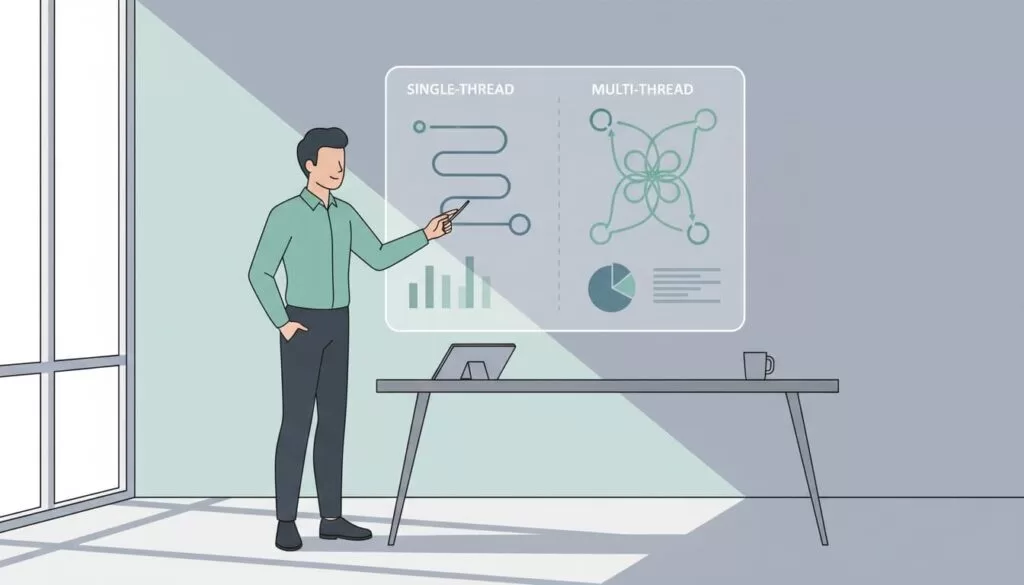
Some deals die because you reach only one person. Other deals die because you flood the company. The balance is threading with restraint.
| Approach | Best fit | Main risk | Guardrail |
|---|---|---|---|
| Single-thread and personalized | Clear owner, small company, short cycle | One no ends the deal | Add one adjacent contact after the first touch |
| Multi-thread and personalized | Mid-market or enterprise with complex approvals | Over-contacting | Limit contacts per account and space the sends |
| Single-thread and generic | Rarely useful | Ignored or flagged | Avoid |
| Multi-thread and generic | Spray campaigns | Reputation damage | Avoid |
Hunter data points to a cost of over-contacting. In its outreach statistics, campaigns aimed at one person per company show a 5.1 percent reply rate, compared with 3.5 percent when campaigns contact three or more people. Treat the gap as a signal to keep each account small.
Soft threading in practice
Email the likely owner first. Then email one adjacent stakeholder a few days later with a different message. Do not copy people you have never met. Do not claim an introduction you do not have. Run parallel, respectful outreach and stop when anyone declines.
Write a message an assistant will forward
A gatekeeper forwards clarity. Write short, specific notes. State who you are, why this person, and what you want. End with a question the reader can answer or route.
Message structure
- Open with one relevant detail about the company or role.
- State the problem you help solve in one sentence.
- Make a small ask, such as a two-minute breakdown.
- Offer an exit: ask who owns the topic if the reader does not.
- Add a plain opt-out line.
The exit line does the heavy lifting. A question such as who owns this at your company gives an assistant a simple action. They can forward the message without making a judgment about your product.
Subject line patterns
- Quick question about {{company}} and {{system}}
- Who owns {{process}} at {{company}}?
- Idea to cut {{pain}} at {{company}}
Template for the likely owner
Subject: Who owns {{process}} at {{company}}?
Hi {{first_name}}, I saw {{company}} is hiring for {{trigger}}. Hiring in this area often signals {{pain}} is growing. I help {{similar_company_type}} reduce {{pain}} by {{outcome}}. If you own {{process}}, I can send a two-minute breakdown. If not, who is the right person?
Template for an adjacent stakeholder
Subject: Quick question about {{company}} and {{system}}
Hi {{first_name}}, teams often hit {{pain}} when {{context}}. I am talking with {{role_title}} leaders about {{outcome}}. Are you involved in {{process}}, or should I speak with someone else? Either way, I will keep this brief.
Template for a short follow-up
Subject: Re: {{original_subject}}
Hi {{first_name}}, circling back. If {{priority}} is not a focus, I am happy to close the loop. If {{priority}} is a focus, I can share one example of how we handled {{use_case}}.
Follow-ups matter. Hunter reports a 6.8 percent reply rate for sequences with three total messages, compared with 3.3 percent for a single email. Plan at least two follow-ups.
Personalization and edits to raise replies
Hunter also publishes figures on personalization. Emails with two custom attributes in the body show a 5.6 percent reply rate, compared with 3.6 percent for non-personalized emails. Manually edited emails show a 5.2 percent reply rate, compared with 4.4 percent for fully automated emails.
Use AI drafting for a first pass if you like. Then edit by hand. Hunter describes its own approach in a guide to AI-crafted emails in Hunter.
| Factor | Lower result | Higher result |
|---|---|---|
| Personalization in body | 3.6 percent reply, none | 5.6 percent reply, two attributes |
| Editing | 4.4 percent reply, fully automated | 5.2 percent reply, manually edited |
| Sequence length | 3.3 percent reply, one email | 6.8 percent reply, three messages |
| Sender domain | 2.5 percent reply, freemail | 5.2 percent reply, custom domain |
| List size | 2.4 percent reply, 500 or more recipients | 6.2 percent reply, 21 to 50 recipients |
All figures come from the Hunter outreach statistics page and describe averages in Hunter data. Your results will differ. Use the numbers as a starting benchmark and check the source page for the current report.
Benchmarks to track
Many older guides quote open rates of 40 to 60 percent. Current Hunter data lists an average open rate of 30 percent for 2025. Open tracking also loses accuracy as mail apps preload images, and Hunter data shows campaigns without tracking reached a 7.4 percent reply rate, compared with 4.4 percent with tracking. Weigh replies above opens.
| Metric | Hunter 2025 average | Action if you miss |
|---|---|---|
| Reply rate | 4.5 percent | Improve relevance and shorten the ask |
| Bounce rate | 3.6 percent | Re-verify and remove risky domains |
| Unsubscribe rate | 1.6 percent | Tighten targeting and review the offer |
| Open rate | 30 percent | Test subject lines, and treat the metric as a rough signal |
Track outcomes per persona and per domain, not only per sequence. A weak persona hides inside a healthy overall average.
Ethics, compliance, and deliverability
Do not scrape behind logins. Do not misrepresent who you are. Keep outreach permission-aware and tied to a business reason.
- Use work addresses for business contact, not personal inboxes.
- Include a clear opt-out and honor every request.
- Send from a custom domain with SPF, DKIM, and DMARC configured.
- Start with low volume and ramp slowly while bounces stay low.
- Record the source and date for each contact.
In the United States, the FTC CAN-SPAM compliance guide requires accurate header information, truthful subject lines, a valid physical postal address, and a clear opt-out. Senders must honor opt-out requests within 10 business days. The FTC lists civil penalties of up to $53,088 for each violating email. Other regions have different rules, so check local law. This is not legal advice.
A two-week test plan
Start small and measure.
- Pick 20 accounts matching your ideal customer profile.
- Choose two or three roles per account.
- Run Domain Search, Email Finder, and Email Verifier for each role.
- Send the first message to the likely owner and the second message to one adjacent role three days later.
- Send two follow-ups spaced several days apart.
- Record replies, bounces, and opt-outs per persona.
- Review results after two weeks and cut the weakest persona.
Frequently asked questions
What is the best way to get past a gatekeeper in sales?
Do not try to get past the gatekeeper. Send a clear, relevant message to the right role and ask who owns the topic. A clear message gets forwarded.
Can Hunter.io find the email of a decision-maker?
Hunter Email Finder searches by name and company or domain, and Domain Search shows addresses linked to a domain. Confirm the person and role from a reliable source before you send.
How many people should you contact per account?
Keep the group small. Hunter data shows a higher reply rate when campaigns contact one person per company than when campaigns contact three or more. Many teams test two to three roles and watch results.
Do you need to verify addresses found with Hunter?
Check Hunter documentation for the current verification rules on Finder results. Verify any address from other sources before you send.
What reply rate should you expect?
Hunter reports an average cold email sequence reply rate of 4.5 percent in 2025 data, and a sales outreach average of 3 percent. Your rate depends on targeting, offer, and list quality.
Is cold email legal?
Rules depend on the sender and recipient locations. In the United States, CAN-SPAM covers commercial email, including business messages. Review local rules and keep a working opt-out.
Conclusion
Bypassing gatekeepers means removing confusion. Use Hunter.io sales prospecting to find the right people, confirm the company pattern, and verify every address. Thread each account with restraint, write a message an assistant can route, and compare results with real benchmarks.
Start with 20 accounts and track results for two weeks. Then ask one question. Does your message deserve a reply? Check the Hunter outreach statistics and pricing pages for current figures before you plan volume.
