Cash Pickup Panama: Send Money With Remitly
Sending money to Panama is easy to start and easy to get wrong. If you’re searching for cash pickup Panama, Remitly gives you a way to send funds to an eligible payout location without requiring the recipient to have a bank account. T...

Sending money to Panama is easy to start and easy to get wrong. If you’re searching for cash pickup Panama, Remitly gives you a way to send funds to an eligible payout location without requiring the recipient to have a bank account. The transfer works best when the sender enters the recipient’s legal name correctly and the recipient brings matching identification.
Fees, exchange rates, limits, pickup locations, and delivery estimates can change. Check the Remitly app or website before every transfer. The process below shows what to prepare, what to select, and what the recipient needs at the counter.
How cash pickup Panama transfers work with Remitly
A Remitly cash pickup transfer has two sides.
The sender creates and pays for the transfer. Remitly sends the payment instructions to a selected payout partner in Panama. The recipient then visits that partner, presents the required documents, and collects the available cash.
Remitly’s current Panama provider listings can include Elektra / Banco Azteca, Banco Lafise, and Redplus. The available providers depend on the sender’s country, the transfer amount, the payout method, compliance checks, and the selected destination. A provider shown for one sender may not appear for another.
You select the payout provider and location during the transfer. The recipient should use that exact location or another location that Remitly confirms as eligible. Branch addresses, business hours, and cash availability can change, so don’t rely on an old message or a previous transfer.
The Remitly Panama transfer page shows the available options for eligible transfers from the United States. Remitly also provides country-specific pages for senders in other markets, such as its Germany-to-Panama transfer information.
Cash pickup is different from a bank deposit. The recipient doesn’t wait for money to appear in an account. They need to travel to an authorized partner location and complete an identity check.
Prepare the transfer before opening Remitly
Collect the details before you start. This reduces typing errors and prevents a transfer from being held because the recipient information doesn’t match.
You need:
- Your own legal name and contact details.
- A valid payment method accepted for your sending country.
- The recipient’s full legal name exactly as shown on their government-issued ID.
- The recipient’s phone number and current city in Panama.
- The approximate amount the recipient needs to collect.
- A preferred pickup provider or location, if one is available.
Ask the recipient which location is practical. A branch near home may not have the same hours or availability as another branch. Let the app show the current options before you make a promise about where the money will be collected.
Do not use a nickname, shortened first name, or different spelling. If the recipient’s ID includes a middle name, enter it when Remitly requests the full legal name. A small mismatch can cause a payout problem.
Also decide whether the recipient needs a specific currency or amount. The sender’s payment total, Remitly’s fee, exchange rate, and recipient amount are separate figures. Review all of them before paying.
Send cash pickup to Panama using Remitly
Follow the process in this order.
- Create an account or sign in. Use the Remitly app or website for your sending country. The available features and requirements can differ by market.
- Choose Panama as the destination. Enter the amount you want to send or the amount the recipient should receive. Remitly will calculate the other figure based on the current rate and transfer details.
- Select cash pickup. Do not choose bank deposit if the recipient needs physical cash. The payout methods shown on your screen are the methods available for that transfer.
- Choose the payout provider and location. Remitly may display Elektra / Banco Azteca, Banco Lafise, Redplus, or other eligible options. Check the address and hours before selecting a location. Availability is not guaranteed until Remitly confirms the transfer.
- Enter the recipient’s information. Copy the legal name from the recipient’s ID. Check every letter, surname, and middle name. Use the recipient’s own phone number when requested.
- Review the transfer summary. Confirm the sending amount, fee, exchange rate, recipient amount, payout method, provider, location, and estimated delivery time. Remitly’s sending limits can depend on banking partners, compliance requirements, account history, and other factors. Don’t treat a limit from an earlier transaction as a permanent limit.
- Pay and complete verification. Remitly may request identity documents, payment verification, or additional information. A transfer can remain pending until those checks are complete.
- Save the confirmation details. Record the transaction reference number, tracking information, provider name, and selected location. Send the reference to the intended recipient through a private channel.
- Track the status. A payment confirmation doesn’t always mean the cash is ready. Wait for Remitly to show the transfer as available for pickup before asking the recipient to travel.
The recipient should never have to guess which partner to visit. Send the provider name, address, reference details, and any instructions shown in the confirmation.
What the recipient needs for cash pickup
The recipient should wait until the transfer status confirms that pickup is available. They should also confirm the location’s current hours before leaving home.
Bring the following:
- A valid government-issued photo ID accepted by the payout partner.
- The transaction reference number or pickup details from the sender.
- The sender’s full name.
- The expected amount and transfer information.
- A phone that can receive messages, if Remitly or the partner needs additional verification.
The name on the transfer must match the name on the ID. An expired ID, damaged document, missing surname, or different name order can delay or prevent payment. The payout partner may request additional information under its own procedures.
At the location, tell the staff that you’re collecting a Remitly transfer. Provide the reference number and ID when requested. Follow the partner’s verification process. Don’t give your login password, one-time security code, or unrelated account details to anyone at the counter.
Before leaving, count the cash in a private place and keep the receipt. If the amount or currency is different from the confirmed payout, ask the partner to explain the difference before completing the visit.
Remitly’s cash pickup instructions also stress the need for government-issued identification and secure transaction details.
Check the current fee, rate, timing, and limit
No single fee or delivery time applies to every transfer. Remitly can calculate the cost based on the sending country, payment method, amount, payout option, exchange rate, promotions, account status, and required verification.
The checkout screen is the source of truth for your transfer. Check these figures before you confirm payment:
- Total amount charged to the sender.
- Remitly’s stated transfer fee.
- Exchange rate and currency conversion.
- Amount expected at pickup.
- Delivery estimate.
- Available sending limit.
- Selected provider and pickup address.
A delivery estimate is not a guarantee. Additional document requests, payment review, weekends, holidays, partner operating hours, or local availability can affect when funds become ready.
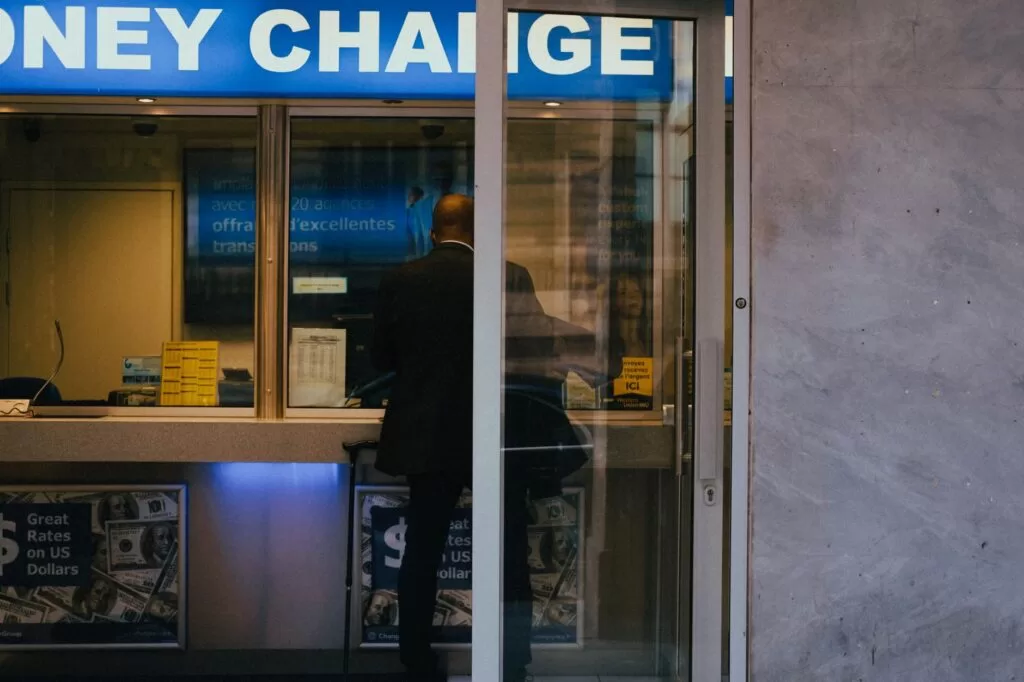
Photo by Mathias Reding
For a cash pickup Panama transfer, confirm the payout details again if you change the amount, payment method, recipient, or pickup provider. Any change can produce a new quote or require another review.
Sender and recipient checklists
Sender checklist
- Match the recipient’s name to their government-issued ID.
- Confirm the recipient’s phone number and city.
- Select cash pickup, not bank deposit.
- Choose a provider and location displayed in the current Remitly flow.
- Review the fee, rate, recipient amount, limit, and estimate.
- Complete any identity or payment verification request.
- Save the transaction reference and confirmation.
- Share pickup details only with the intended recipient.
- Wait for pickup availability before telling the recipient to travel.
Recipient checklist
- Wait for the transfer to show as ready or available.
- Check the provider address and current business hours.
- Bring valid government-issued photo ID.
- Bring the transaction reference number.
- Confirm the transfer name matches the ID.
- Keep the sender’s name and expected amount available.
- Count the cash and retain the receipt.
- Contact Remitly if the payout is refused or the details don’t match.
These checks address the two most common operational failures: incorrect recipient information and an incomplete pickup visit.
Handle errors and safety issues correctly
Treat the transaction reference as sensitive information. The recipient needs it, but it shouldn’t be posted publicly or shared with unrelated people. Remitly will never need your account password or one-time login code at the pickup counter.
Watch for fraud requests. A stranger should not ask you to send money to Panama and then forward a portion to another person. Don’t pay extra fees through an unofficial contact. Use Remitly’s account, official support channels, and the selected payout partner.
If the transfer remains pending, check the status and messages in your Remitly account. Don’t create a duplicate transfer before you understand the first transaction’s status. Two successful transfers can create two separate payment obligations.
If the recipient’s name is wrong, contact Remitly before pickup. Don’t assume the partner can edit the record at the counter. If the recipient cannot collect the funds, review the current cash pickup safety guidance and contact support for the available correction, cancellation, or refund process.
Current Remitly terms control the transfer. Read them before sending, especially when the amount is large or the transfer involves additional verification.
Conclusion
Remitly cash pickup in Panama depends on accurate details and current provider availability. Enter the recipient’s legal name exactly, select a confirmed pickup location, review the live cost and estimate, and save the transaction reference.
The recipient needs valid government-issued ID and matching transfer information. When both sides follow the same process, the transfer has fewer avoidable delays and the pickup visit is easier to complete.
