Scrape Catalog Records Efficiently With Twin.so
Catalog pages look structured until you need to collect hundreds of products. Pagination changes, variants split across controls, prices load after the page opens, and repeated runs create duplicates. Catalog record scraping with Twin.so ca...

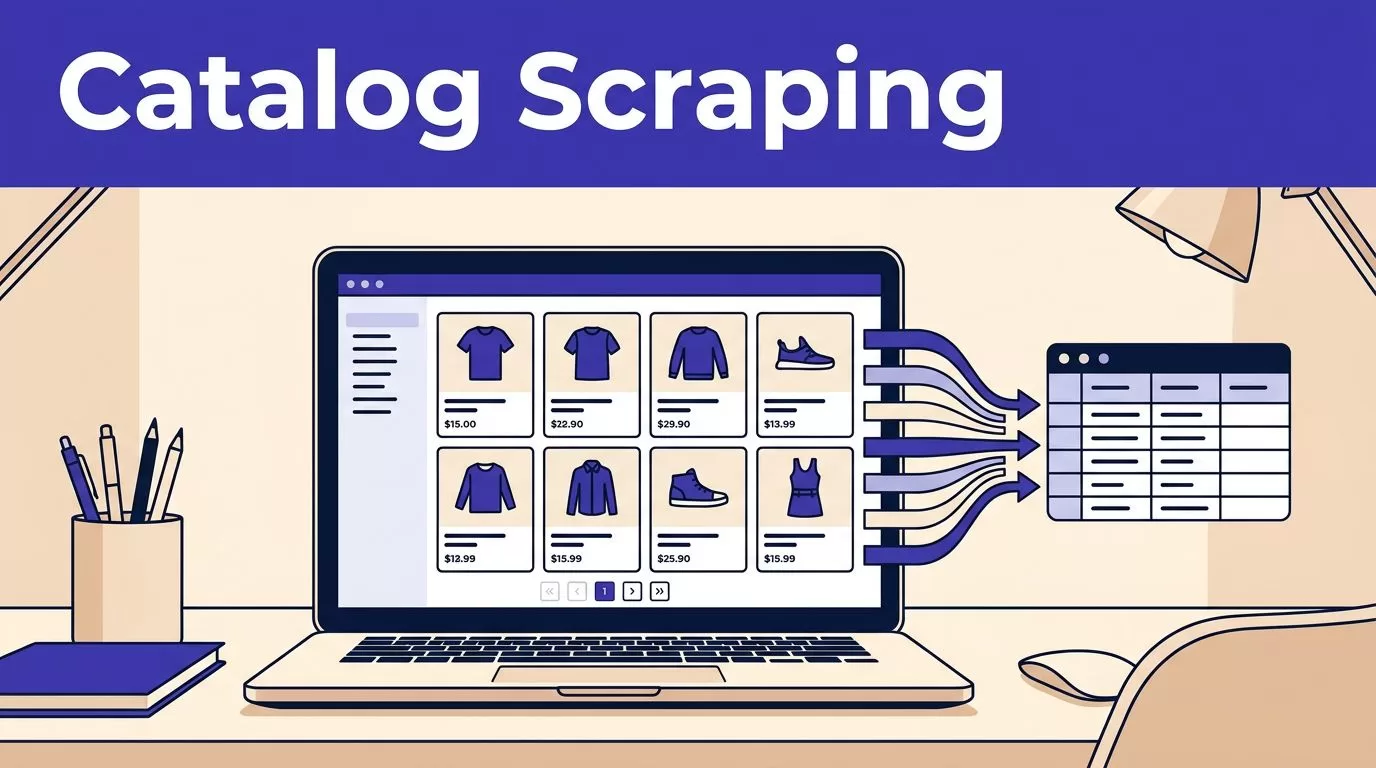
Catalog pages look structured until you need to collect hundreds of products. Pagination changes, variants split across controls, prices load after the page opens, and repeated runs create duplicates.
Catalog record scraping with Twin.so can reduce that manual work. You define the fields, provide an approved source, let the Web Agent inspect the page, and validate the results before writing them to a database or spreadsheet.
The workflow works best when you treat scraping as a data-quality process, not a browser task. Start with the record structure, then build the extraction run around it.
What Twin.so Adds to Catalog Record Scraping
Twin.so is an AI agent platform that supports web scraping, browser automation, and workflows for sites without accessible APIs. Its Web Agent first inspects the target page before starting browser actions, which helps it identify page structure, visible fields, and required actions. Read the Twin Web Agent documentation before creating a production workflow.
Use browser extraction only where needed
Check for an approved API, feed, export, or downloadable catalog file first. APIs usually provide clearer field names, stable identifiers, and fewer browser steps.
Use Twin.so browser automation when the needed catalog data only exists in the website interface. This can include filtering products, opening detail pages, selecting variant options, signing into an authorized portal, and extracting data from pages that load content dynamically.
Do not treat browser automation as permission to bypass access controls, anti-bot systems, or account restrictions.
Start with one permitted source
Choose one catalog with a clear business purpose. Record its domain, allowed paths, update frequency, and terms of use.
A narrow first run makes errors easier to find. Start with one category or 20 to 50 products. Compare the output with the source manually before adding more pages.
Define the Catalog Record Before You Scrape
Your output quality depends on the schema. A schema is the list of fields each returned record must contain and the rules for each field.
Use a structure like this for product catalogs:
| Field | Example format | Validation rule |
|---|---|---|
product_id | Source product ID | Required when available |
variant_id | Source variant or option ID | Required for variant-level records |
sku | Seller SKU | Keep as text, including leading zeroes |
title | Product name | Must not be blank |
brand | Brand name | Preserve the source spelling |
category | Category path | Store the full path when available |
variant_attributes | Color: Black; Size: M | Keep each option separate |
price | 89.00 | Store as a number |
currency | USD | Required with price |
availability | In stock | Preserve the source status |
product_url | Canonical detail URL | Must be absolute |
source_url | Page used for extraction | Required for review |
extracted_at | UTC timestamp | Add to every record |
Add fields for sale price, regular price, unit size, stock quantity, image URL, seller, shipping information, or ratings only when your use case needs them.
Treat variants as separate sellable records
A product page may show one parent item with several sizes, colors, capacities, or configurations. Decide whether your database needs one parent record or one row for every sellable variant.
For inventory, pricing, and availability work, use one record per SKU when possible. A useful identity key is:
source + product_id + variant_id
Use the SKU as an additional check. Don’t merge two records only because their titles match. Two products can share a name while having different sizes, sellers, or prices.
Keep missing values missing
A blank price is not zero. An unavailable product is not automatically out of stock. If the page doesn’t show a required field, return null, unknown, or a clear exception status.
Never ask the agent to guess missing values from the title or nearby text. Preserve the source label and flag the row for review.
Build the Twin.so Workflow Step by Step
Twin’s documentation describes instructions that define the agent’s purpose, database, starting conditions, workflow, and tools. Use that structure to keep the catalog task narrow.
- State the source and purpose. Tell Twin.so which approved URL or catalog area to use. State whether the goal is price monitoring, product research, inventory review, or database loading.
- Provide the schema. List every required field, its expected format, and whether it applies to parent products or variants. Tell the agent to return the source URL and extraction timestamp.
- Define navigation rules. Explain how to identify product cards, open detail pages, move through pagination, and stop at the last page. Include the visible labels the workflow should look for, but don’t depend on one button name if the site has several layouts.
- Set write rules. Tell the workflow where accepted records should go. Separate collection, validation, and publishing when possible. A failed run should not replace the last trusted catalog with an empty result.
- Define exceptions. State what happens when a page times out, a field is missing, a product disappears, or two records conflict. Route uncertain records to review instead of allowing silent updates.
The Twin quickstart documentation covers scheduled agents, browser workflows, and connected tasks. Use those patterns only after the small test run produces acceptable records.
Run a controlled first pass
Test one category and inspect every returned field. Check the title, SKU, variant, price, currency, availability, and URL against the source.
Then test a page containing a product with multiple variants, a missing value, a sale price, and an unavailable item. These cases expose weak instructions faster than a clean page does.
Handle Pagination, Dynamic Pages, and Repeat Runs
Catalog extraction fails most often at the edges. A workflow can finish without an error and still miss half the catalog.
Track pages and loaded content
Tell the agent to record the page number, cursor, or last product ID after each successful page. If the source supports a next-page URL or cursor, preserve it with the run state.
Dynamic pages may load products after the initial HTML appears. Wait for evidence that the product grid or table exists. A fixed sleep time is less reliable because network speed and page behavior change.
For infinite scroll, define a stopping condition. The run should stop when the product count no longer increases, the source reports the end, or the next control is unavailable. Add a maximum page or item limit to prevent an accidental loop.
Deduplicate before writing
Use a deterministic key before inserting records. Prefer the source’s product ID and variant ID. Use the canonical product URL or SKU as secondary checks.
Compare repeat runs with the previous accepted dataset. Track new records, removed records, changed prices, changed availability, and duplicate candidates. Don’t overwrite a trusted value with a blank field from a later page.
Retry temporary failures, not every failure
Network timeouts and temporary server errors can use bounded retries with increasing delays. Stop after a defined number of attempts.
Don’t keep retrying a permission error, a changed page layout, or an expired login. Save the error, page location, and last successful record. Capture browser logs or screenshots when the workflow supports them.
A material layout change should create an alert and a review task. It shouldn’t produce a clean-looking file with missing columns.
Validate Records Before Publishing
Validation is the point where scraped output becomes usable business data.
Reject incomplete or inconsistent rows
Check required fields before writing to the destination:
- The product or variant key exists.
- The URL is valid and belongs to the approved domain.
- The price is numeric and has a currency.
- The availability value matches an approved set.
- The variant attributes belong to the correct parent product.
- The record isn’t already present in the current run.
- The row count falls within an expected range.
Compare prices with the source format. A value such as 1,299.00 must not become 1.299 because the workflow misread the decimal separator.
A completed browser run is not proof of complete coverage. Count records, check required fields, and compare the output with known pages.
Measure accepted records
Track accepted records, missing-field rate, duplicate rate, failed runs, retry counts, review minutes, correction time, and cost per accepted record.
These measures tell you whether the workflow saves work or moves it into cleanup. A scraper that returns 10,000 rows but requires hours of correction is not performing well.
If the output fails validation, keep the last accepted dataset. Send the new results to an exception table or review file instead of publishing them automatically.
Scrape Catalogs Respectfully
Check the website’s terms before collecting data. Confirm whether the catalog permits automated access, storage, internal use, redistribution, or price monitoring.
Review robots.txt where applicable. The Robots Exclusion Protocol defines how site owners publish crawler instructions. Google also explains that robots.txt manages crawler traffic. It doesn’t replace the site’s terms or give permission to collect restricted data.
Use conservative request pacing. Avoid parallel browser sessions unless the source allows them. Schedule runs after the catalog normally updates, not every few minutes without a business reason.
Protect credentials in an approved secret store. Don’t place passwords, session tokens, or private customer data in prompts or output fields.
Product catalogs can contain personal information through seller names, customer reviews, contact details, or account-only pricing. Collect the minimum data needed for the task. The ICO’s data minimisation guidance provides a useful standard for limiting personal data collection.
Estimate Twin.so Usage Before Scaling
Twin.so uses credits for agent work, including browsing, research, and generated output. Its published planning examples place a catalog scraping job of about 100 items around 20 to 70 credits. A browser session with about 20 steps may use 100 to 200 credits. These are planning ranges, not fixed quotes.
Your actual use depends on page complexity, login steps, detail-page visits, retries, record count, and output size. Benchmark a small run before forecasting monthly usage. Calculate:
credits used / accepted records
Also add human review time and correction time. Use an API or file import when it provides the same approved data with fewer browser actions. Twin’s documentation recommends using available APIs and tools before forcing browser automation.
For a multi-source catalog project, define the schema, exception rules, and destination before deployment. If you need help mapping those controls, Book A Call to review the workflow.
Conclusion
Twin.so can handle the repetitive browser work behind catalog record scraping, but the workflow must control what counts as a valid record. Define the schema, identify variants, track pagination, preserve source evidence, and validate every batch before publishing.
Start with one approved catalog and a small sample. Scale only after the output survives checks for duplicates, missing fields, dynamic content, retries, and cost per accepted record. The useful result is not the largest scrape. It is a catalog dataset your team can trust.

