

You likely remember the days when managing complex Google Ads accounts meant relying on custom JavaScript snippets. These scripts were helpful, but they carried significant baggage. You had to maintain the code, monitor for errors, and update them whenever Google changed its interface. If you are a PPC manager or a growth marketer, you know
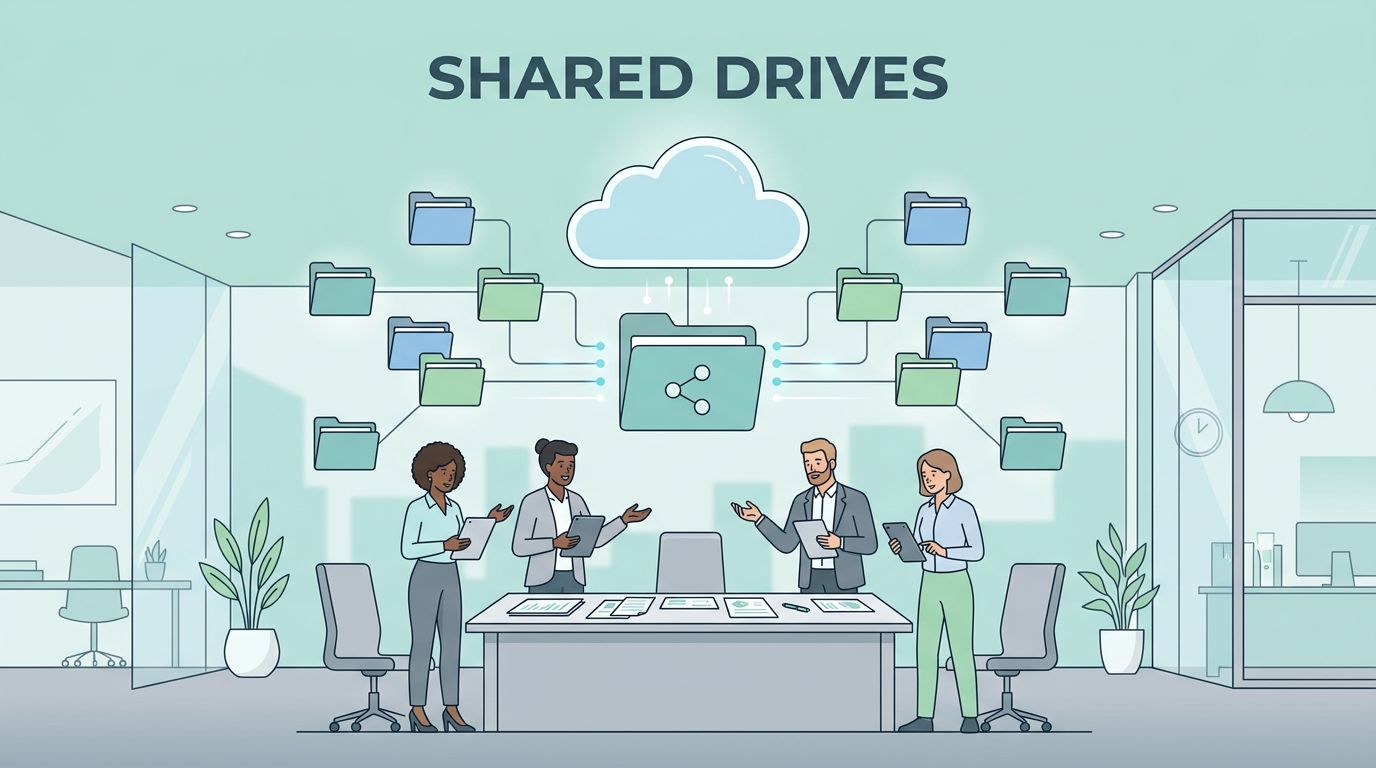
I remember the day a key designer quit without notice. Our project files vanished into her personal Drive. No backups. Pure panic. That mess pushed me to set up shared drives in Google Workspace. Now files belong to the team. They stick around no matter who comes or goes. You face the same issue if
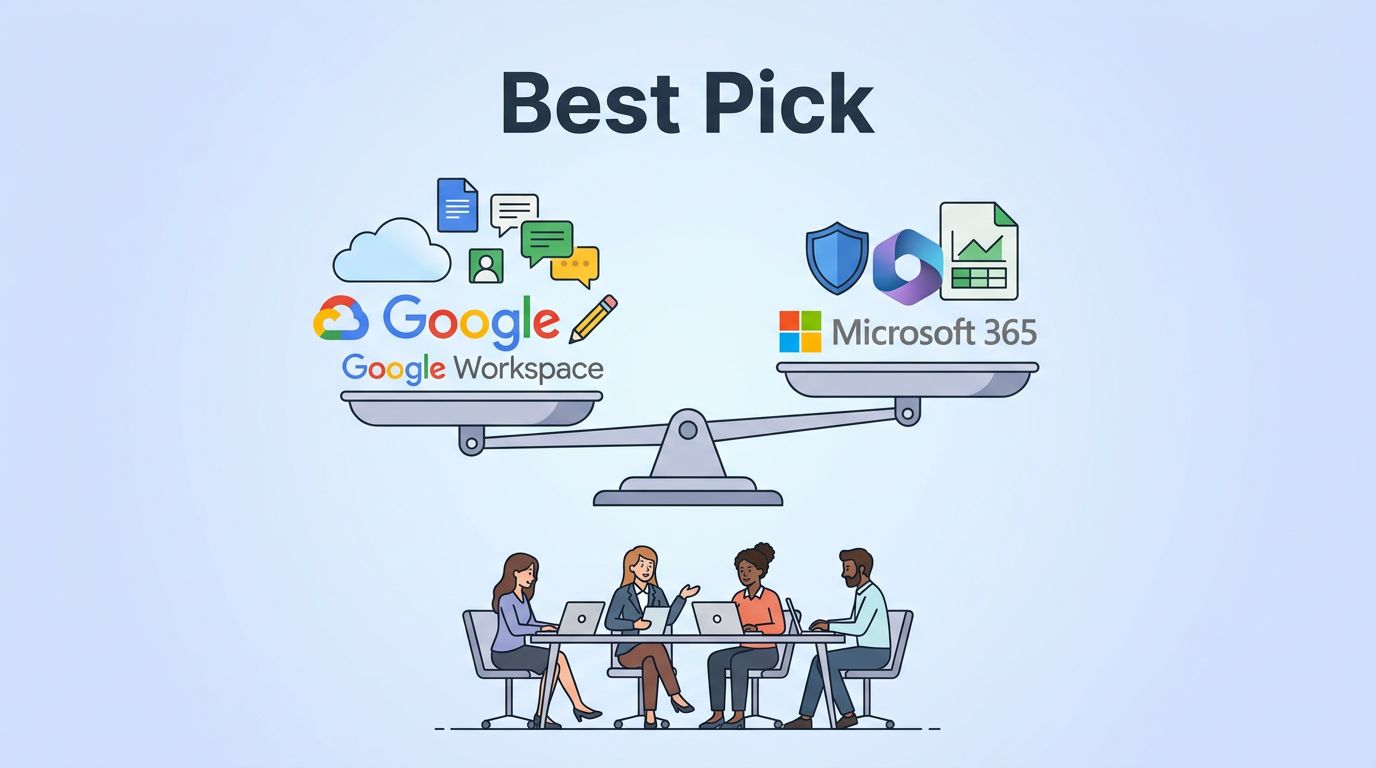
Your small business team needs a productivity suite that fits tight budgets and busy schedules. Google Workspace shines for real-time collaboration in the cloud. Microsoft 365 wins when you need offline power and deeper security. I pick Google Workspace for creative startups under 10 people who edit docs together daily. Go with Microsoft 365 if
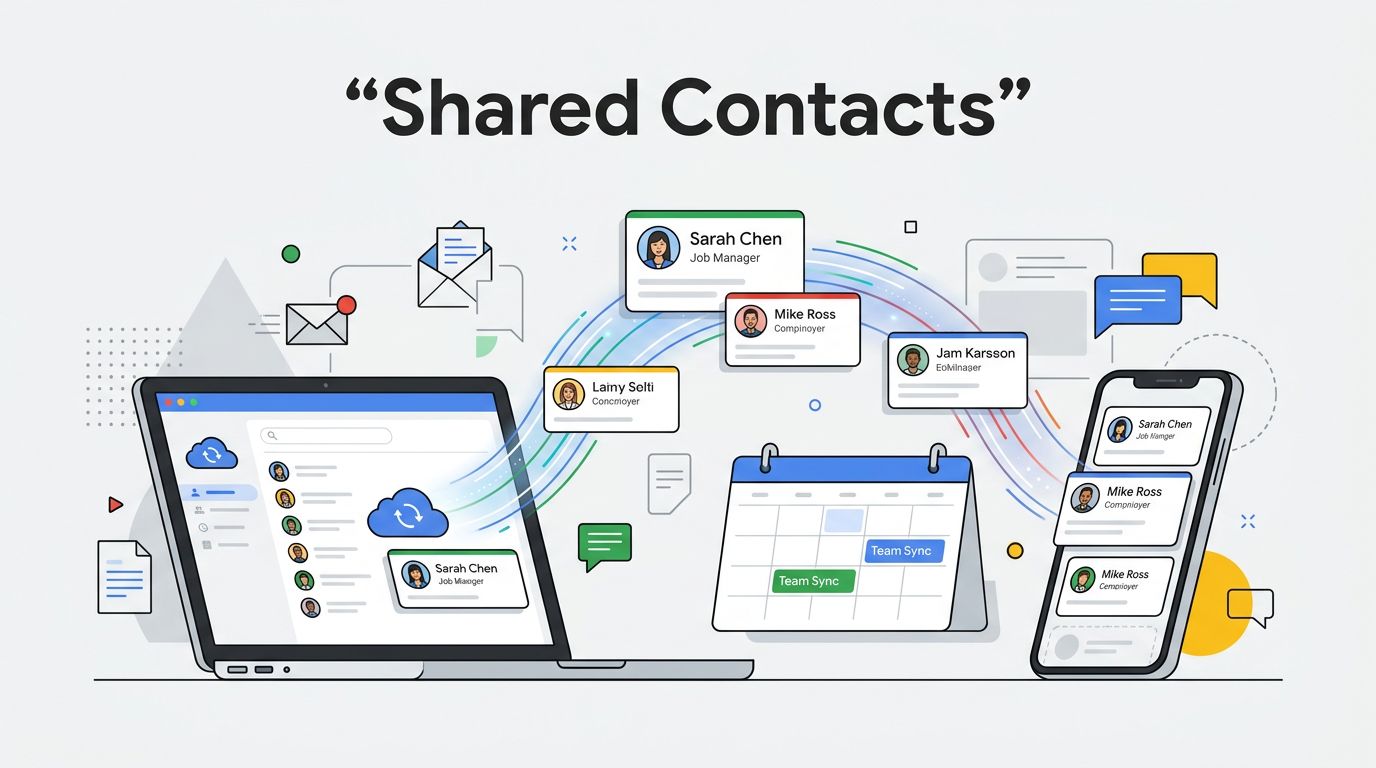
I remember the chaos before we had shared contacts in Google Workspace. My sales team chased the same client details across emails and spreadsheets. Everyone wasted hours rebuilding lists. Now, contacts sync across accounts. Changes appear instantly for all. You can fix that mess too. This guide shares my exact steps. I tested options for
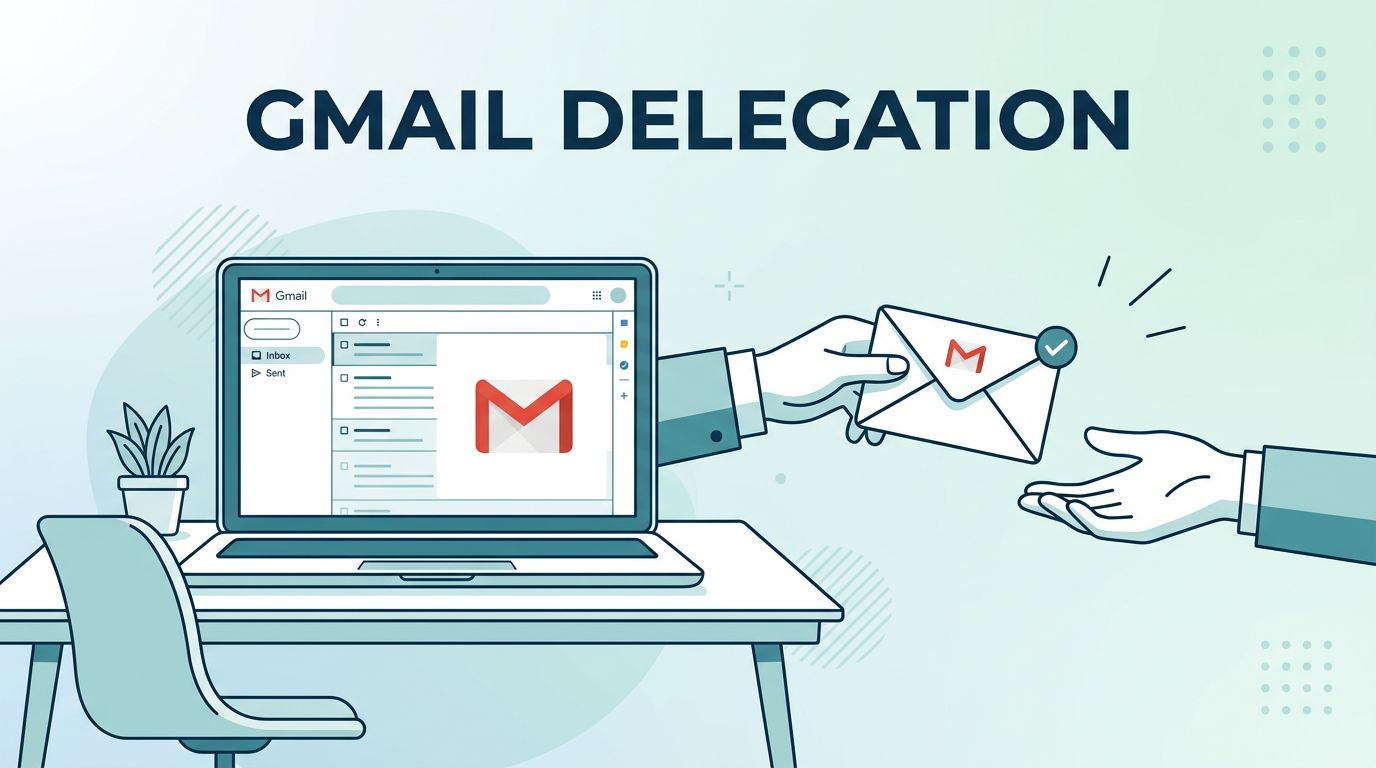
I remember the chaos before I fixed our team’s email flow. Emails piled up for our CEO while she traveled. No one could respond fast enough. That’s when Gmail delegation saved us. It lets trusted team members access her inbox without sharing passwords. We handle urgent messages right away. Everyone stays productive. You might face
I’ve locked myself out of my own Google Workspace account once. That happened because I was the only super admin in a five-person team. Now, I always set up roles right from the start. Small teams need simple controls that keep things secure without extra hassle. You run a small business or manage an office.
Emails from my domain land in inboxes instead of spam folders now. That’s because I finally got DMARC right in Google Workspace. Spoofed messages used to mimic my business emails, fooling contacts into trouble. You run a small team or handle client outreach. Fake emails hurt trust and sales. I fixed that with a simple
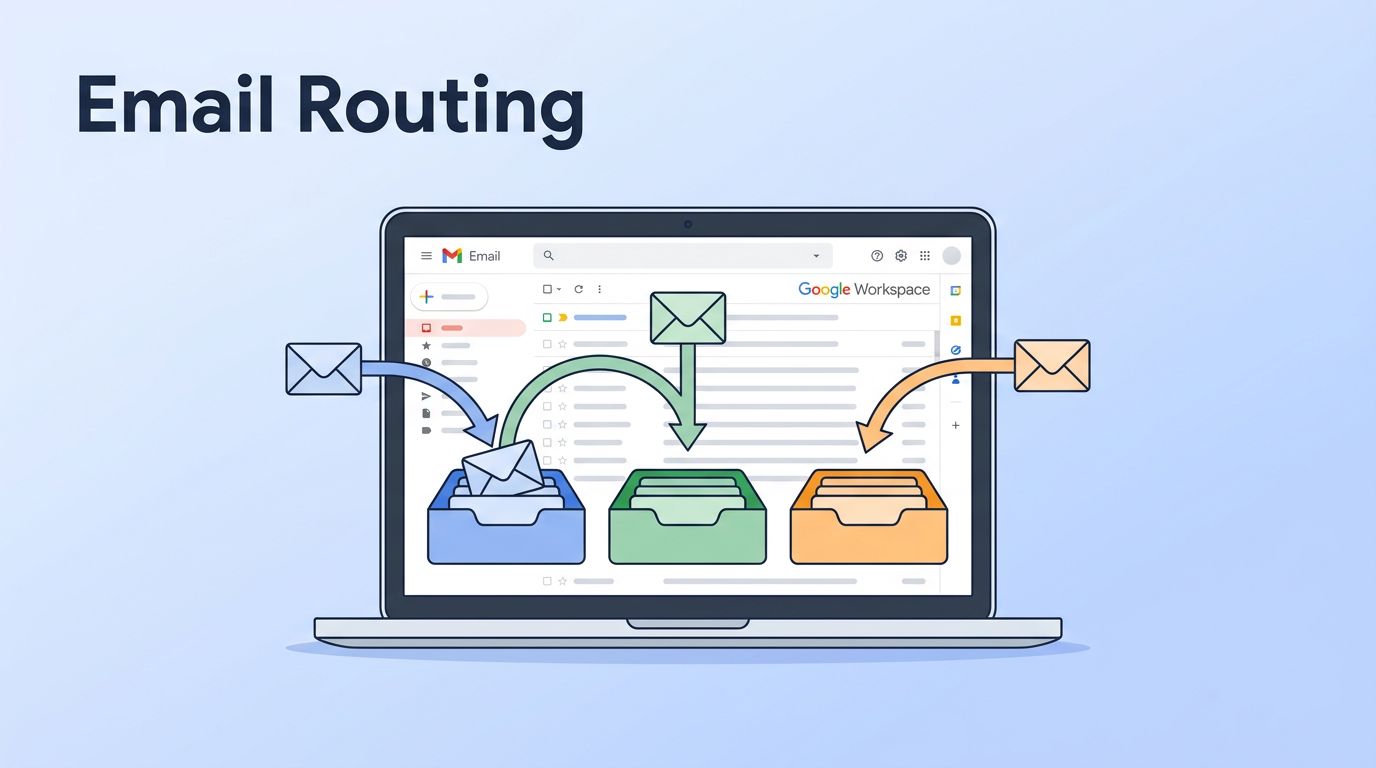
I’ve managed email for small teams and growing businesses. Emails pile up fast. One inbox overflows while another sits empty. That’s where Google Workspace email routing saves the day. It directs messages exactly where they belong. I started using these rules years ago. They cut confusion and kept compliance smooth. You forward support tickets automatically
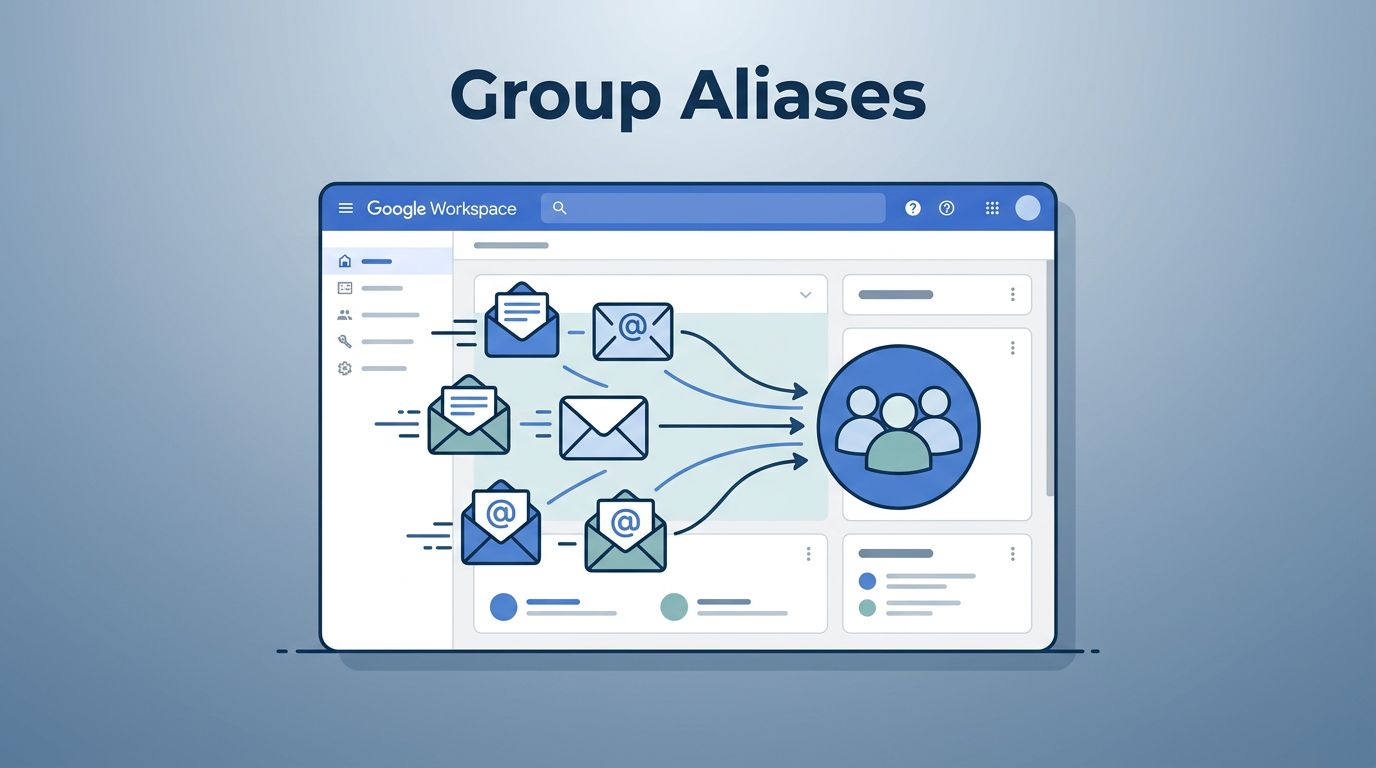
You run a sales team. Emails flood in from leads asking about pricing or demos. One address like sales@yourdomain.com handles it all. But clients also hit reply-all to old chains using support@yourdomain.com. Chaos builds fast. I fix this with Google group aliases. They let one group catch mail from multiple addresses. No lost messages. No
